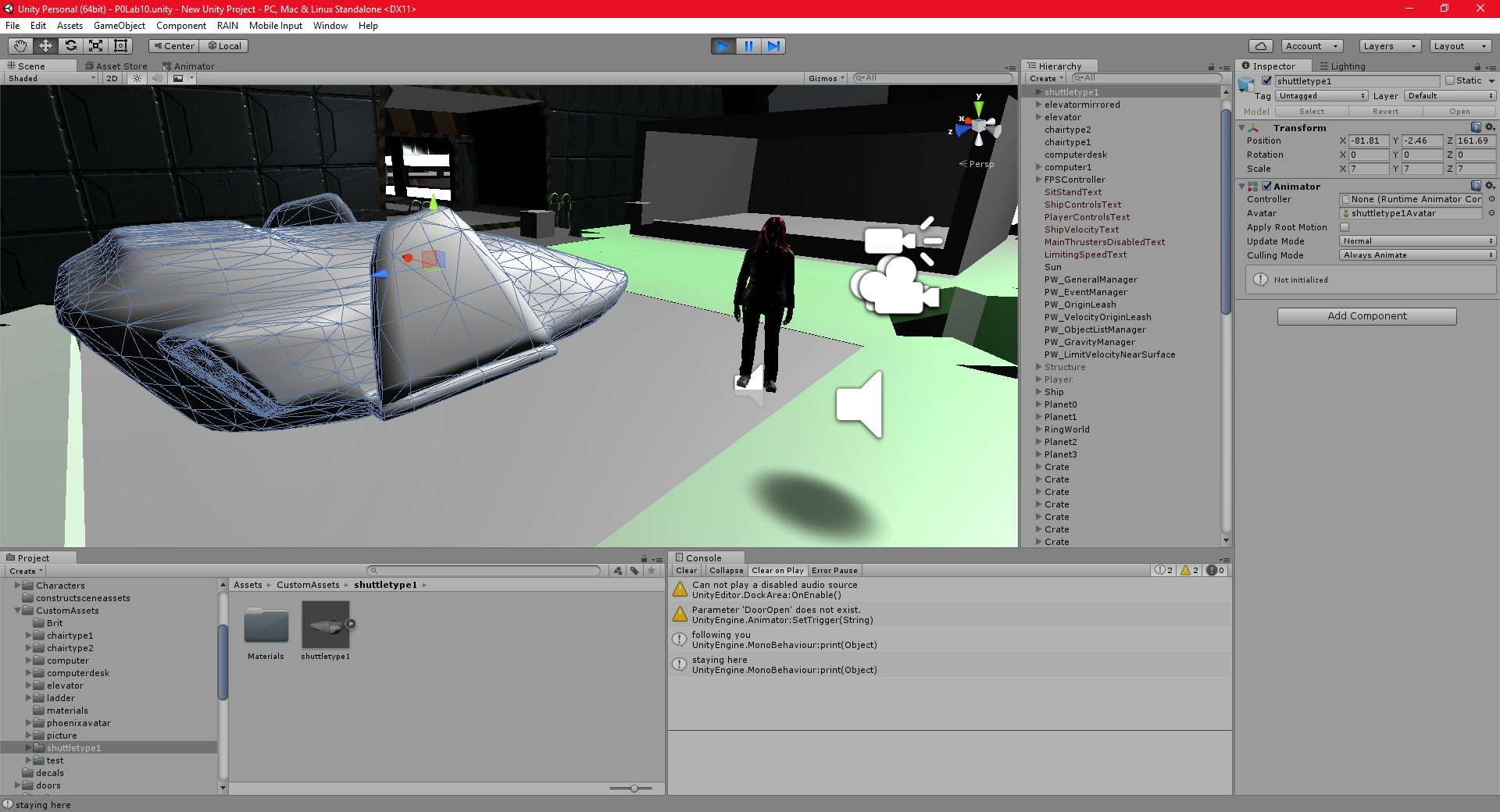
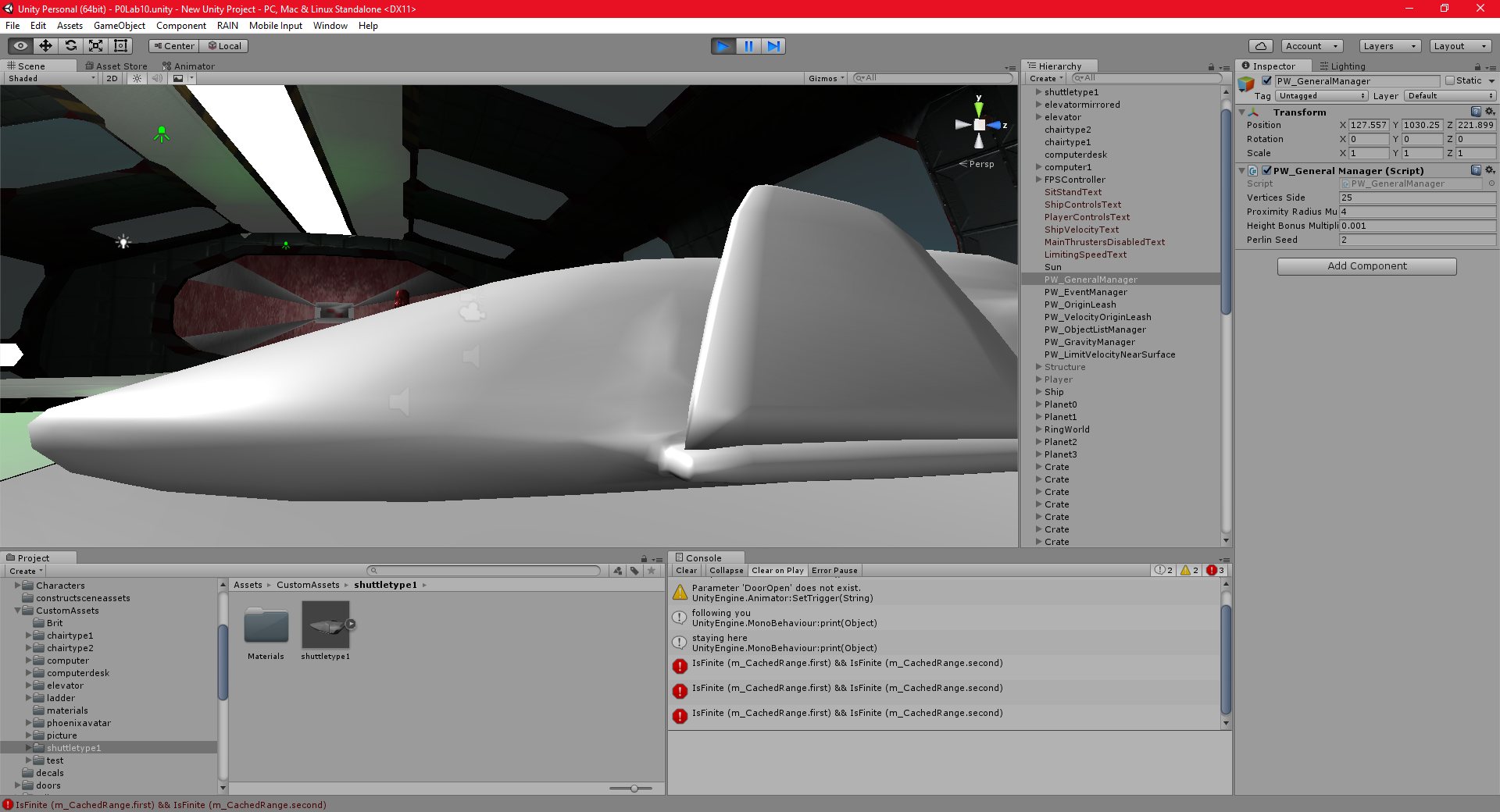
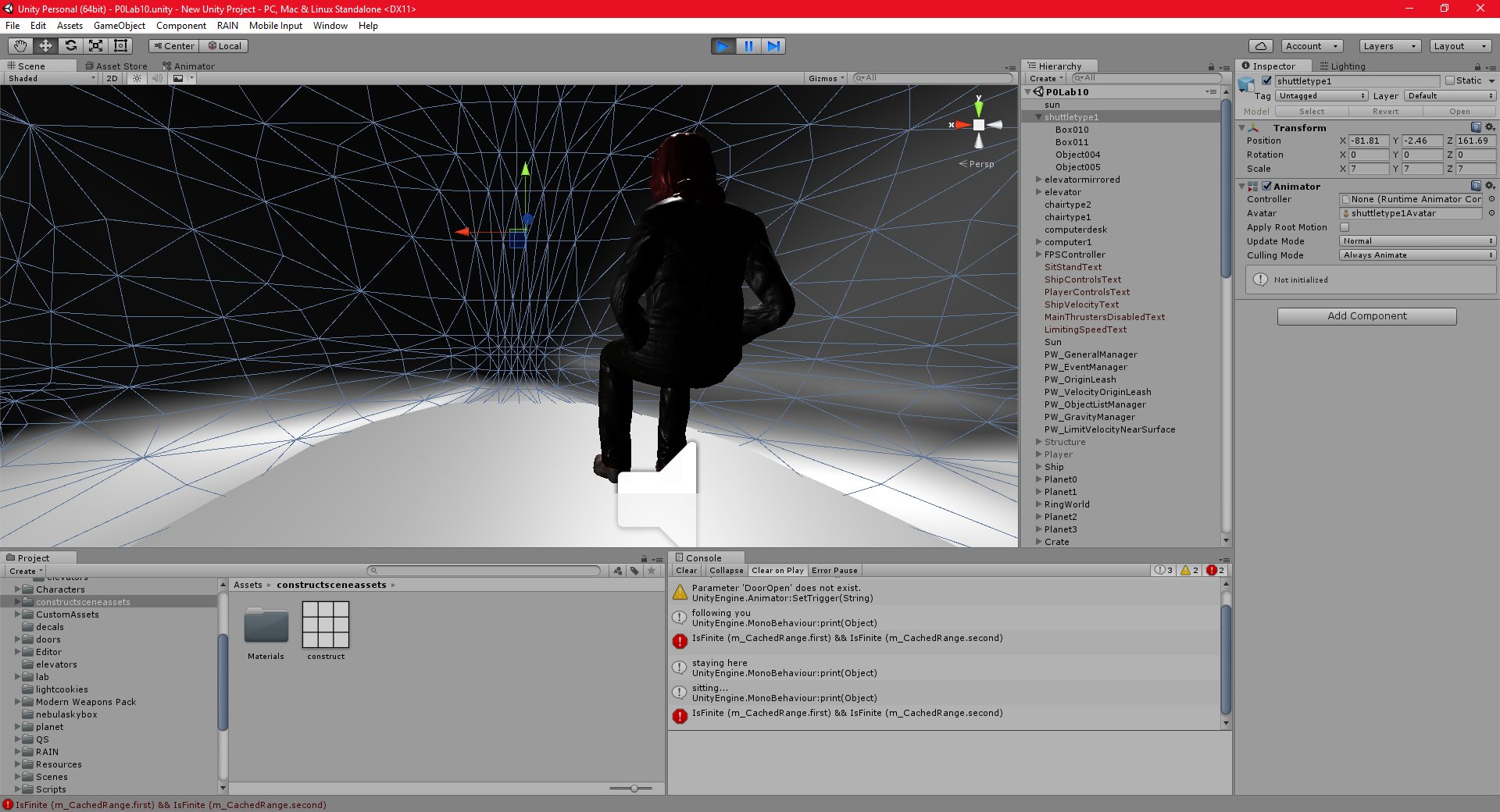
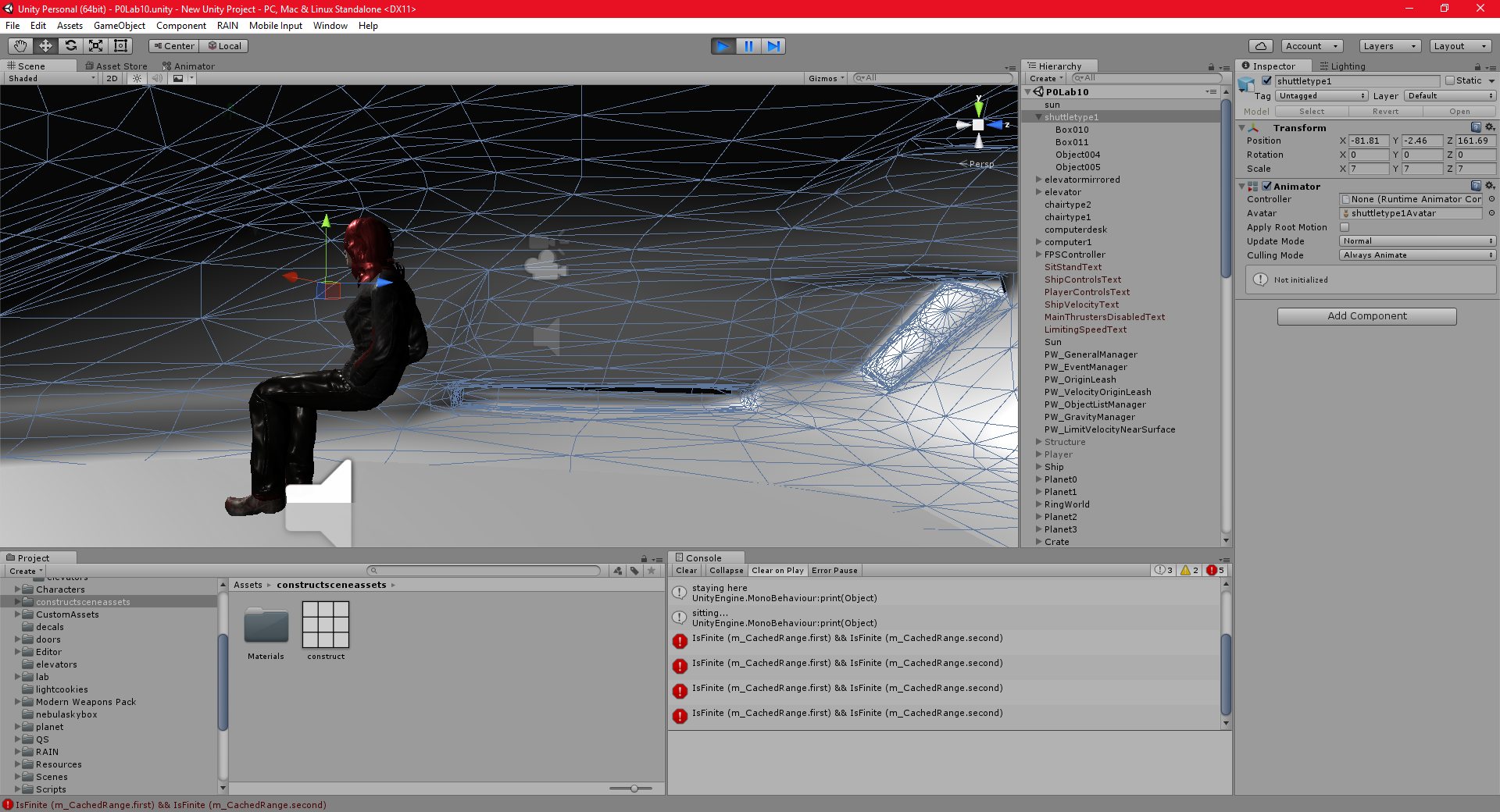
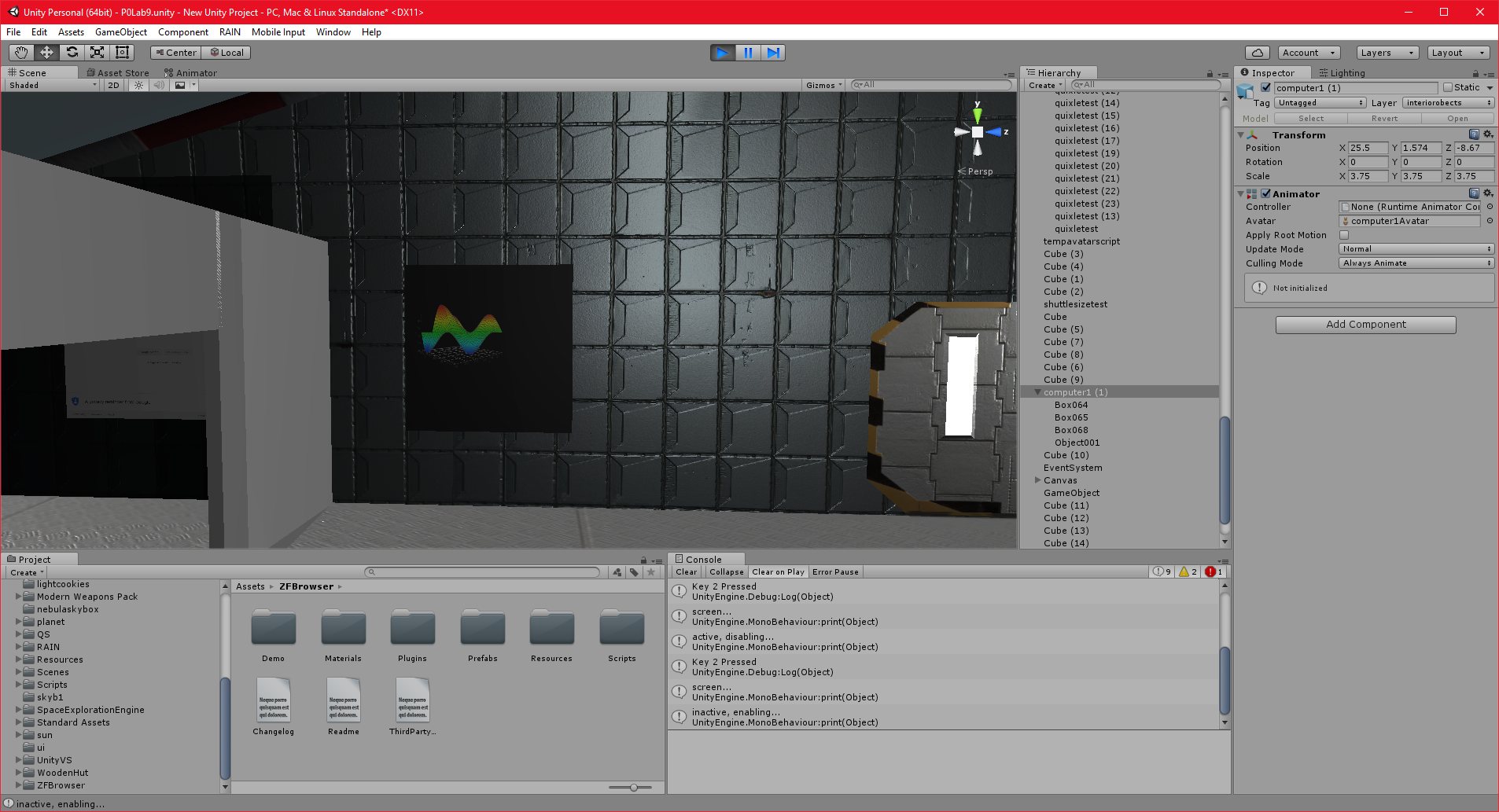
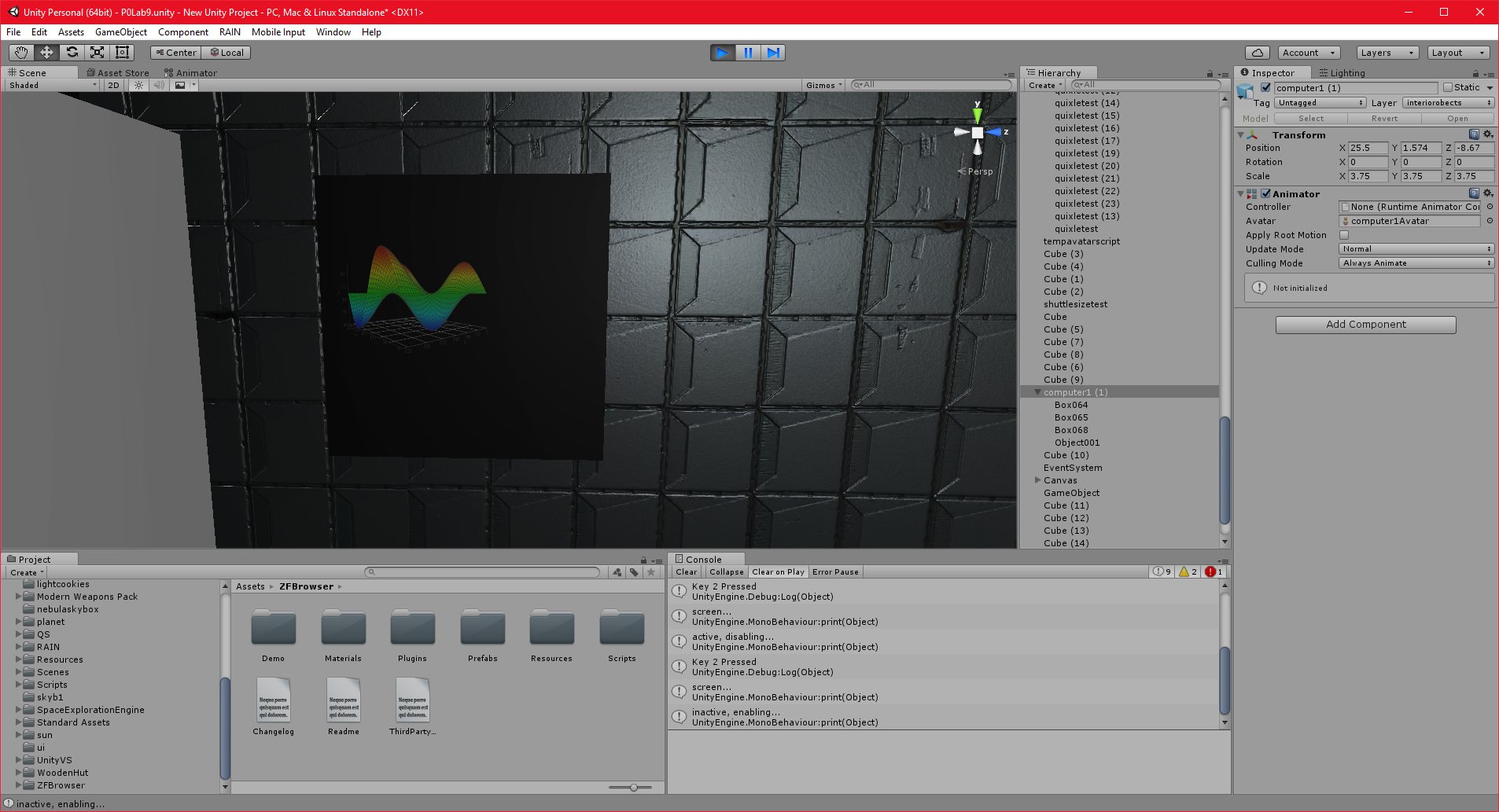
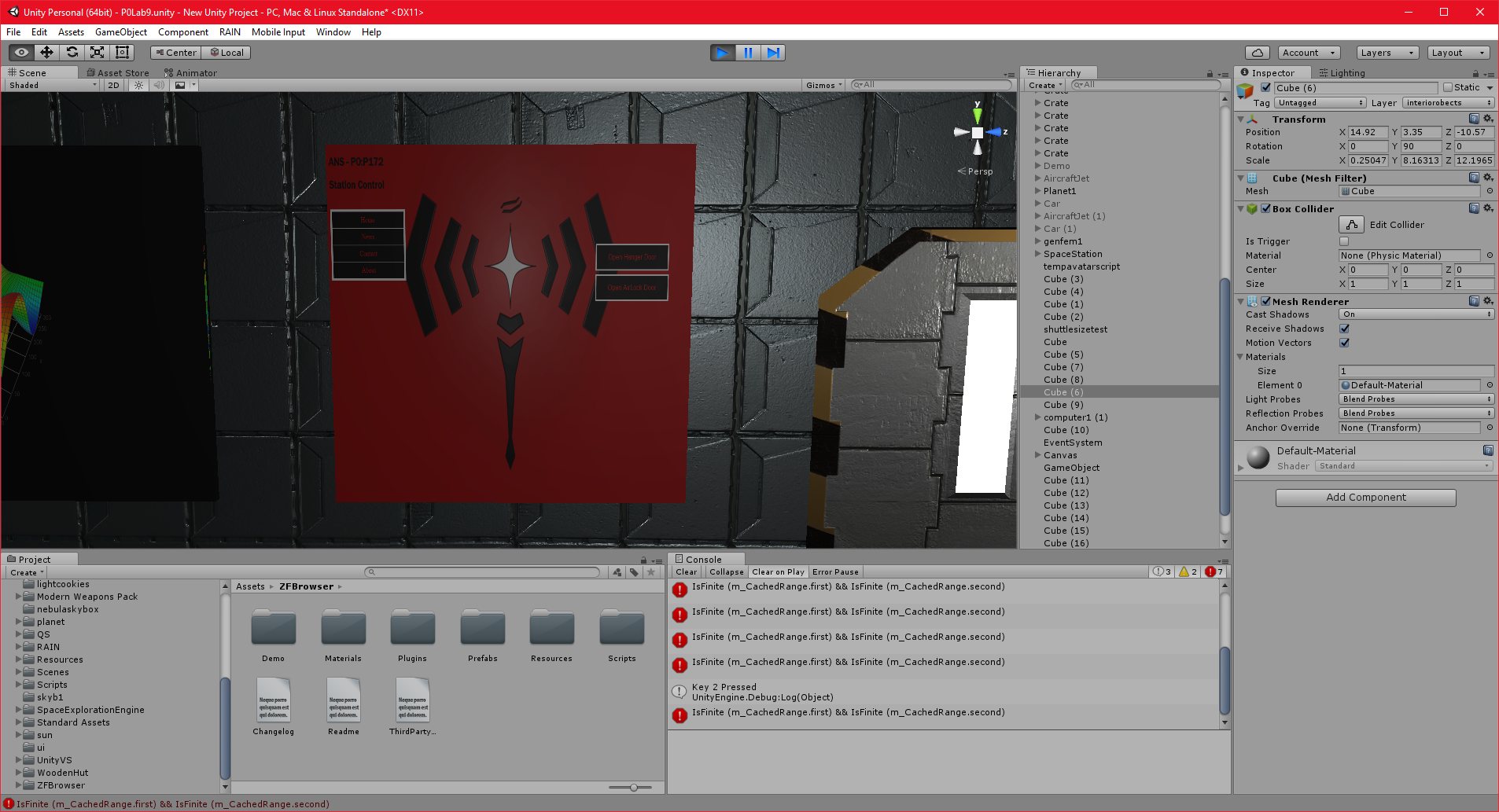
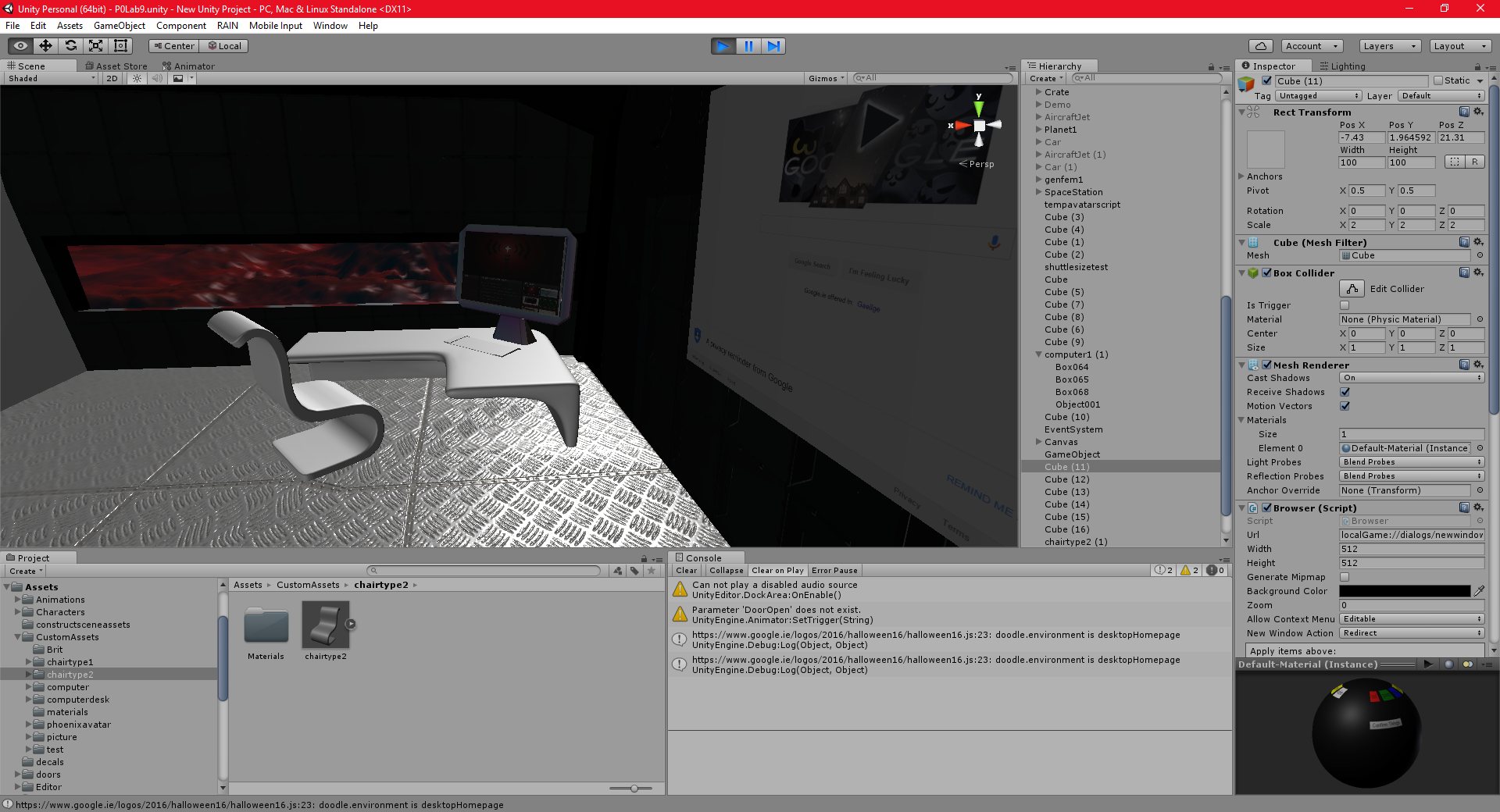
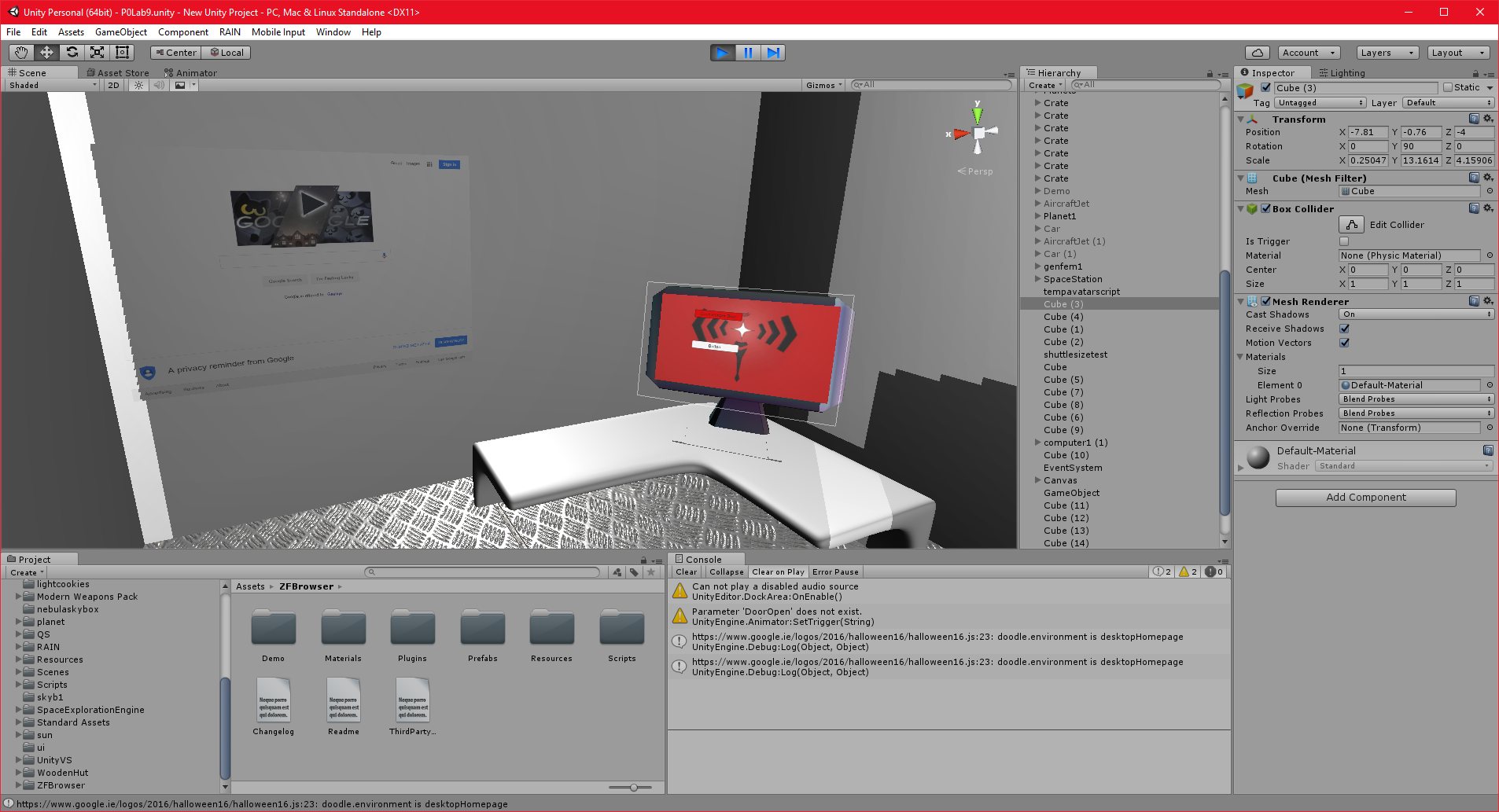
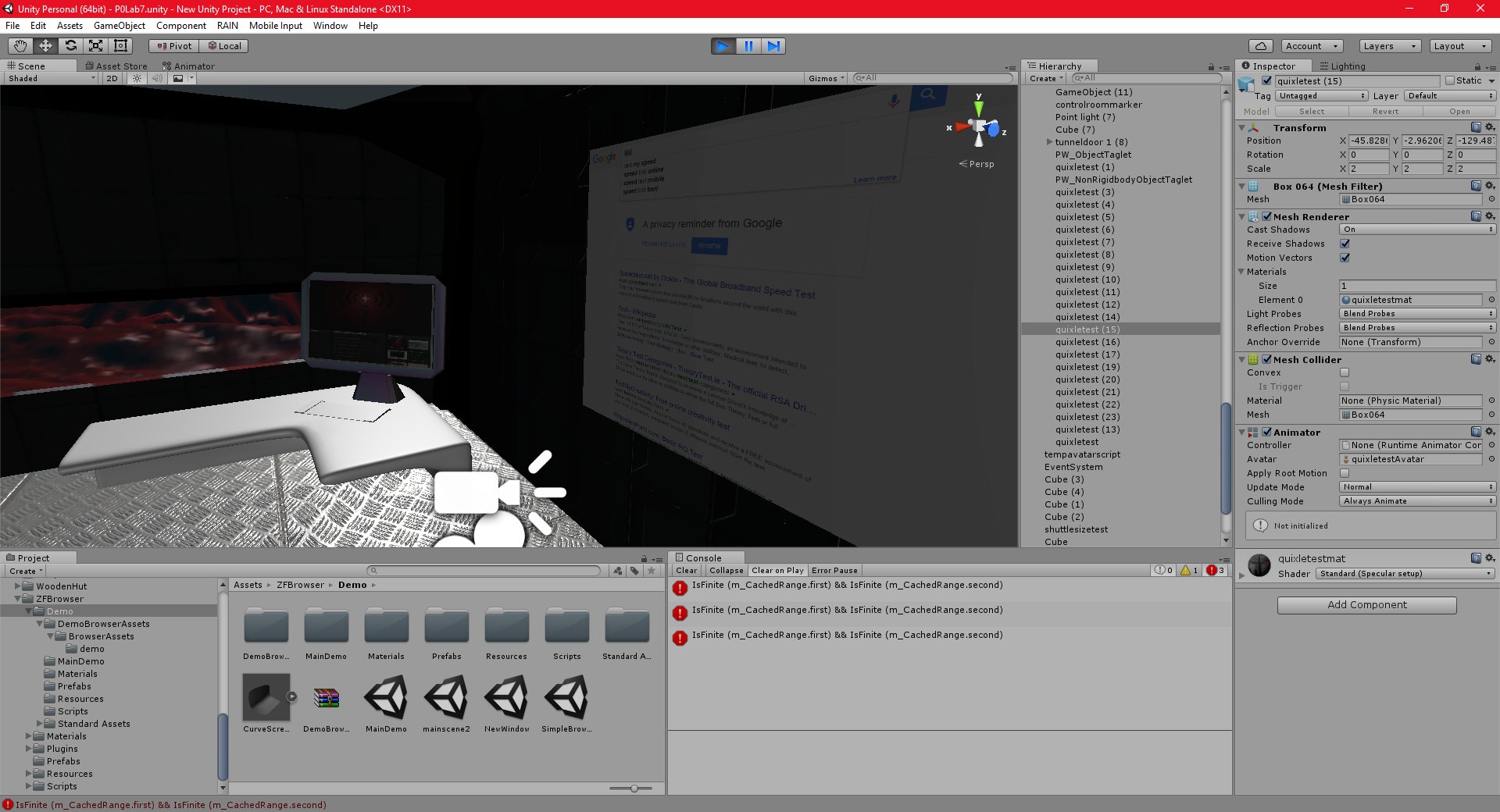
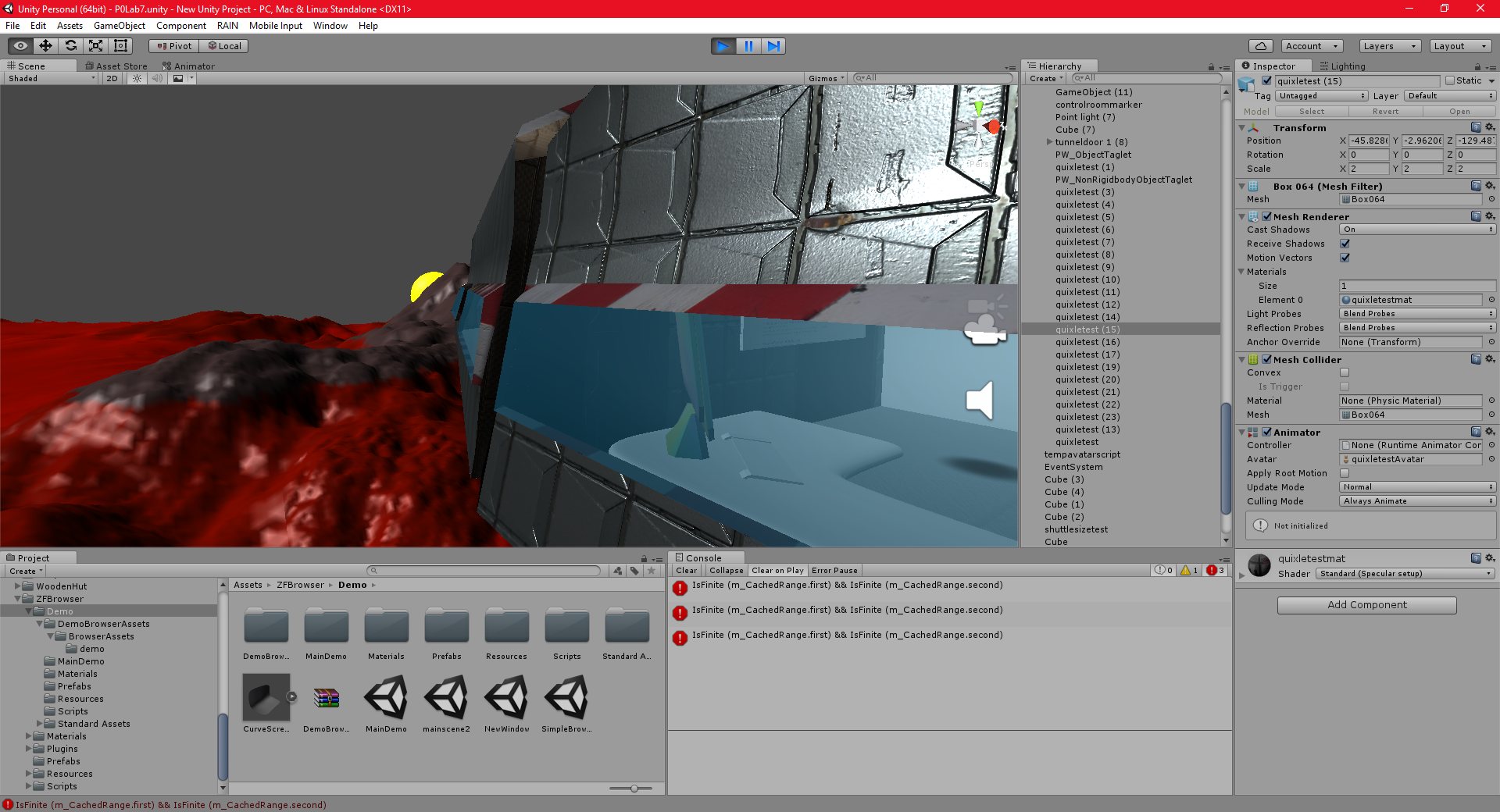
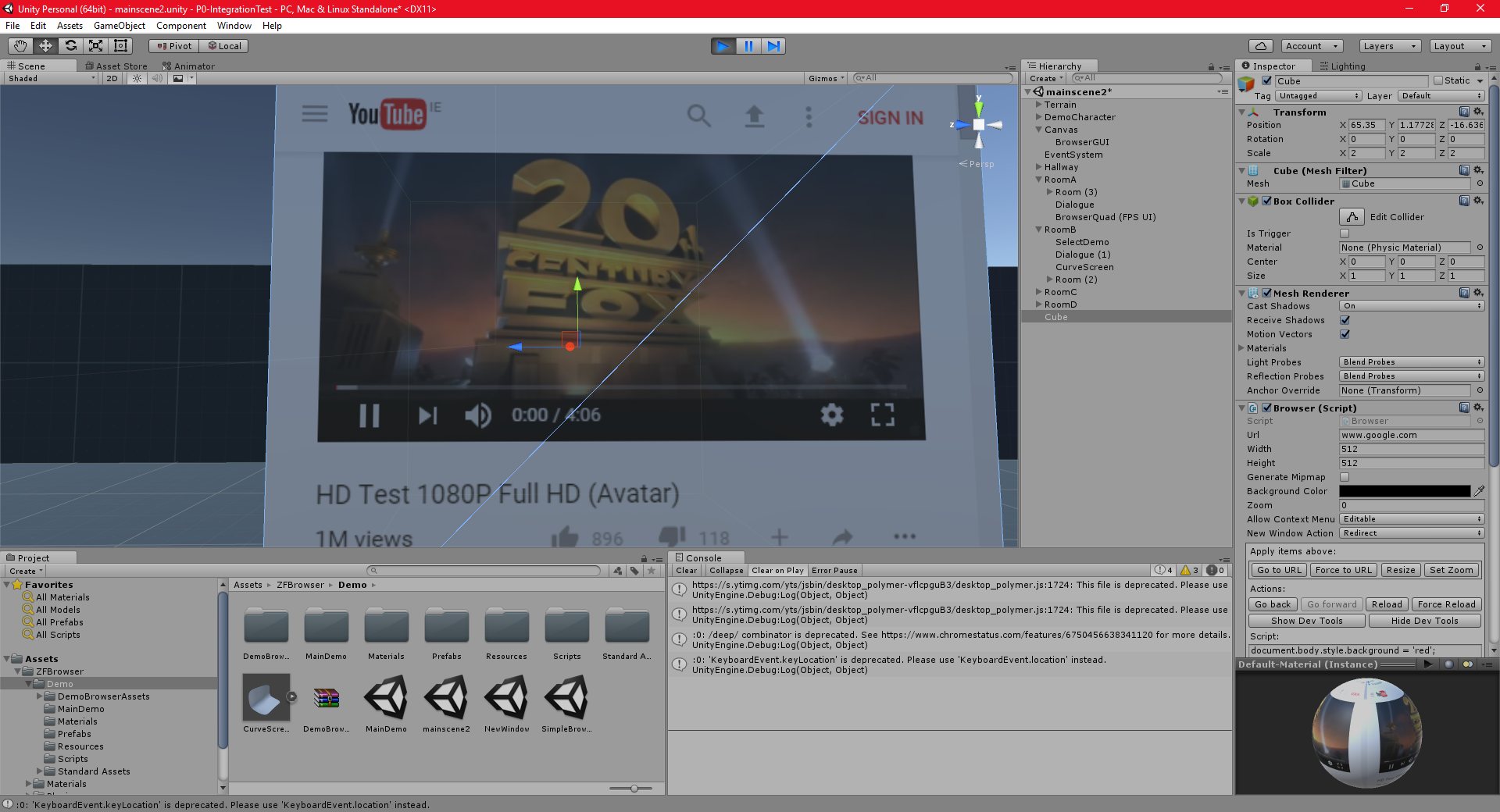
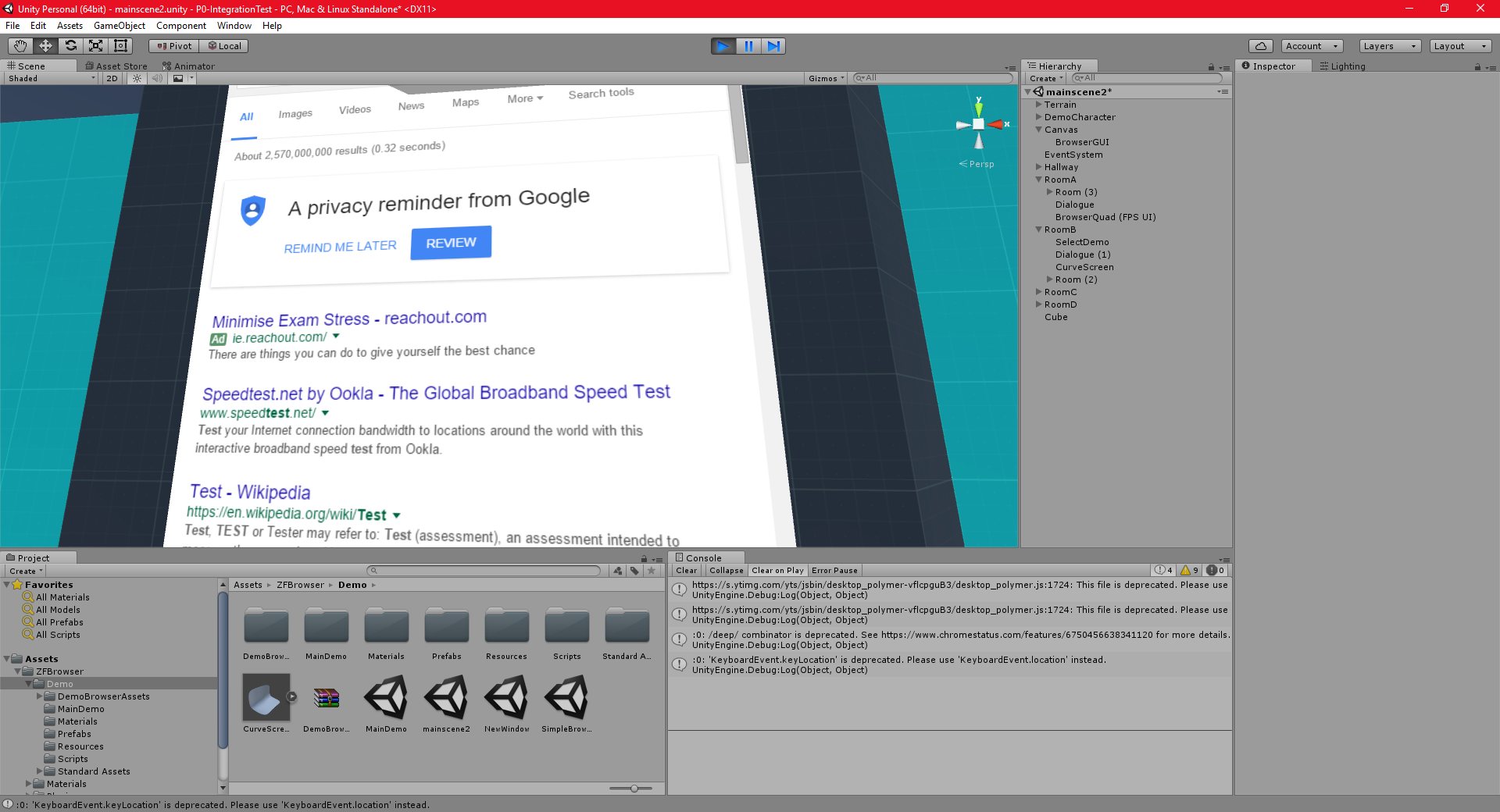
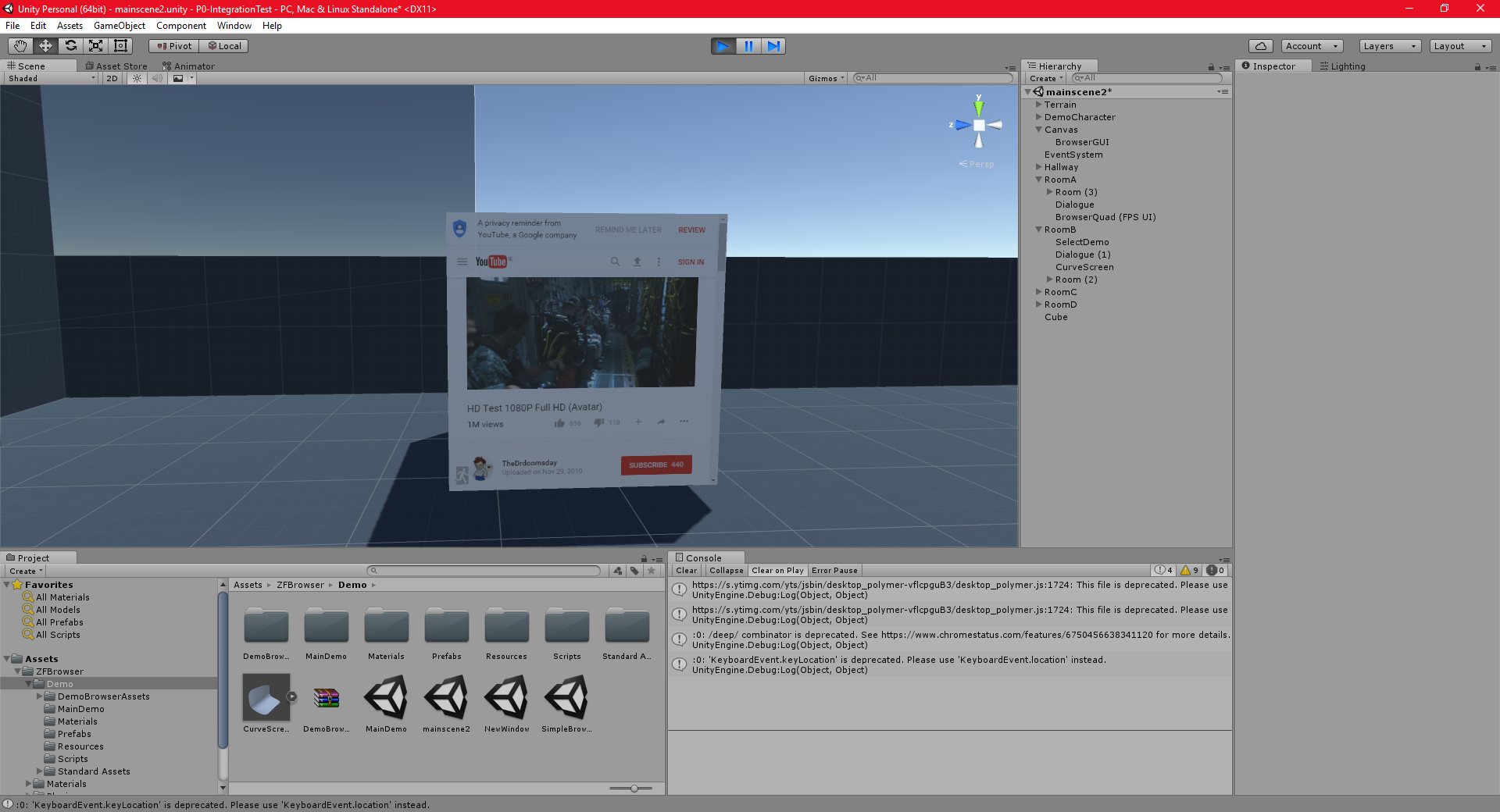
I have successfully enabled flash support in the embedded webkit browser.
As it turns out, the current official version of the webkit does not support flash. It seems that the webkit uses the chromium browser does not support “NPAPI” flash anymore, and a “PPAPI” flash plugin must be used instead.
The way I did this is to install it on my system first, and then send the command line argument “–enable system flash” to the embedded browser. To do this, I needed to get an updated version of the webkit from the developer, because the one on the asset store doesn’t yet support command line arguments. The flash plugin can be downloaded from the official Adobe site in the usual way, making sure to select the “PPAPI” version.
It is also possible to embed the flash player plugin into the asset, to prevent users having to install it themselves, but this would require a distributors licence from Adobe.
The next part of my project will be to add fully functioning vehicles. The main goal here is to test these vehicles in the game. I want to add some ground vehicles, and some air and space vehicles.
I will need to animate them, and they will need to have interiors big enough to hold other vehicles.
I will also be using this as an opportunity to learn Quixel Suite 2, which I may be using in future if it works out.
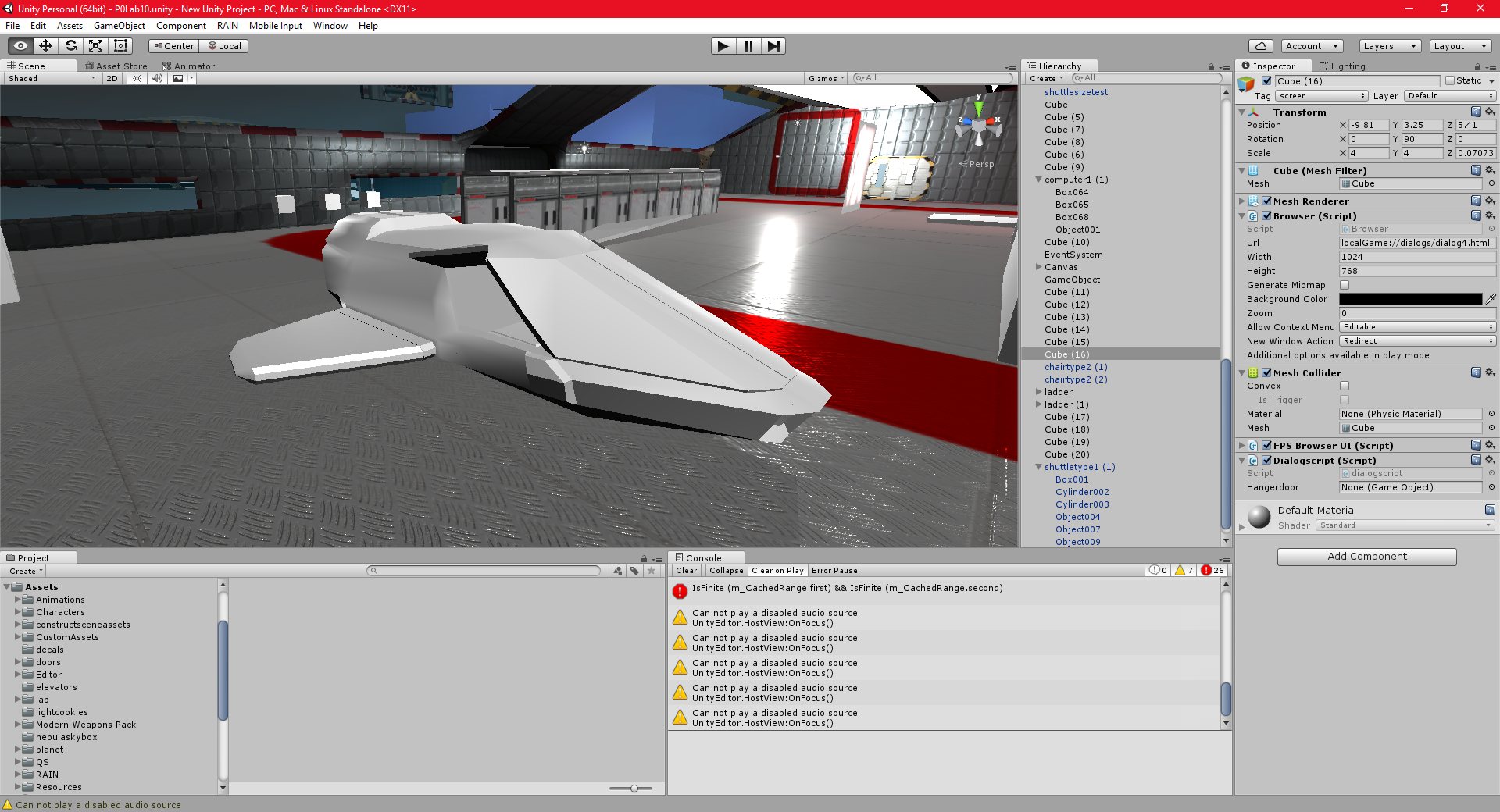
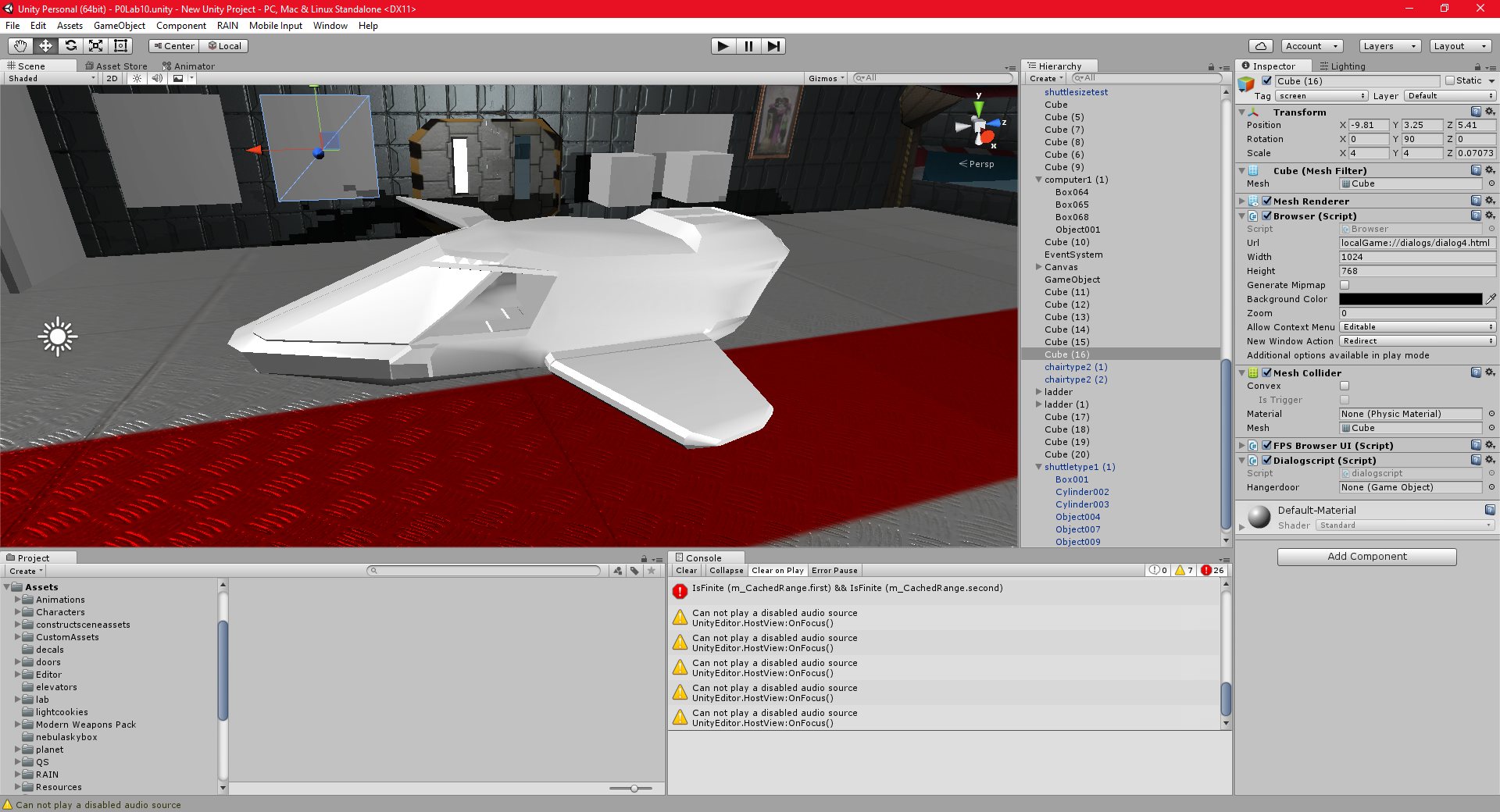
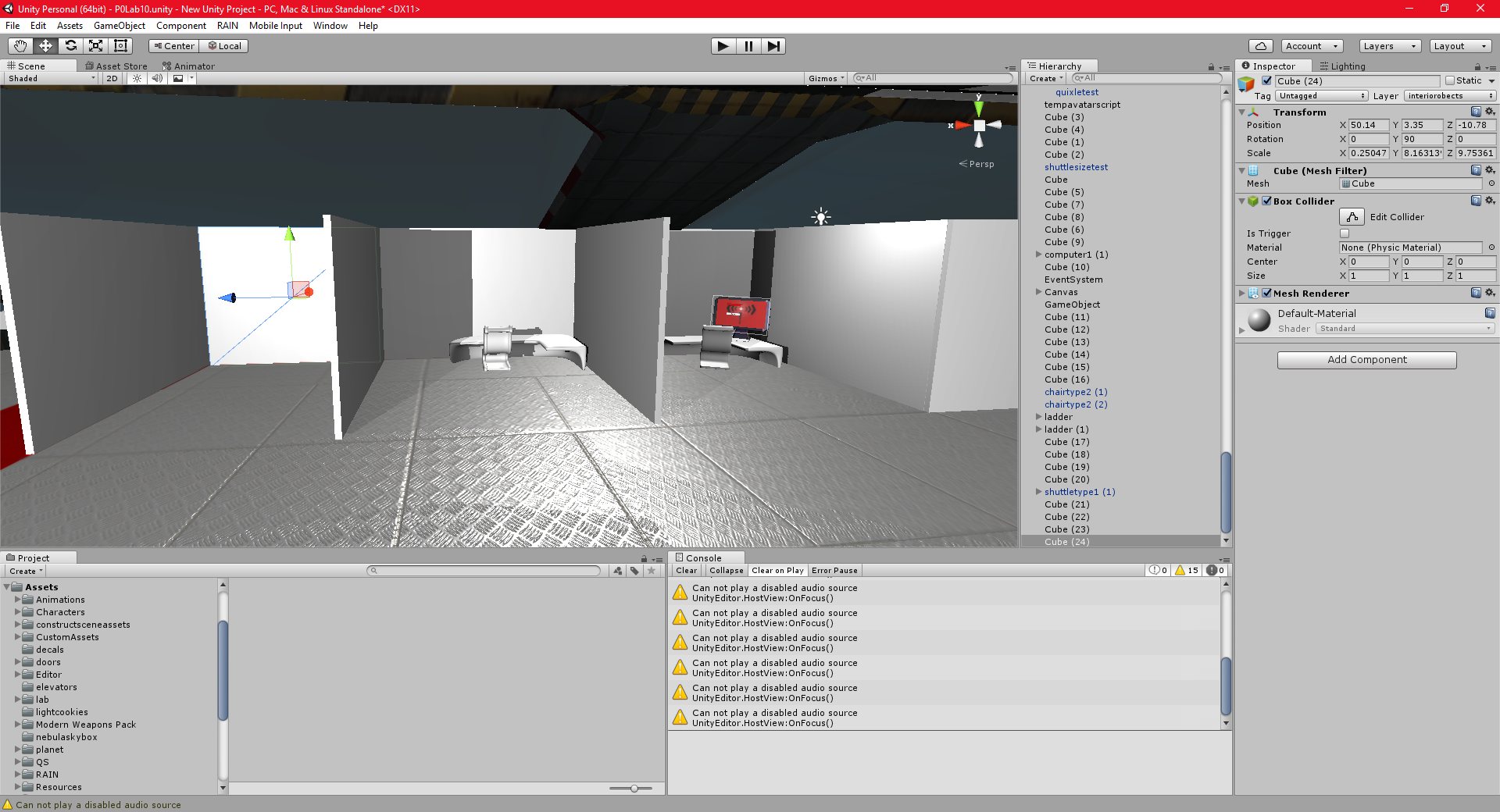
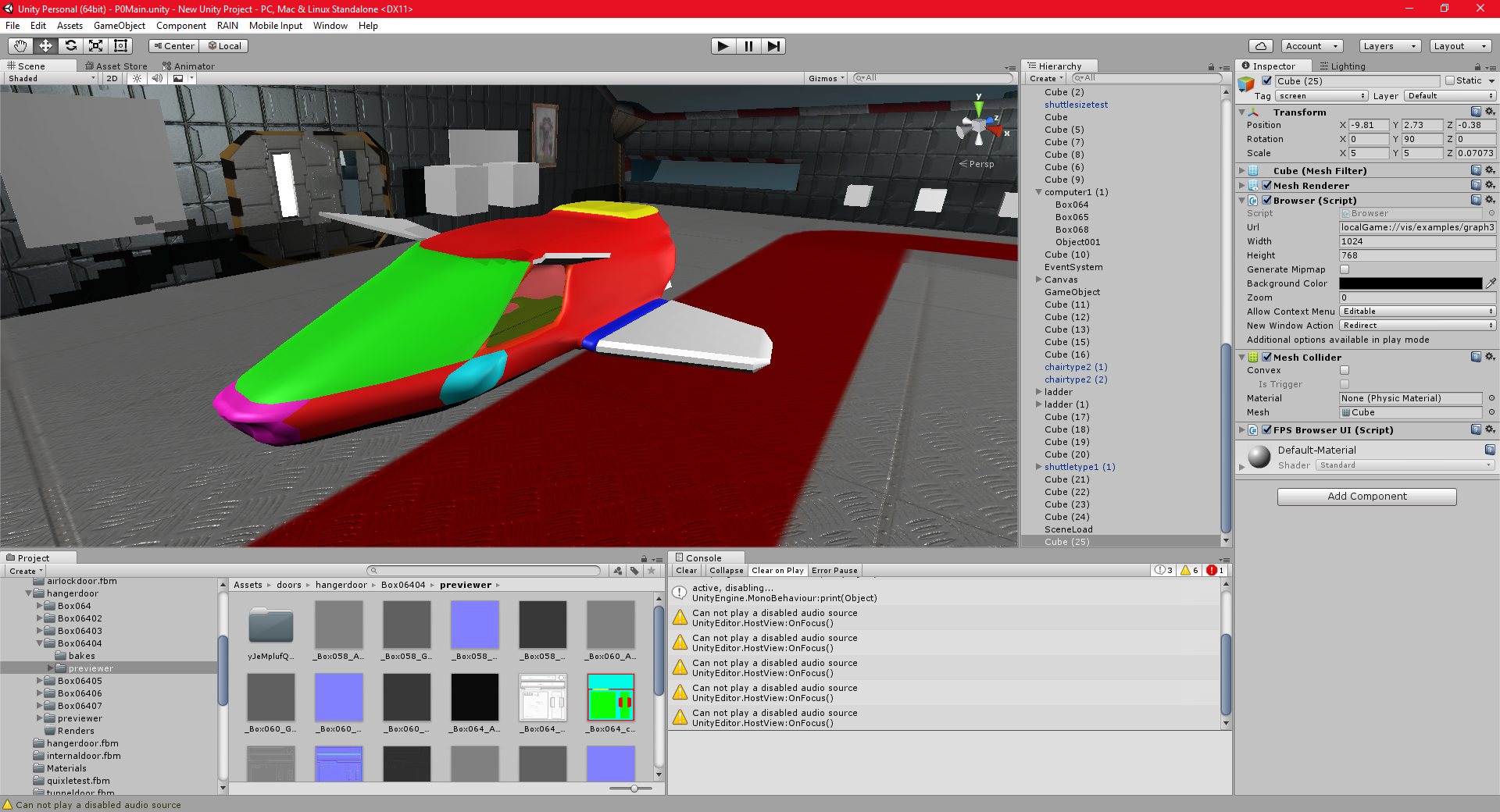
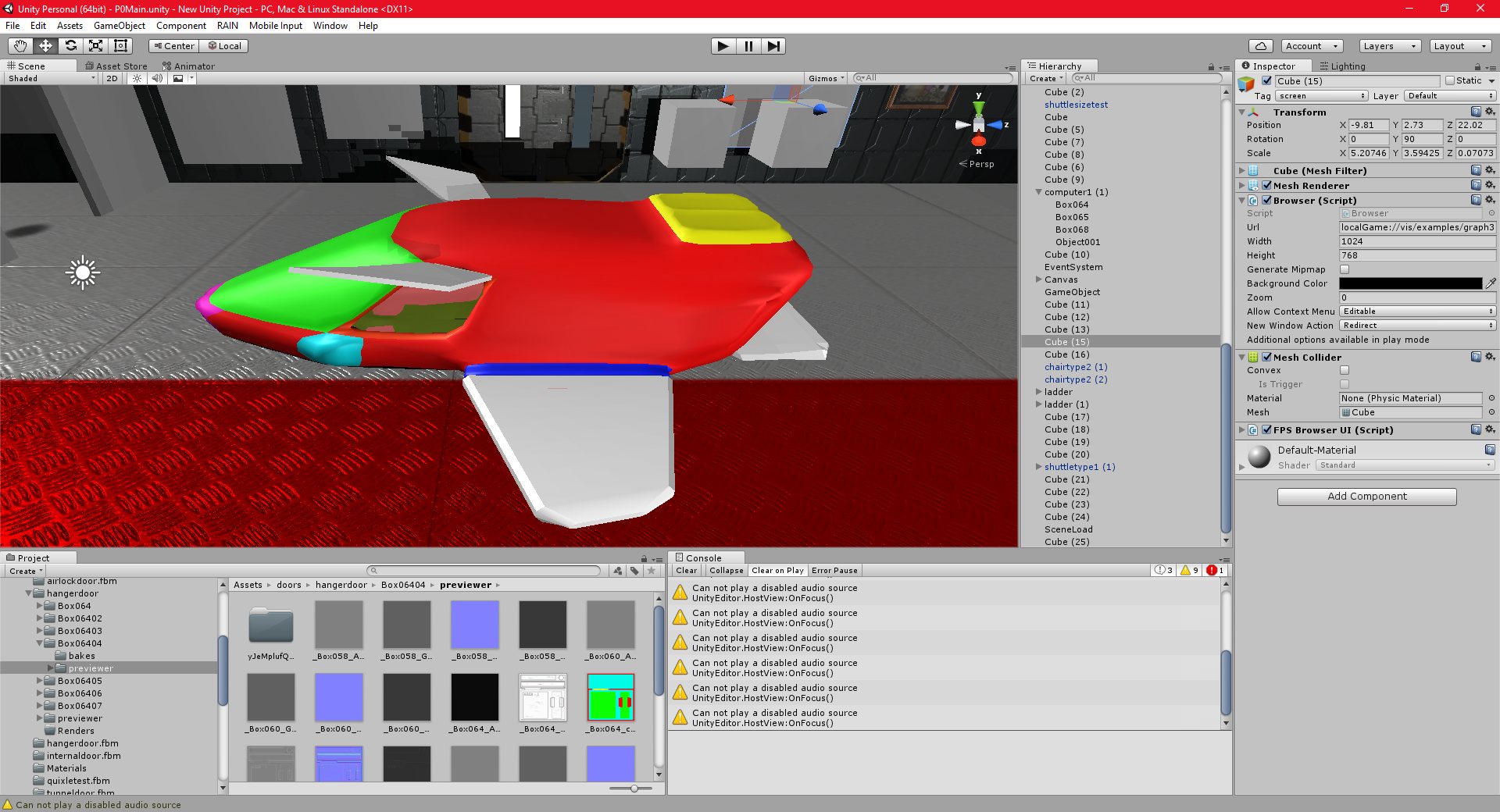
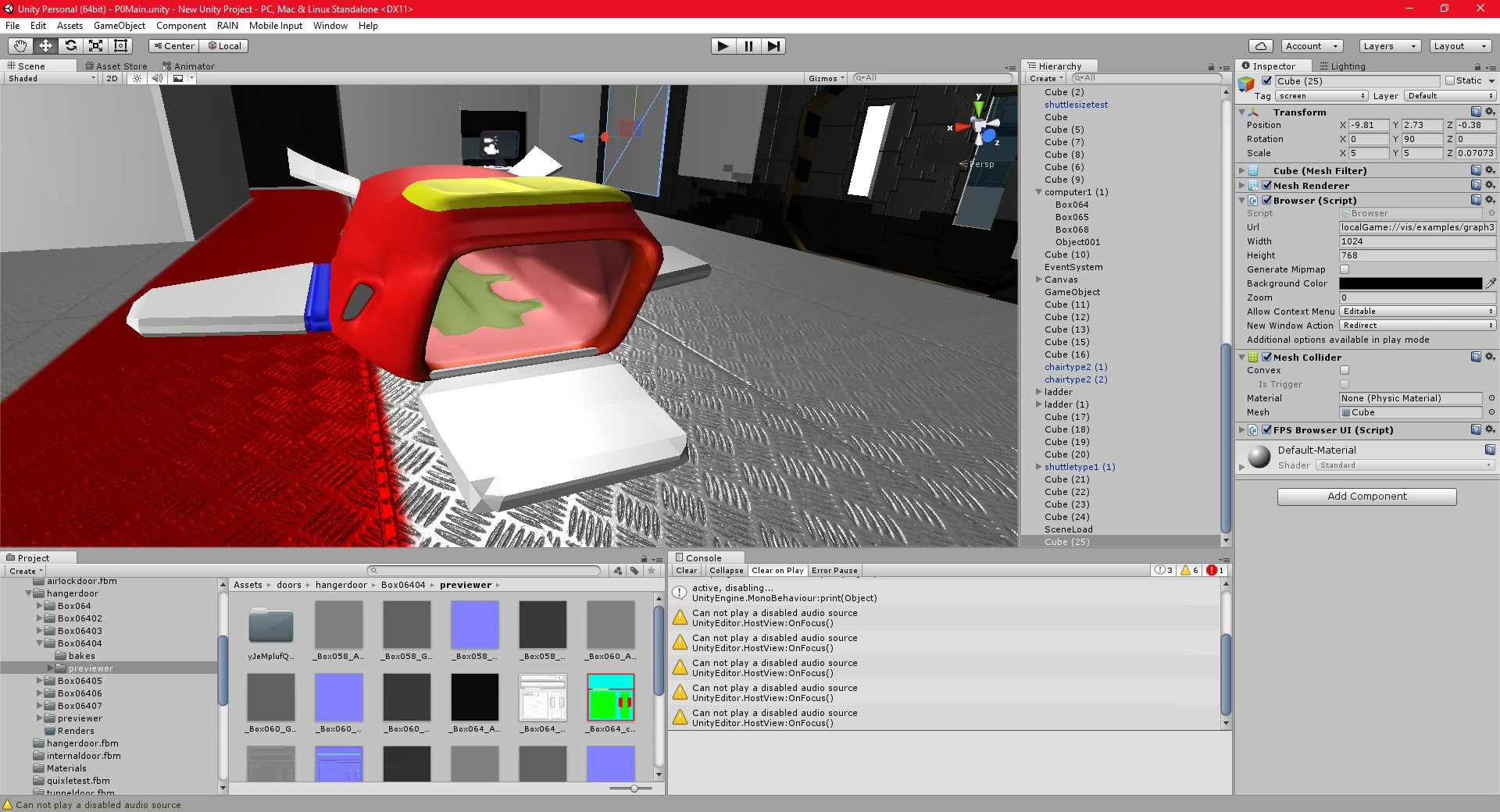
The below model is a simple model of a shuttle, which I want to texture with quixel. The final images are the colour id map which quixel needs.
Unity 02/11/2016 , 04:28:00 AM Unity Personal (64bit) – P0Lab10.unity – New Unity Project – PC, Mac & Linux StandaloneUnity 02/11/2016 , 04:28:18 AM Unity Personal (64bit) – P0Lab10.unity – New Unity Project – PC, Mac & Linux StandaloneUnity 02/11/2016 , 04:28:26 AM Unity Personal (64bit) – P0Lab10.unity – New Unity Project – PC, Mac & Linux StandaloneUnity 02/11/2016 , 04:39:31 AM Unity Personal (64bit) – P0Lab10.unity – New Unity Project – PC, Mac & Linux StandaloneUnity 02/11/2016 , 04:41:41 AM Unity Personal (64bit) – P0Lab10.unity – New Unity Project – PC, Mac & Linux StandaloneUnity 03/11/2016 , 12:30:18 AM Unity Personal (64bit) – P0Lab10.unity – New Unity Project – PC, Mac & Linux StandaloneUnity 03/11/2016 , 12:30:35 AM Unity Personal (64bit) – P0Lab10.unity – New Unity Project – PC, Mac & Linux StandaloneUnity 03/11/2016 , 03:23:36 AM Unity Personal (64bit) – P0Lab10.unity – New Unity Project – PC, Mac & Linux Standalone*Unity 04/11/2016 , 02:26:37 AM Unity Personal (64bit) – P0Main.unity – New Unity Project – PC, Mac & Linux StandaloneUnity 04/11/2016 , 02:30:55 AM Unity Personal (64bit) – P0Main.unity – New Unity Project – PC, Mac & Linux StandaloneUnity 04/11/2016 , 02:26:49 AM Unity Personal (64bit) – P0Main.unity – New Unity Project – PC, Mac & Linux Standalone
I have successfully integrated vis.js with my project, and bootstrap, which is a web development framework. The gui’s look great, although I am still just using the examples that came with the packages.
I think I will use HTML based gui’s for my project, since the addition of vis.js, bootstrap, and similar libraries really make html/css based guis superior to gui’s produced with the Unity standard gui editor.
I have also created a gui using bootstrap for my project, and integrated it with Unity script. I can now control game objects, such as doors, etc, from the gui’s.
Unity 31/10/2016 , 03:04:02 AM Unity Personal (64bit) – P0Lab9.unity – New Unity Project – PC, Mac & Linux Standalone*Unity 31/10/2016 , 12:56:04 AM Unity Personal (64bit) – P0Lab9.unity – New Unity Project – PC, Mac & Linux Standalone*Unity 31/10/2016 , 12:55:56 AM Unity Personal (64bit) – P0Lab9.unity – New Unity Project – PC, Mac & Linux Standalone*Unity 31/10/2016 , 03:04:09 AM Unity Personal (64bit) – P0Lab9.unity – New Unity Project – PC, Mac & Linux Standalone*Unity 31/10/2016 , 07:59:50 PM Unity Personal (64bit) – P0Lab9.unity – New Unity Project – PC, Mac & Linux Standalone
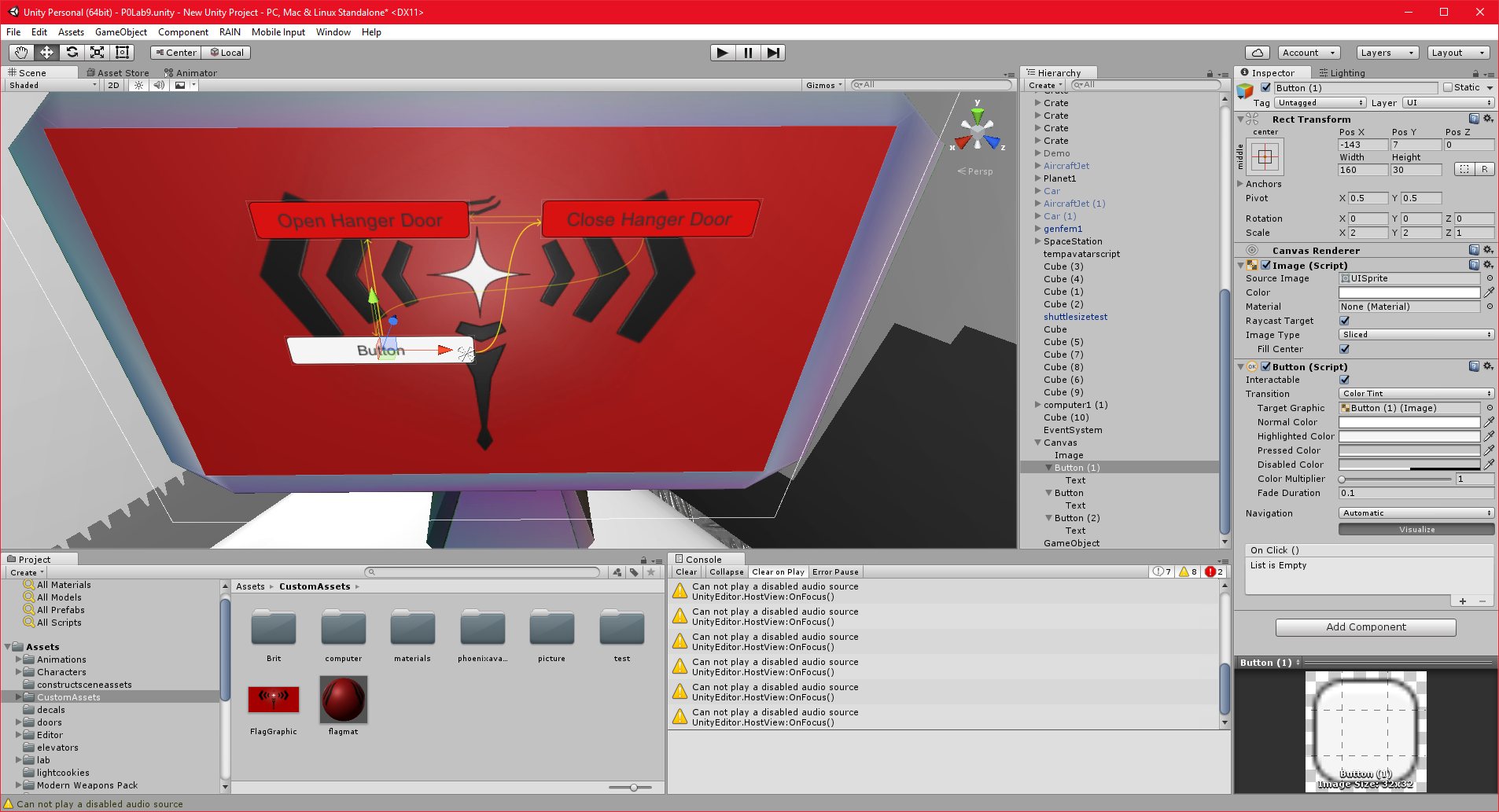
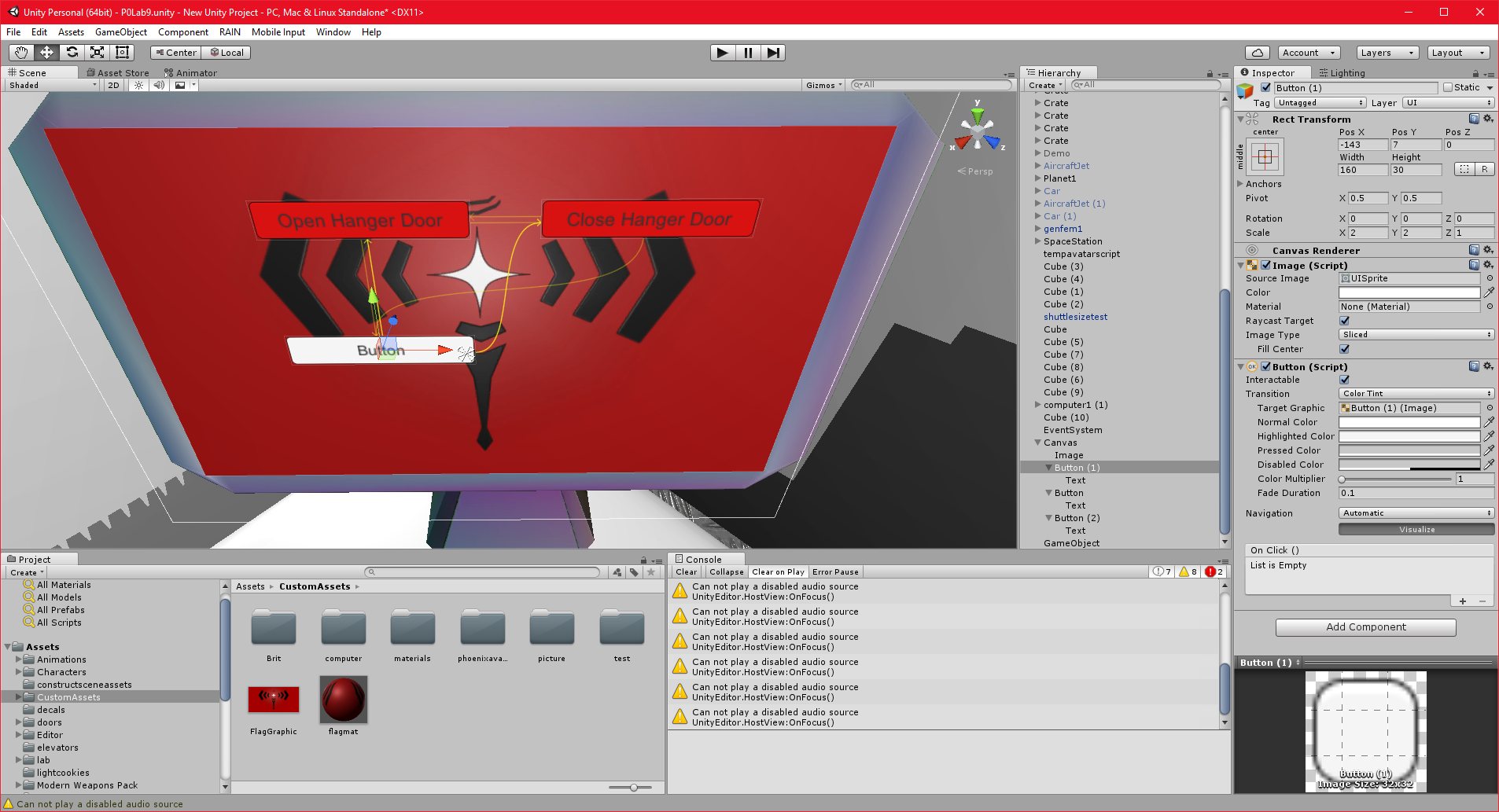
I have created a simple world space gui in unity, which I am using to control the hanger doors in the environment.
This was actually difficult to get working properly, since the cursor that I was using for the webkit integration seems to be conflicting with the cursor that unity was using for detecting clicks on the gui. I implemented a temporary workaround for this, which should allow me to evaluate unity’s worldspace gui system.
Worldspace just means that the gui’s are 2d objects in the 3d world, as opposed to appearing on the screen in front of everything else, like a conventional gui. They work fairly well, although I had to line them up manually with the computer screen object in the world, which is not ideal.
Generally, I think a html based gui would be better, and certainly far more extendable, than this type of gui. The problem would be easily creating the HTML gui’s.
I will spend another day, maybe two, on the GUI system, and see if I can settle on a proper workflow before I move on to the next part of the project. It is important that I get this workflow sorted out now, since I will be building on this in future, as I create the more complex gui’s that I will need for other features.
Unity 30/10/2016 , 01:24:31 AM Unity Personal (64bit) – P0Lab9.unity – New Unity Project – PC, Mac & Linux Standalone*Unity 30/10/2016 , 11:55:52 PM Unity Personal (64bit) – P0Lab9.unity – New Unity Project – PC, Mac & Linux StandaloneUnity 30/10/2016 , 01:24:31 AM Unity Personal (64bit) – P0Lab9.unity – New Unity Project – PC, Mac & Linux Standalone*Unity 30/10/2016 , 01:24:31 AM Unity Personal (64bit) – P0Lab9.unity – New Unity Project – PC, Mac & Linux Standalone*
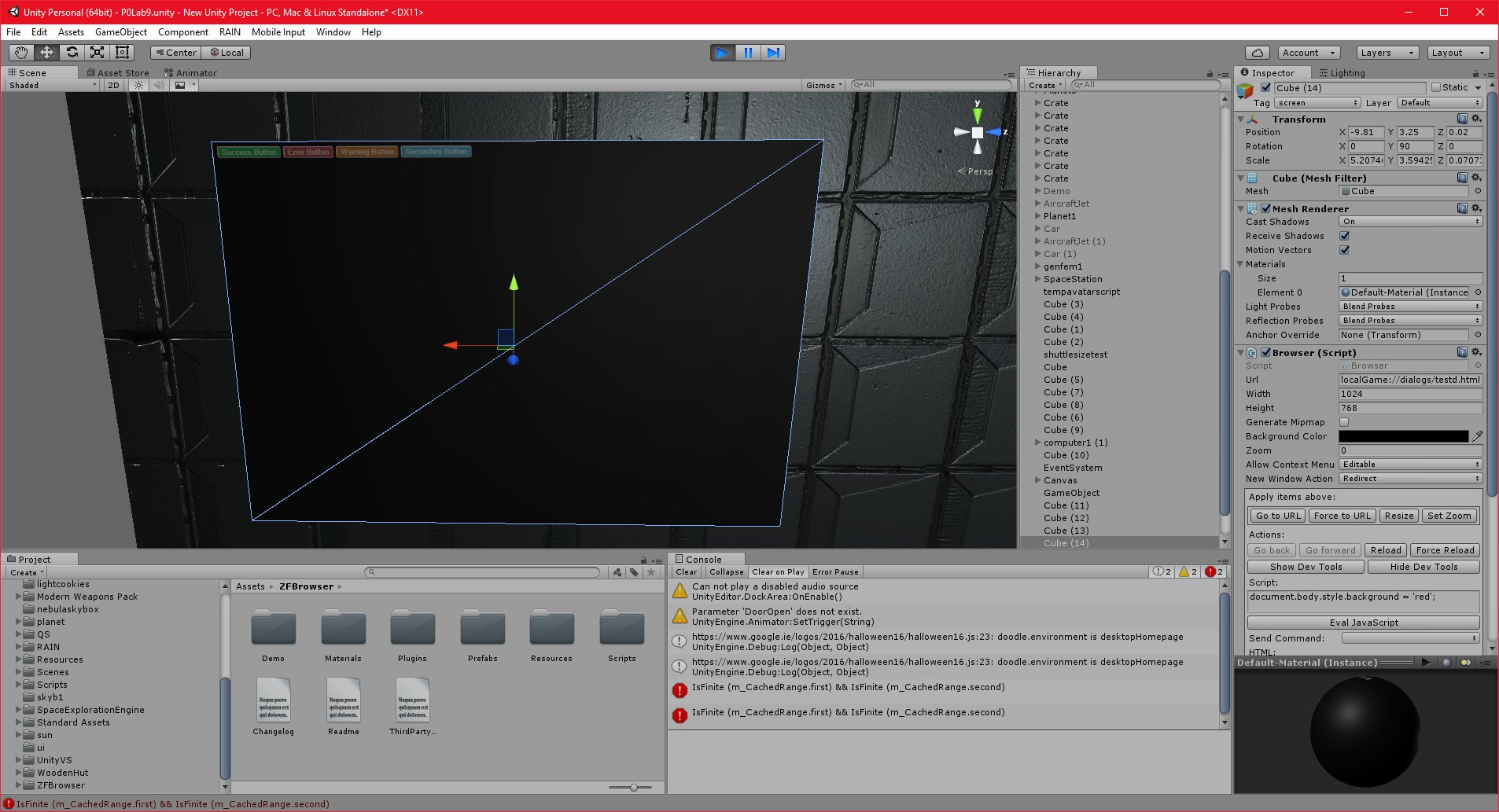
I have been able to get the HTML gui’s working with the webkit in my project. I have wired them up to unity, so I should be able to control things in the world using the HTML gui’s.
This actually creates an interesting problem. I do not have enough experience in HTML to handcode complex gui’s, so I need to find a WYSIWYG HTML editor that allows me to quickly and easily create guis/html pages for my dialogs.
Even though there are a lot of HTML tools out there, I can’t find one that really works with what I am doing.
I have found some libraries for graphing and plotting, such as plot.ly and vis.js, and I have found some “webkits” that seem to contain HTML elements. I will probably try to integrate these into my project, and see how that goes. The problem with these is that they may have dependencies, or other issues that make them incompatible with the unity web kit. If they work however, I will be able to use some incredibly powerful features.
It would also be worth exploring Unity’s default gui functionality as well, so that I can compare the two.
Unity 30/10/2016 , 06:22:19 PM Unity Personal (64bit) – P0Lab9.unity – New Unity Project – PC, Mac & Linux Standalone*Unity 29/10/2016 , 03:48:06 AM Unity Personal (64bit) – P0Lab7.unity – New Unity Project – PC, Mac & Linux StandaloneUnity 29/10/2016 , 03:47:53 AM Unity Personal (64bit) – P0Lab7.unity – New Unity Project – PC, Mac & Linux Standalone
I have purchased and integrated THIS web browser kit into my project.
As it turns out, it was harder than I thought. When I integrated the asset first it caused conflicts with my existing files, and I eventually had to remove it and restore my scene file from a backup.
I didn’t realise that this could happen with Unity assets, and that the preferred way to import assets to an existing project is to import them into a standalone project first, and then export only the needed files, handling any conflicts manually.
Once I realised this I was able to integrate the web kit fairly quickly. It works great, it is basically the same thing as the webkit that I integrated into T3D some time ago.
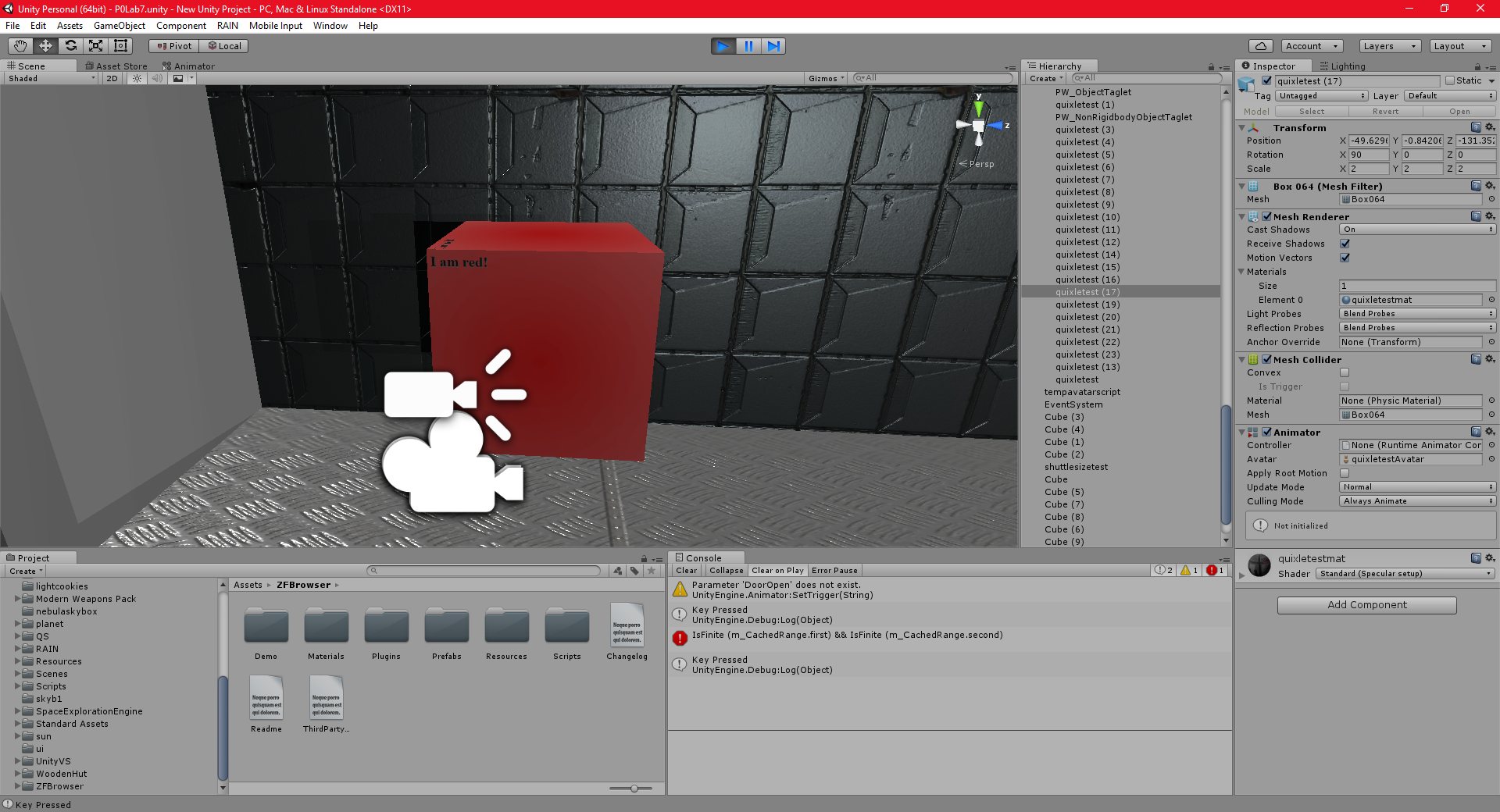
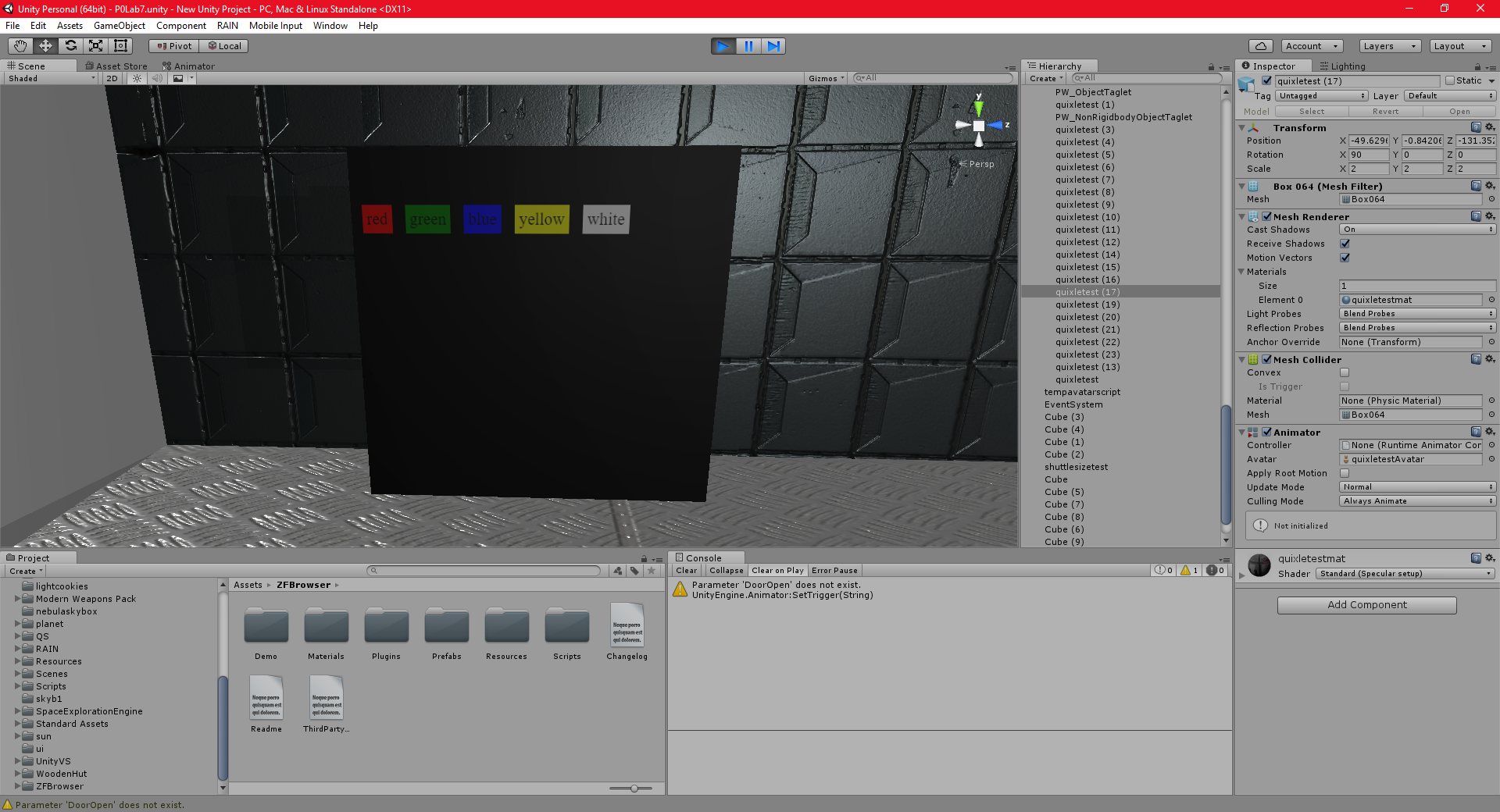
I can watch youtube videos, browse the web, etc, it’s a fully functional web browser, which can be placed on an object in the game world.
I had a few minor issues with transitioning the cursor from controlling the character to controlling the screen, and I had to find a way to prevent the player from moving when the user pressed the WASD keys while viewing a web page. I eventually used right click to “activate” the webpage, and froze the player while they had a webpage activated. This may need to be improved in future.
Unity 28/10/2016 , 08:54:40 PM Unity Personal (64bit) – P0Lab7.unity – New Unity Project – PC, Mac & Linux StandaloneUnity 29/10/2016 , 12:08:06 AM Unity Personal (64bit) – P0Lab7.unity – New Unity Project – PC, Mac & Linux Standalone*Unity 29/10/2016 , 12:09:48 AM Unity Personal (64bit) – P0Lab7.unity – New Unity Project – PC, Mac & Linux StandaloneUnity 29/10/2016 , 12:10:02 AM Unity Personal (64bit) – P0Lab7.unity – New Unity Project – PC, Mac & Linux StandaloneUnity 29/10/2016 , 01:45:23 AM Unity Personal (64bit) – P0Lab7.unity – New Unity Project – PC, Mac & Linux Standalonesandbox 27/10/2016 , 02:35:37 AM SpaceExplorationEngineUnity 28/10/2016 , 07:18:23 PM Unity Personal (64bit) – mainscene2.unity – P0-IntegrationTest – PC, Mac & Linux Standalone*Unity 28/10/2016 , 07:18:31 PM Unity Personal (64bit) – mainscene2.unity – P0-IntegrationTest – PC, Mac & Linux Standalone*Unity 28/10/2016 , 07:18:38 PM Unity Personal (64bit) – mainscene2.unity – P0-IntegrationTest – PC, Mac & Linux Standalone*Unity 28/10/2016 , 07:19:16 PM Unity Personal (64bit) – mainscene2.unity – P0-IntegrationTest – PC, Mac & Linux Standalone*Unity 28/10/2016 , 07:19:22 PM Unity Personal (64bit) – mainscene2.unity – P0-IntegrationTest – PC, Mac & Linux Standalone*
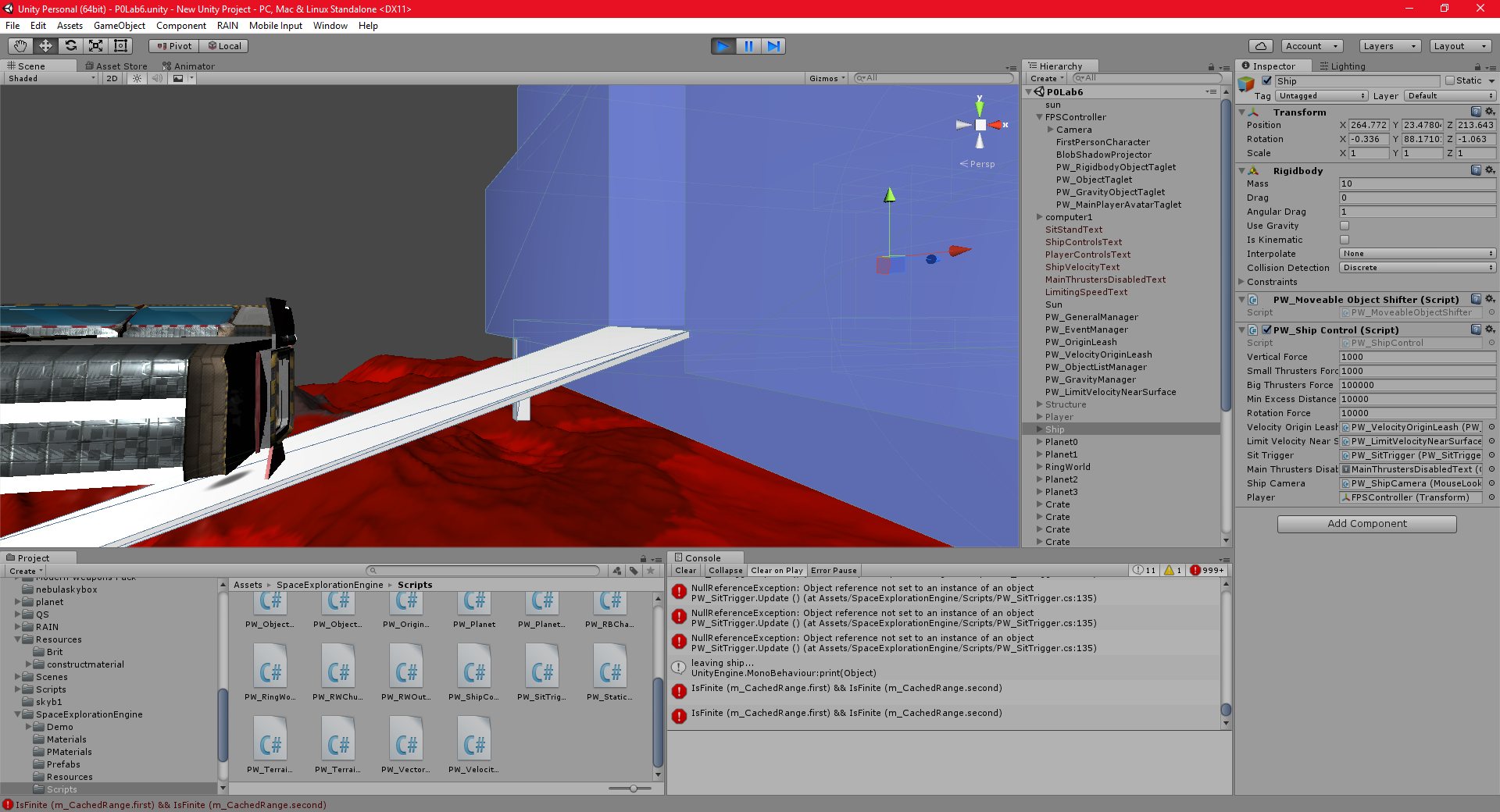
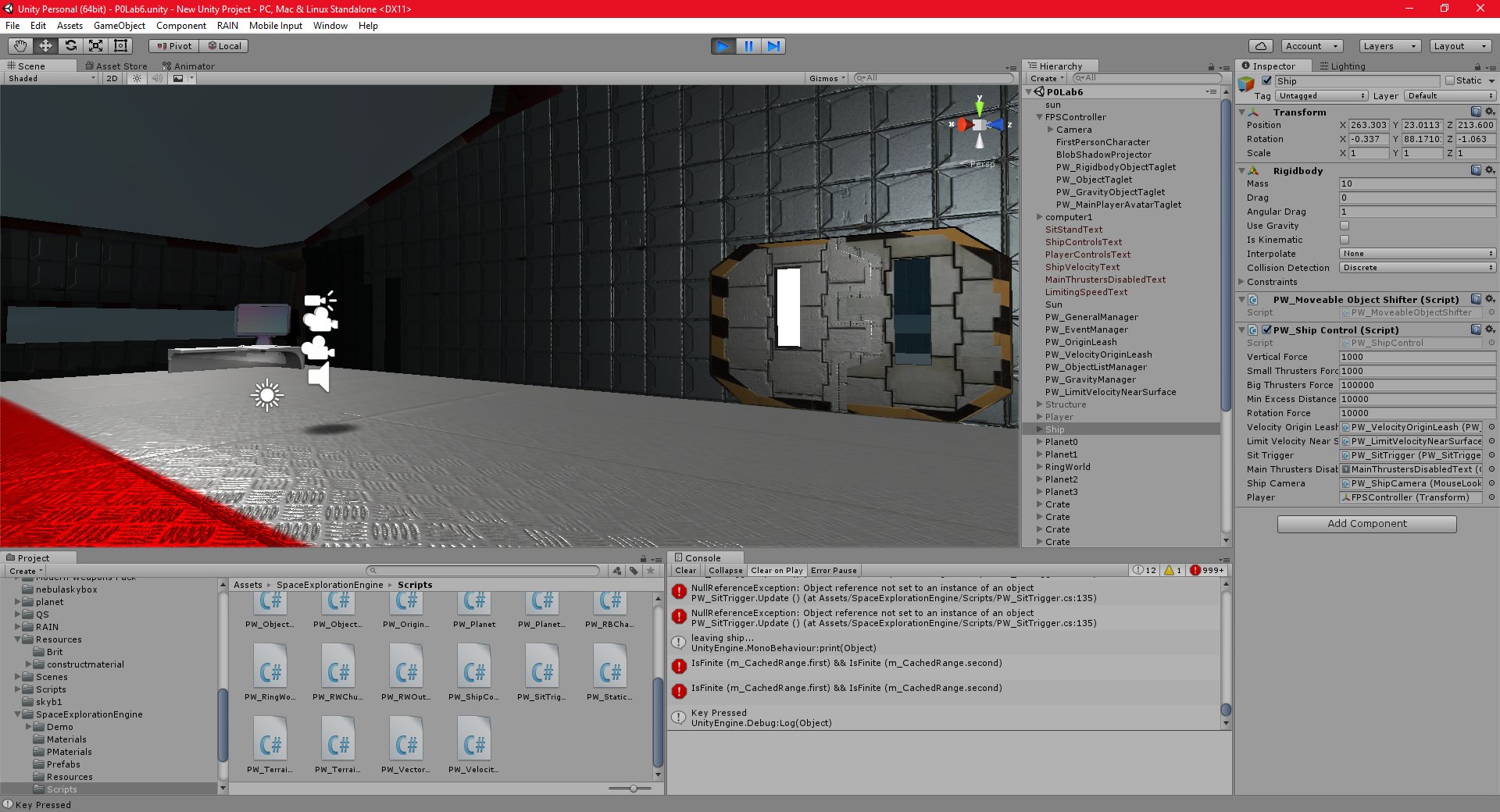
I have implemented ship control, and I believe, fully integrated the SEE with my project.
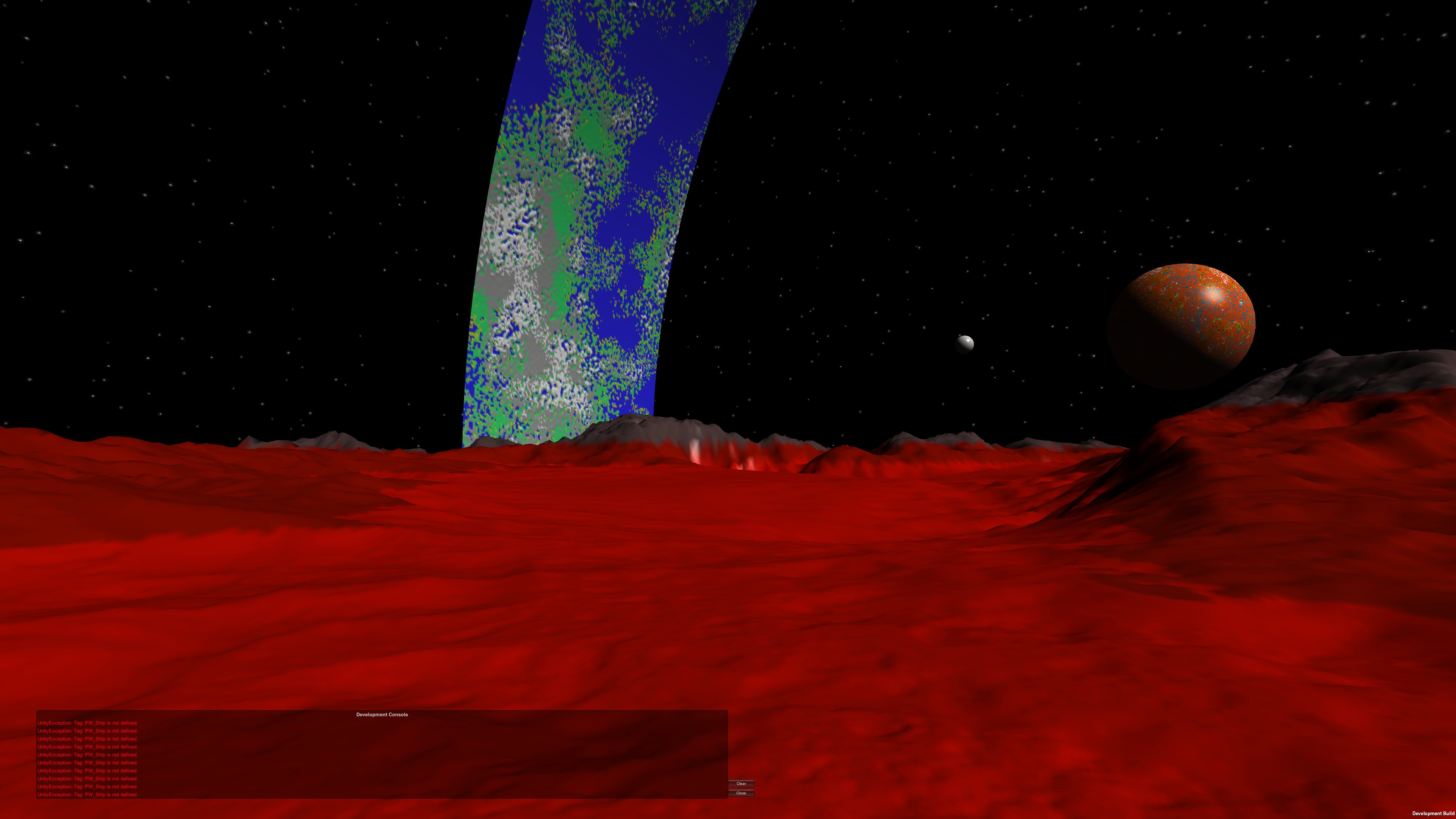
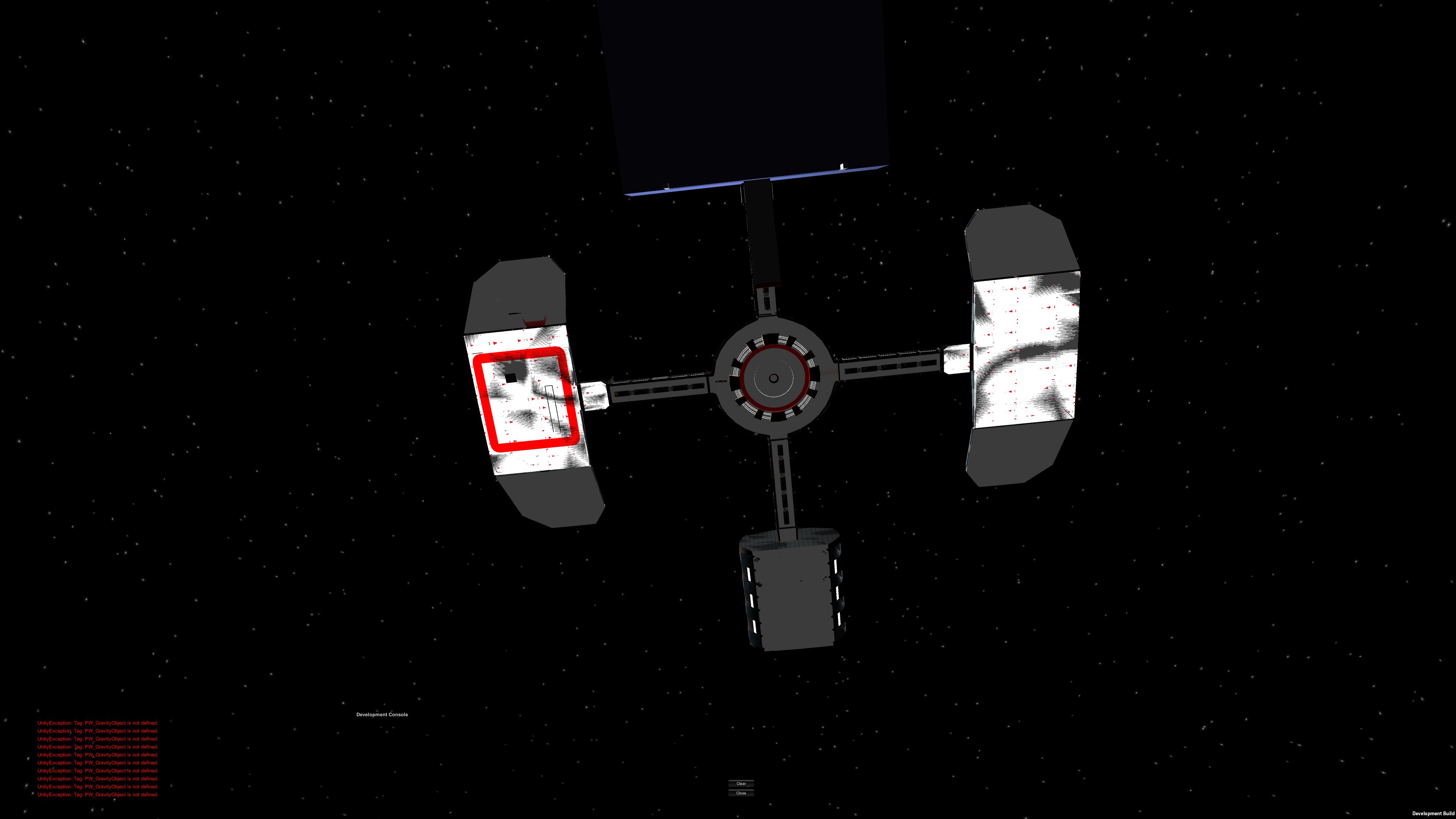
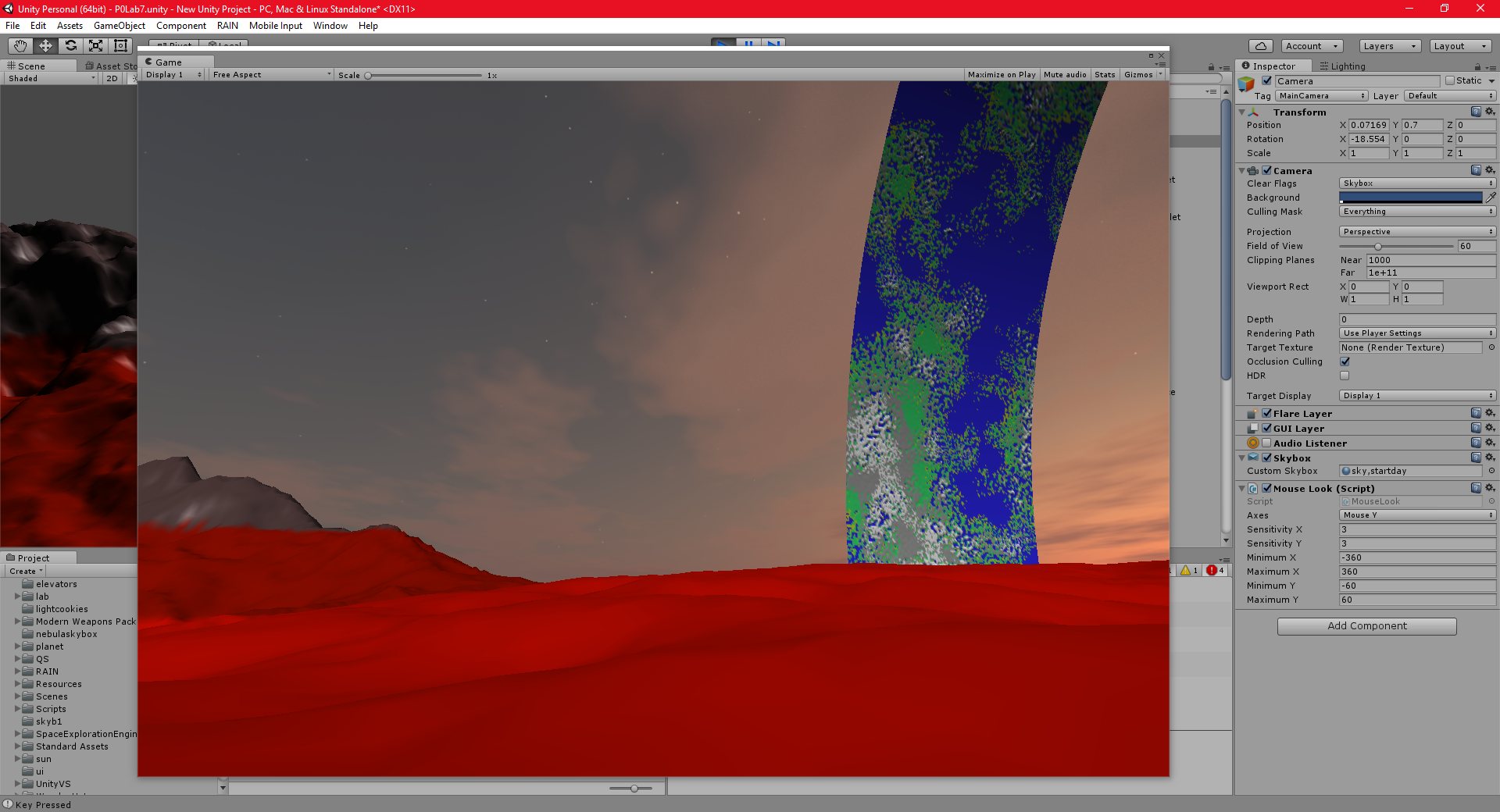
This is a fairly major step forward, I feel. I was able to walk from the space station onto a ship, take control of the ship, fly it down to the planet, land, explore the terrain on foot, and then fly back to the station and dock without any load screen, teleporting, or any kind of trickery whatsoever.
The ship controls feel very realistic, and the floating origin and terrain systems all seem to work great.
There are a few glitches still. The jetpack, as I mentioned, is very simplistic, and doesn’t “feel” realistic. This should be a minor change.
More seriously, there is an issue where the player seems to randomly change direction, as if pushed by something. I believe this has something to do with the “sprint” command, since it only seems to happen while the player is sprinting. If this is true, it should be fairly easy to fix.
I have also not fully tested the SEE at long ranges, or with larger, more complex moving objects (with many subobjects). I also need to add textures to the terrain, and add foliage, terrain objects, etc.
The next goal is to integrate THIS resource into Unity. I intend to use it to not only display webpages in my project, (which will increase immersion) but also to create very complex gui’s.
sandbox 27/10/2016 , 02:37:39 AM SpaceExplorationEnginesandbox 27/10/2016 , 02:37:33 AM SpaceExplorationEngineUnity 27/10/2016 , 10:54:00 PM Unity Personal (64bit) – P0Lab6.unity – New Unity Project – PC, Mac & Linux StandaloneUnity 28/10/2016 , 05:44:19 PM Unity Personal (64bit) – P0Lab7.unity – New Unity Project – PC, Mac & Linux Standalone*Unity 28/10/2016 , 05:17:48 AM Unity Personal (64bit) – P0Lab6 (2).unity – New Unity Project – PC, Mac & Linux StandaloneUnity 27/10/2016 , 10:55:28 PM Unity Personal (64bit) – P0Lab6.unity – New Unity Project – PC, Mac & Linux Standalone
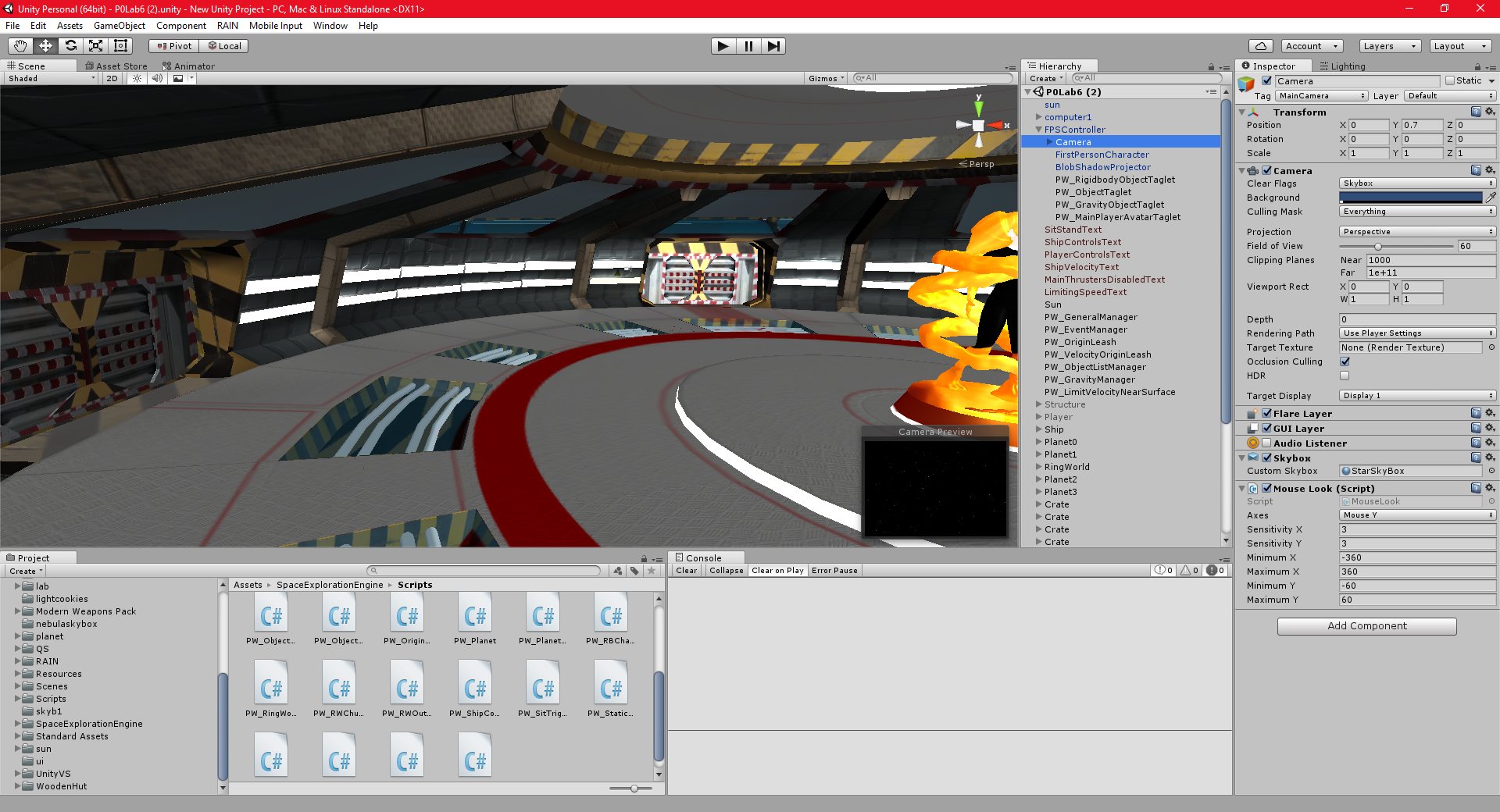
I have fixed all of the bugs with my current scene, all of my existing code is now working again.
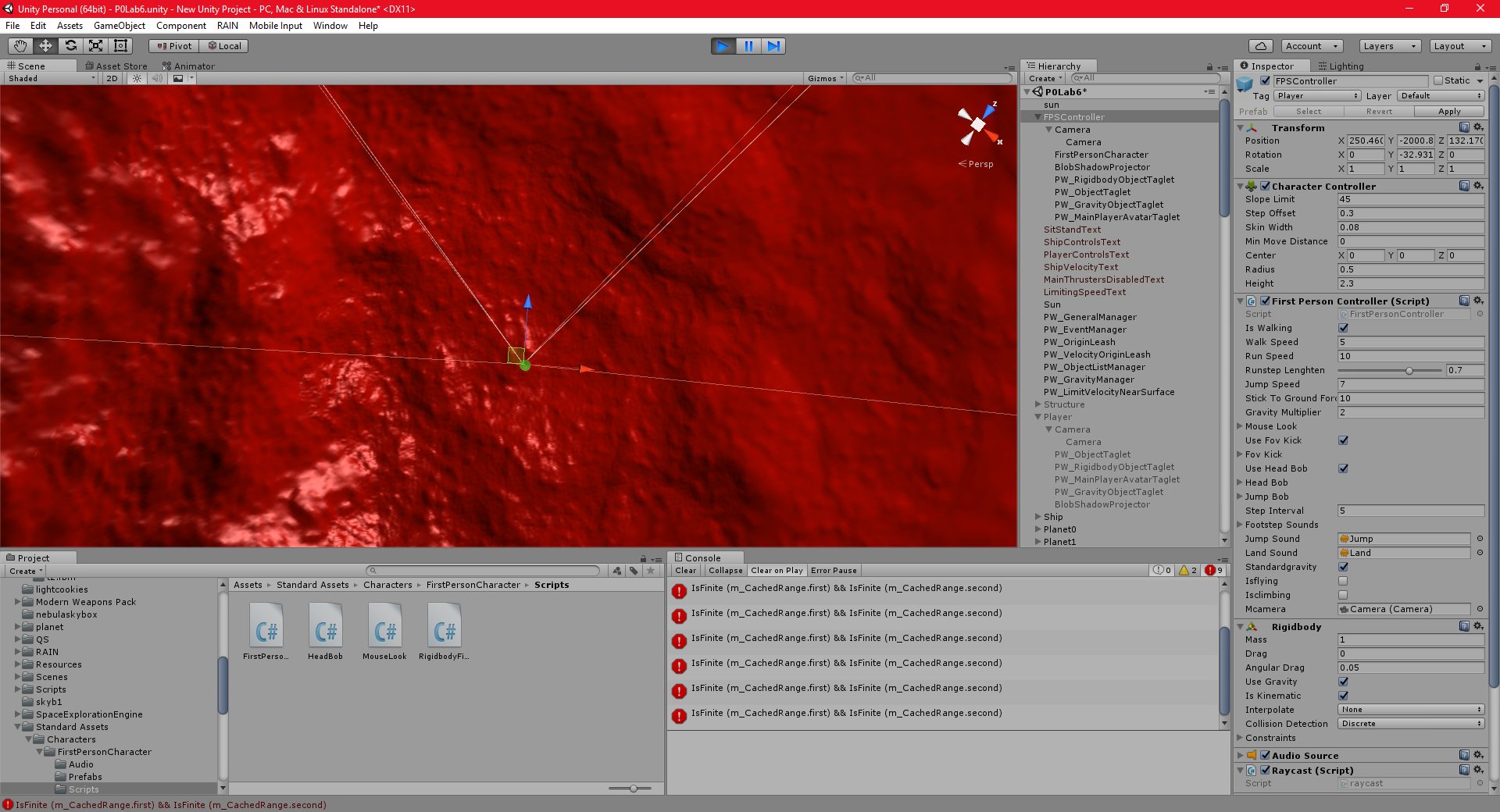
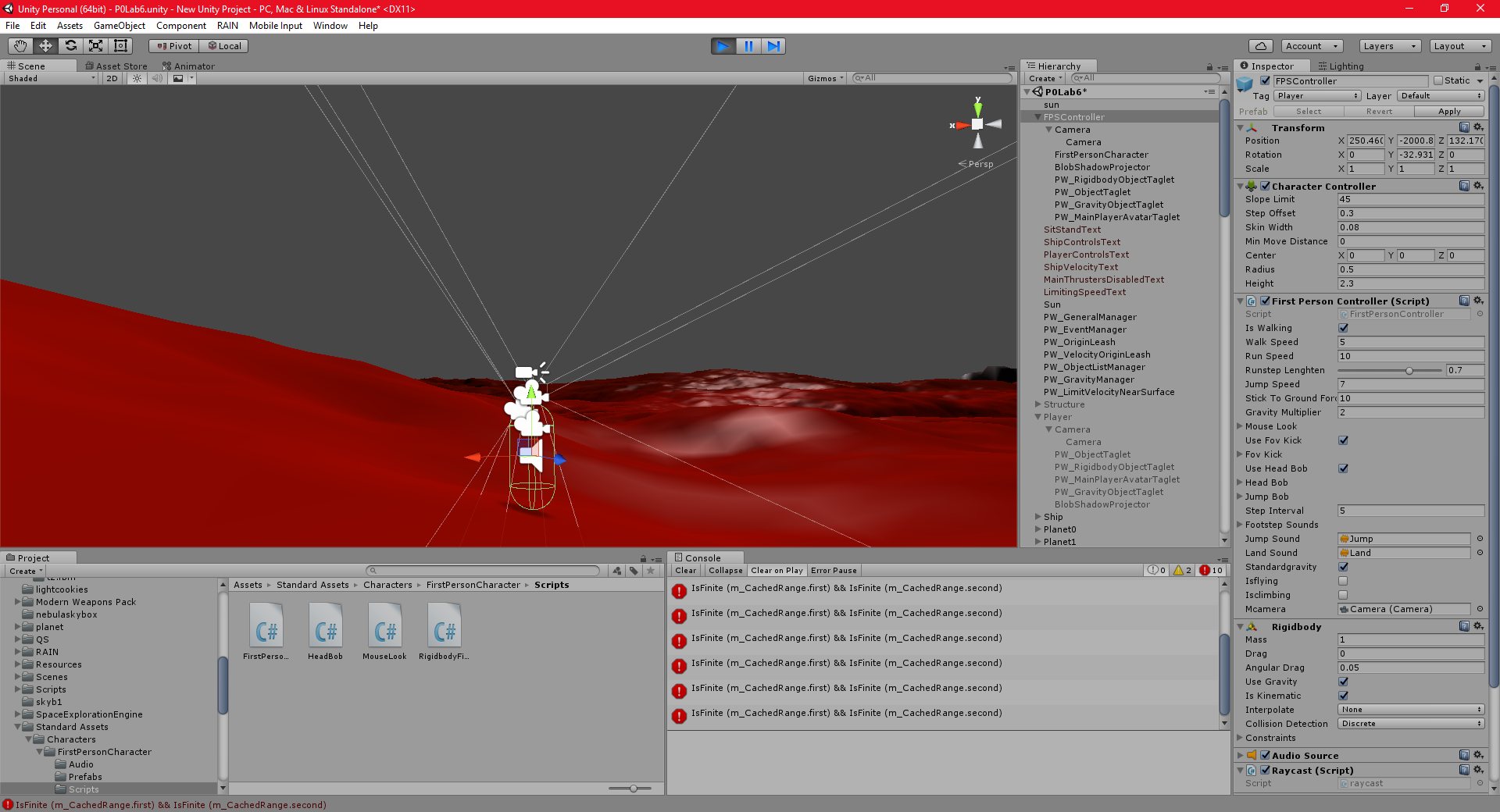
I have also, after some effort, integrated my player with the SEE. I have collision working, and the advanced camera is working. The camera system is a little unusual. It is actually two cameras, one with a long view distance, to render the skybox and distant terrain nodes, and one with a short view distance, to render closer objects. Both of these cameras combine together to render the scene, and this eliminates any z-buffer precision issues. Very clever.
I have decided to integrate the SEE player with my own player, instead of switching to it. I had initially planned to have a separate player and “player with jetpack”, but since the jetpack functionality is really part of the player, I just added it to the player controller. I can switch it on and off easily, and it seems to work well.
I am assuming for now that the jetpack ignores gravity, ie, its movement is very simplistic, and allows the user to essentially “hover” in space. In future, I will need it to take into account the gravity of any nearby planets.
The next, and hopefully final, goal with the SEE is to enable the player to control ships. I am just using the simple demo ship that game with the SEE for now, and the player can already walk around it easily, but I am having some issues with actually controlling it.
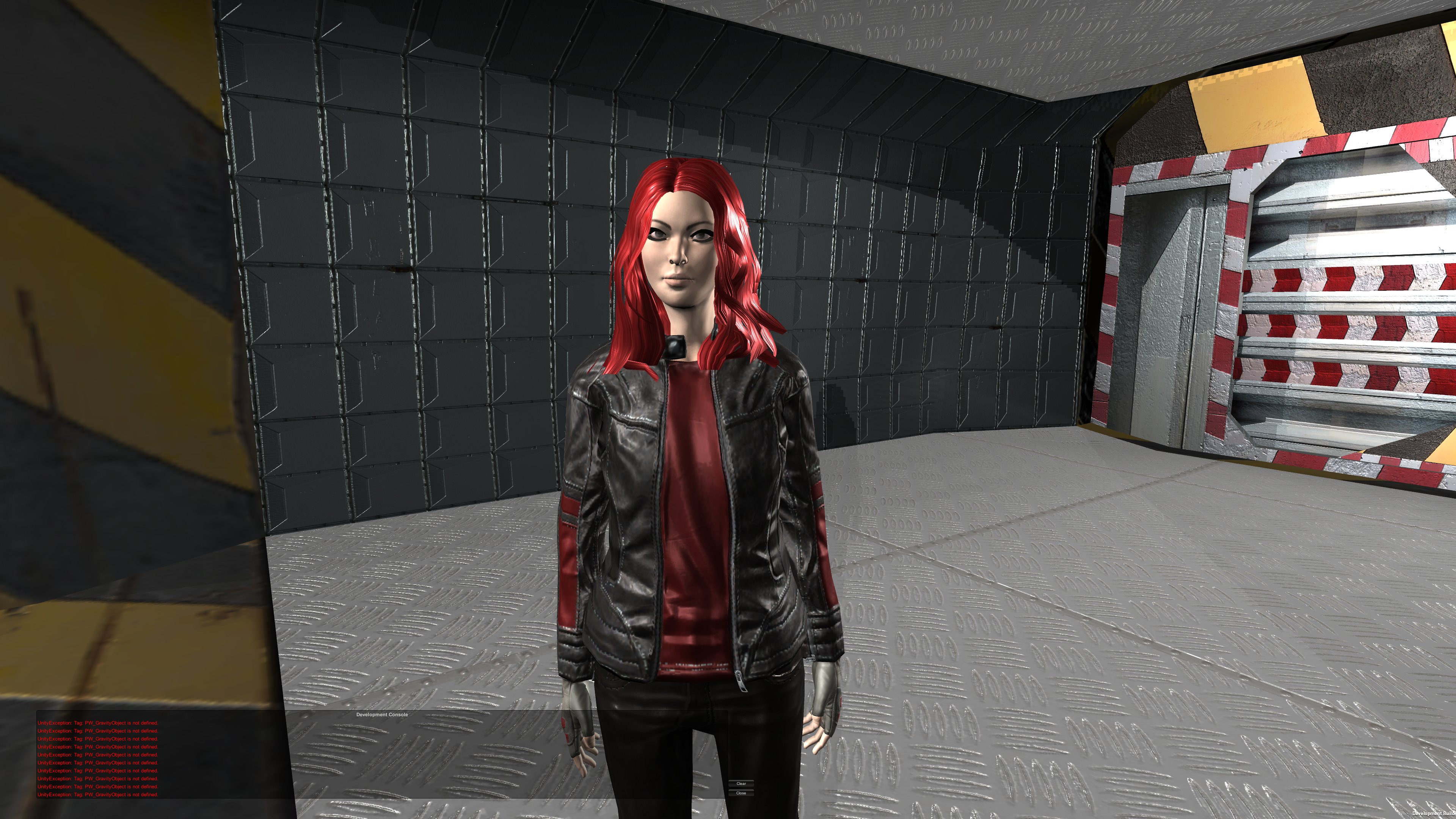
It is difficult to post pictures of my progress, since, as I said, the unity editor can’t render the scene that the player actually sees, since it just uses a standard camera with a short view distance. I would need to build the engine and run it as a standalone application, which takes some time.
Unity 24/10/2016 , 10:32:28 PM Unity Personal (64bit) – P0LabSEE.unity – New Unity Project – PC, Mac & Linux Standalone*Unity 25/10/2016 , 02:29:11 AM Unity Personal (64bit) – P0Lab4.unity – New Unity Project – PC, Mac & Linux StandaloneUnity 26/10/2016 , 12:11:22 AM Unity Personal (64bit) – P0Lab6.unity – New Unity Project – PC, Mac & Linux Standalone*Unity 26/10/2016 , 12:11:37 AM Unity Personal (64bit) – P0Lab6.unity – New Unity Project – PC, Mac & Linux Standalone*sandbox 27/10/2016 , 02:36:12 AM SpaceExplorationEnginesandbox 27/10/2016 , 02:36:32 AM SpaceExplorationEnginesandbox 27/10/2016 , 02:37:08 AM SpaceExplorationEngine
In addition to all of the other useful software tools I have discovered recently, I have also begun evaluating a program called “Quixel Suite 2“. This is actually a tool kit for photoshop.
This basically makes creating textures for games a lot easier and faster, as well as improves their quality, especially for non-artists. It features two main subprograms, NDo, for creating normal maps, and DDo for creating diffuse maps. In DDo, it is possible to basically select a texture from a texture library and automatically apply it to a particular part of the mesh. This looks great.
I am still learning how to use the program, but it seems like it will work well.
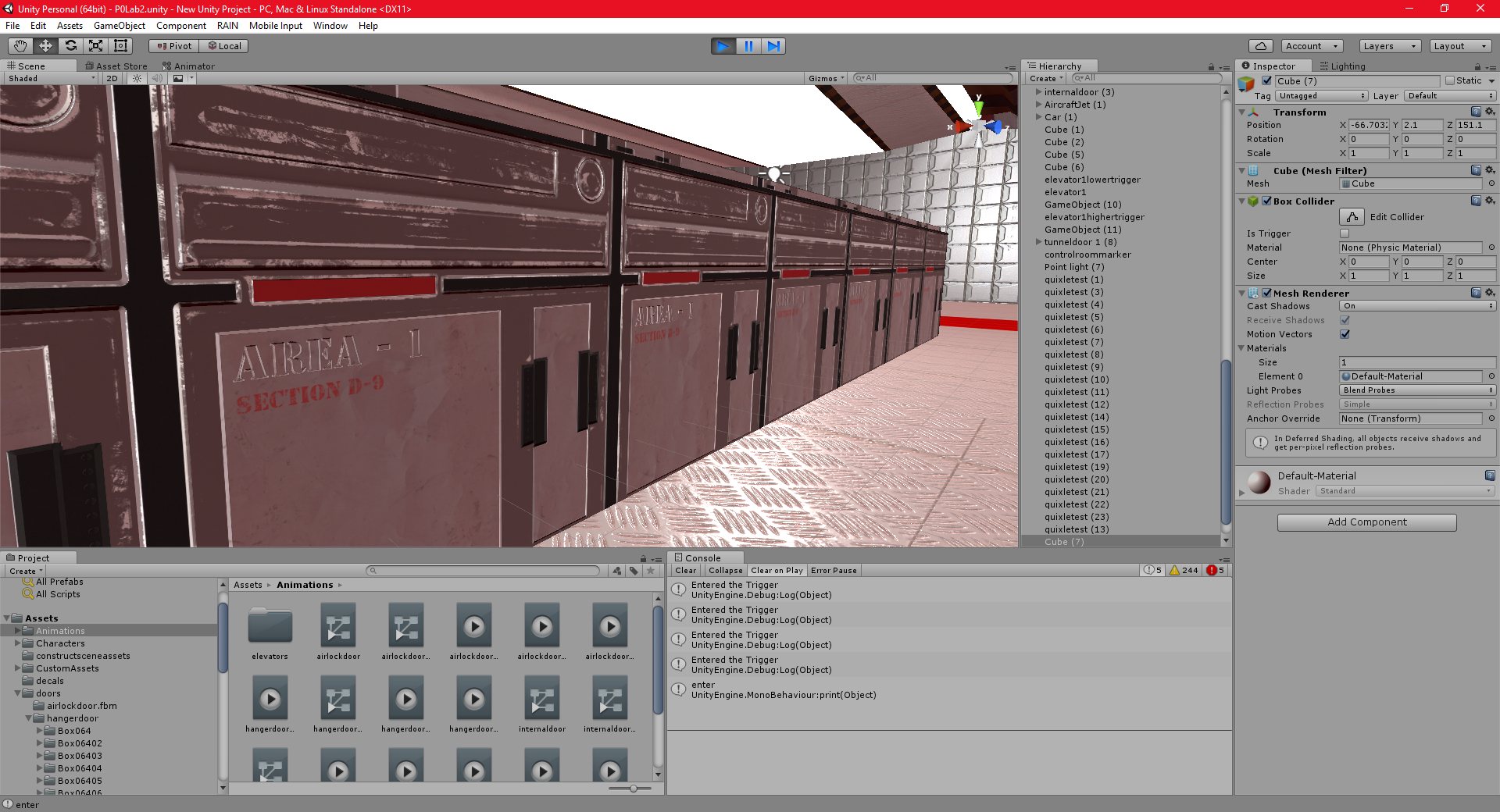
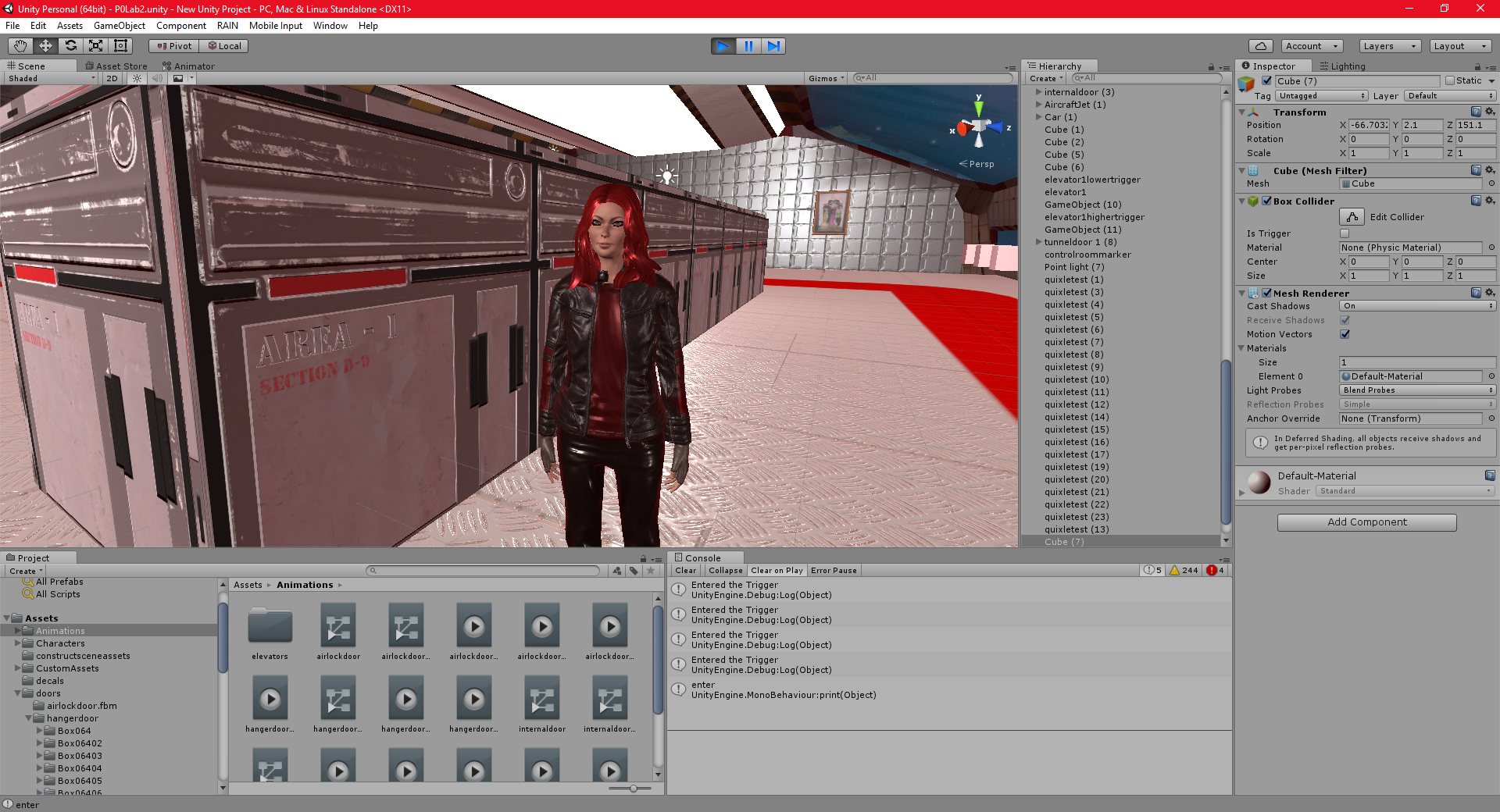
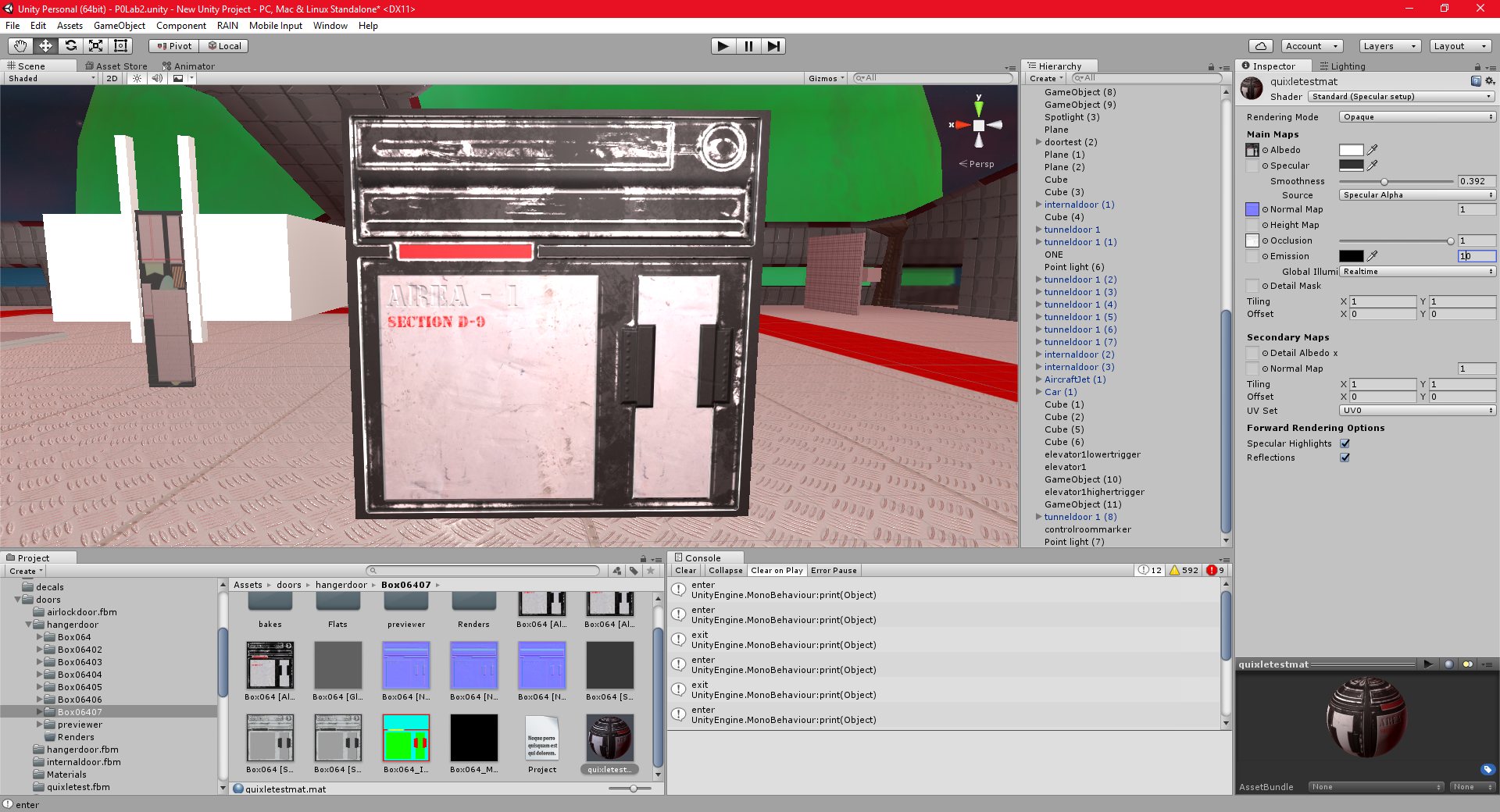
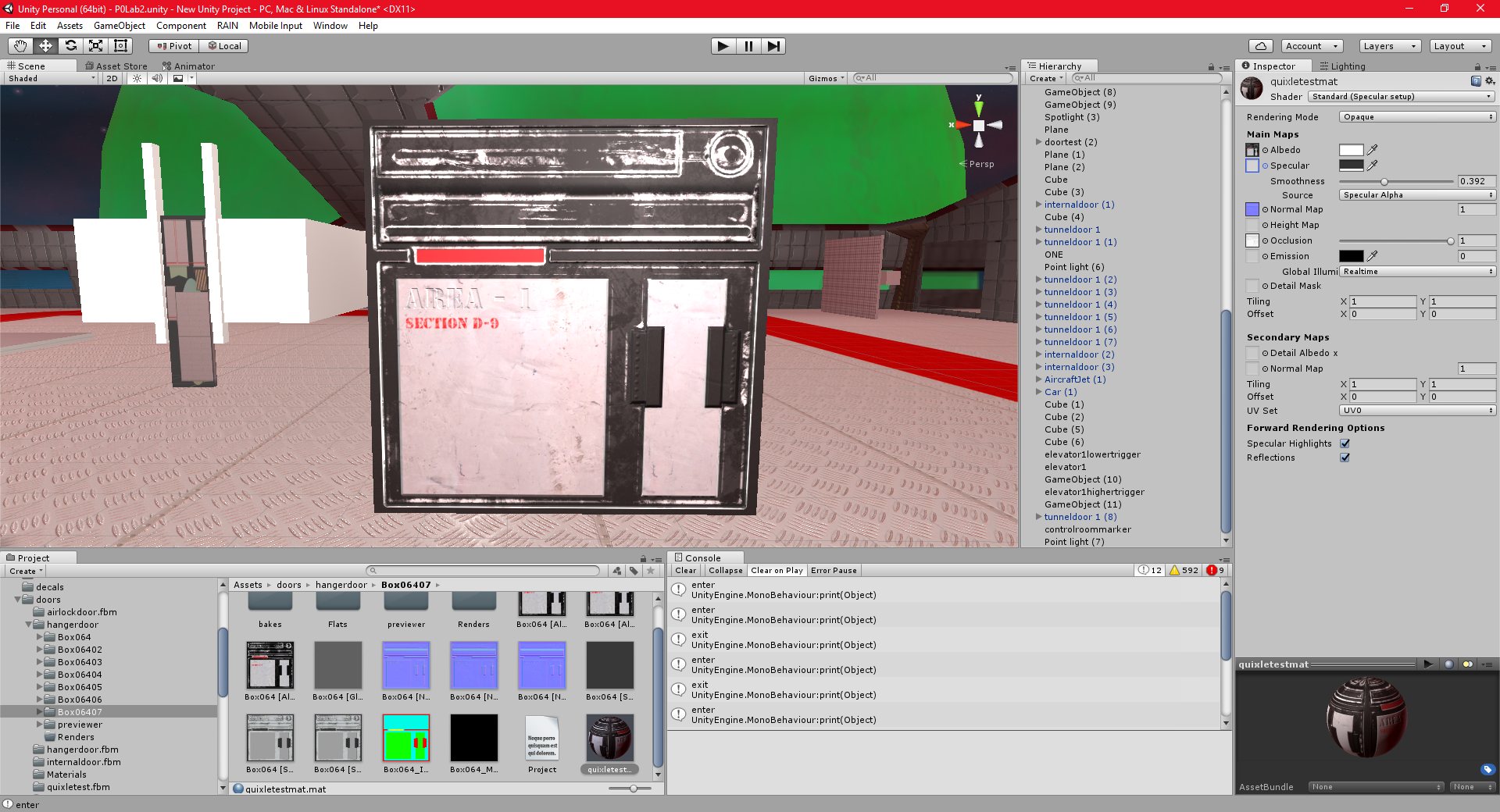
The textures below (With “Area 1” on them) were created using the Quixel Suite.
Unity 23/10/2016 , 02:40:34 AM Unity Personal (64bit) – P0Lab2.unity – New Unity Project – PC, Mac & Linux StandaloneUnity 23/10/2016 , 02:40:27 AM Unity Personal (64bit) – P0Lab2.unity – New Unity Project – PC, Mac & Linux StandaloneUnity 22/10/2016 , 11:28:52 PM Unity Personal (64bit) – P0Lab2.unity – New Unity Project – PC, Mac & Linux Standalone*Unity 22/10/2016 , 11:28:33 PM Unity Personal (64bit) – P0Lab2.unity – New Unity Project – PC, Mac & Linux Standalone*
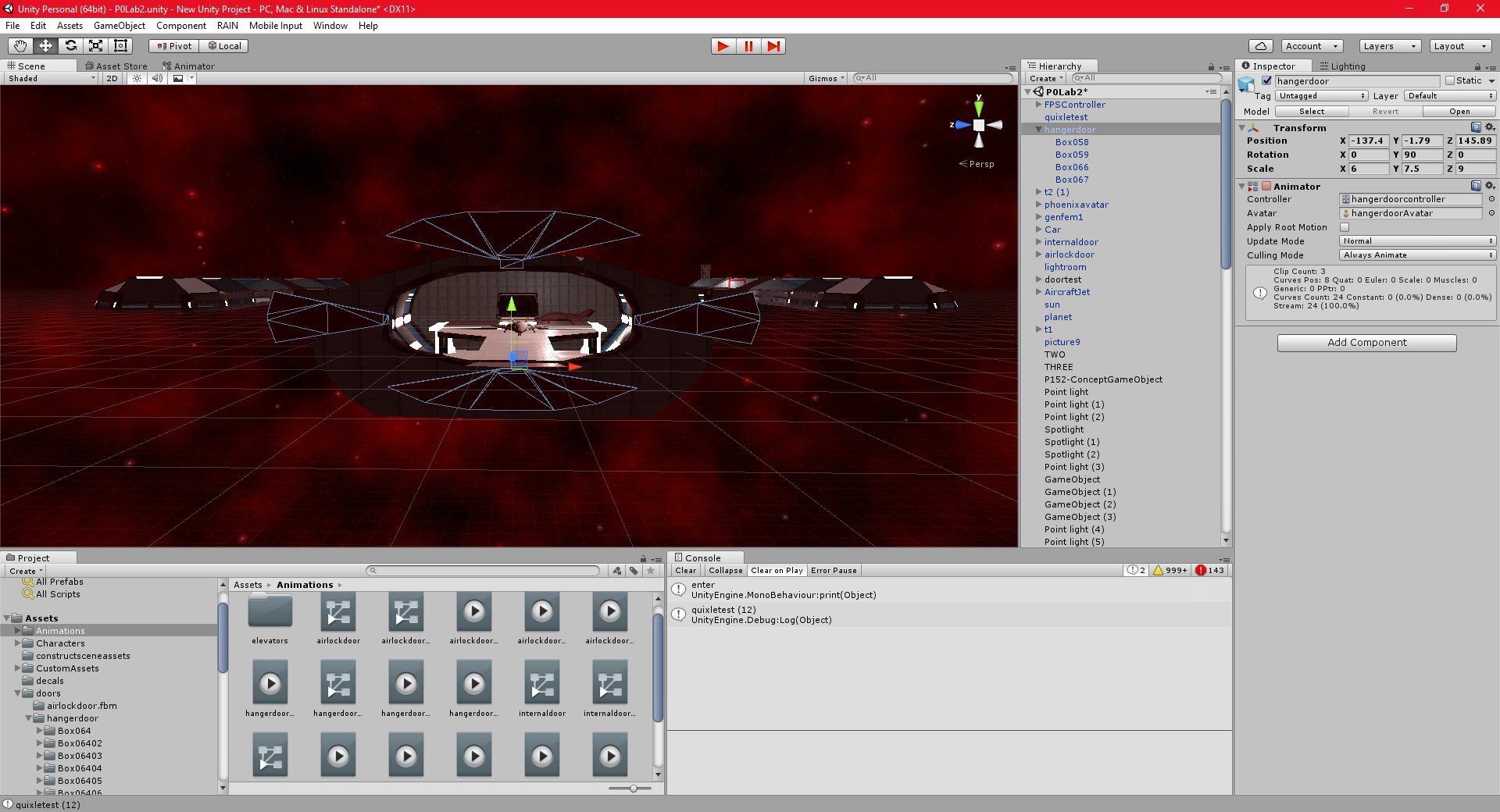
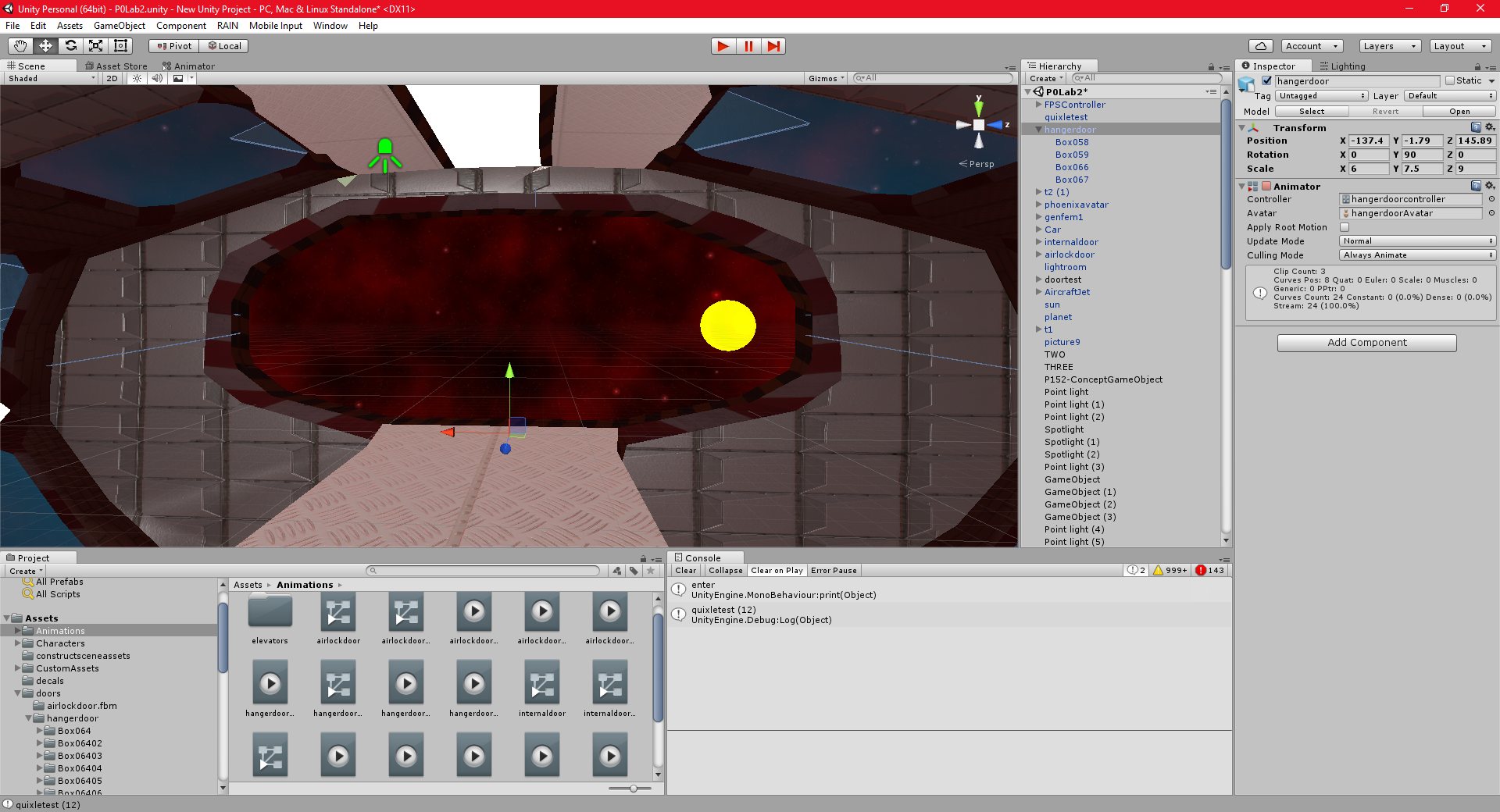
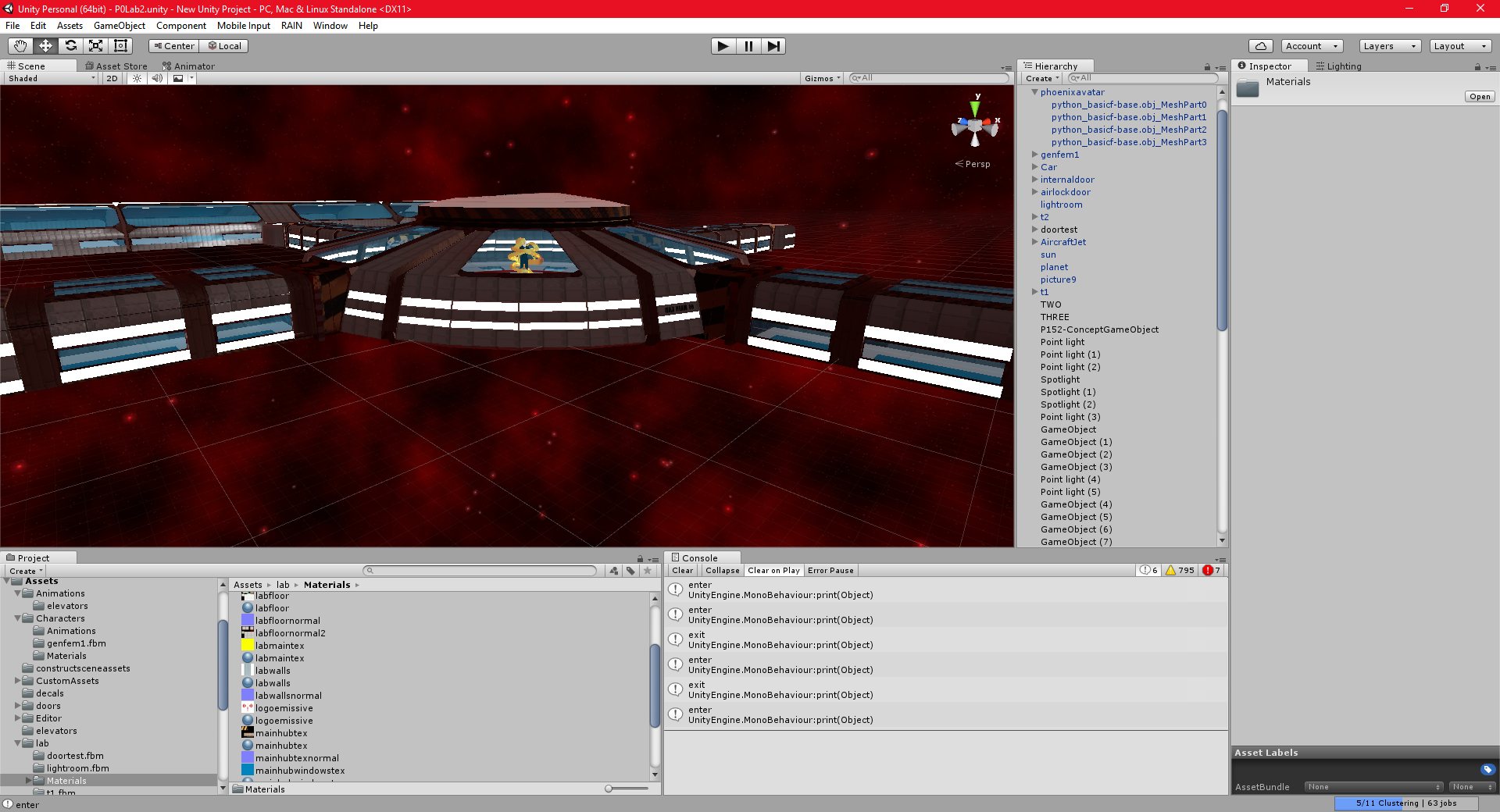
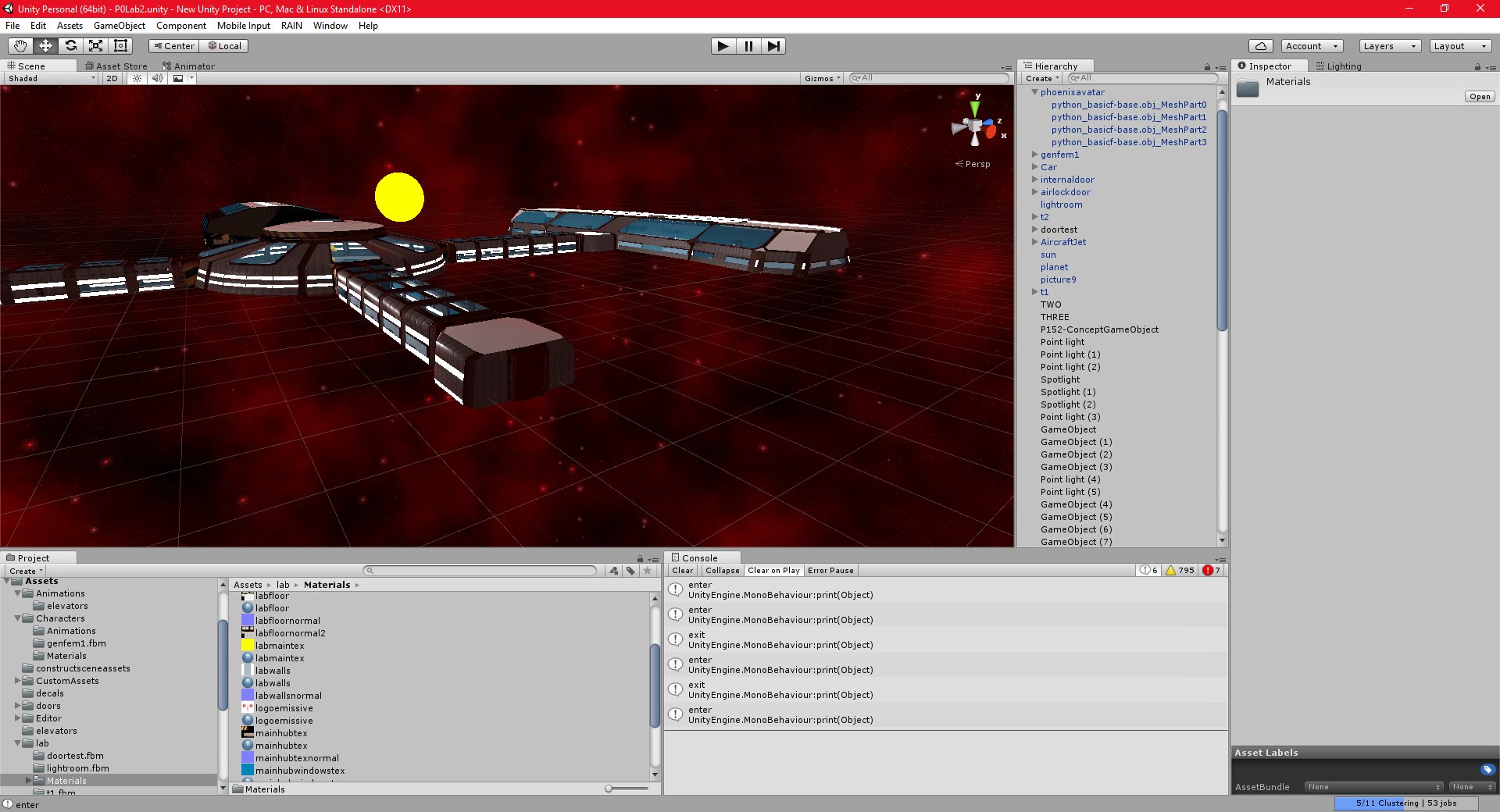
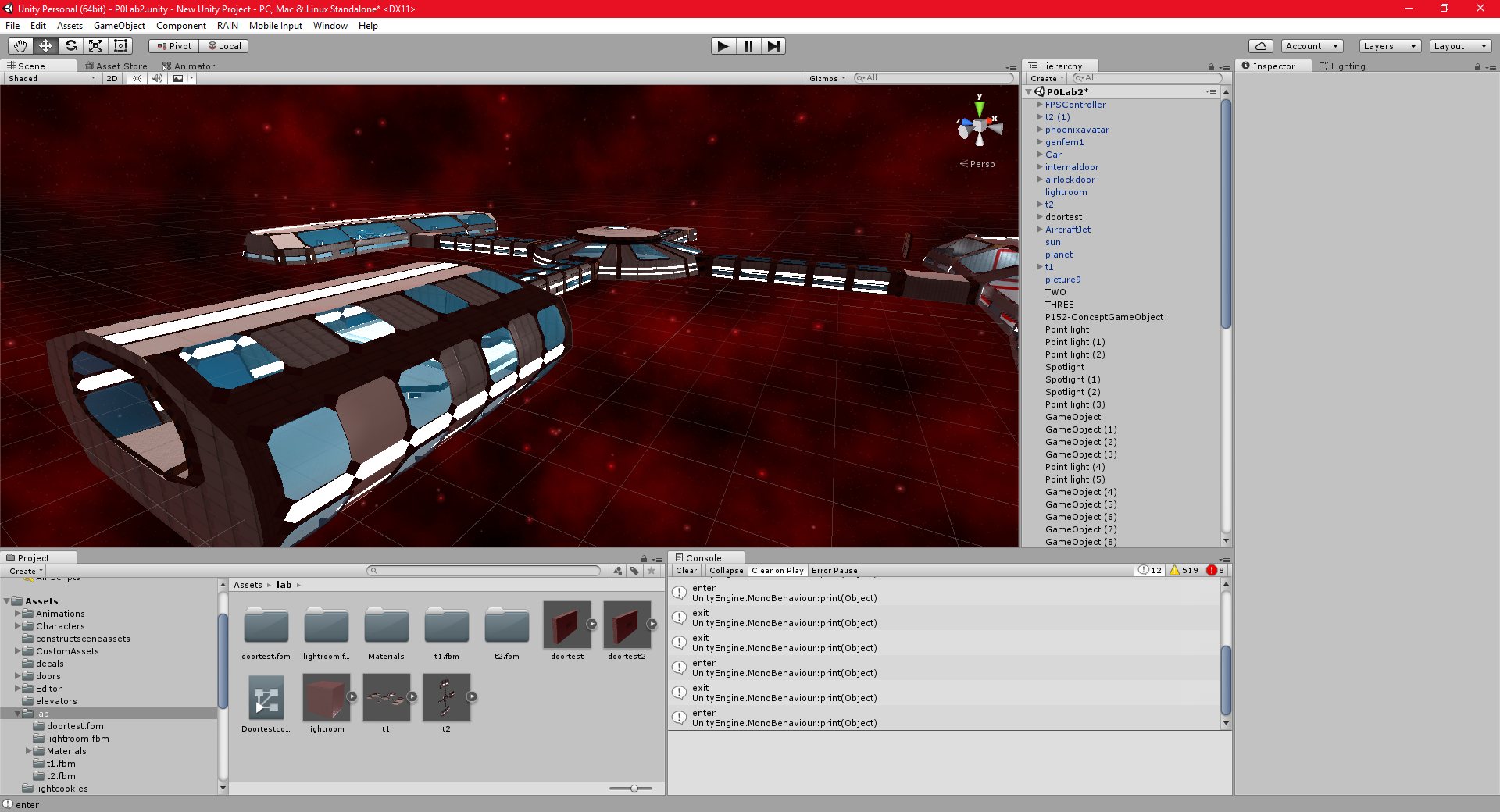
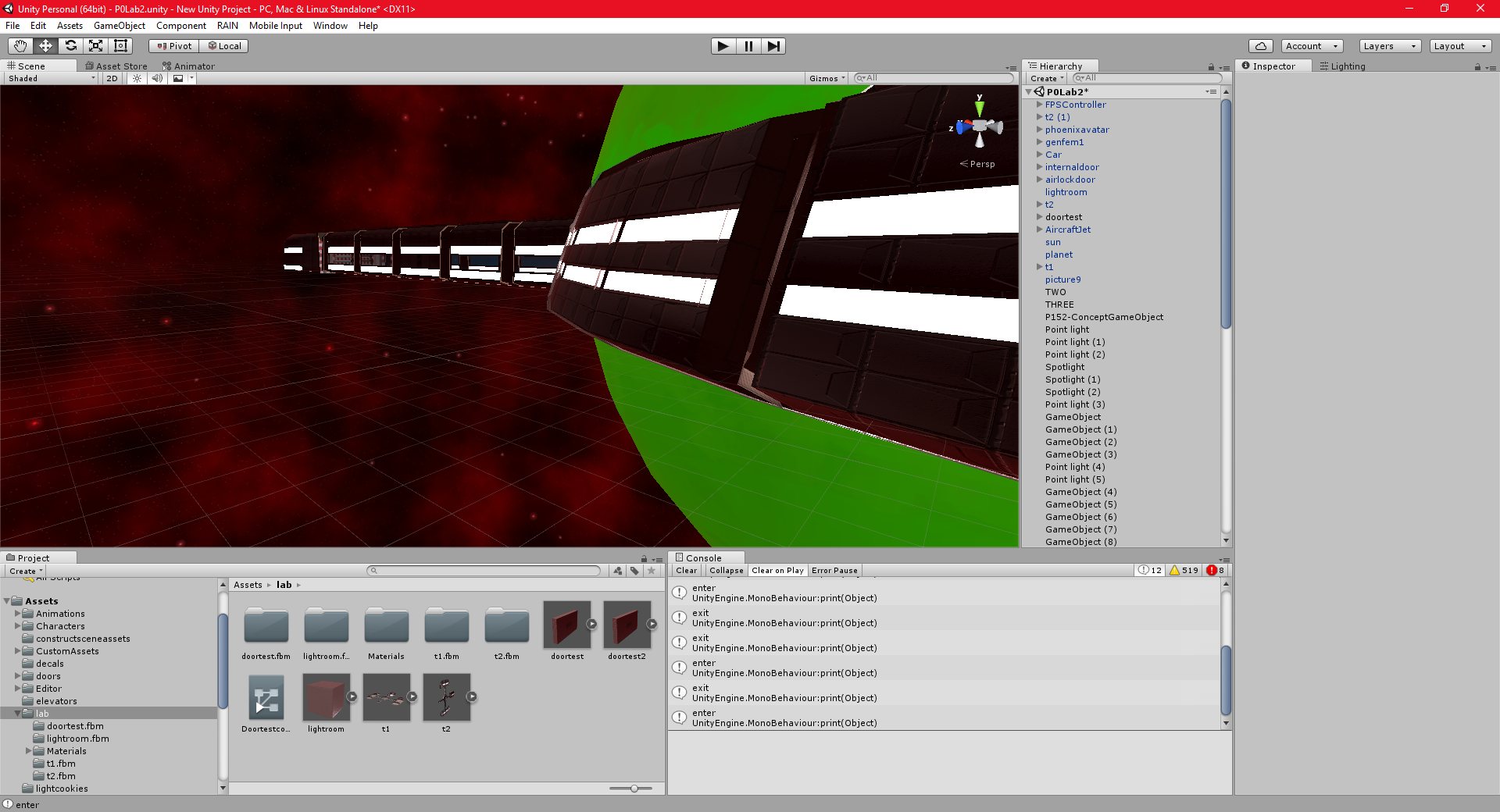
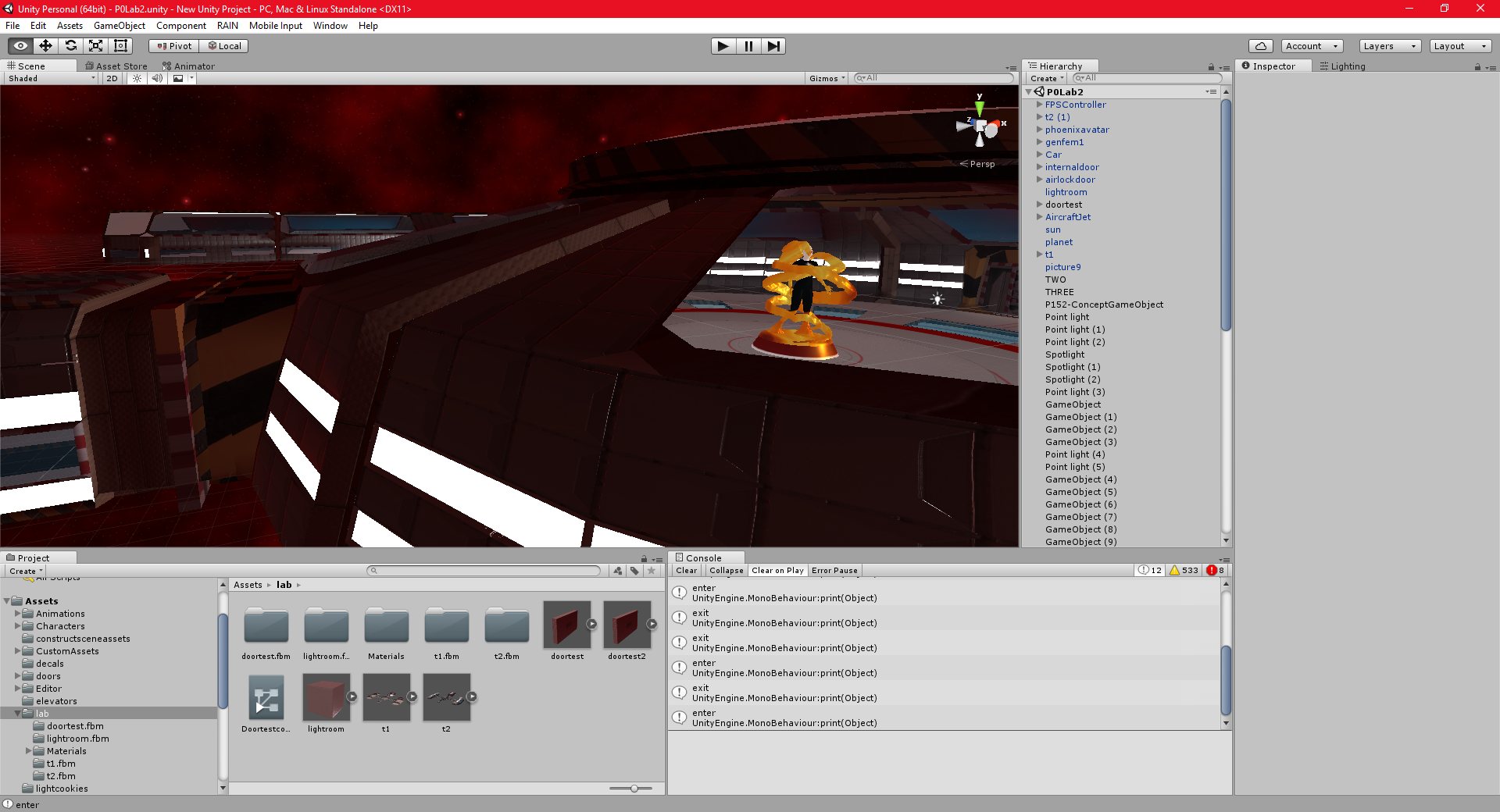
I have finished most of the interior of the space station structure for now. I intend to make ongoing changes to it, improving and correcting the textures, fixing minor problems with the models, etc, but I am reasonably satisfied with it.
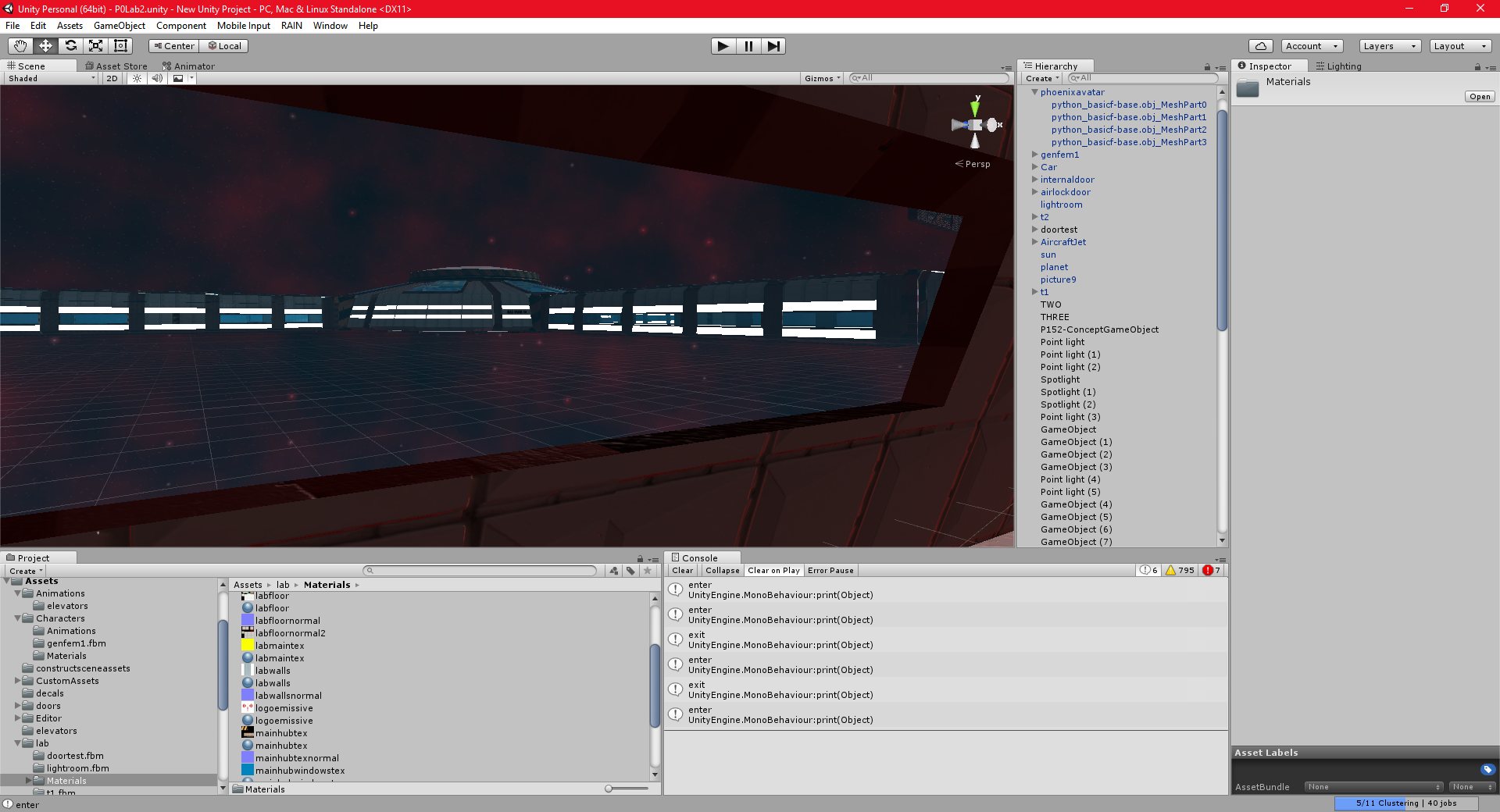
I have also created the beginning of the exterior of the structure by copying the interior and flipping the normals. I was somewhat skeptical as to whether or not this would work, but it seems to. The interior and exterior are both exported as separate pieces, and placed directly over each other. It does not seem to be possible to tell that they are separate pieces, which is what I was hoping.
I will still need to add the external details to the station, but it is coming along nicely, even if it it taking a lot time.
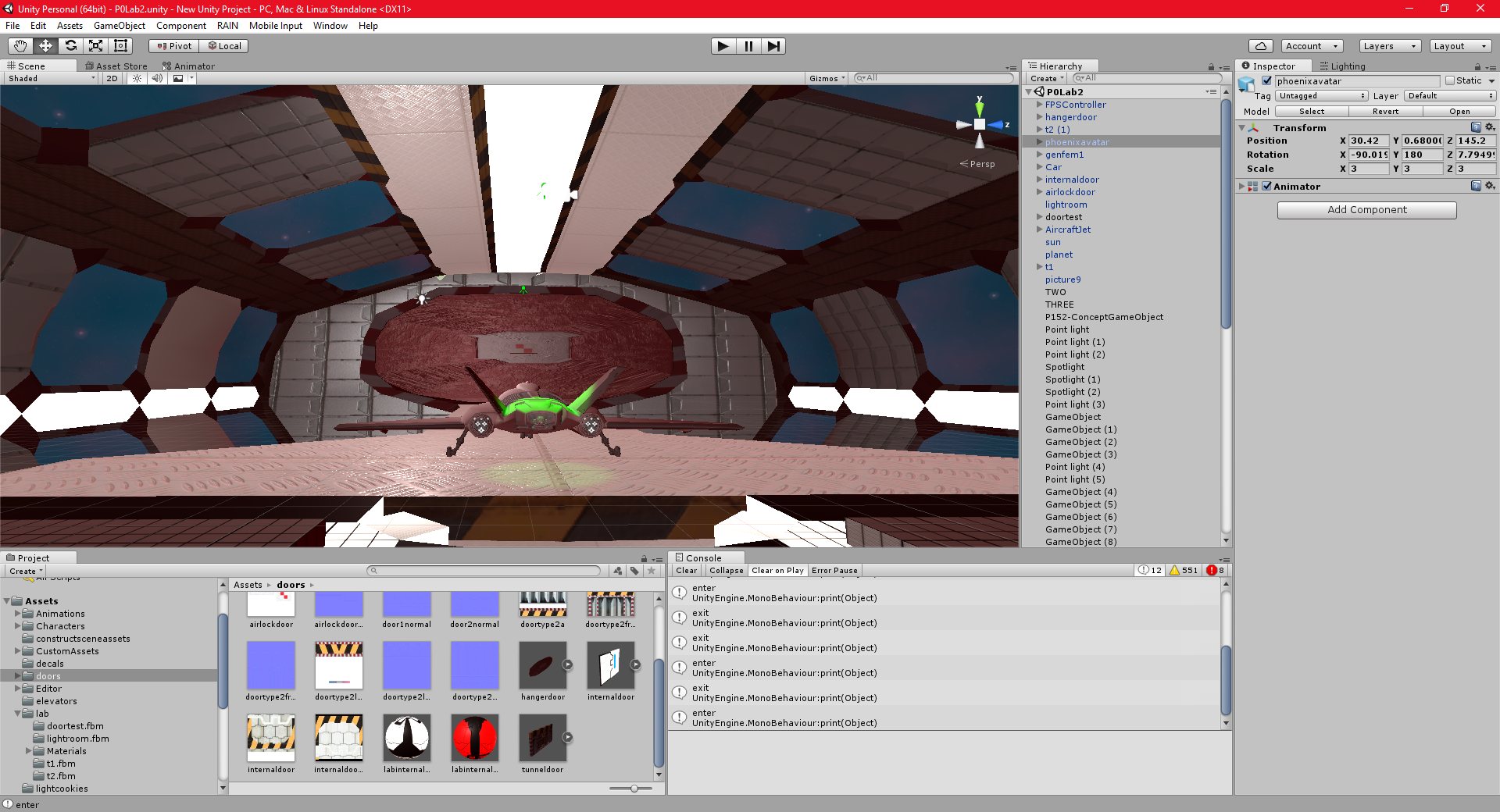
I have created a final door for the shuttle bay, which was the last room that I needed to finish. This works slightly differently, since it opens when the user presses a switch on the wall, instead of using a trigger that the player walks through. I needed to make some changes to my raycasting function to improve is accuracy in order to be able to select small objects like this.
Unity 23/10/2016 , 02:14:41 AM Unity Personal (64bit) – P0Lab2.unity – New Unity Project – PC, Mac & Linux Standalone*Unity 23/10/2016 , 02:14:48 AM Unity Personal (64bit) – P0Lab2.unity – New Unity Project – PC, Mac & Linux Standalone*Unity 20/10/2016 , 01:45:45 AM Unity Personal (64bit) – P0Lab2.unity – New Unity Project – PC, Mac & Linux StandaloneUnity 20/10/2016 , 01:46:02 AM Unity Personal (64bit) – P0Lab2.unity – New Unity Project – PC, Mac & Linux StandaloneUnity 20/10/2016 , 01:46:27 AM Unity Personal (64bit) – P0Lab2.unity – New Unity Project – PC, Mac & Linux StandaloneUnity 20/10/2016 , 01:47:17 AM Unity Personal (64bit) – P0Lab2.unity – New Unity Project – PC, Mac & Linux StandaloneUnity 20/10/2016 , 11:12:52 PM Unity Personal (64bit) – P0Lab2.unity – New Unity Project – PC, Mac & Linux StandaloneUnity 20/10/2016 , 11:13:17 PM Unity Personal (64bit) – P0Lab2.unity – New Unity Project – PC, Mac & Linux StandaloneUnity 20/10/2016 , 11:13:28 PM Unity Personal (64bit) – P0Lab2.unity – New Unity Project – PC, Mac & Linux StandaloneUnity 21/10/2016 , 12:11:35 AM Unity Personal (64bit) – P0Lab2.unity – New Unity Project – PC, Mac & Linux Standalone*Unity 21/10/2016 , 12:11:50 AM Unity Personal (64bit) – P0Lab2.unity – New Unity Project – PC, Mac & Linux Standalone*Unity 21/10/2016 , 12:44:49 AM Unity Personal (64bit) – P0Lab2.unity – New Unity Project – PC, Mac & Linux StandaloneUnity 21/10/2016 , 01:17:43 AM Unity Personal (64bit) – P0Lab2.unity – New Unity Project – PC, Mac & Linux StandaloneUnity 21/10/2016 , 02:56:41 AM Unity Personal (64bit) – P0Lab2.unity – New Unity Project – PC, Mac & Linux Standalone