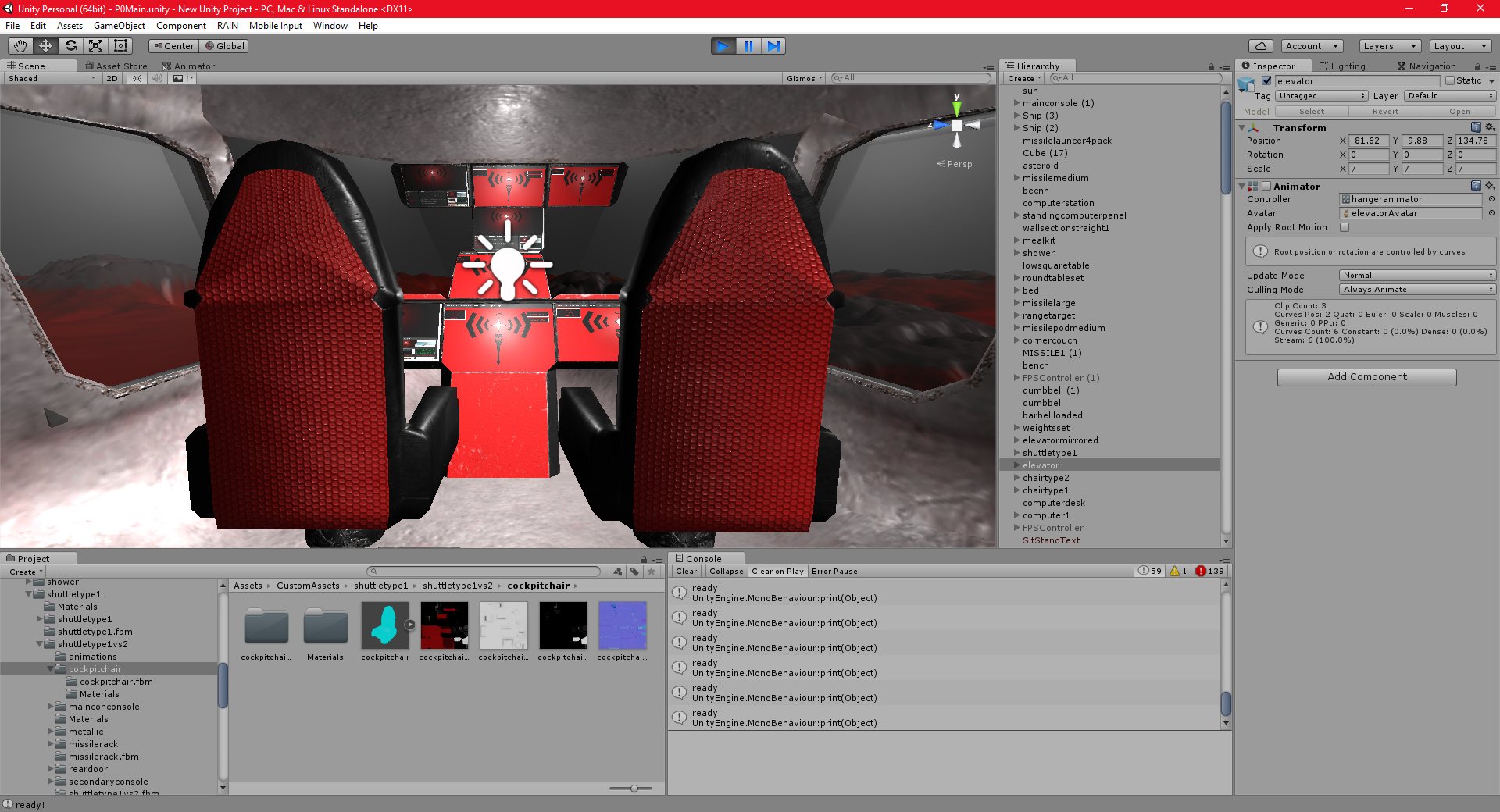
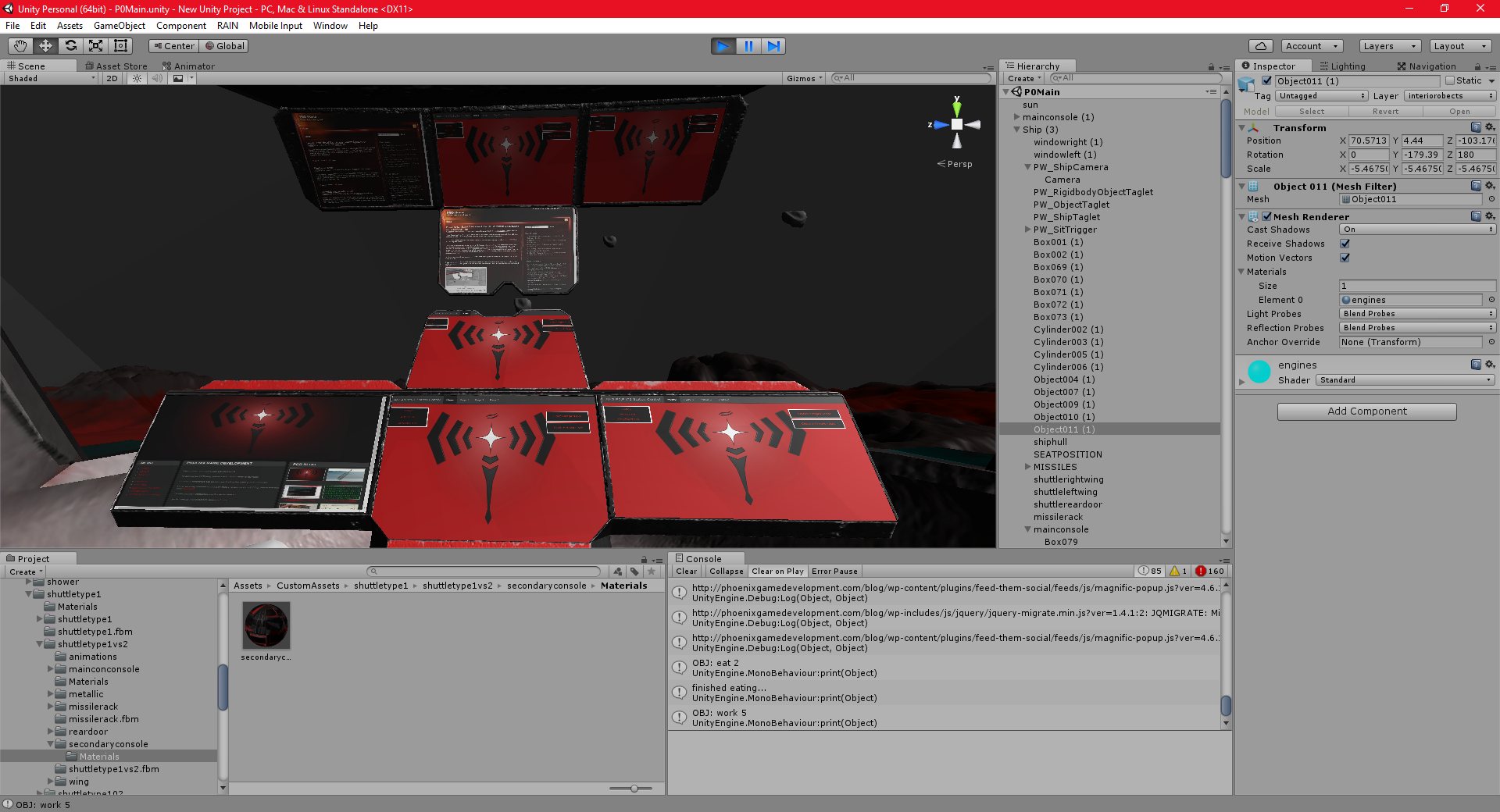
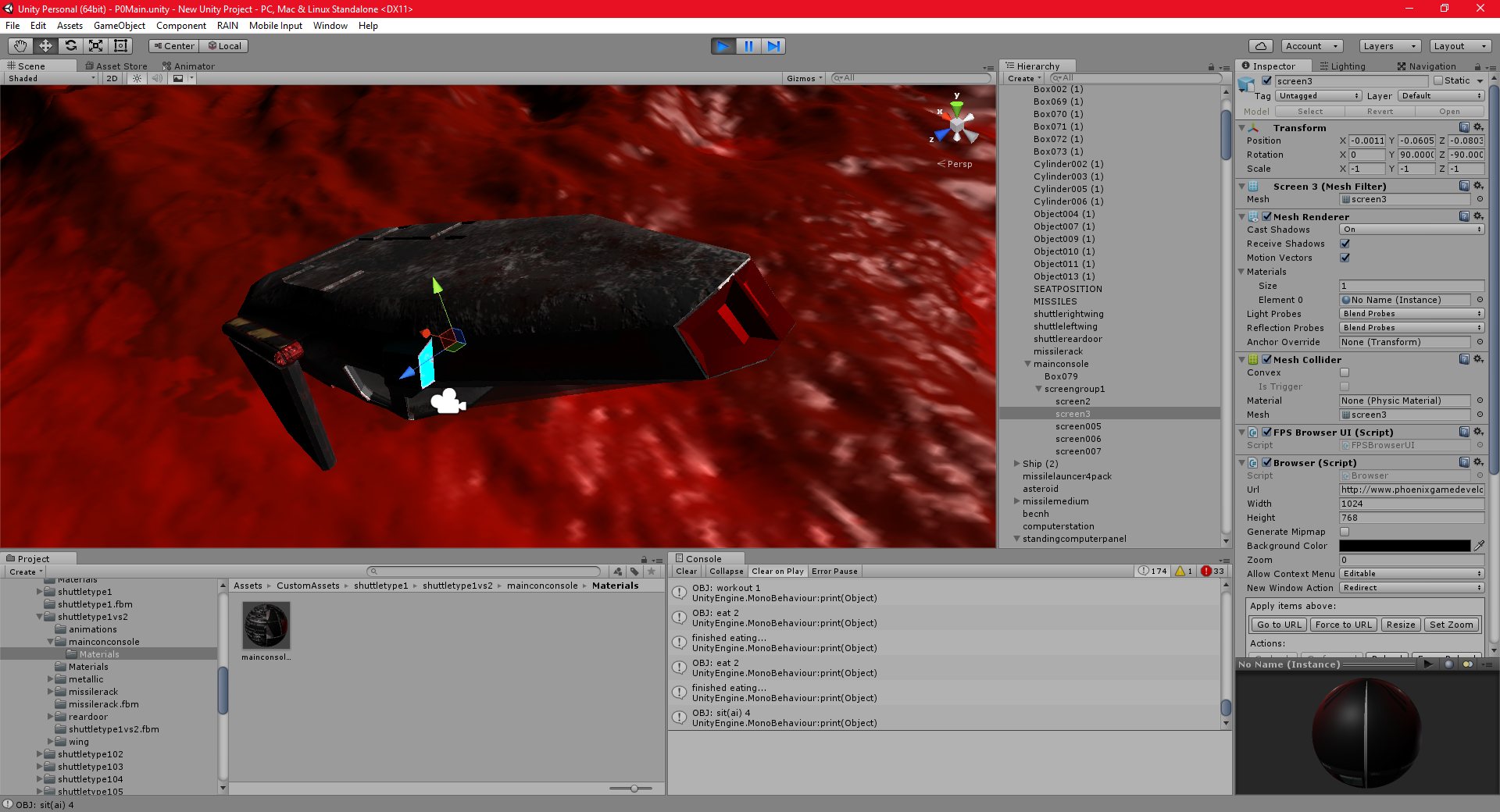
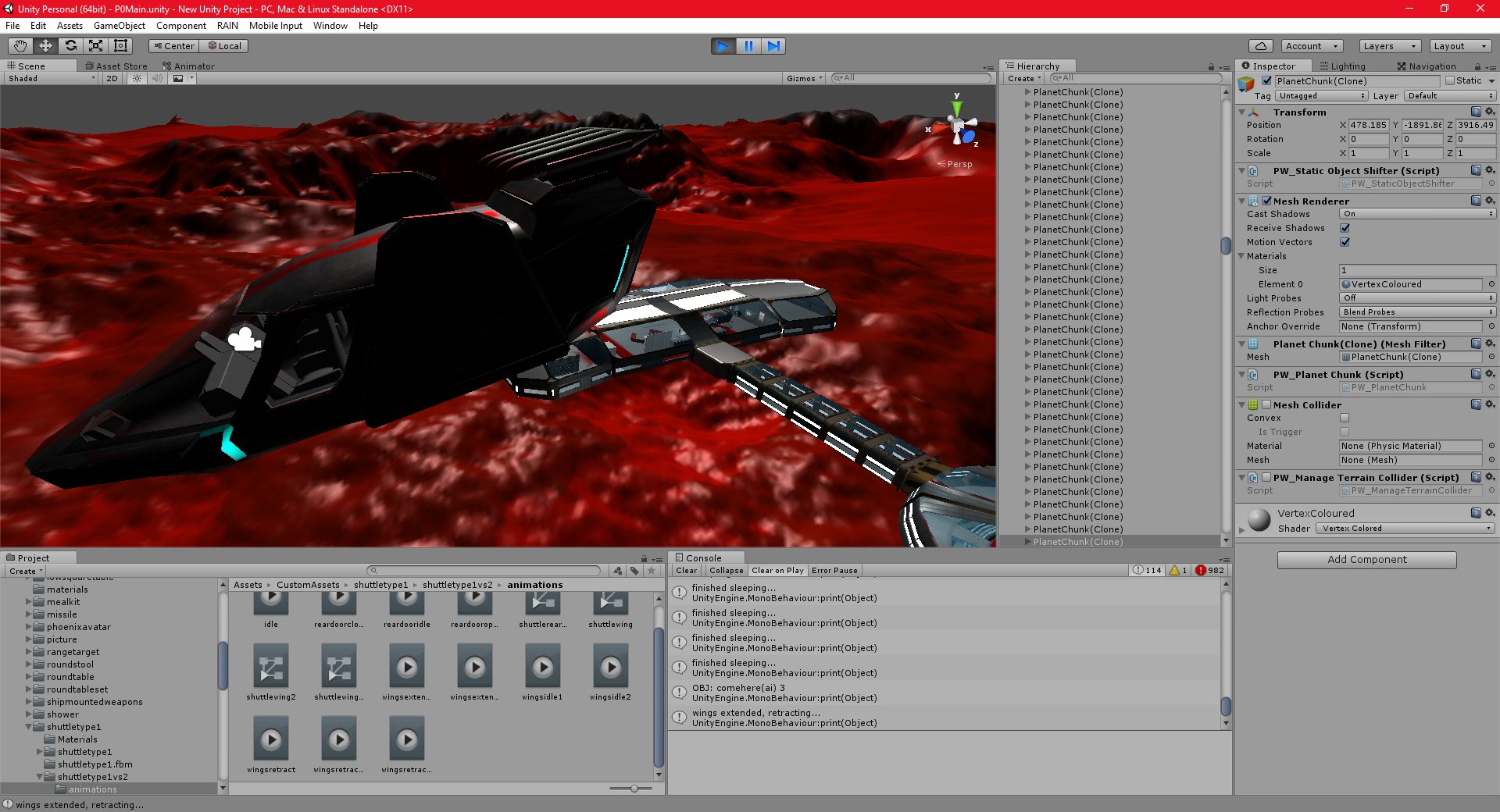
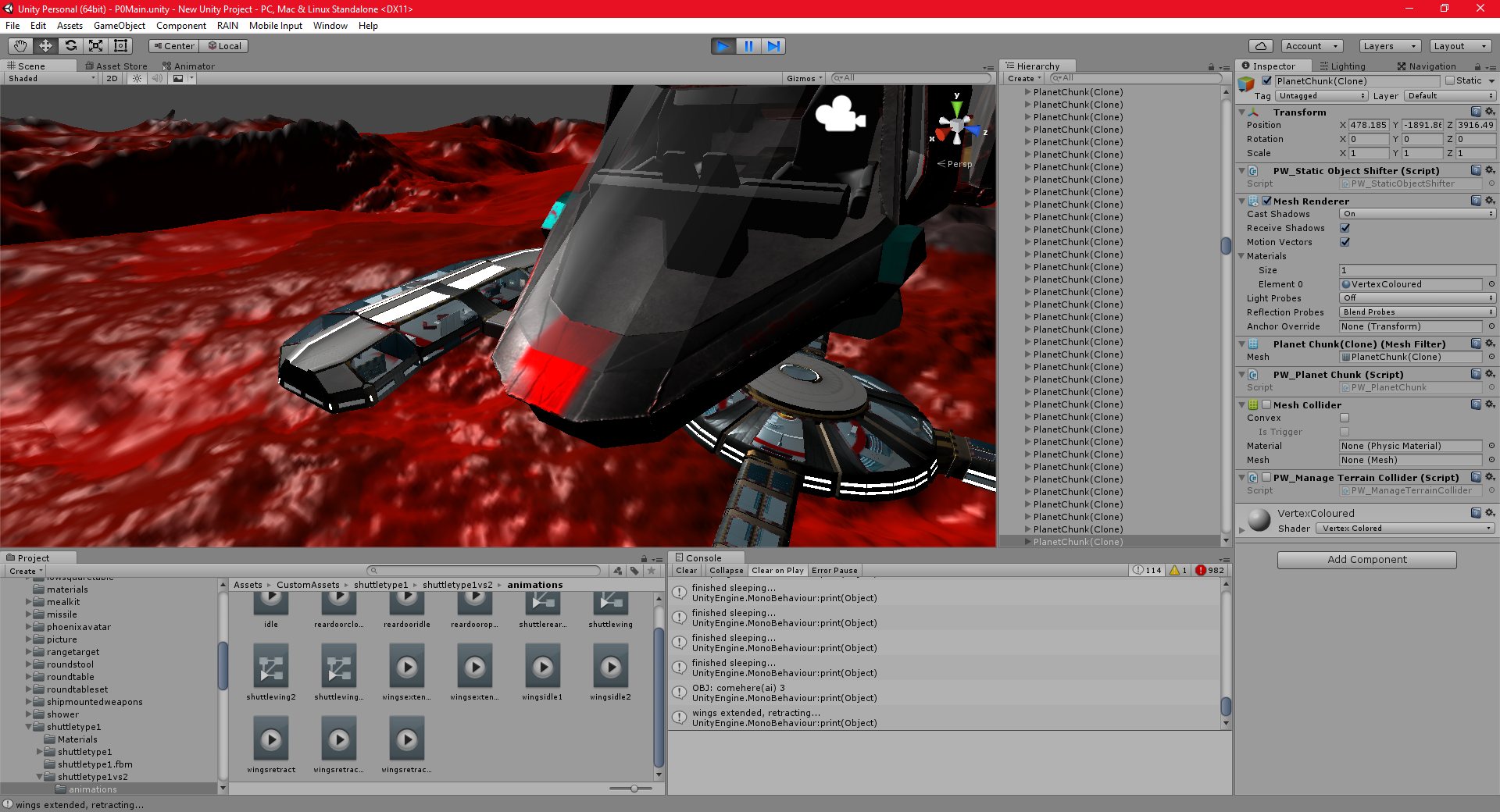
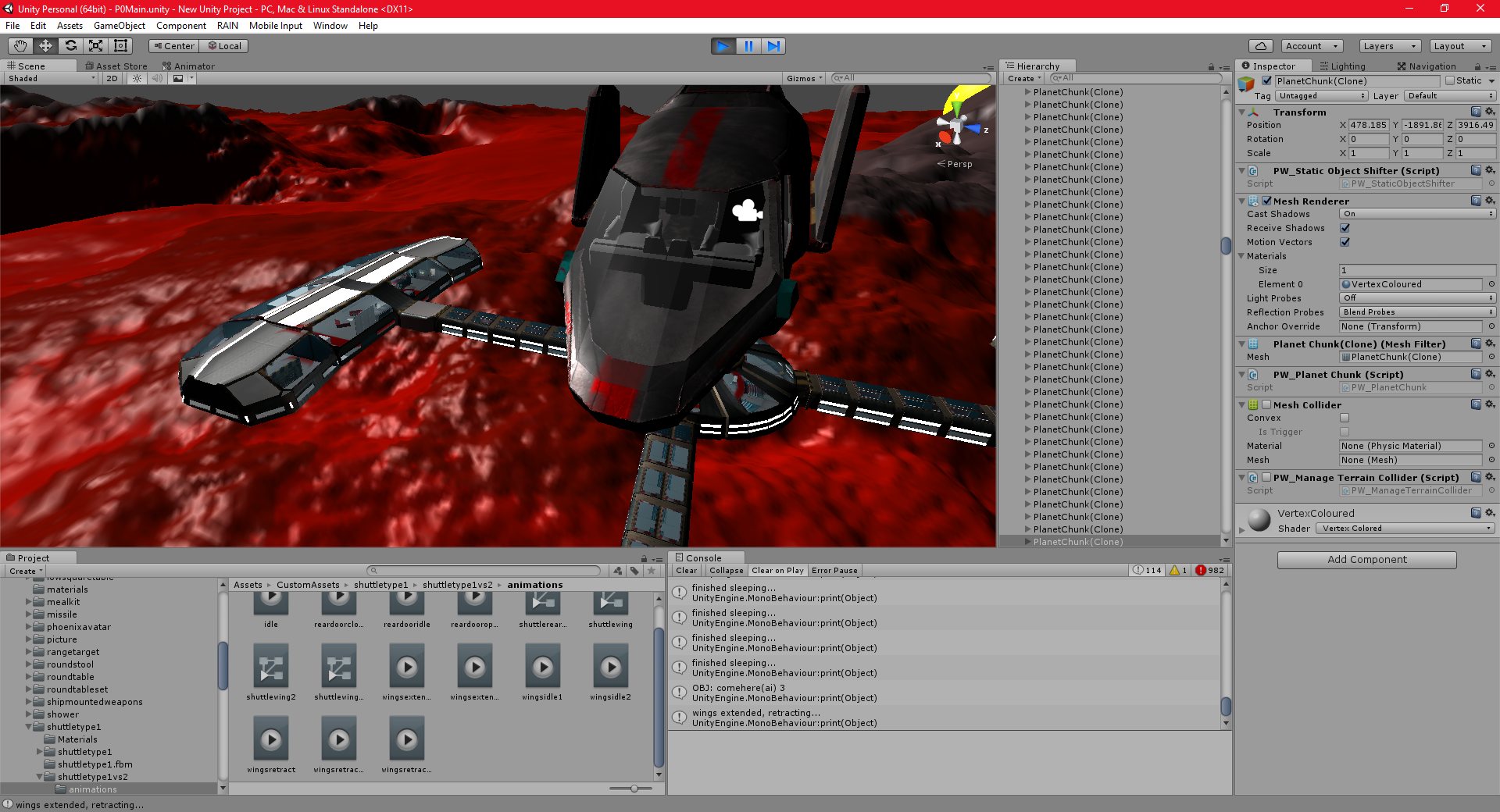
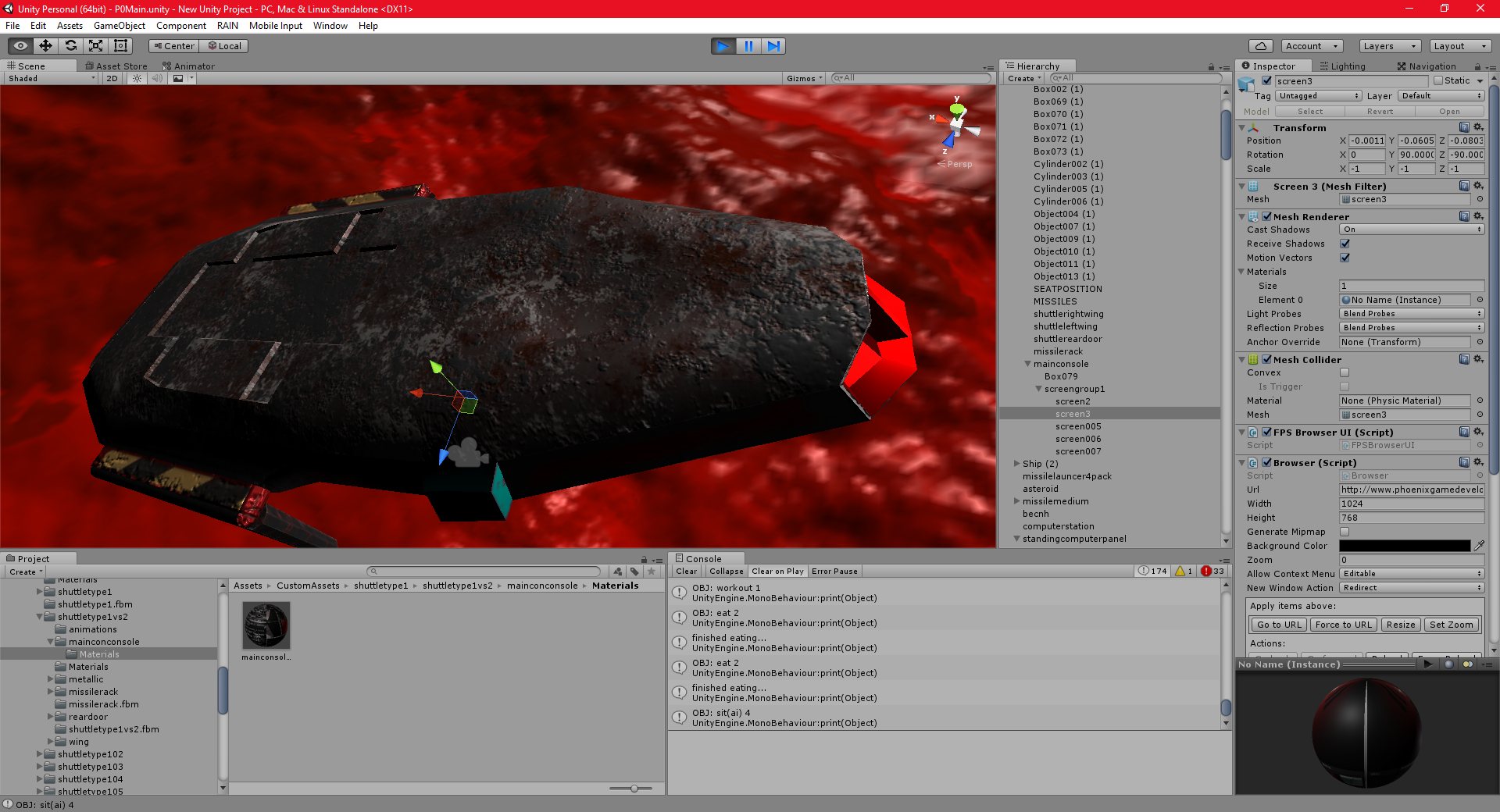
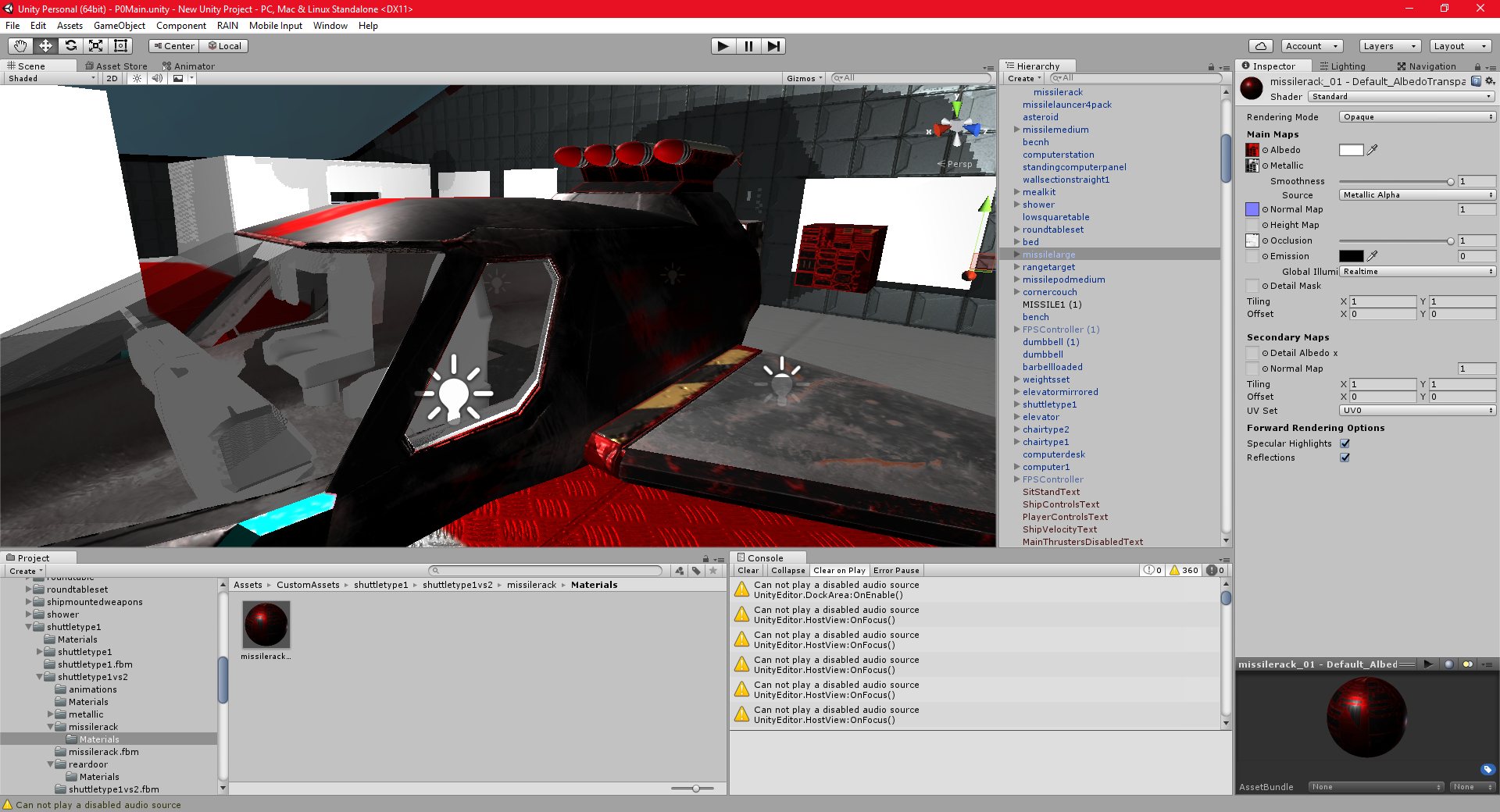
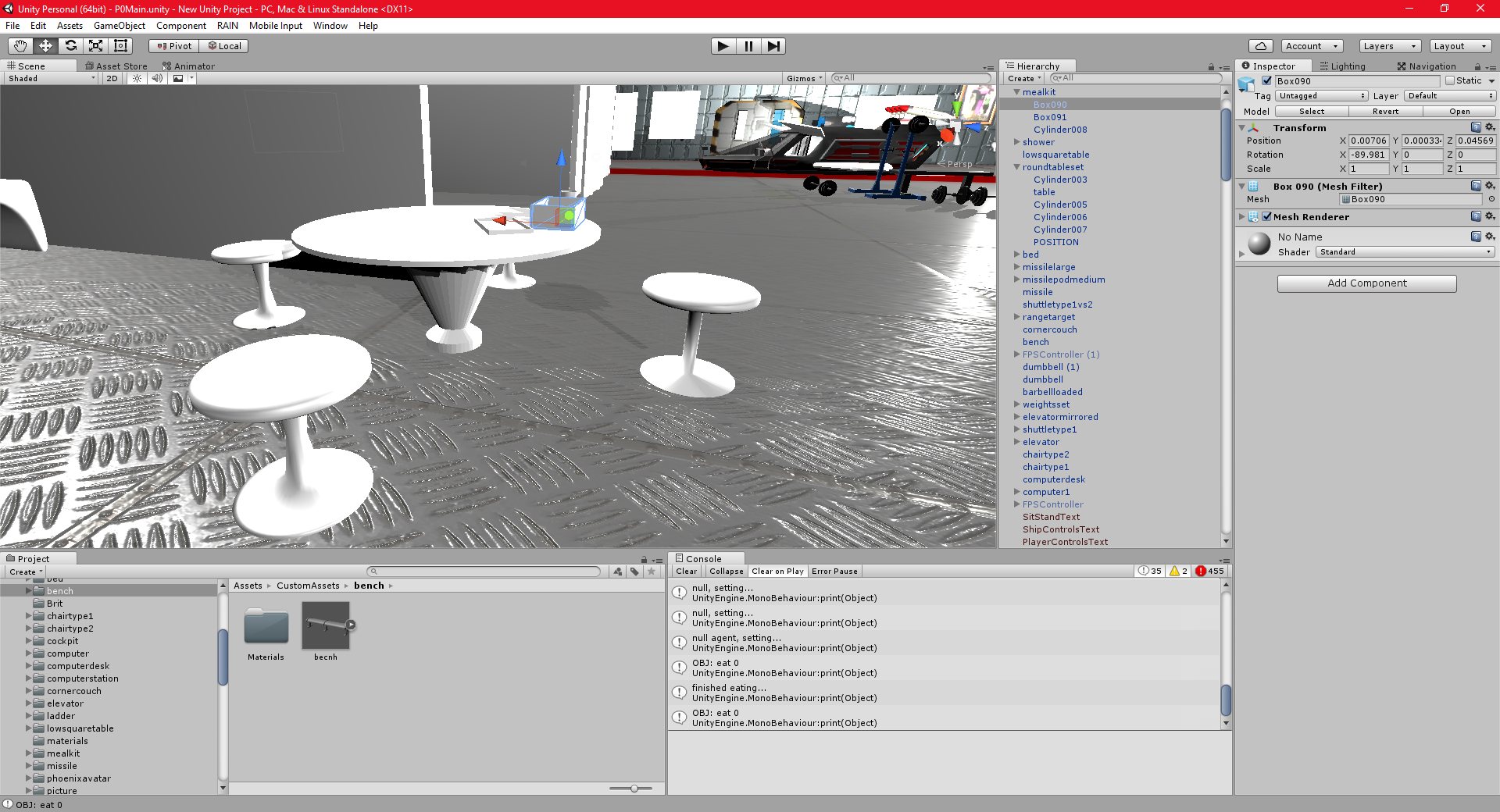
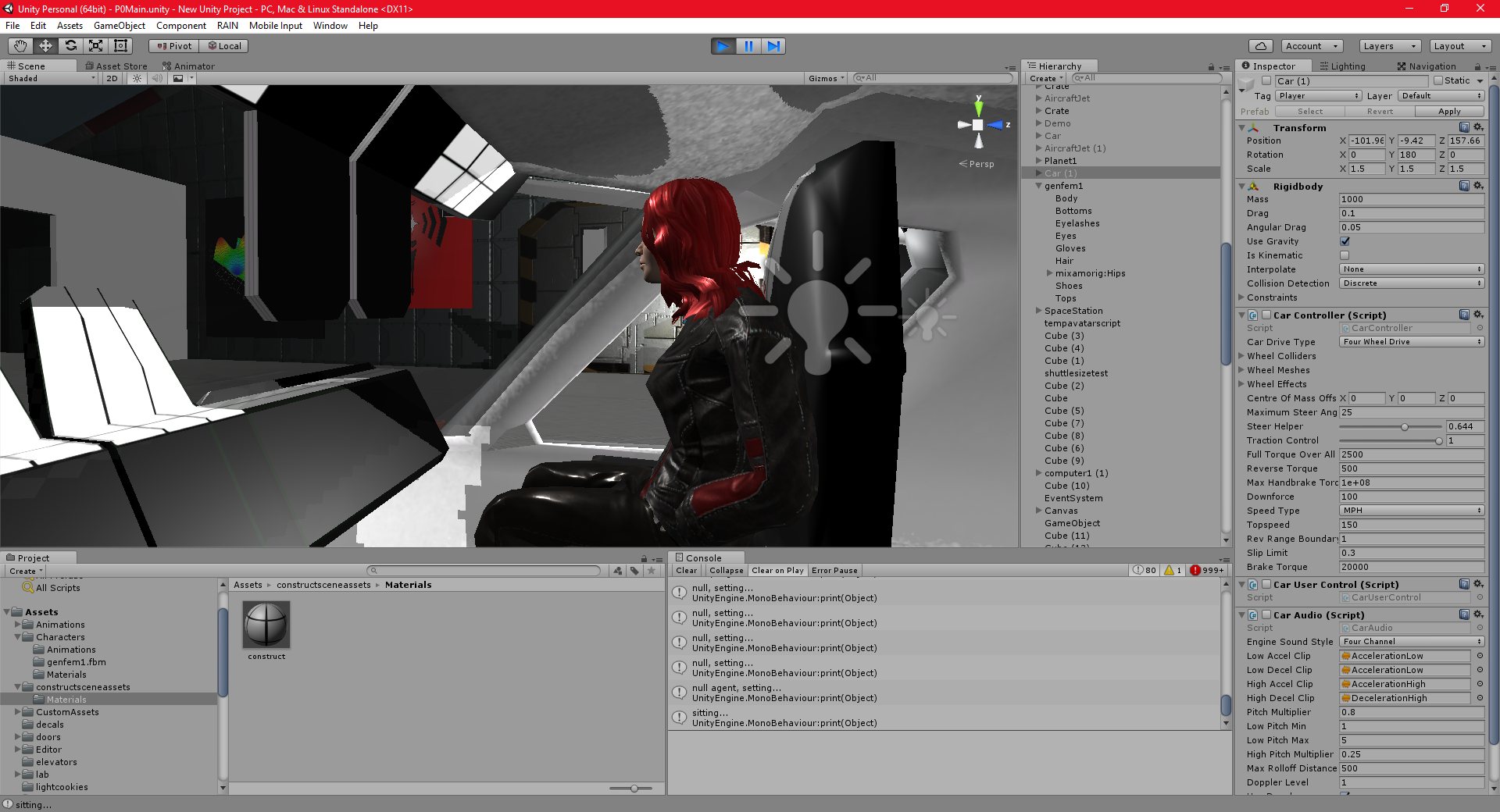
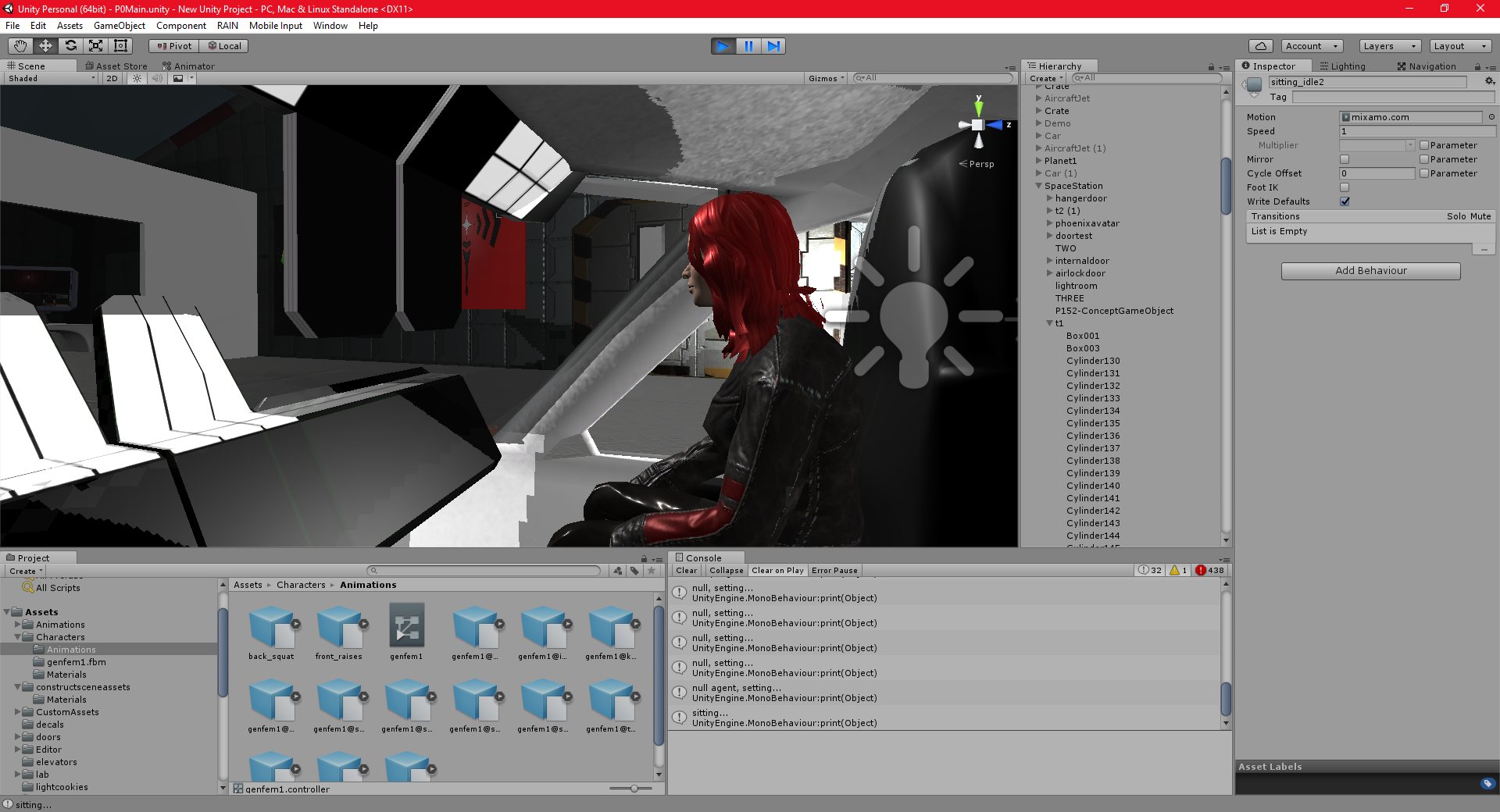
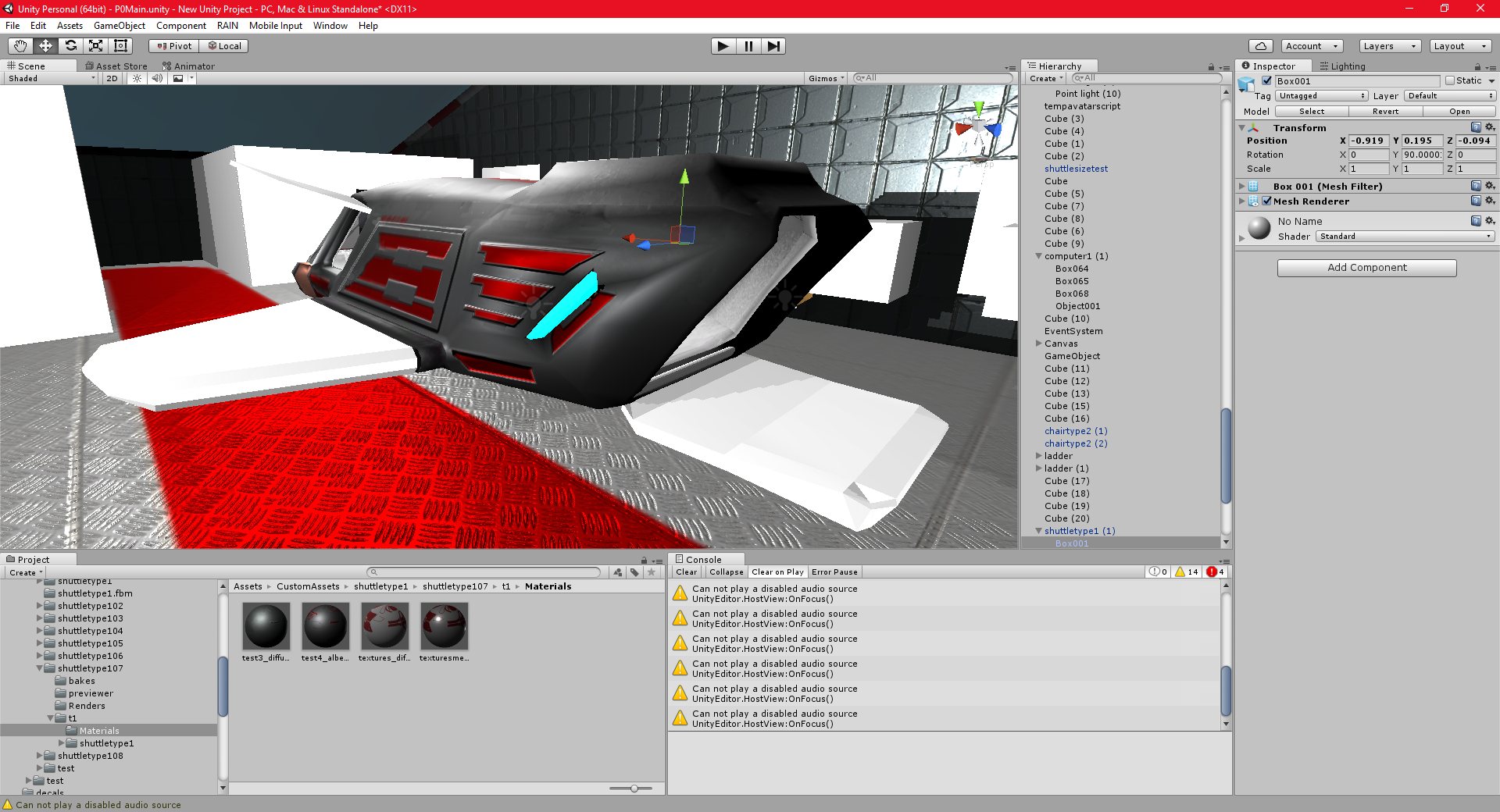
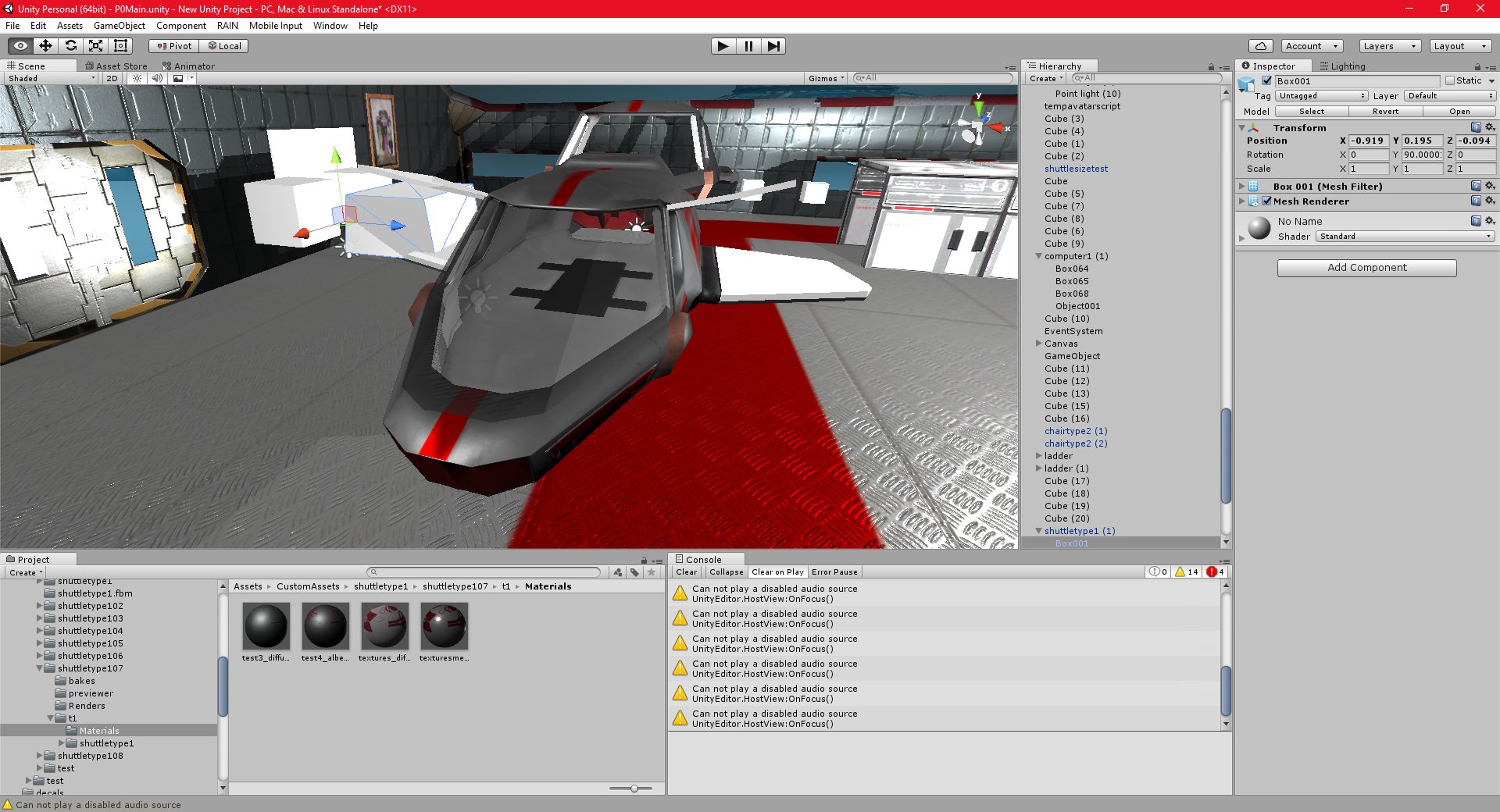
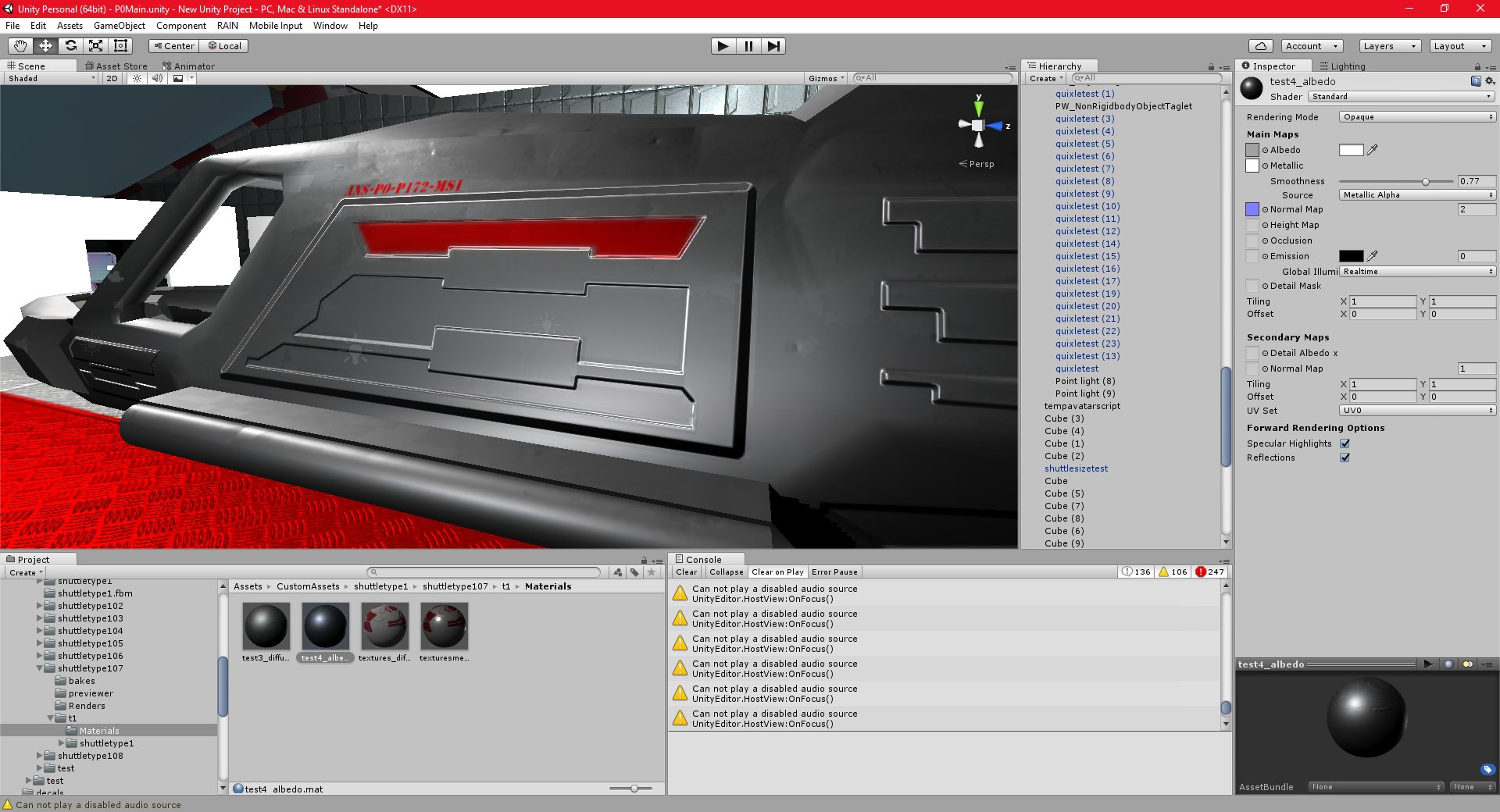
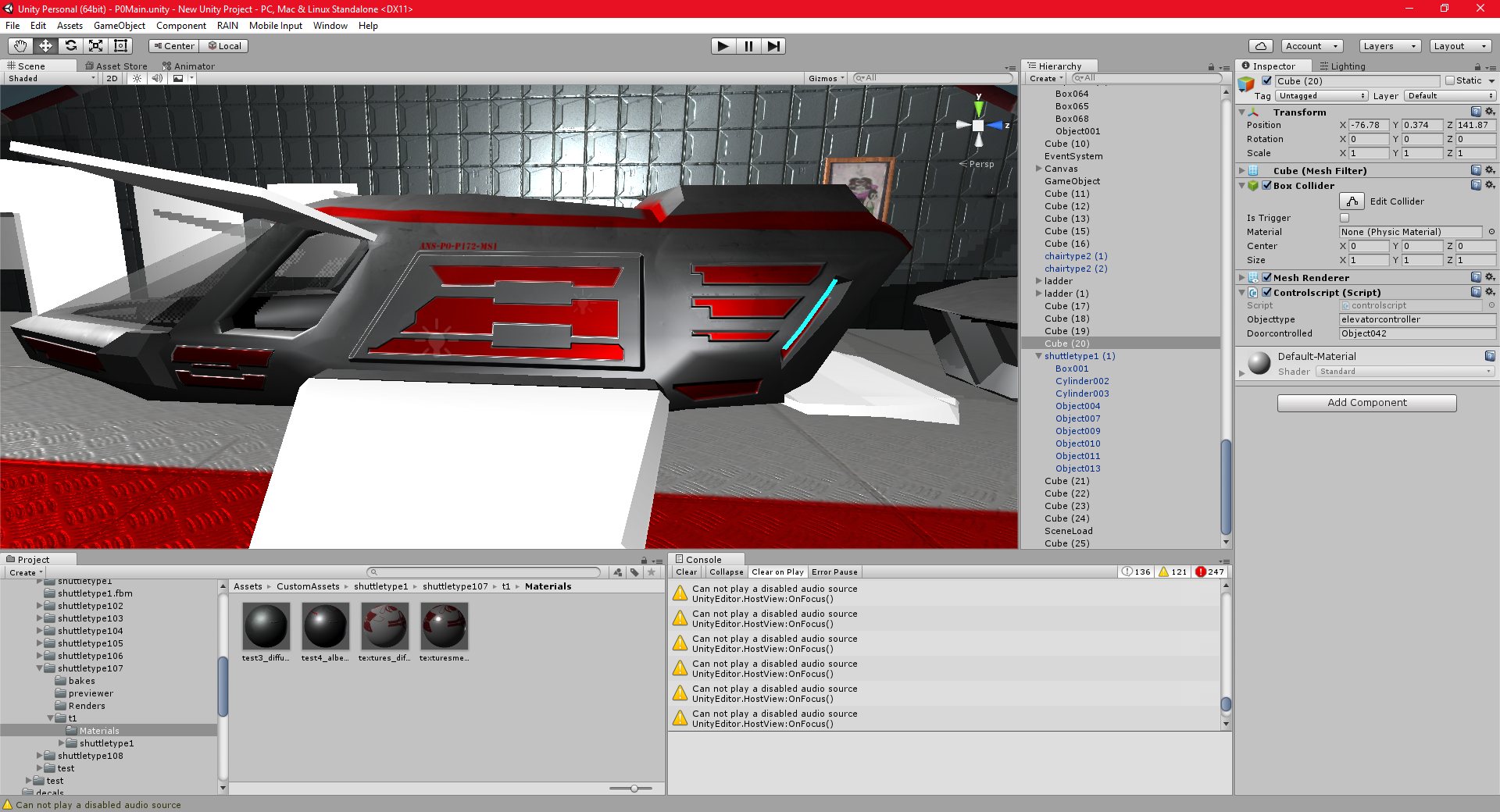
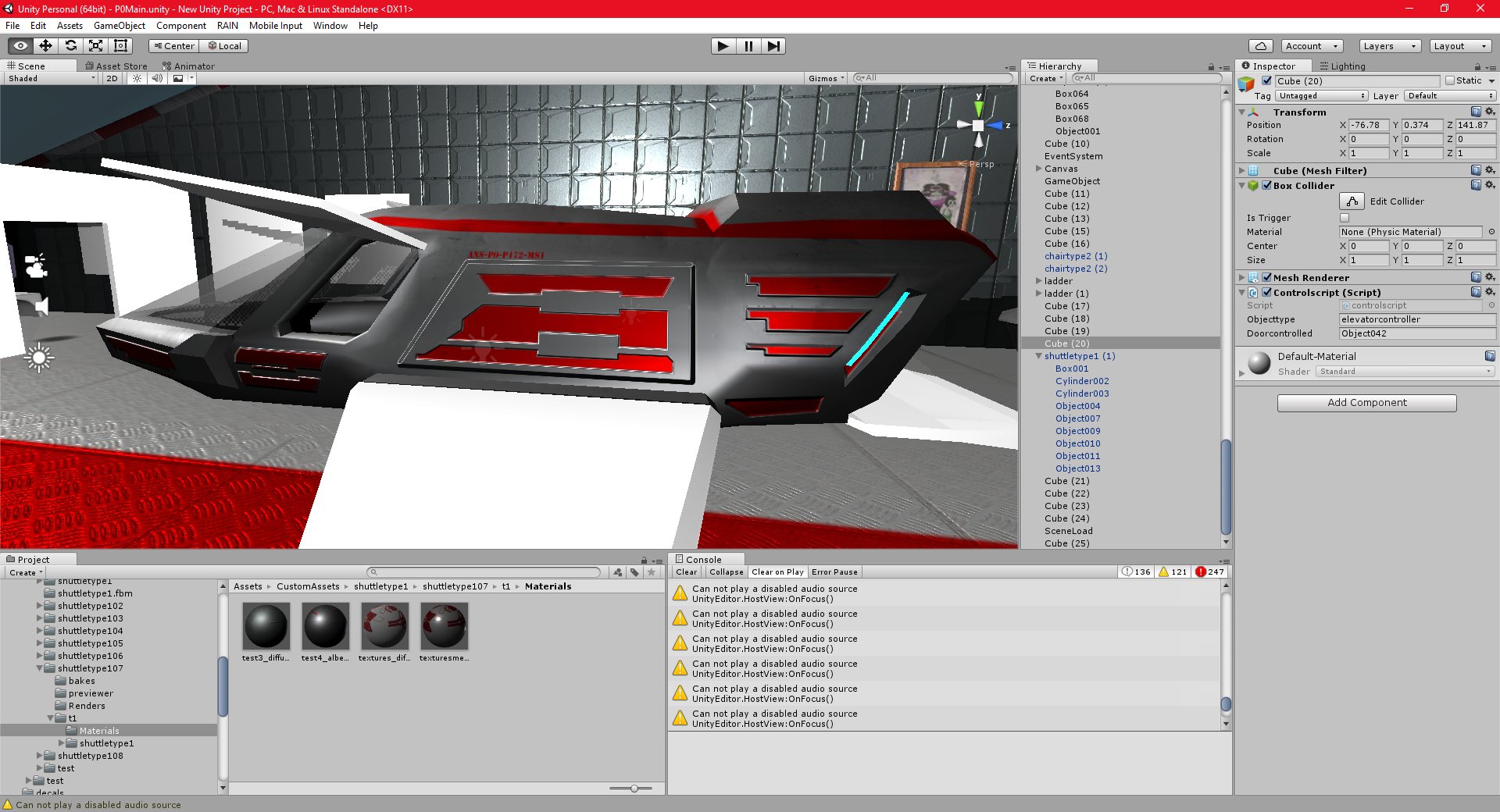
The next step is to add the html-based dialogs to the interior of the shuttle, and then wire them up to code, so that I can actually use them.
This turned out to be harder than I thought. I had a lot of problems getting the guis to work properly when they were children of another object (IE, the ship). I had a lot of collision issues and problems getting the mouse pointer to display properly.
I also had some problems configuring the UV’s for use with web gui’s, but I seem to have solved all of these problems now. I now need to create the gui’s themselves.
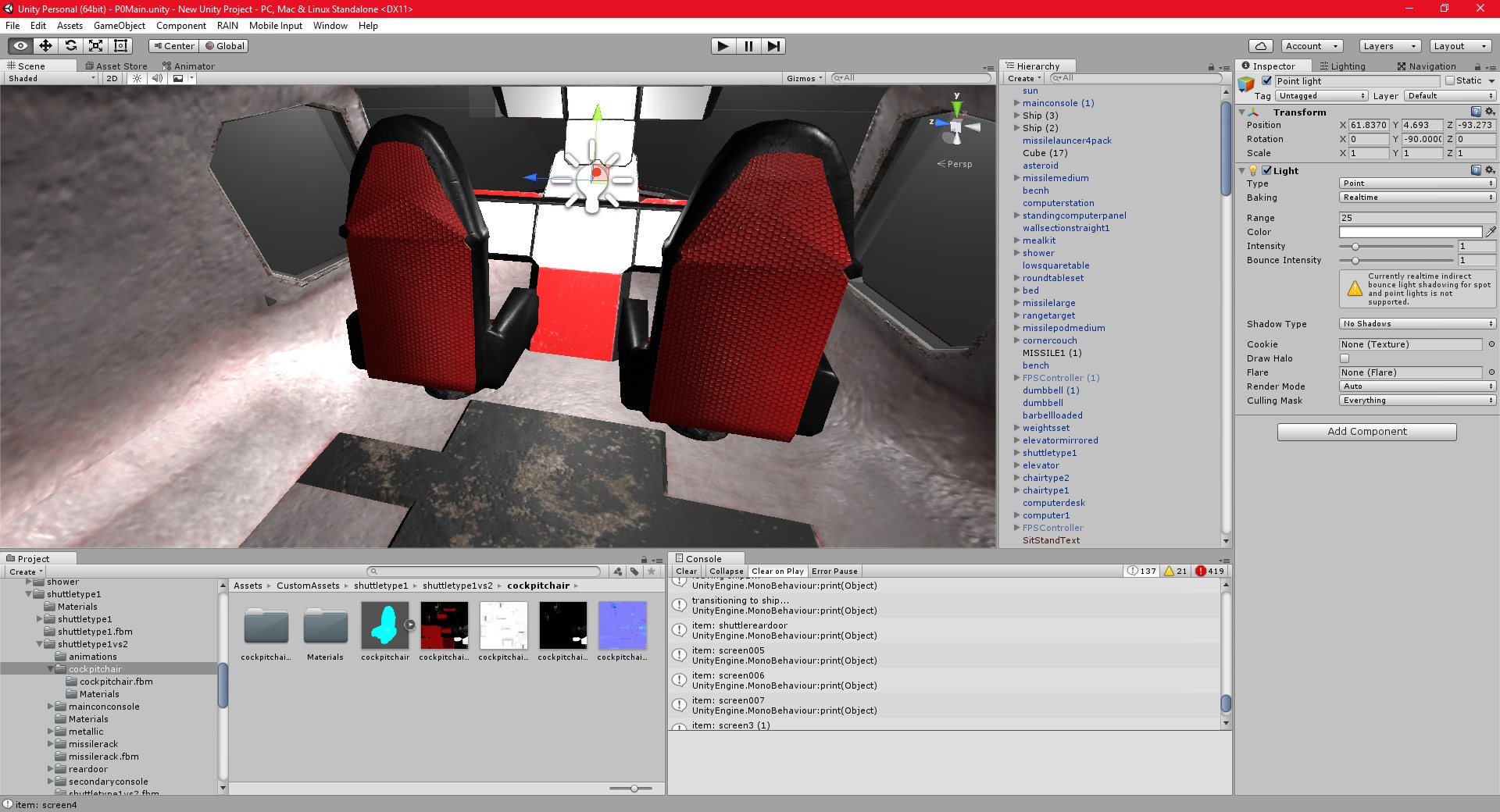
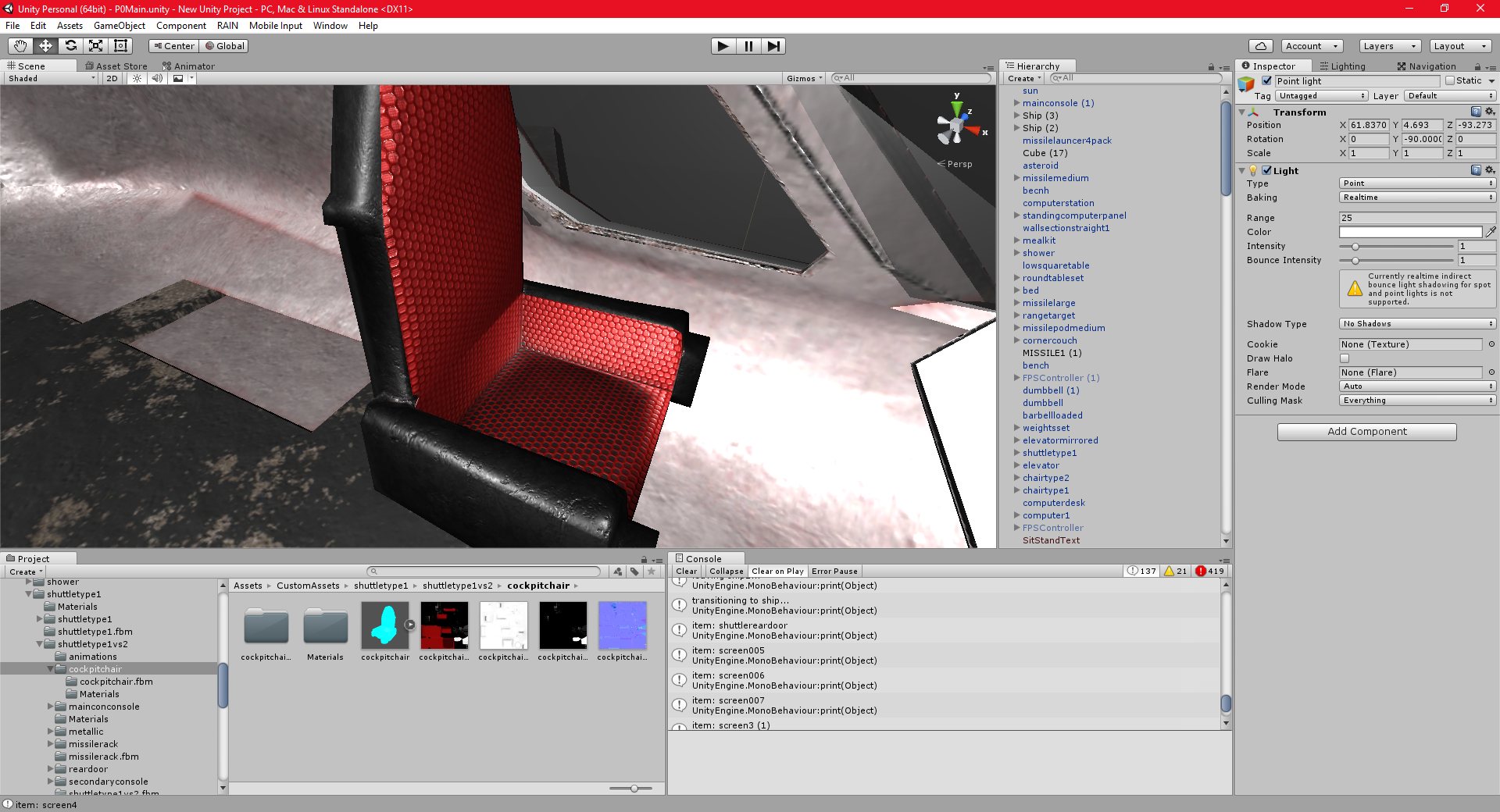
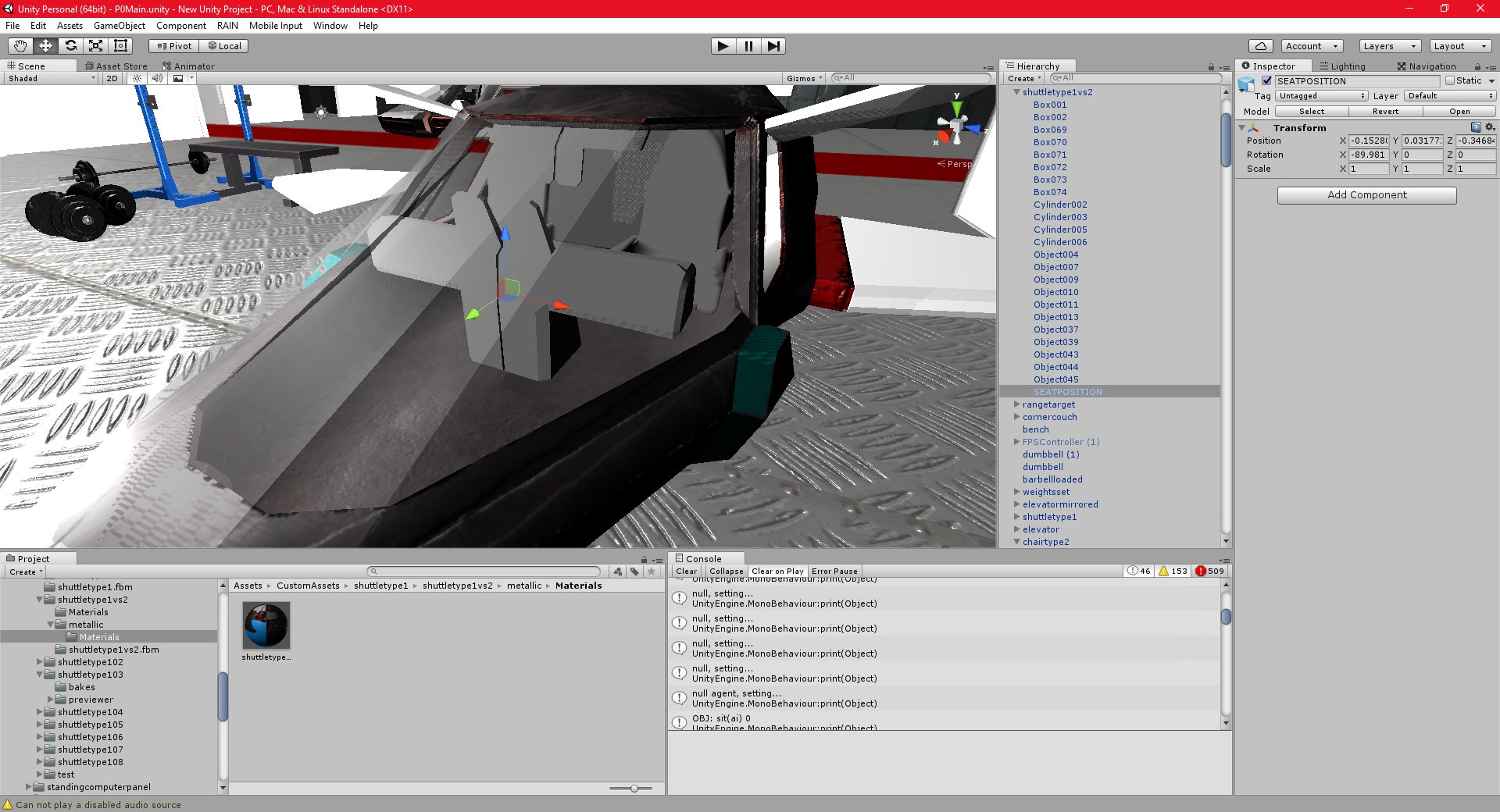
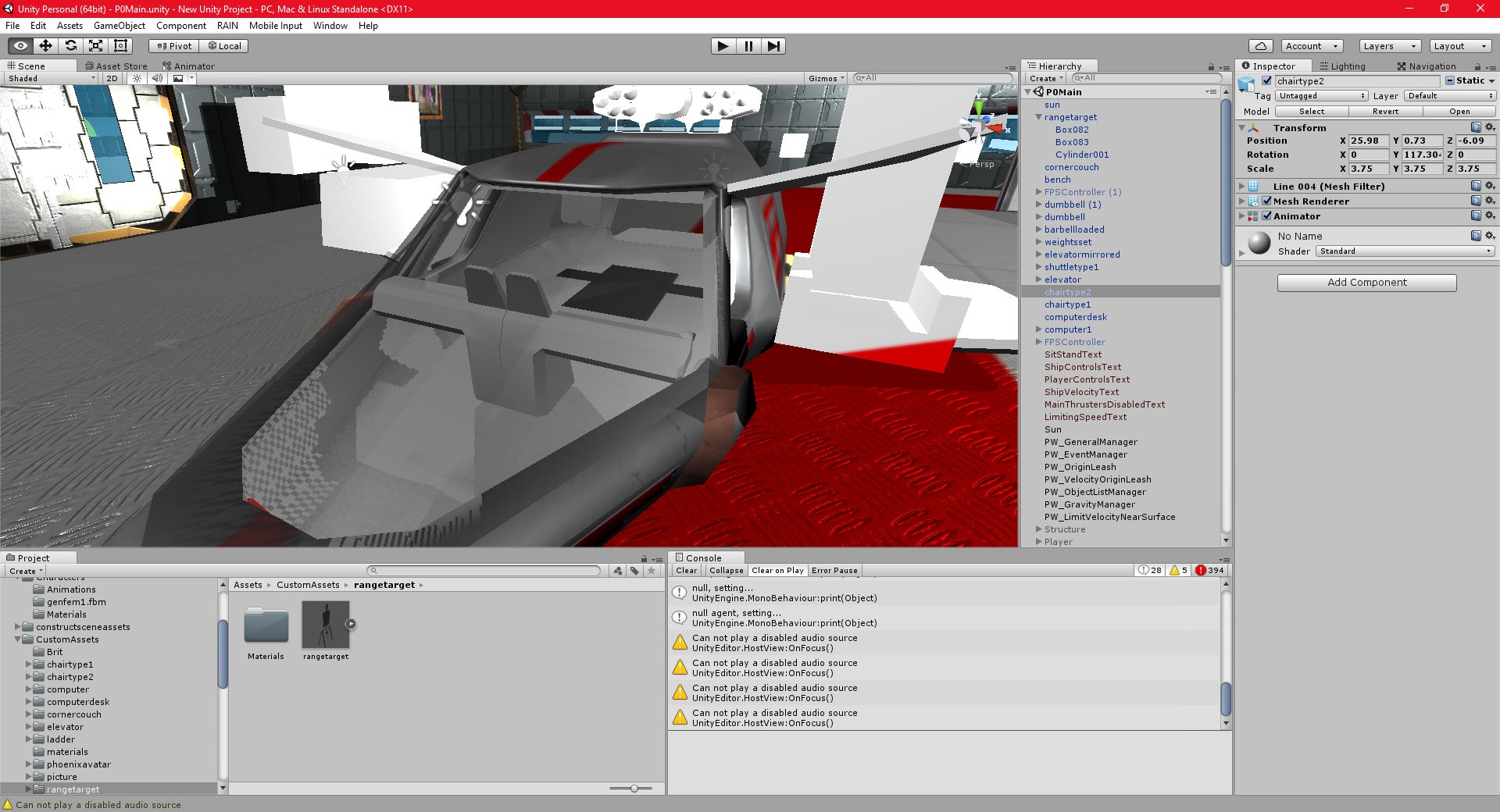
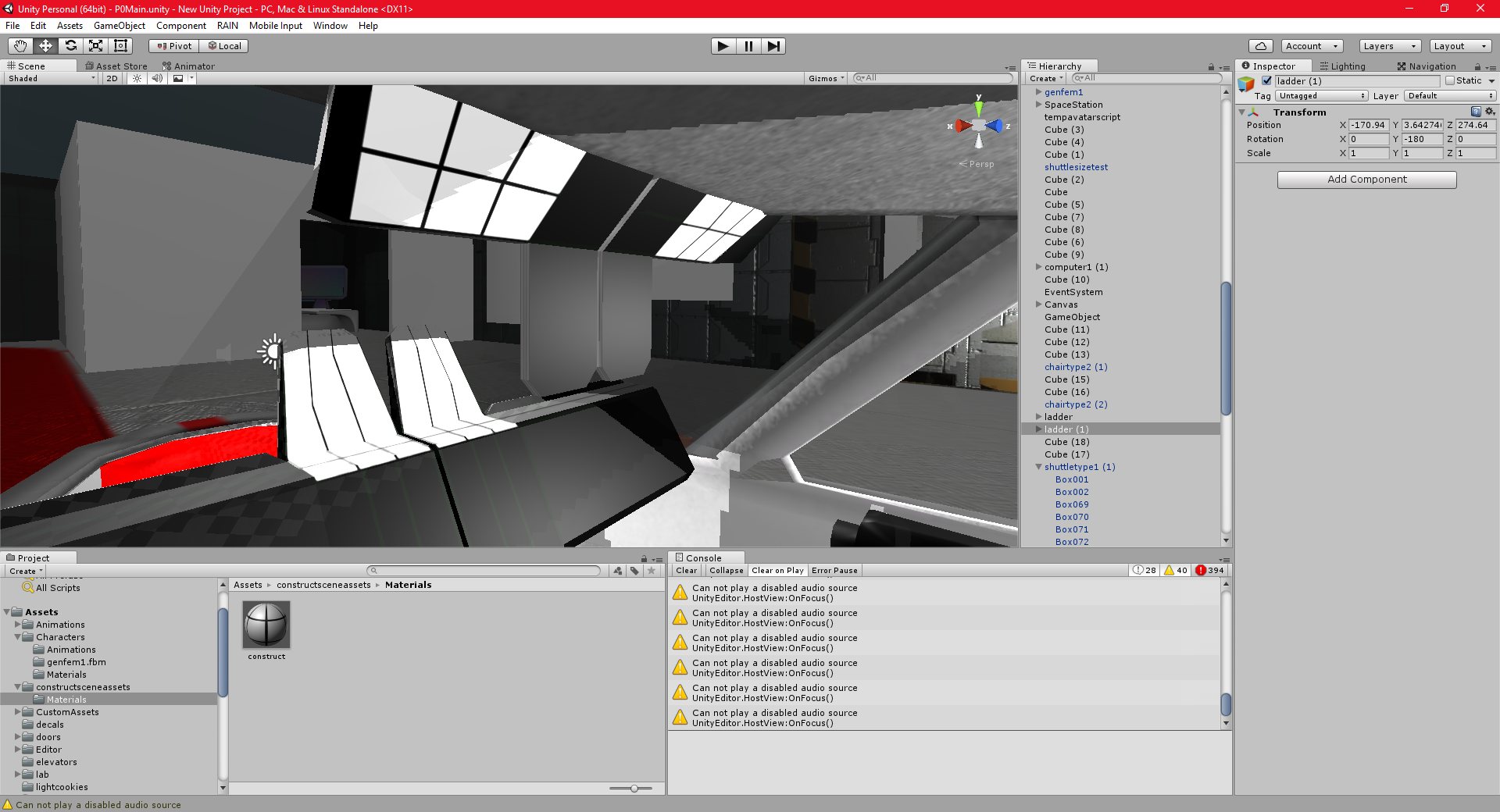
The cockpit chairs have recently been textured as well, and they came out reasonably well, for the time I had to spend on them.
Unity 19/11/2016 , 12:12:36 AM Unity Personal (64bit) – P0Main.unity – New Unity Project – PC, Mac & Linux StandaloneUnity 19/11/2016 , 12:12:43 AM Unity Personal (64bit) – P0Main.unity – New Unity Project – PC, Mac & Linux StandaloneUnity 19/11/2016 , 12:12:11 AM Unity Personal (64bit) – P0Main.unity – New Unity Project – PC, Mac & Linux StandaloneUnity 19/11/2016 , 12:12:02 AM Unity Personal (64bit) – P0Main.unity – New Unity Project – PC, Mac & Linux StandaloneUnity 18/11/2016 , 07:12:36 PM Unity Personal (64bit) – P0Main.unity – New Unity Project – PC, Mac & Linux Standalone
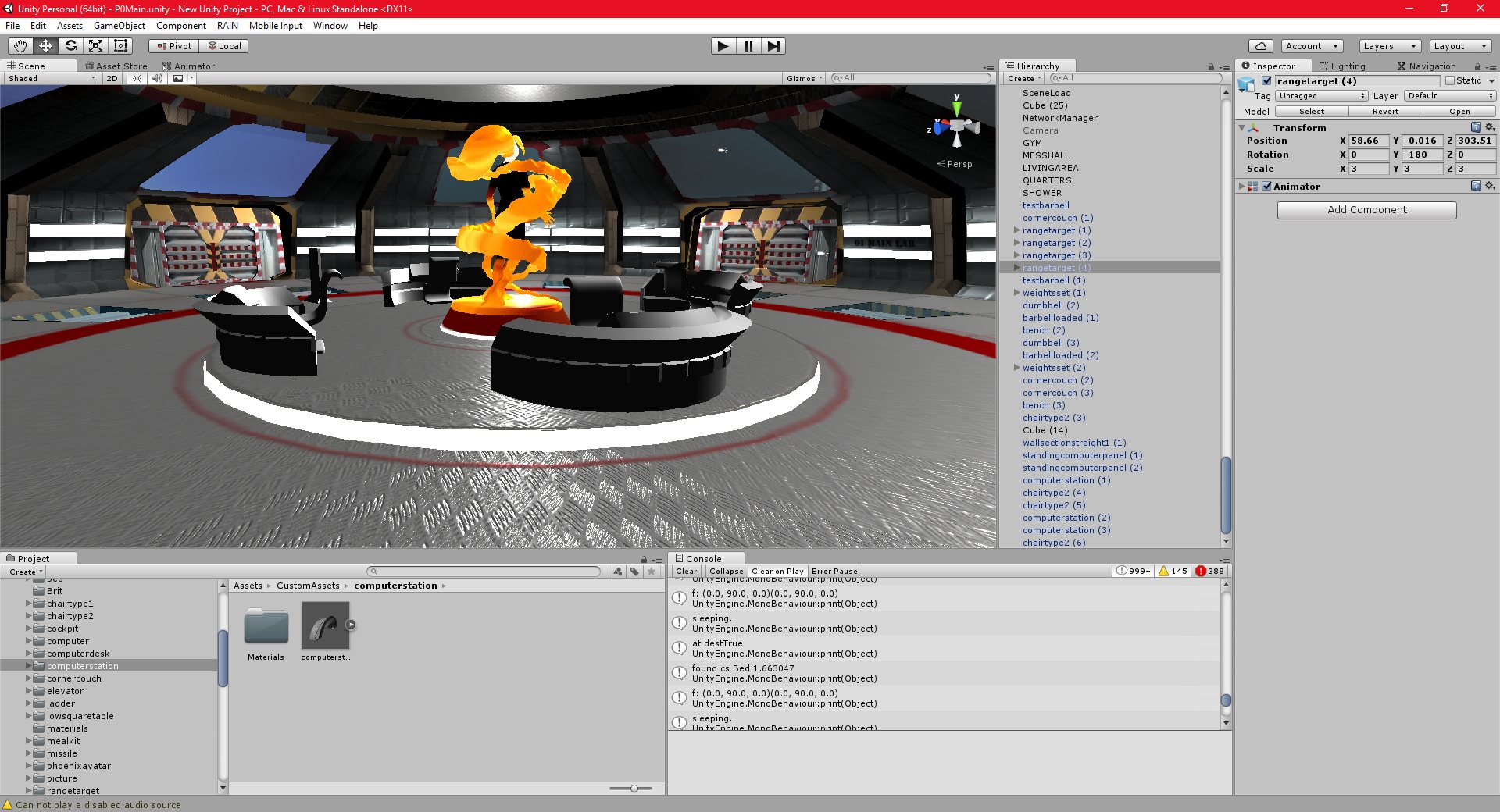
I discovered, and fixed, a few bugs that must have in my project since the introduction of the multiplayer code. These were quite tricky to solve, but I have everything working correctly now.
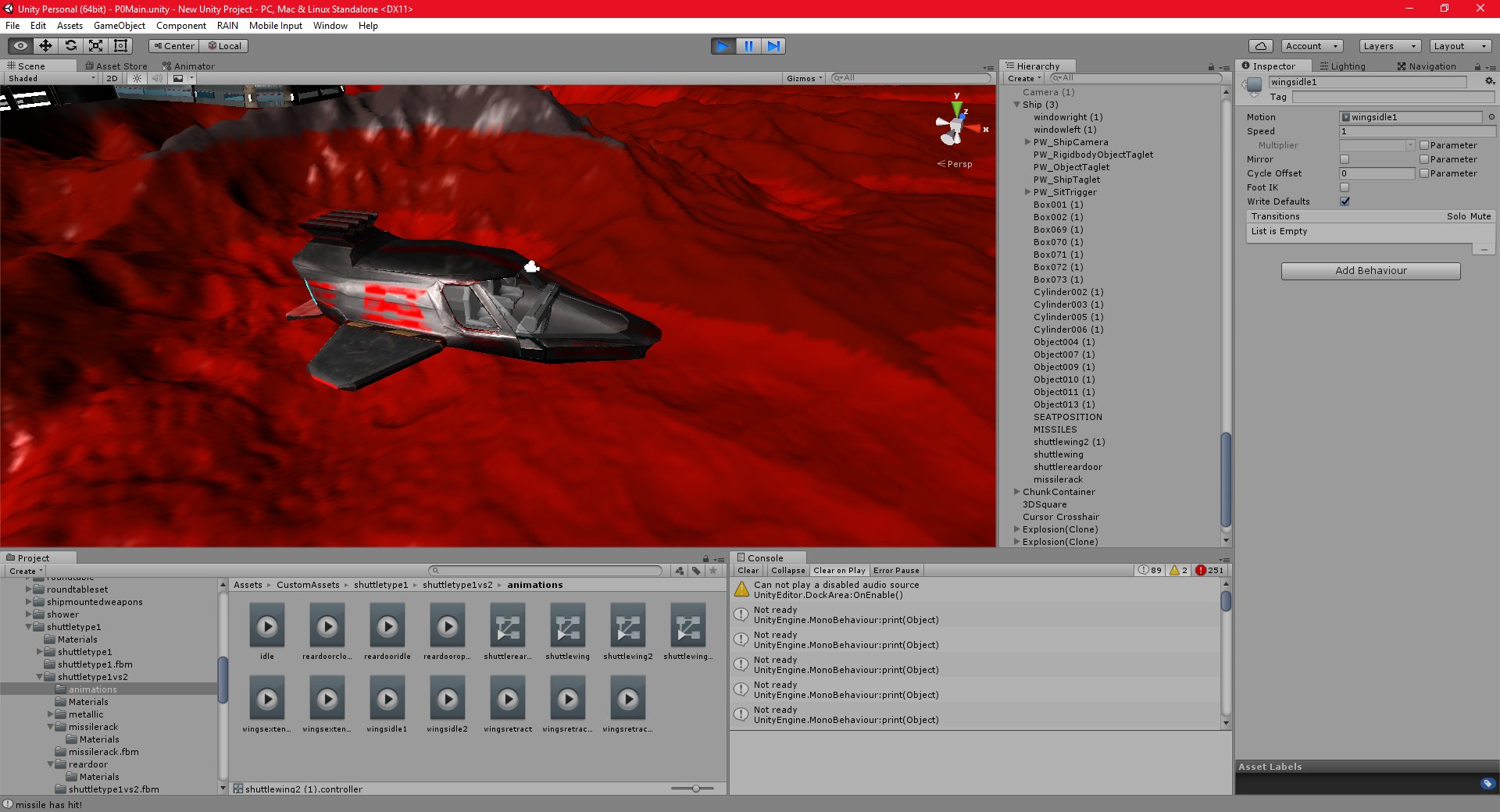
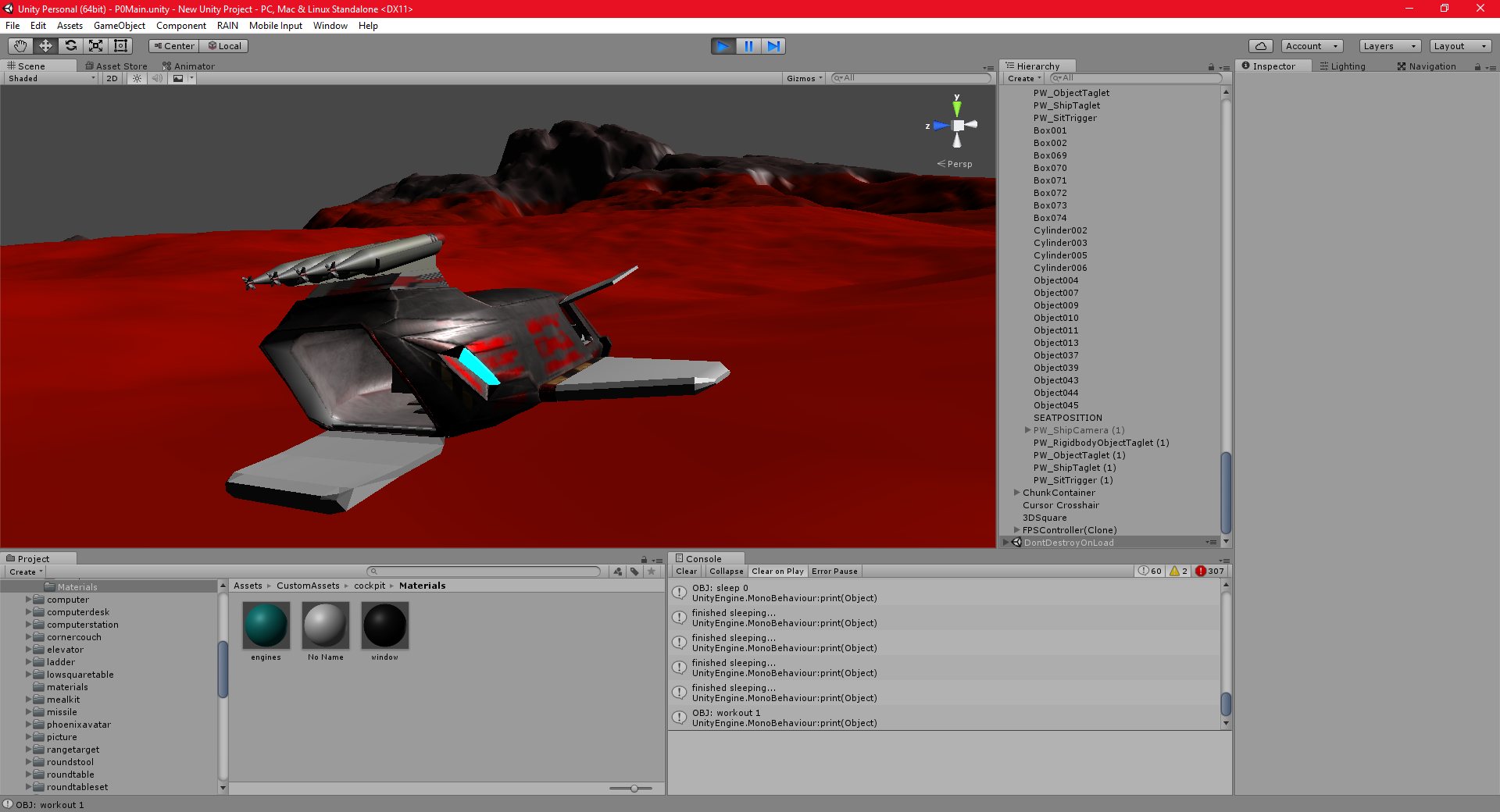
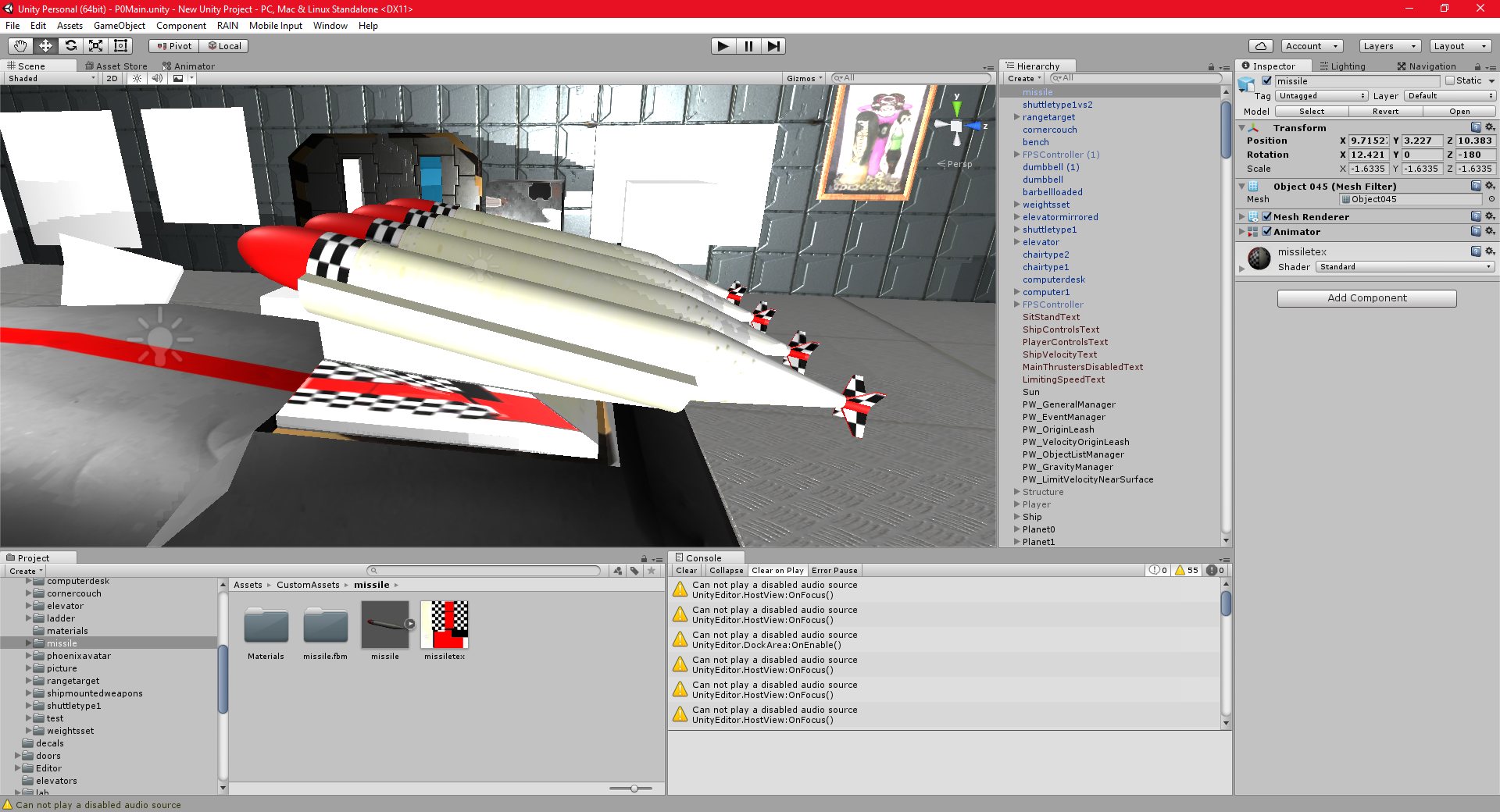
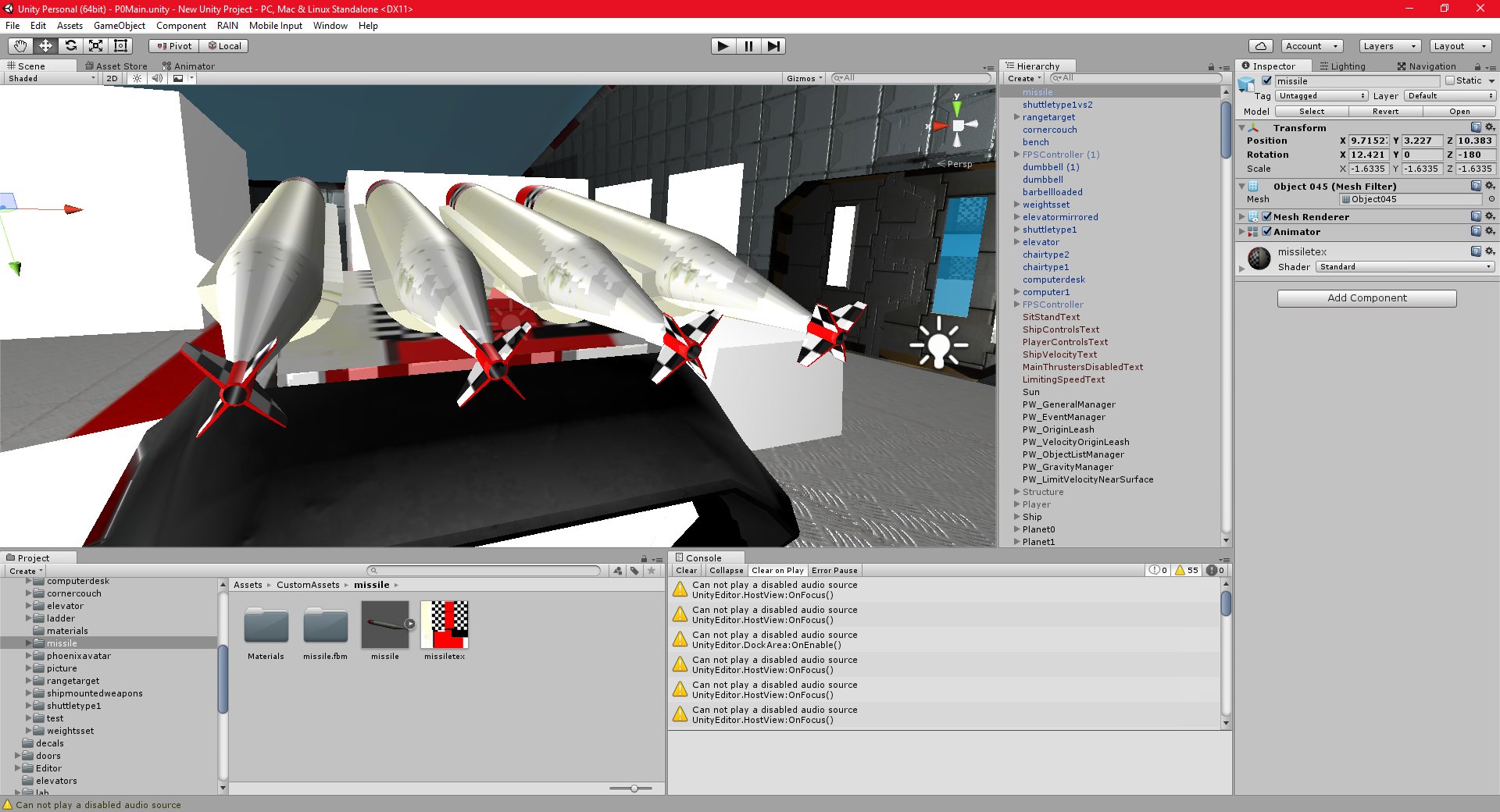
I have also added guided missiles to my shuttle object.
All of the target selection is done automatically for now, the player just fires by pressing enter. Each missile is guided and independently targeted, and has it’s own exhaust trail, explosion effect, etc. Each missile can also be seen firing, ie, the missile objects mounted to the players ship are not decorative. Some games will simply have a missile launcher where it is not possible to see any missiles inside it, and then create a missile at the point of firing. This is easier, but less accurate. I am trying to make my project as realistic as possible. You can see four missiles mounted to the shuttle, and you can fire each one.
I have a few features to add to the missile system, and I want to incorporate defensive systems, such as decoys, jamming, etc, to allow the player to defend against missiles fired against them.
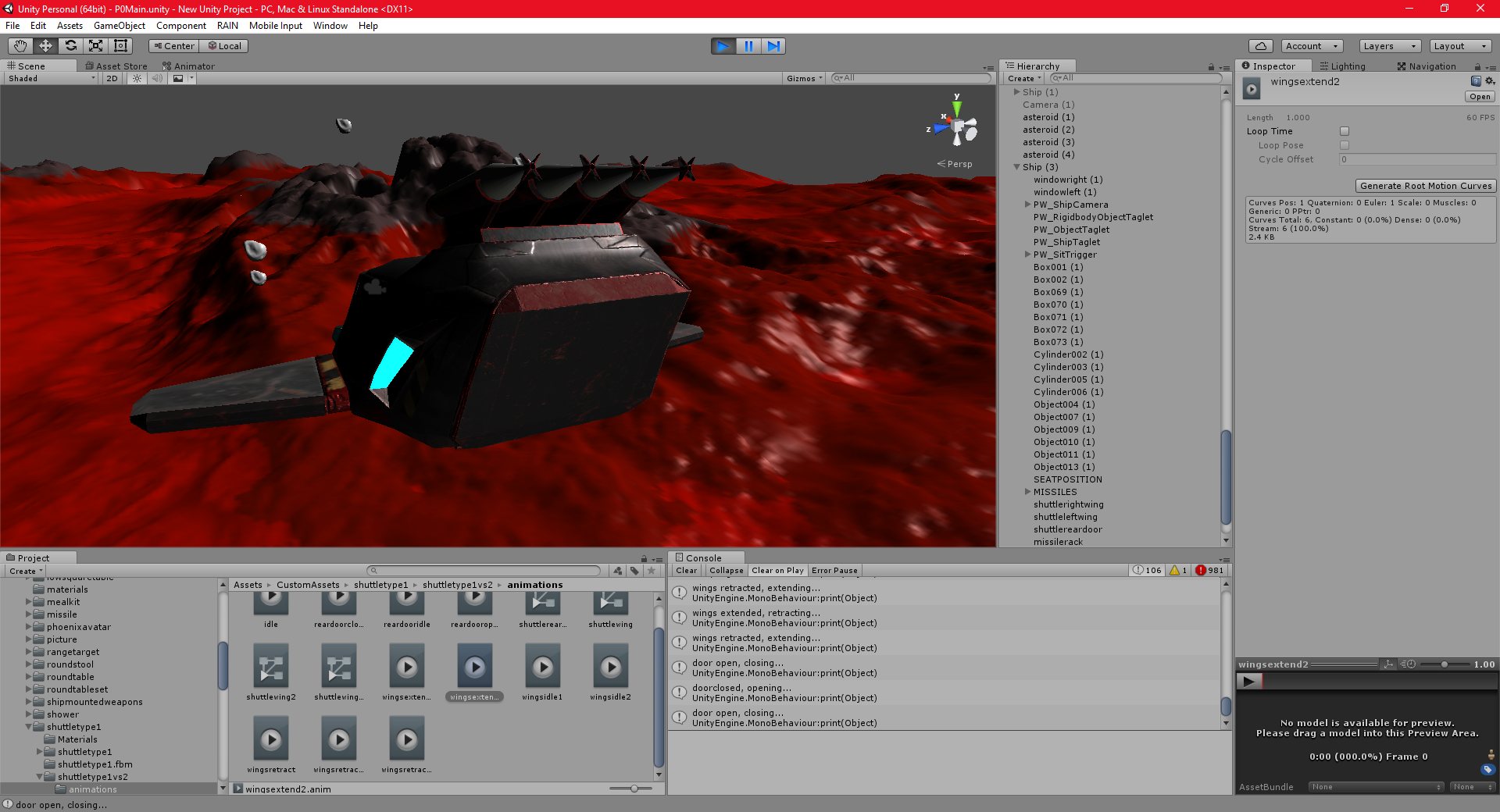
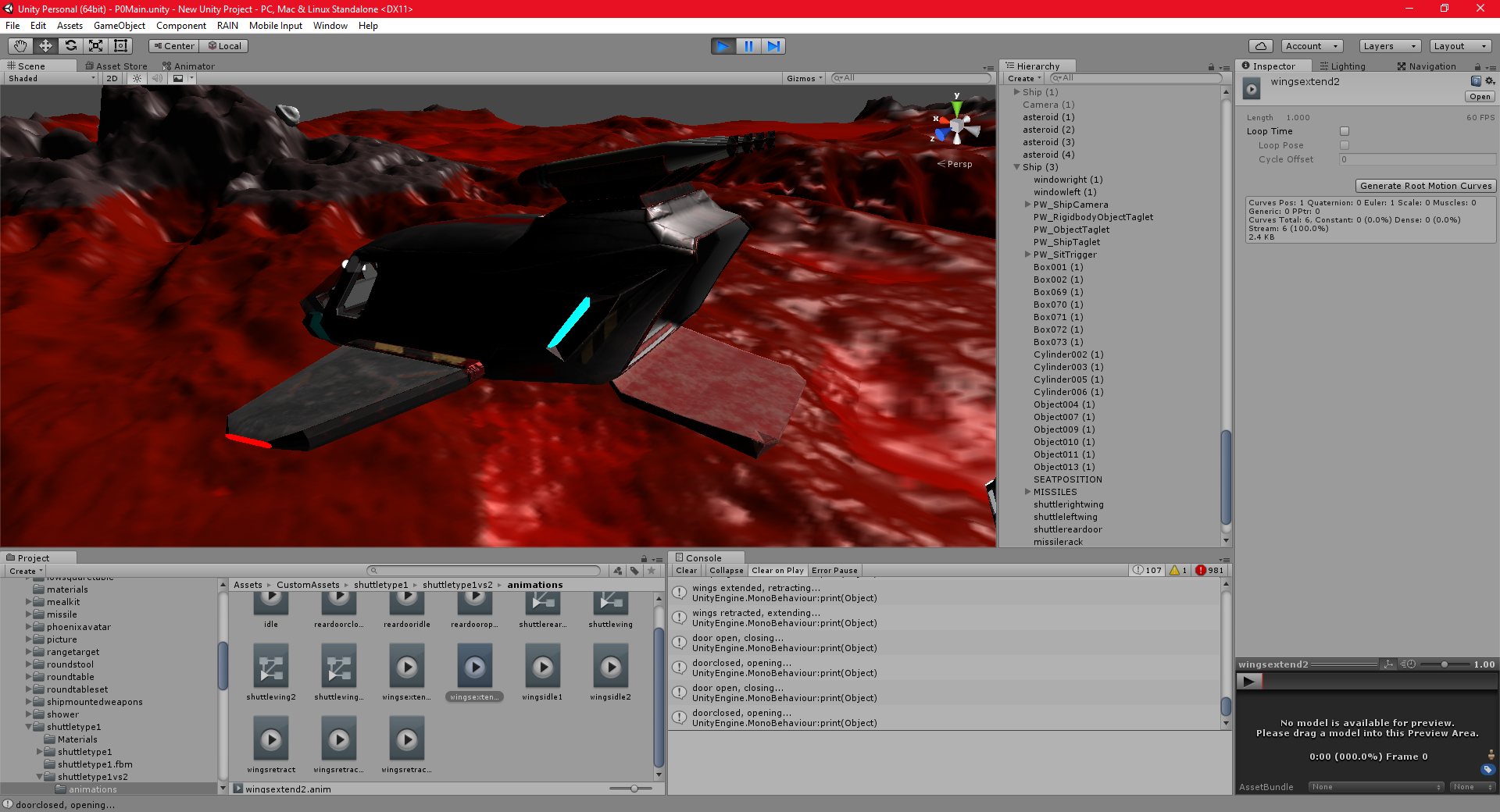
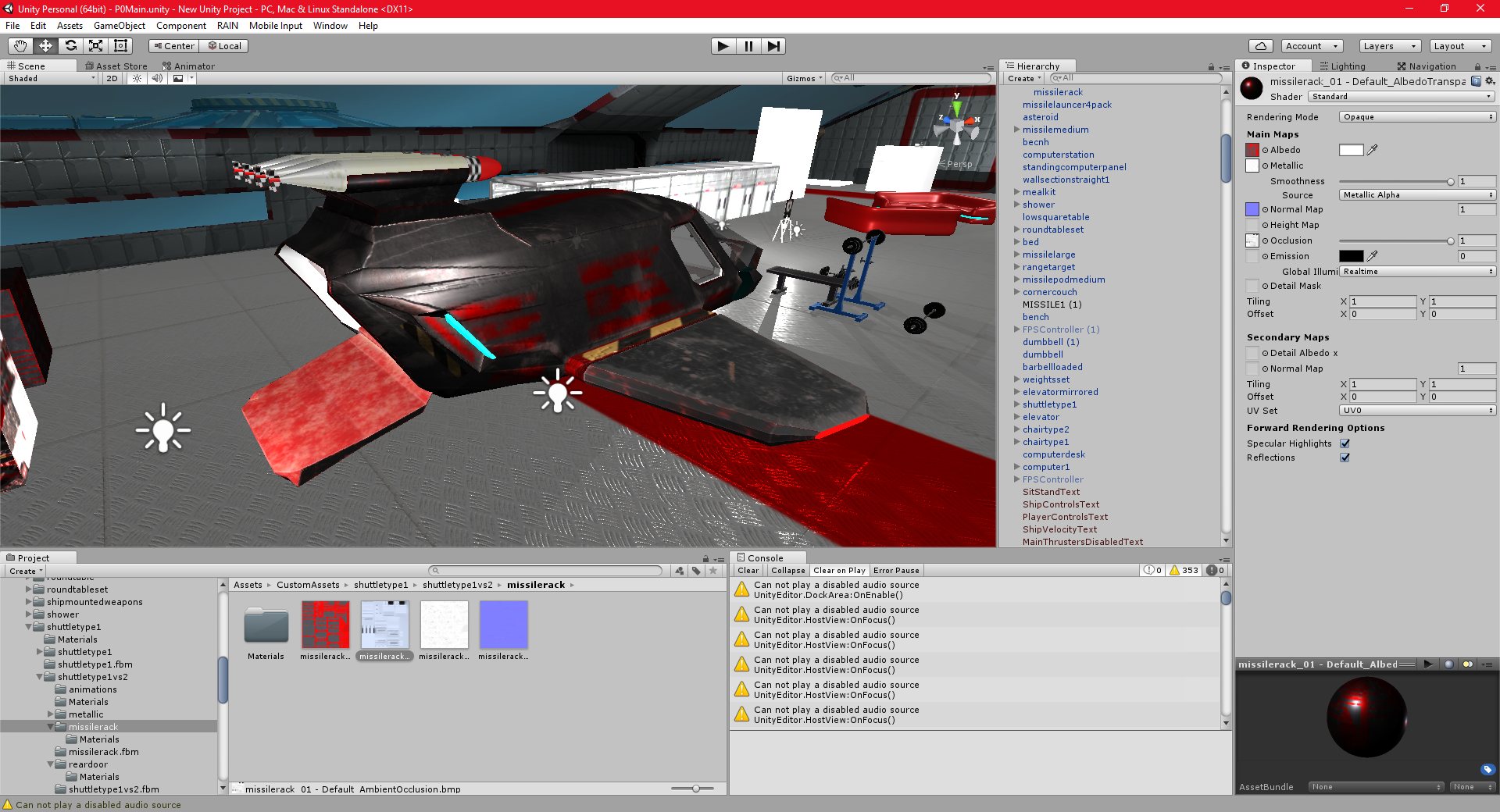
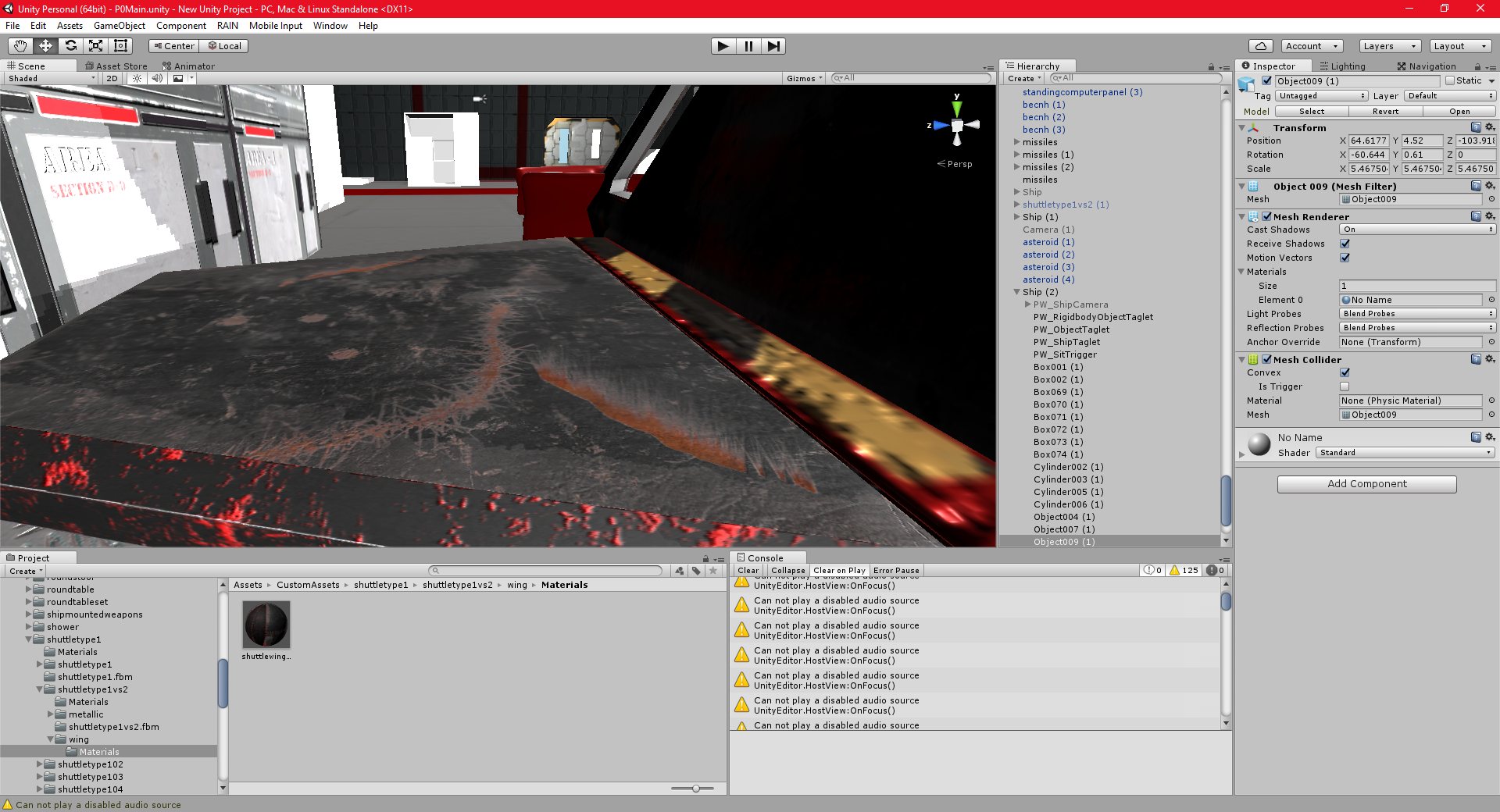
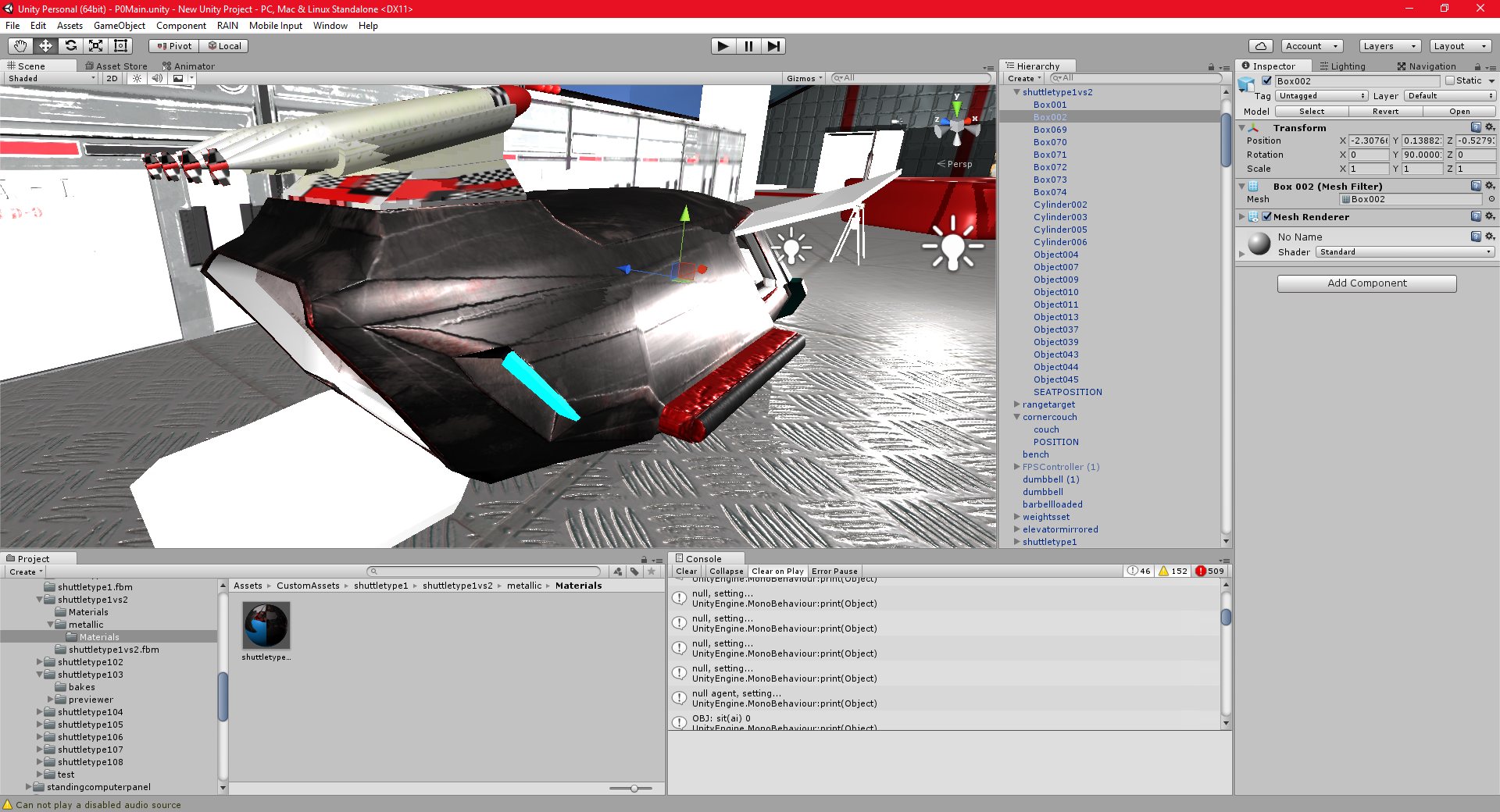
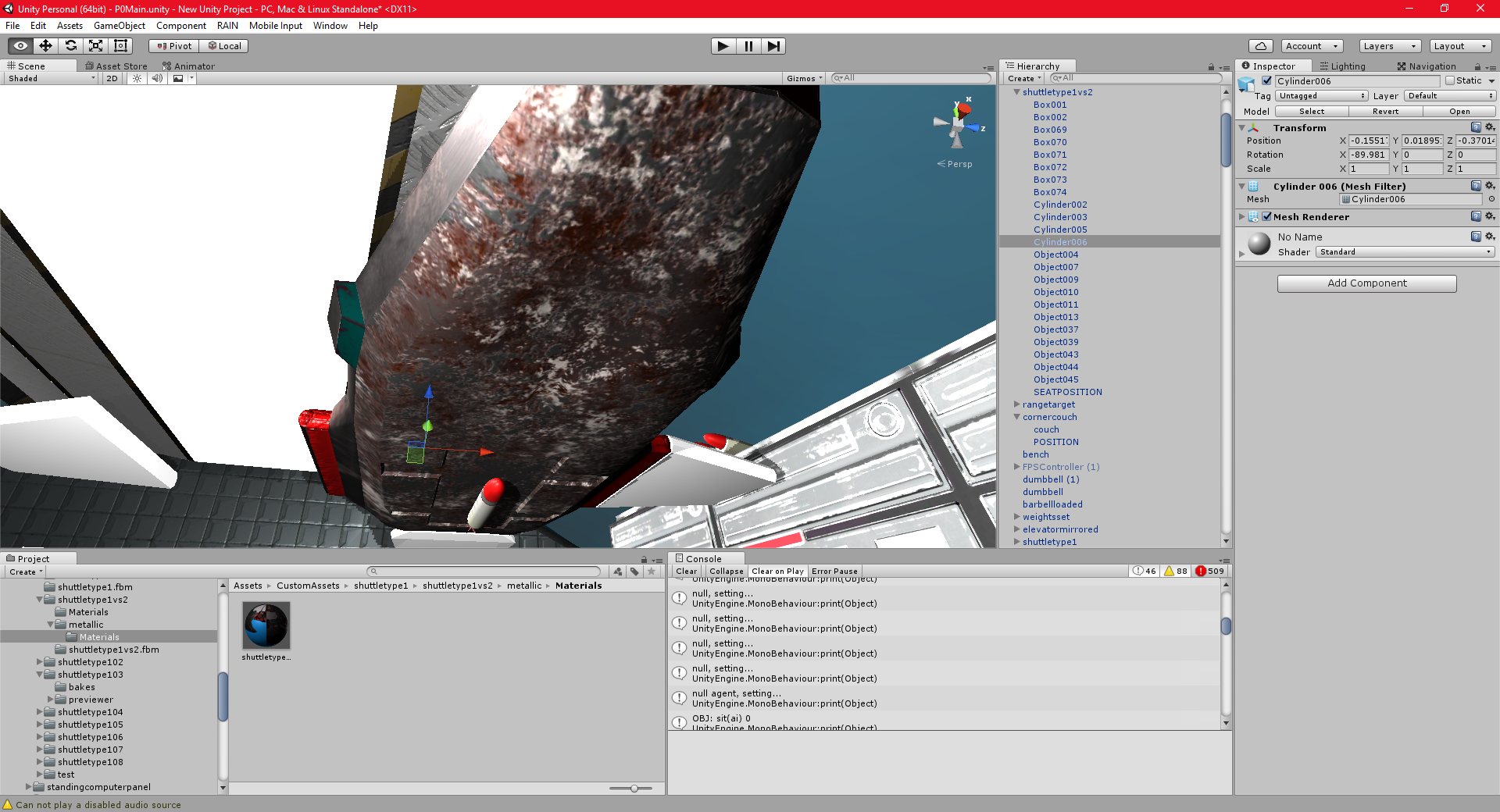
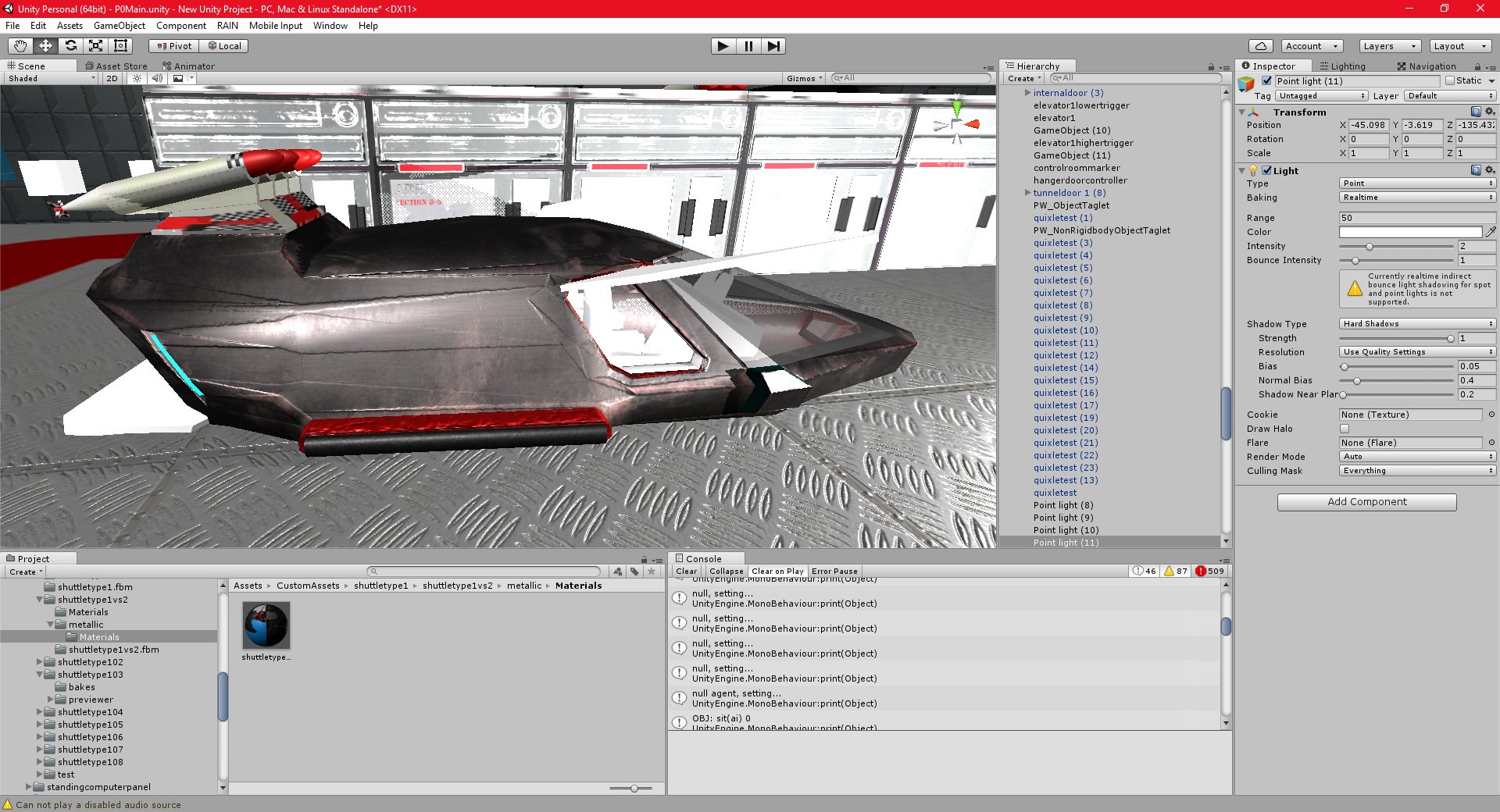
I have also added some simple animations to the shuttle, and finished most of the textures for it. I am quite satisfied with my recent textures, but I think I will need to do the shuttle hull texture again, my skills with substance painter were very poor when I made it, and the inside, especially, could be a lot better.
Unity 17/11/2016 , 09:43:02 PM Unity Personal (64bit) – P0Main.unity – New Unity Project – PC, Mac & Linux StandaloneUnity 17/11/2016 , 03:18:45 AM Unity Personal (64bit) – P0Main.unity – New Unity Project – PC, Mac & Linux StandaloneUnity 17/11/2016 , 03:19:00 AM Unity Personal (64bit) – P0Main.unity – New Unity Project – PC, Mac & Linux StandaloneUnity 17/11/2016 , 03:19:14 AM Unity Personal (64bit) – P0Main.unity – New Unity Project – PC, Mac & Linux StandaloneUnity 17/11/2016 , 09:42:53 PM Unity Personal (64bit) – P0Main.unity – New Unity Project – PC, Mac & Linux StandaloneUnity 17/11/2016 , 03:17:07 AM Unity Personal (64bit) – P0Main.unity – New Unity Project – PC, Mac & Linux StandaloneUnity 17/11/2016 , 03:17:16 AM Unity Personal (64bit) – P0Main.unity – New Unity Project – PC, Mac & Linux StandaloneUnity 17/11/2016 , 12:30:50 AM Unity Personal (64bit) – P0Main.unity – New Unity Project – PC, Mac & Linux Standalone
I have added my shuttle to the game as a controllable object. This is the first time I have added a custom controllable vehicle to the game, and fortunately, it worked fairly easily.
It took some time to get the camera, controls, and collision all working properly, but the shuttle seems to work well now. I can enter and leave it at well, as well as land it on the planet, which is quite an important step forward for the project.
I still need to finish texturing it, and I need to animate part of it as well (door closing, wings retracting, etc). I also need to smooth out the controls, the shuttle seems to be far too slow to respond at certain time, and far too sensitive at others.
I have completed some of the shuttle texturing in substance painter, and I really feel I am getting used to the program. It will definitey improve the quality of my art work in future.
Unity 17/11/2016 , 12:37:52 AM Unity Personal (64bit) – P0Main.unity – New Unity Project – PC, Mac & Linux StandaloneUnity 17/11/2016 , 12:30:50 AM Unity Personal (64bit) – P0Main.unity – New Unity Project – PC, Mac & Linux StandaloneUnity 15/11/2016 , 05:54:06 PM Unity Personal (64bit) – P0Main.unity – New Unity Project – PC, Mac & Linux StandaloneUnity 16/11/2016 , 07:12:26 PM Unity Personal (64bit) – P0Main.unity – New Unity Project – PC, Mac & Linux StandaloneUnity 17/11/2016 , 12:22:11 AM Unity Personal (64bit) – P0Main.unity – New Unity Project – PC, Mac & Linux StandaloneUnity 16/11/2016 , 08:50:38 PM Unity Personal (64bit) – P0Main.unity – New Unity Project – PC, Mac & Linux Standalone
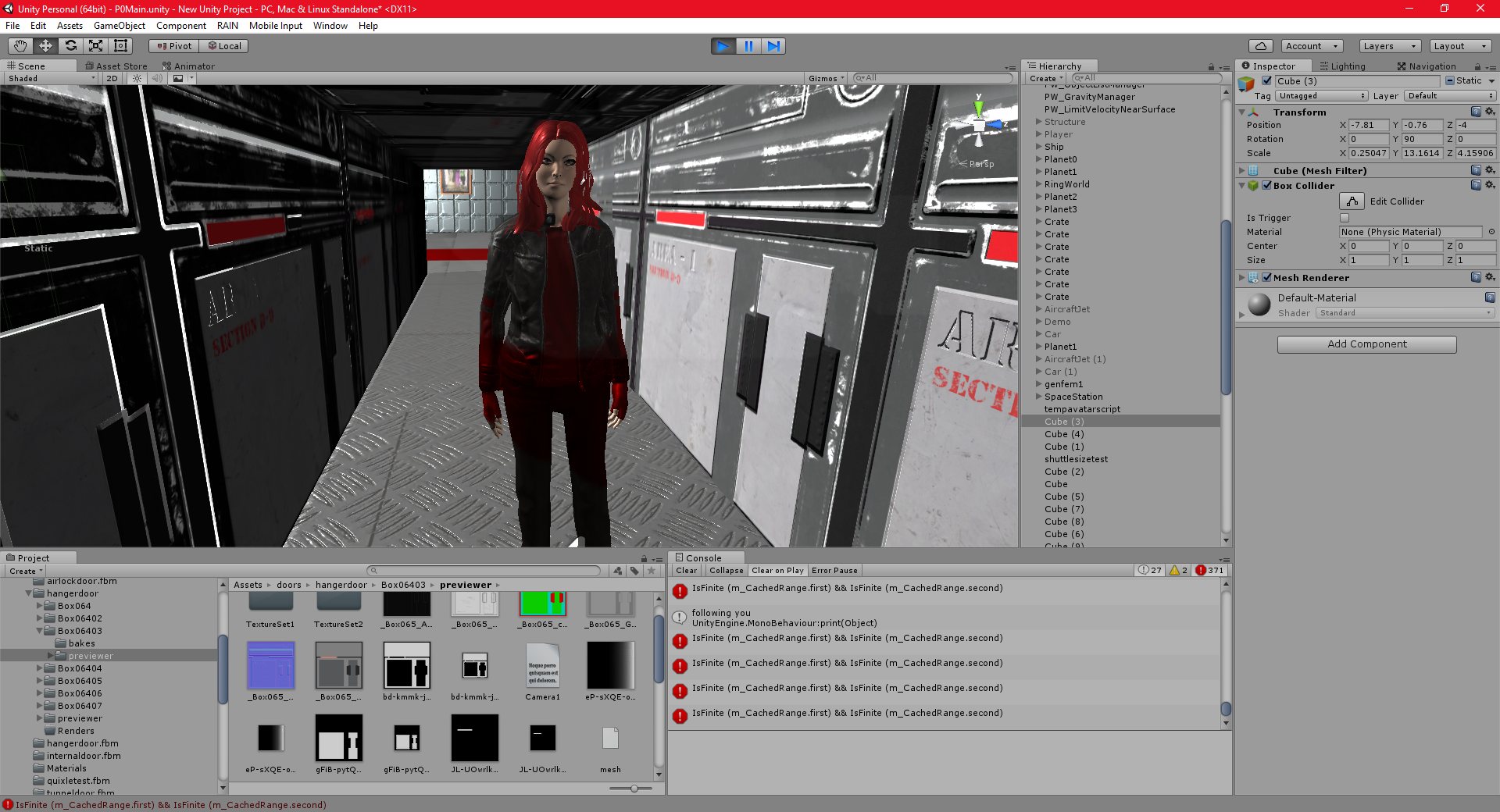
I have finished all of the ai actions that I had planned to do. I have added a reasonable selection of standard tasks that should add a lot of depth to the game. AI characters can eat, sleep, work, workout, and relax, as well as approach the player without being called on. They can also follow a number of commands that the player can give.
I have a lot of work left to do with the AI in MS1, including adding lip synching and text to speech, basic conversation dialog, and improved awareness, etc.
I am also doing well with Substance painter. I think I like it better than Quixel. Today was the first day I really spent a lot of time on it, and I think I have already learned most of the basic functionality. I spend several days with quixel, and I still felt that I wasn’t really getting the hang of it.
I think this program will go a long way to improving my art. I can basically use it for all of my basic materials, and then I can add details (like writing, etc) in photoshop, as I always did.
I created some rust effects and some wear effects very quickly in Substance painter that I never could have created in photoshop. There seem to be fewer tutorials created for Substance painter, but this may just be because I haven’t been using it for long and I haven’t found all of them yet.
I am still not sure about nDo, I could find an alternative, or just add the geometry from a modelling tool, instead of in a normal. I think the effects produced by nDo were very striking.
Unity 13/11/2016 , 11:54:33 PM Unity Personal (64bit) – P0Main.unity – New Unity Project – PC, Mac & Linux StandaloneUnity 13/11/2016 , 11:54:07 PM Unity Personal (64bit) – P0Main.unity – New Unity Project – PC, Mac & Linux StandaloneUnity 13/11/2016 , 10:26:18 PM Unity Personal (64bit) – P0Main.unity – New Unity Project – PC, Mac & Linux Standalone*Unity 13/11/2016 , 10:25:55 PM Unity Personal (64bit) – P0Main.unity – New Unity Project – PC, Mac & Linux Standalone*Unity 13/11/2016 , 10:25:42 PM Unity Personal (64bit) – P0Main.unity – New Unity Project – PC, Mac & Linux Standalone*Unity 13/11/2016 , 07:29:14 PM Unity Personal (64bit) – P0Main.unity – New Unity Project – PC, Mac & Linux Standalone*
Unity
14/11/2016 , 12:09:34 AM
Unity Personal (64bit) – P0Main.unity
– New Unity Project – PC, Mac & Linux Standalone
Unity 13/11/2016 , 04:24:23 AM Unity Personal (64bit) – P0Main.unity – New Unity Project – PC, Mac & Linux StandaloneUnity 13/11/2016 , 03:09:05 AM Unity Personal (64bit) – P0Main.unity – New Unity Project – PC, Mac & Linux StandaloneUnity 13/11/2016 , 03:08:53 AM Unity Personal (64bit) – P0Main.unity – New Unity Project – PC, Mac & Linux StandaloneUnity 13/11/2016 , 04:24:30 AM Unity Personal (64bit) – P0Main.unity – New Unity Project – PC, Mac & Linux Standalone
Substance Painter seems to be working out well. It has fewer built-in material types than Quixel, but there is a “substance sharing” site where it is possible to download many more.
It is a stand alone program, wherear Quixel is a photoshop plugin. I prefer this, since my photoshop skills are not as good as the could be, and Quixel works best when conventional photoshop techniques are combined with the Quixel suite itself.
Substance painter does not have a normal map too, like nDo, though, which is a limitation. nDo is a very powerful tool, and a great alternative to adding every single piece of geometry in a modelling tool.
Unity 12/11/2016 , 12:15:21 AM Unity Personal (64bit) – P0Main.unity – New Unity Project – PC, Mac & Linux StandaloneUnity 12/11/2016 , 12:15:29 AM Unity Personal (64bit) – P0Main.unity – New Unity Project – PC, Mac & Linux StandaloneUnity 13/11/2016 , 01:50:49 AM Unity Personal (64bit) – P0Main.unity – New Unity Project – PC, Mac & Linux StandaloneUnity 13/11/2016 , 01:50:58 AM Unity Personal (64bit) – P0Main.unity – New Unity Project – PC, Mac & Linux StandaloneUnity 13/11/2016 , 01:51:04 AM Unity Personal (64bit) – P0Main.unity – New Unity Project – PC, Mac & Linux StandaloneUnity 13/11/2016 , 02:13:43 AM Unity Personal (64bit) – P0Main.unity – New Unity Project – PC, Mac & Linux StandaloneUnity 14/11/2016 , 12:09:49 AM Unity Personal (64bit) – P0Main.unity – New Unity Project – PC, Mac & Linux StandaloneUnity 14/11/2016 , 12:05:23 AM Unity Personal (64bit) – P0Main.unity – New Unity Project – PC, Mac & Linux Standalone
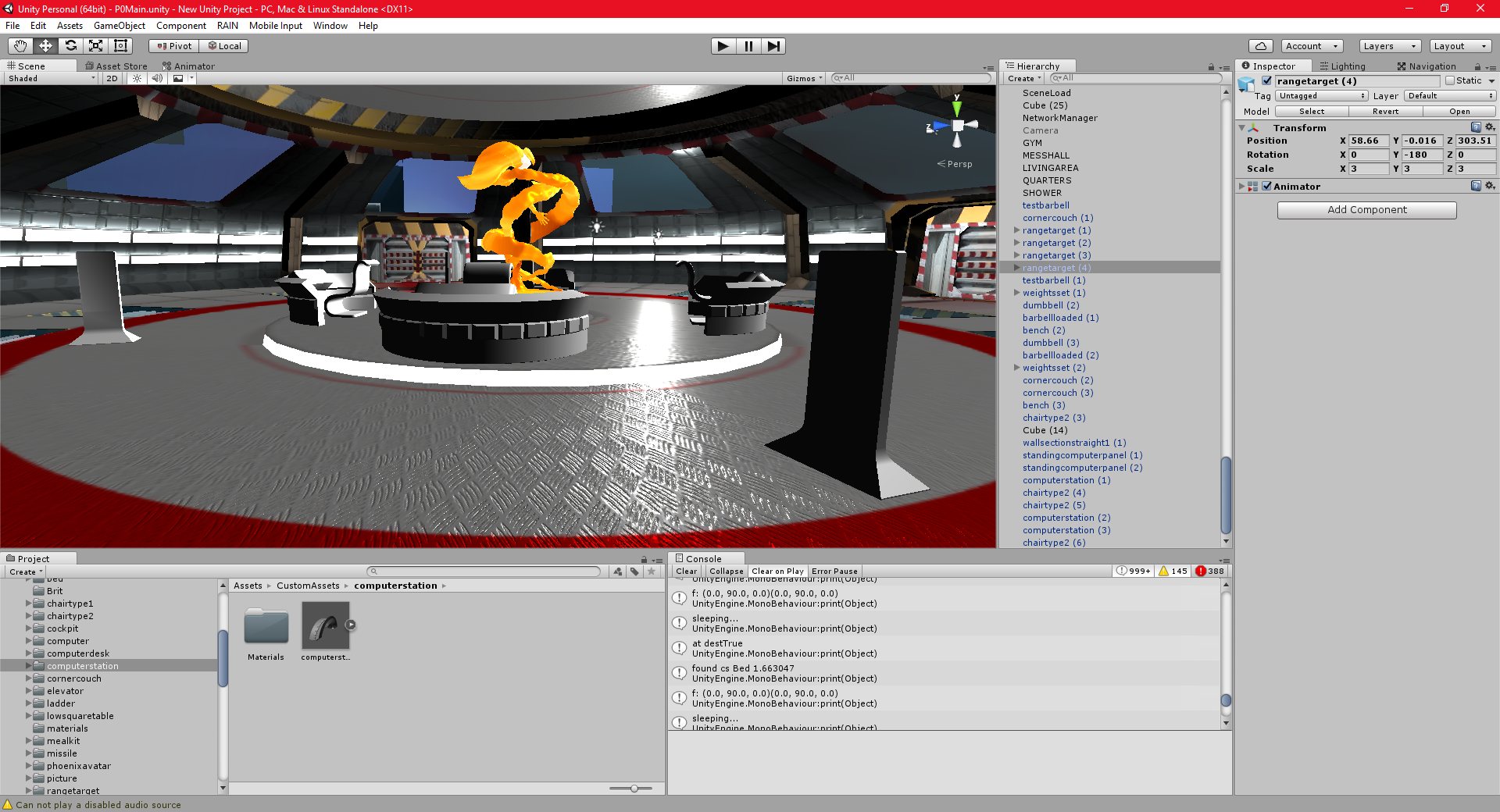
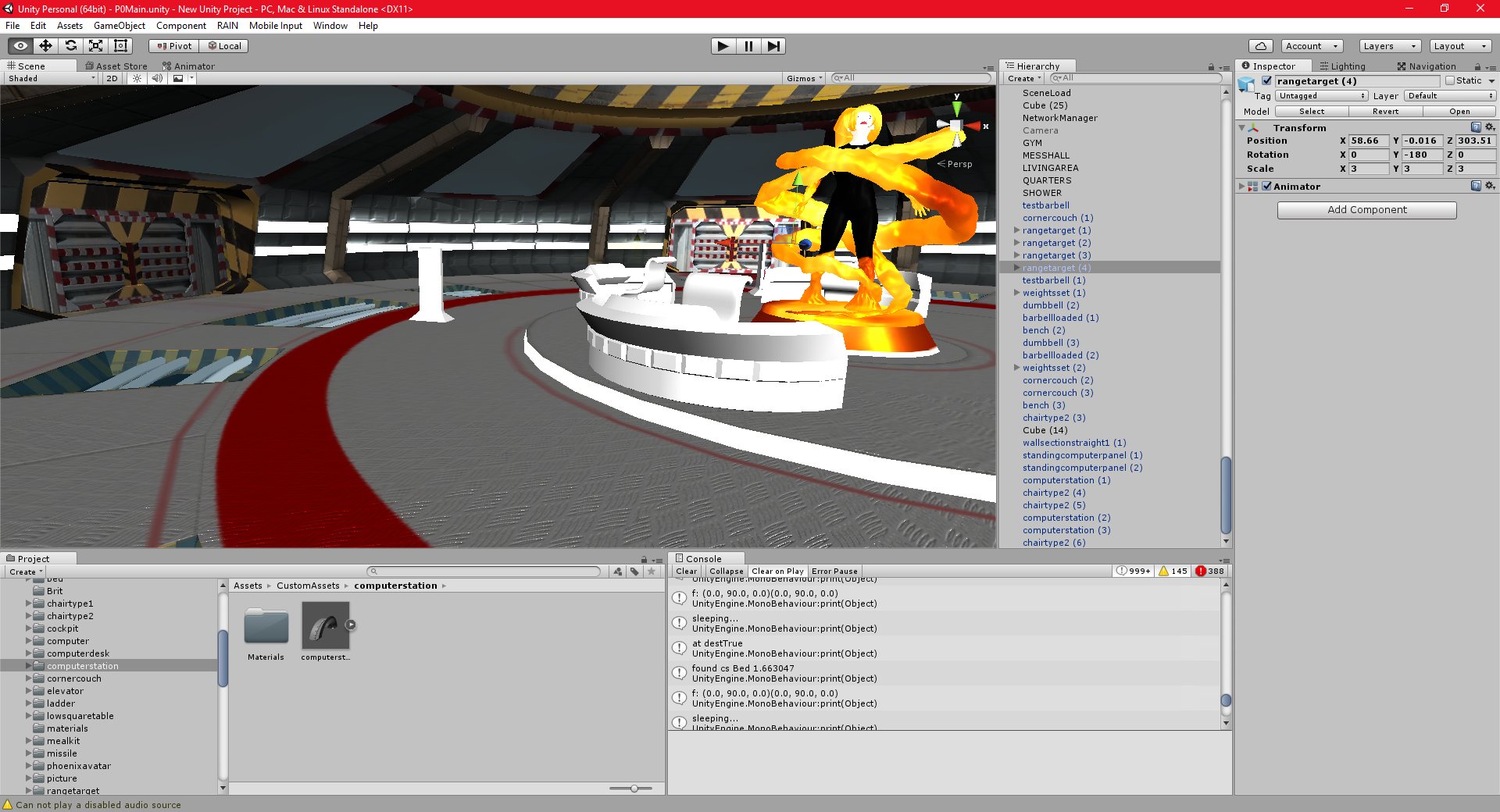
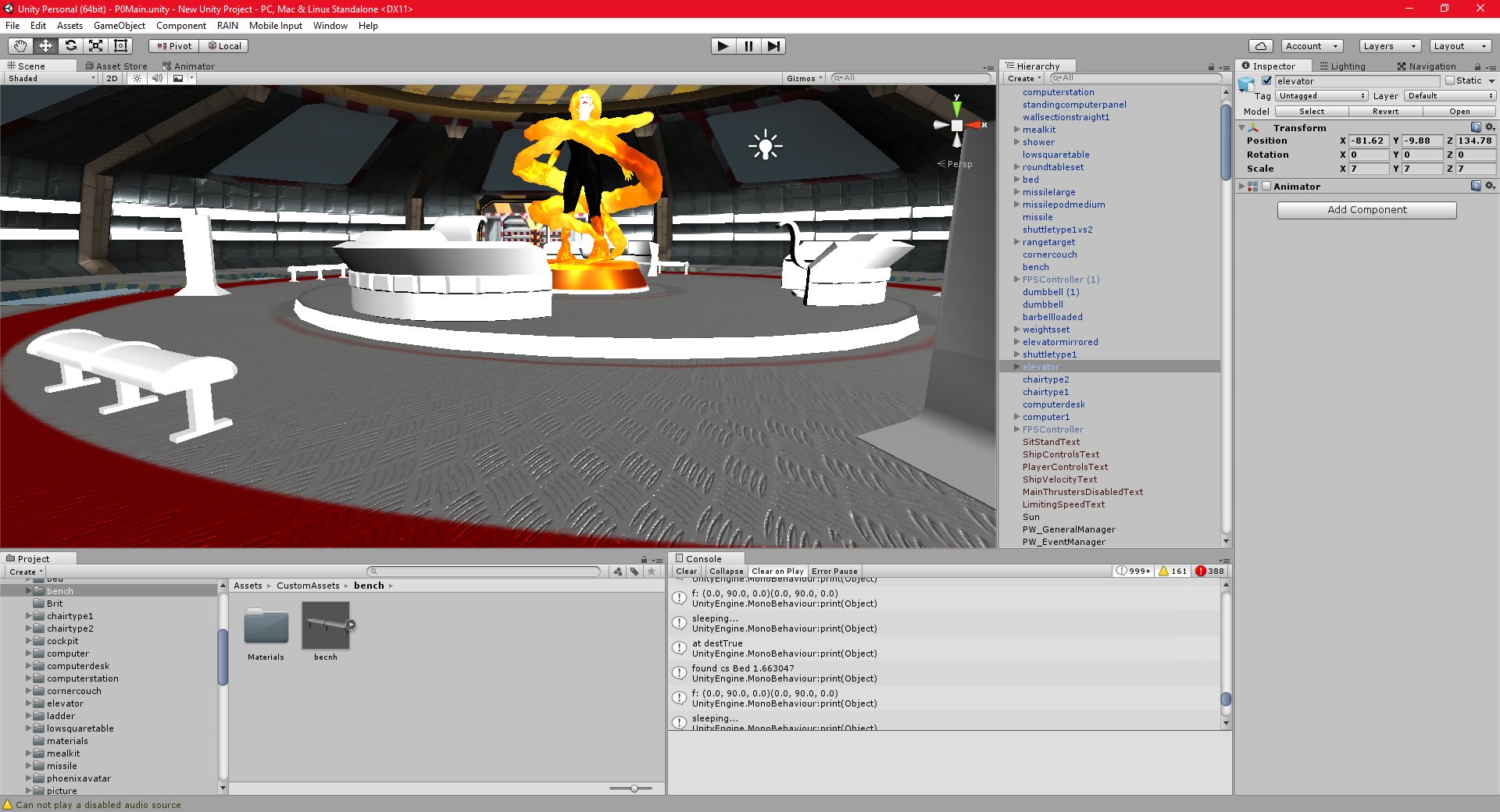
I have been working on the AI actions/world interactions, and the texturing and modelling of the art assets that I need to make those actions work.
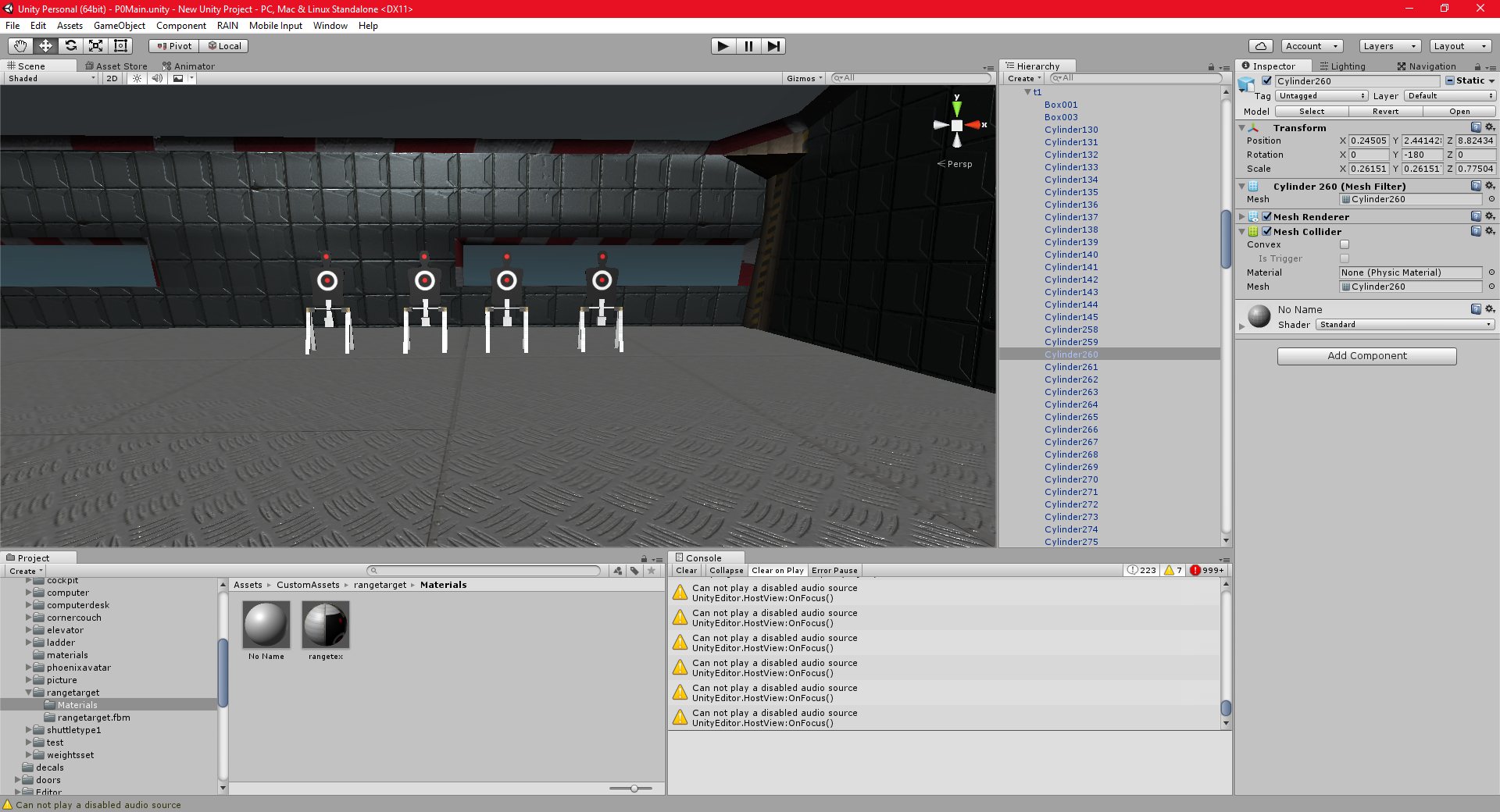
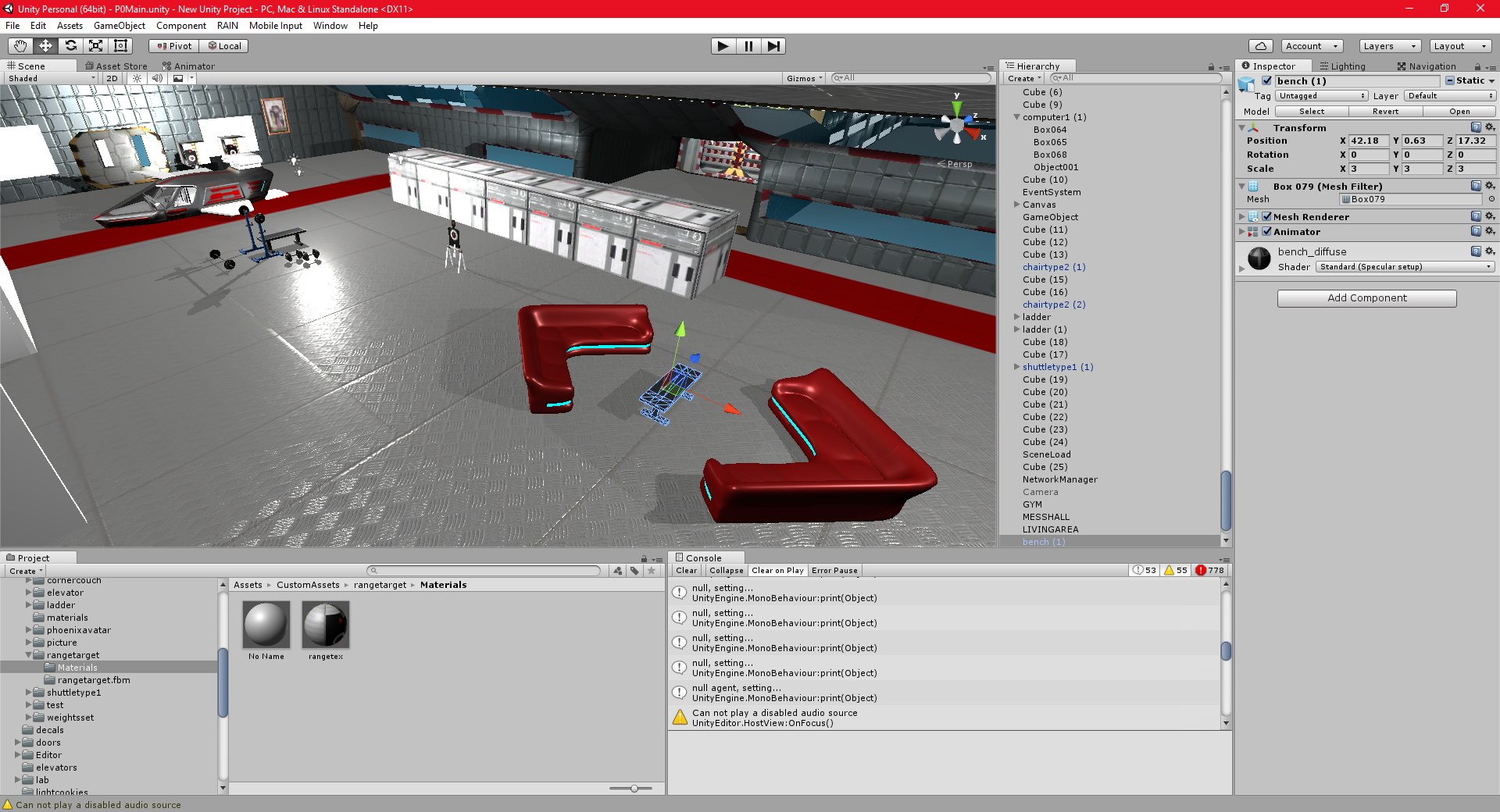
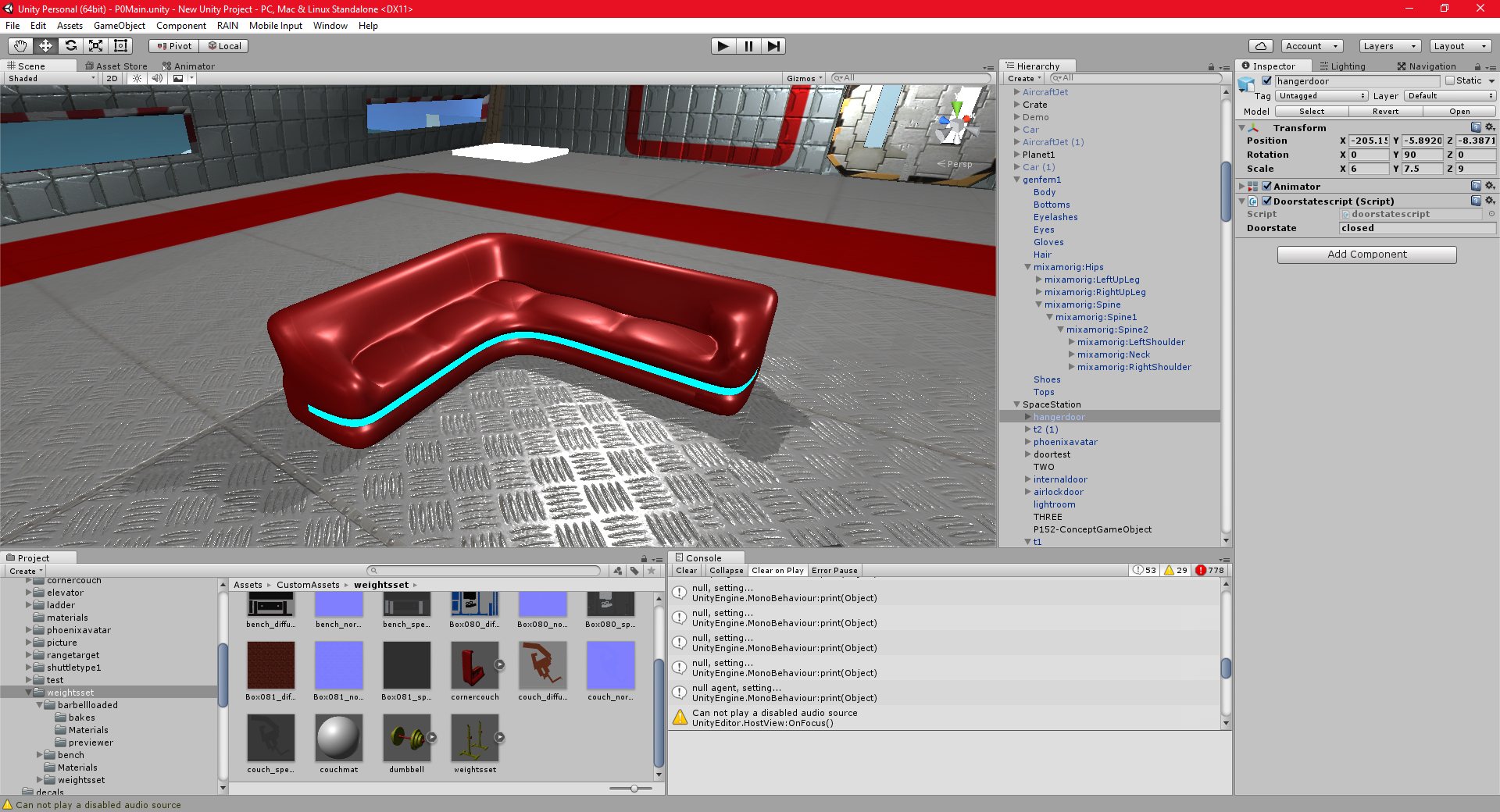
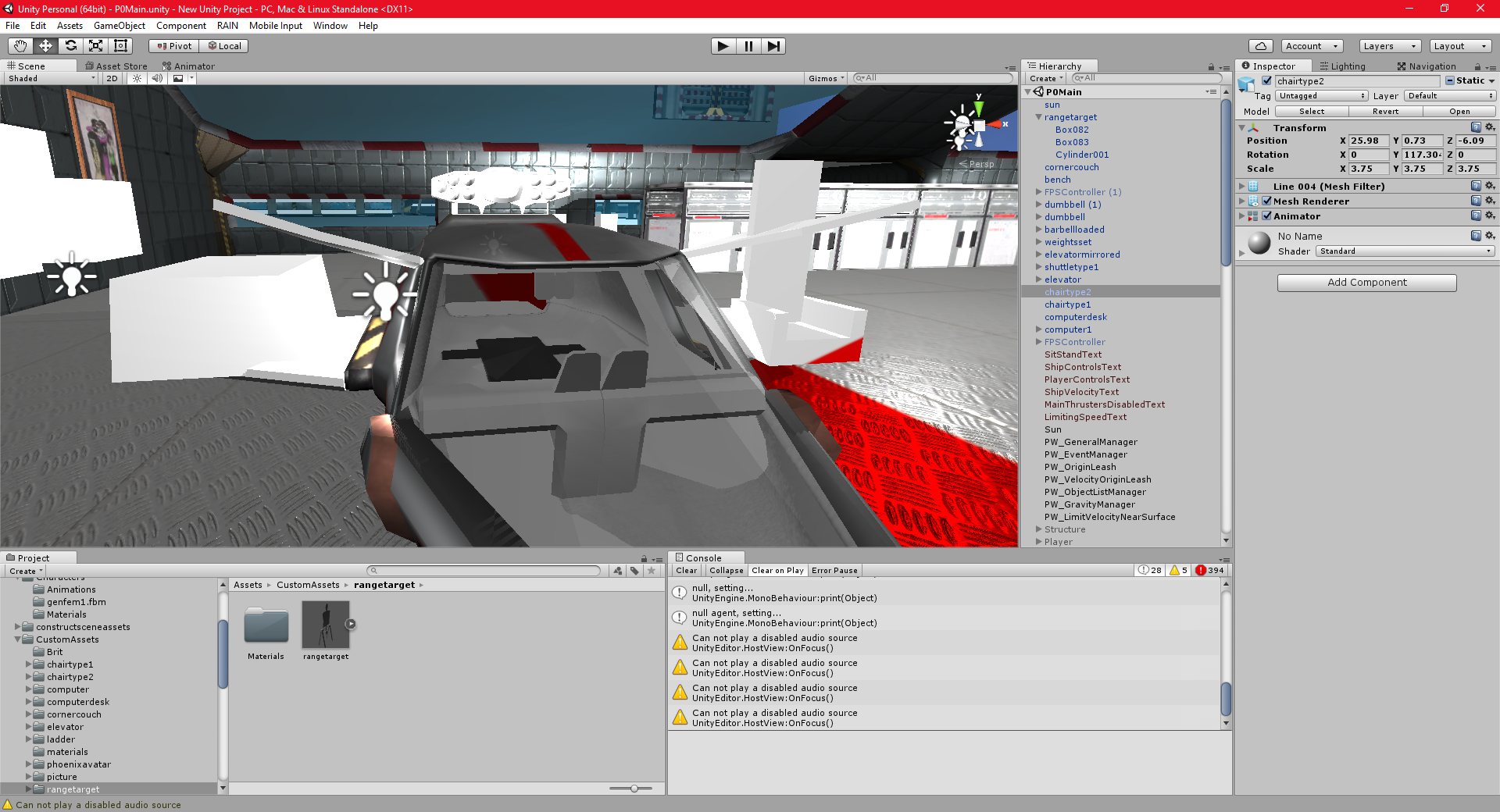
I have added quite a lot of new art, from targets (for testing guns, when I implement them) to chairs, tables, consoles and control panels.
I have decided that I don’t really like Quixel suite, I find it very slow and it tends to use up far too much memory. I am going to try out Substance Painter, which is another, similiar program. It is a little more expensive, but not a lot, and if it can improve the quality of my art, it would be worth it.
Unity 11/11/2016 , 05:13:10 AM Unity Personal (64bit) – P0Main.unity – New Unity Project – PC, Mac & Linux StandaloneUnity 11/11/2016 , 02:50:56 AM Unity Personal (64bit) – P0Main.unity – New Unity Project – PC, Mac & Linux StandaloneUnity 11/11/2016 , 01:14:08 AM Unity Personal (64bit) – P0Main.unity – New Unity Project – PC, Mac & Linux StandaloneUnity 11/11/2016 , 01:13:49 AM Unity Personal (64bit) – P0Main.unity – New Unity Project – PC, Mac & Linux Standalone
I have figured out how to program the ai to walk to a room, approach an object, and then add that object as a child so that it’s position updates when the ai performs an action.
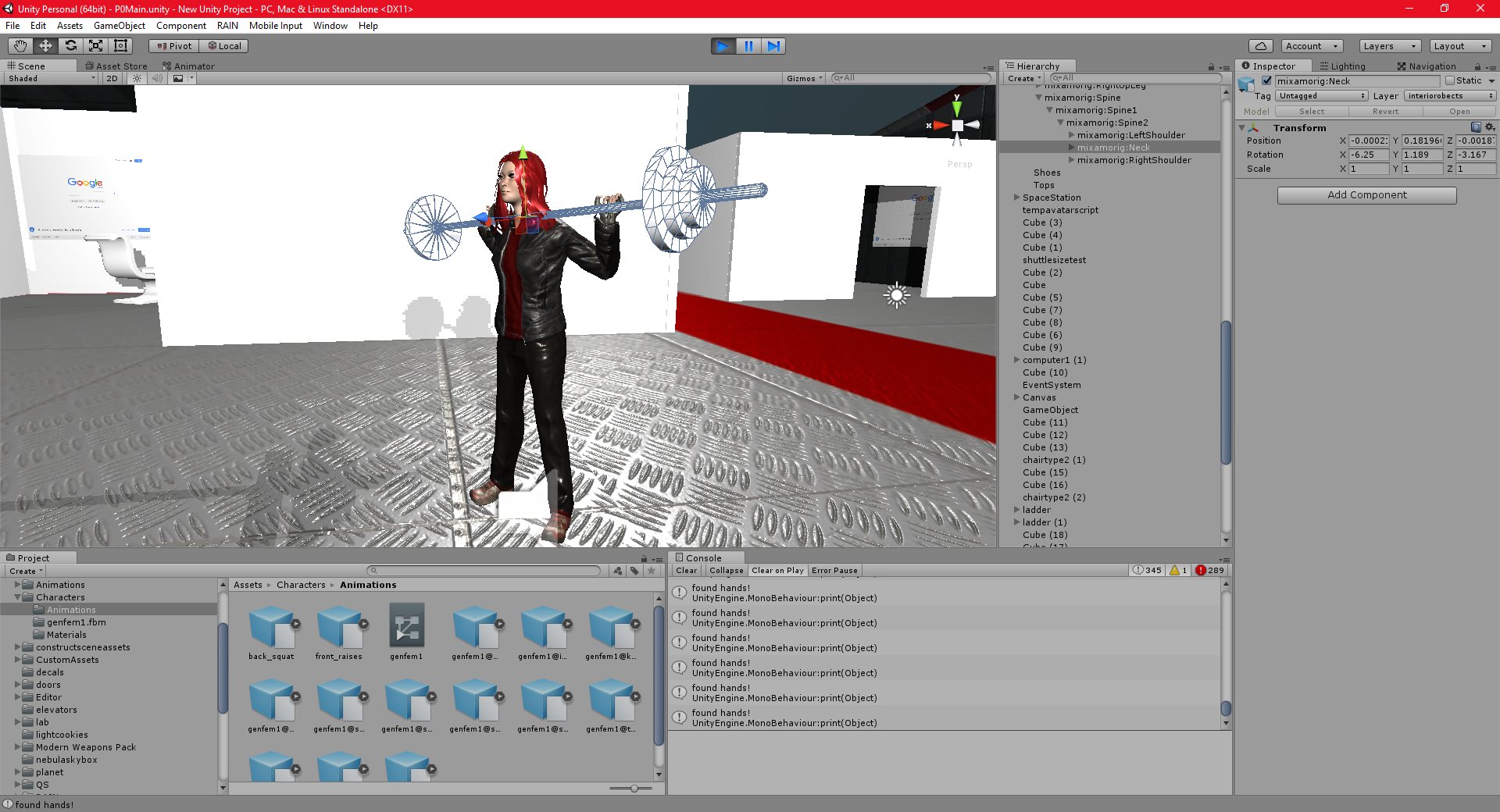
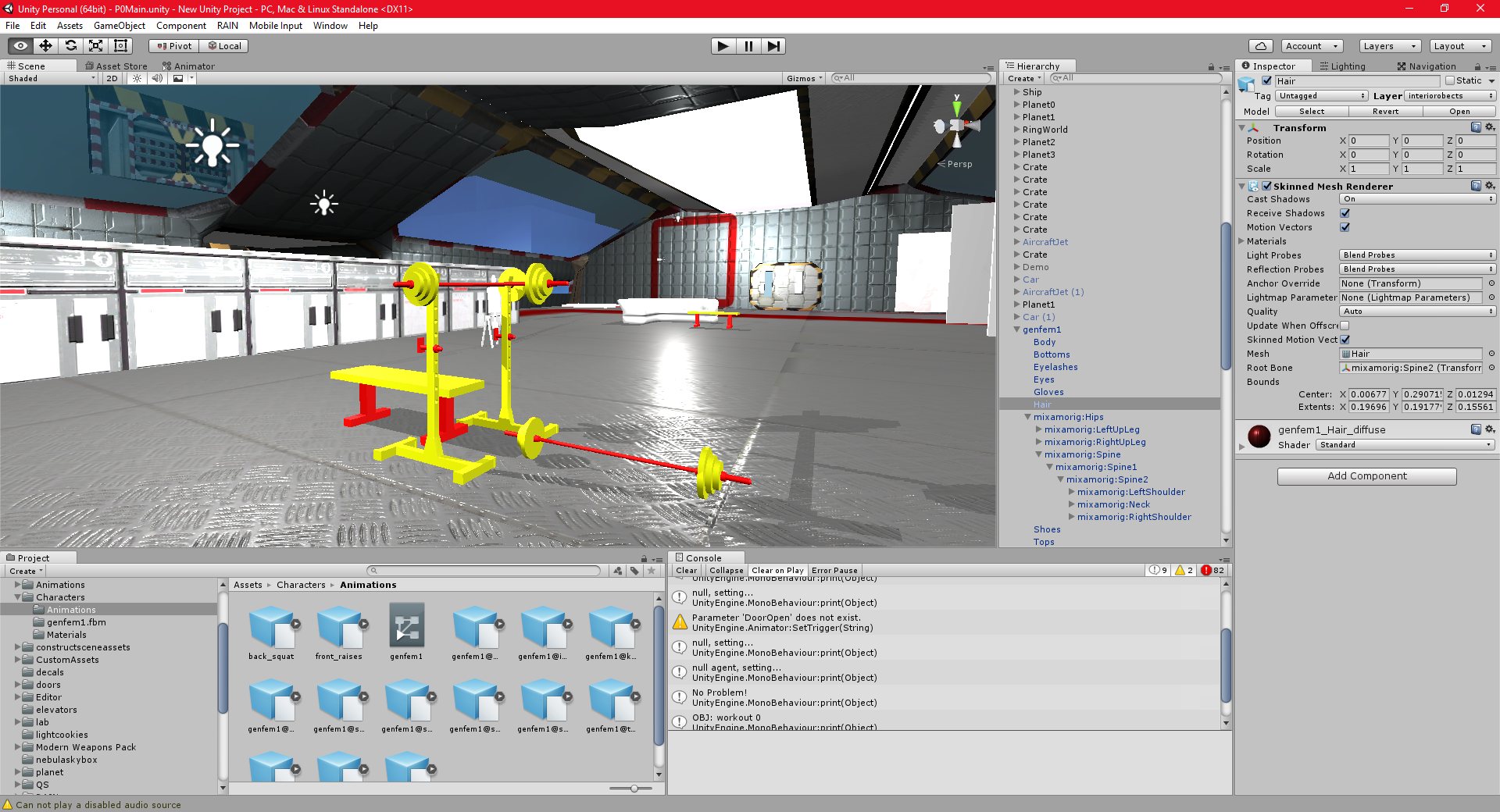
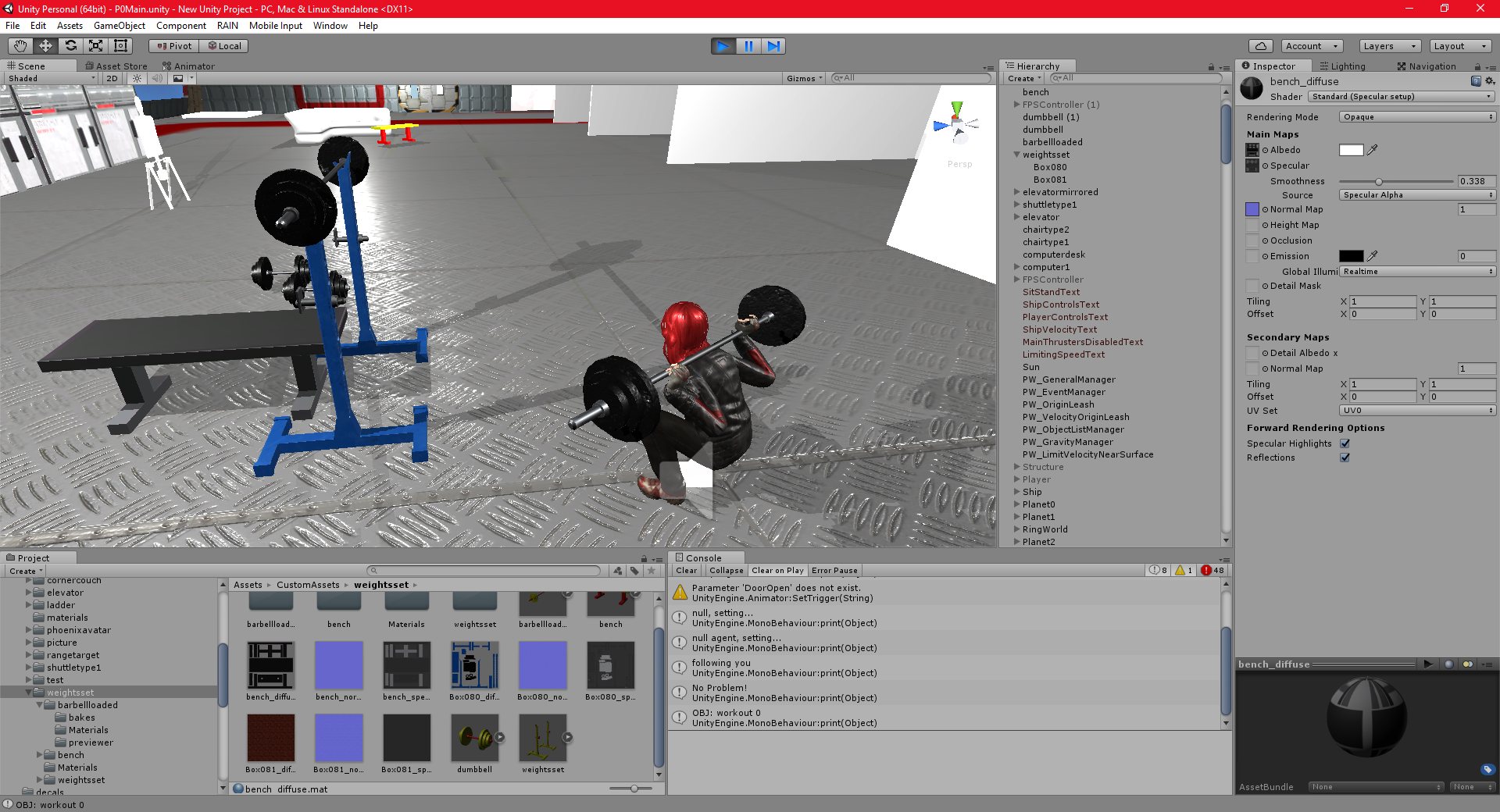
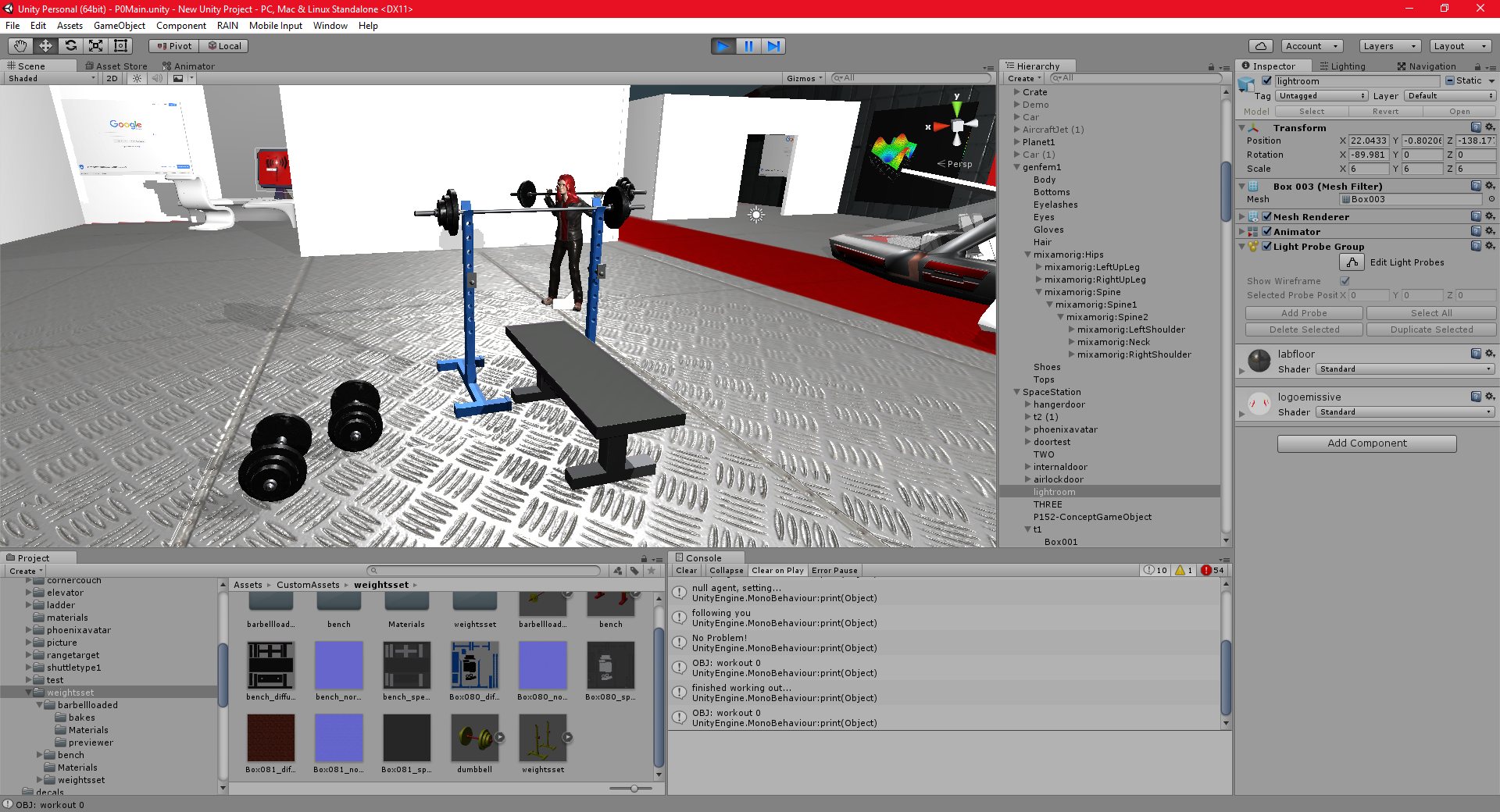
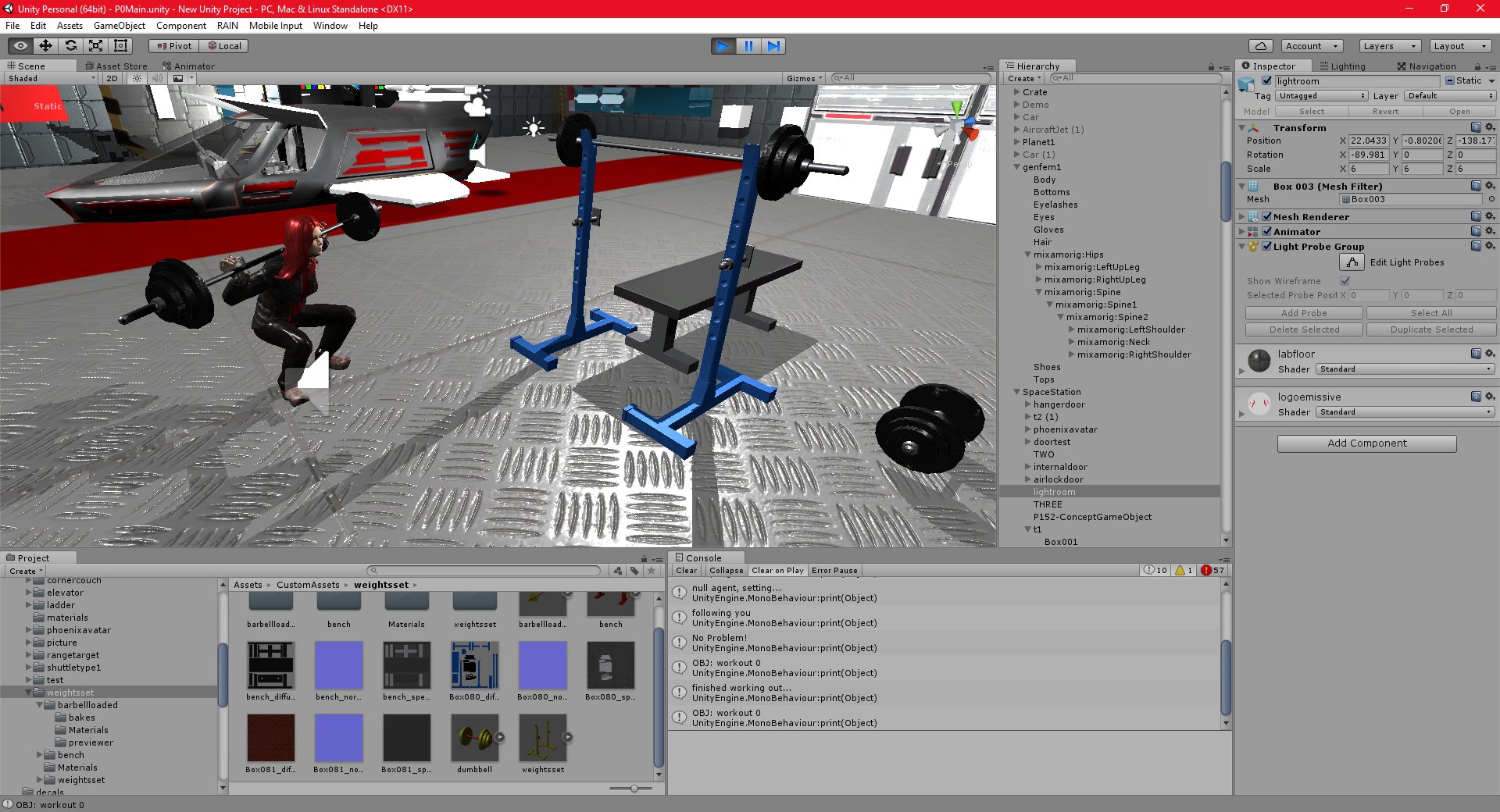
I have added some exercise equipment to the scene and my ai can now workout when not being directed by the player.
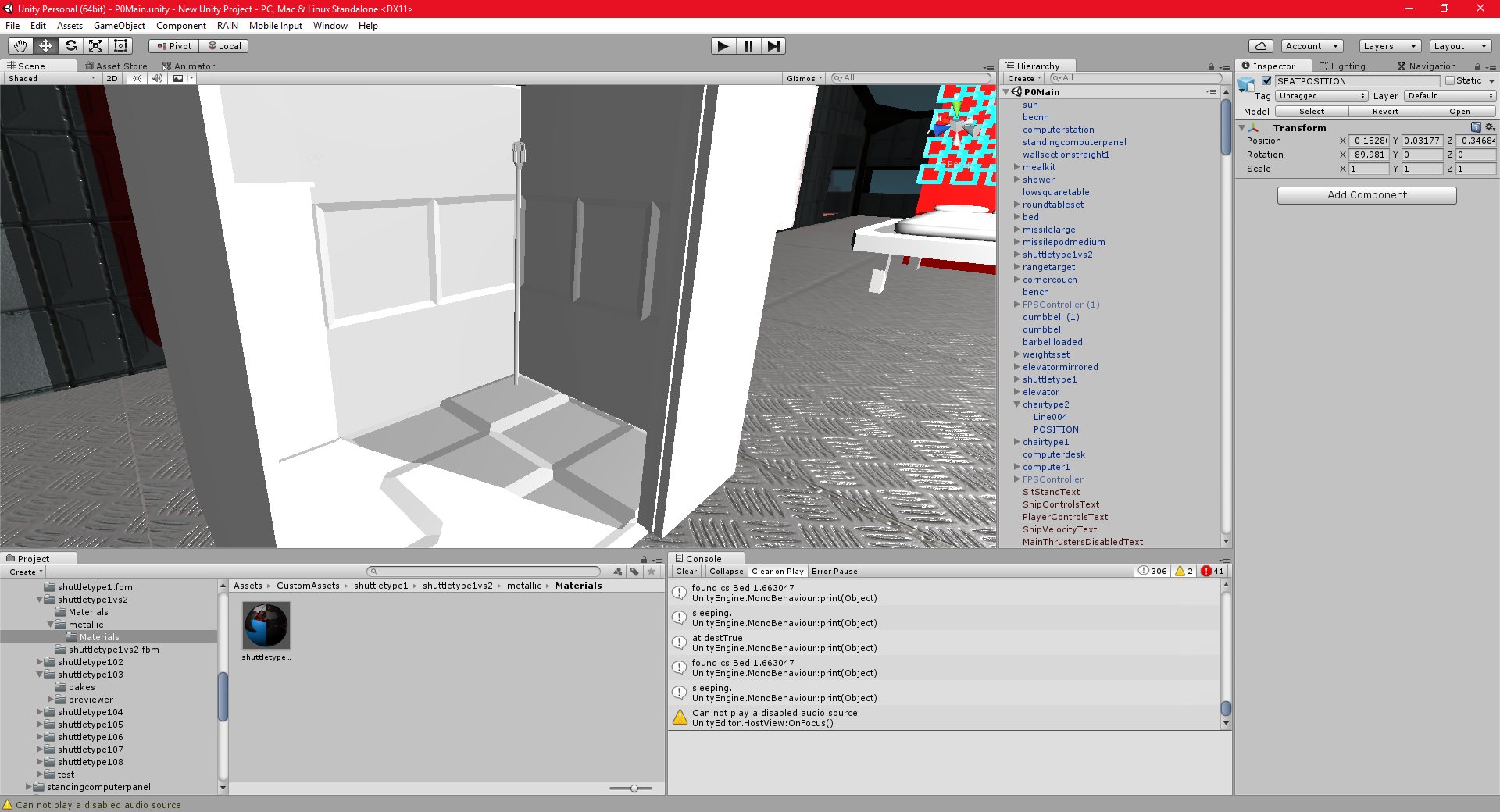
I have also added the ability for the ai to “sit” either when directed, or on their own accord. This was actually quite difficult, since I needed to program the ai to search for a chair or seat, then approach it, and then play their sit animation, making sure that they are rotated and placed properly on the seat. I accomplised this by adding an invisible dummy object called “POSITION” into the model of the seat, and the ai will simple add this as their parent, and set their position and rotation values to it.
Setting it as a parent also ensures that if the seat moves (such as it would in a vehicle) the ai will move with it.
I also spend quite a bit of time working on various models that need to be completed before I can add more actions to the game. I am still trying to learn quixel to aid in texturing these models, and others.
Unity 09/11/2016 , 03:42:06 AM Unity Personal (64bit) – P0Main.unity – New Unity Project – PC, Mac & Linux StandaloneUnity 09/11/2016 , 09:43:35 PM Unity Personal (64bit) – P0Main.unity – New Unity Project – PC, Mac & Linux StandaloneUnity 09/11/2016 , 09:43:41 PM Unity Personal (64bit) – P0Main.unity – New Unity Project – PC, Mac & Linux StandaloneUnity 09/11/2016 , 11:41:35 PM Unity Personal (64bit) – P0Main.unity – New Unity Project – PC, Mac & Linux StandaloneUnity 10/11/2016 , 12:20:15 AM Unity Personal (64bit) – P0Main.unity – New Unity Project – PC, Mac & Linux StandaloneUnity 10/11/2016 , 02:08:56 AM Unity Personal (64bit) – P0Main.unity – New Unity Project – PC, Mac & Linux StandaloneUnity 10/11/2016 , 03:58:54 AM Unity Personal (64bit) – P0Main.unity – New Unity Project – PC, Mac & Linux StandaloneUnity 10/11/2016 , 03:59:00 AM Unity Personal (64bit) – P0Main.unity – New Unity Project – PC, Mac & Linux StandaloneUnity 10/11/2016 , 09:27:42 PM Unity Personal (64bit) – P0Main.unity – New Unity Project – PC, Mac & Linux StandaloneUnity 10/11/2016 , 11:34:07 PM Unity Personal (64bit) – P0Main.unity – New Unity Project – PC, Mac & Linux StandaloneUnity 10/11/2016 , 11:34:34 PM Unity Personal (64bit) – P0Main.unity – New Unity Project – PC, Mac & Linux StandaloneUnity 10/11/2016 , 11:34:44 PM Unity Personal (64bit) – P0Main.unity – New Unity Project – PC, Mac & Linux StandaloneUnity 10/11/2016 , 11:35:23 PM Unity Personal (64bit) – P0Main.unity – New Unity Project – PC, Mac & Linux Standalone
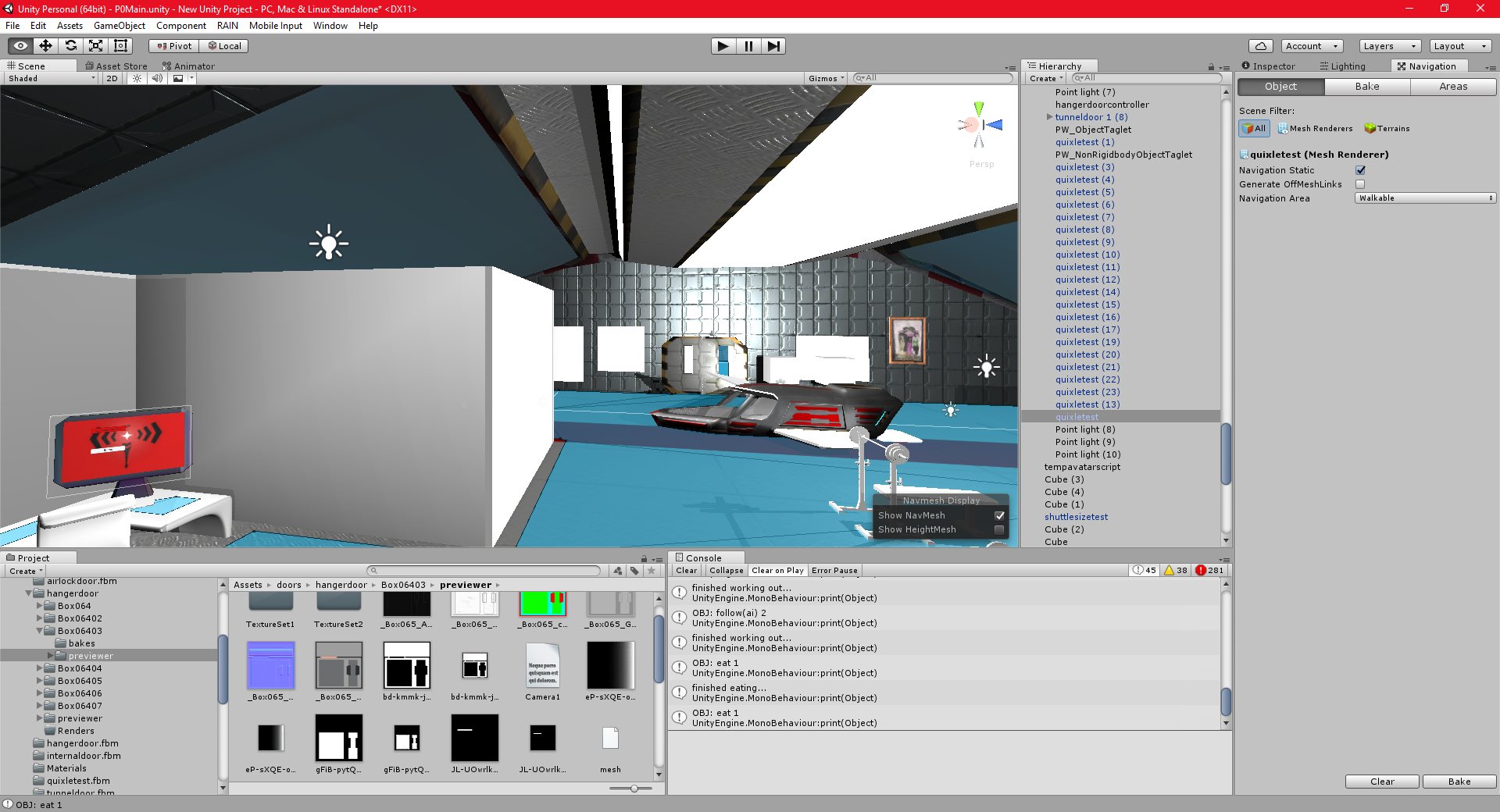
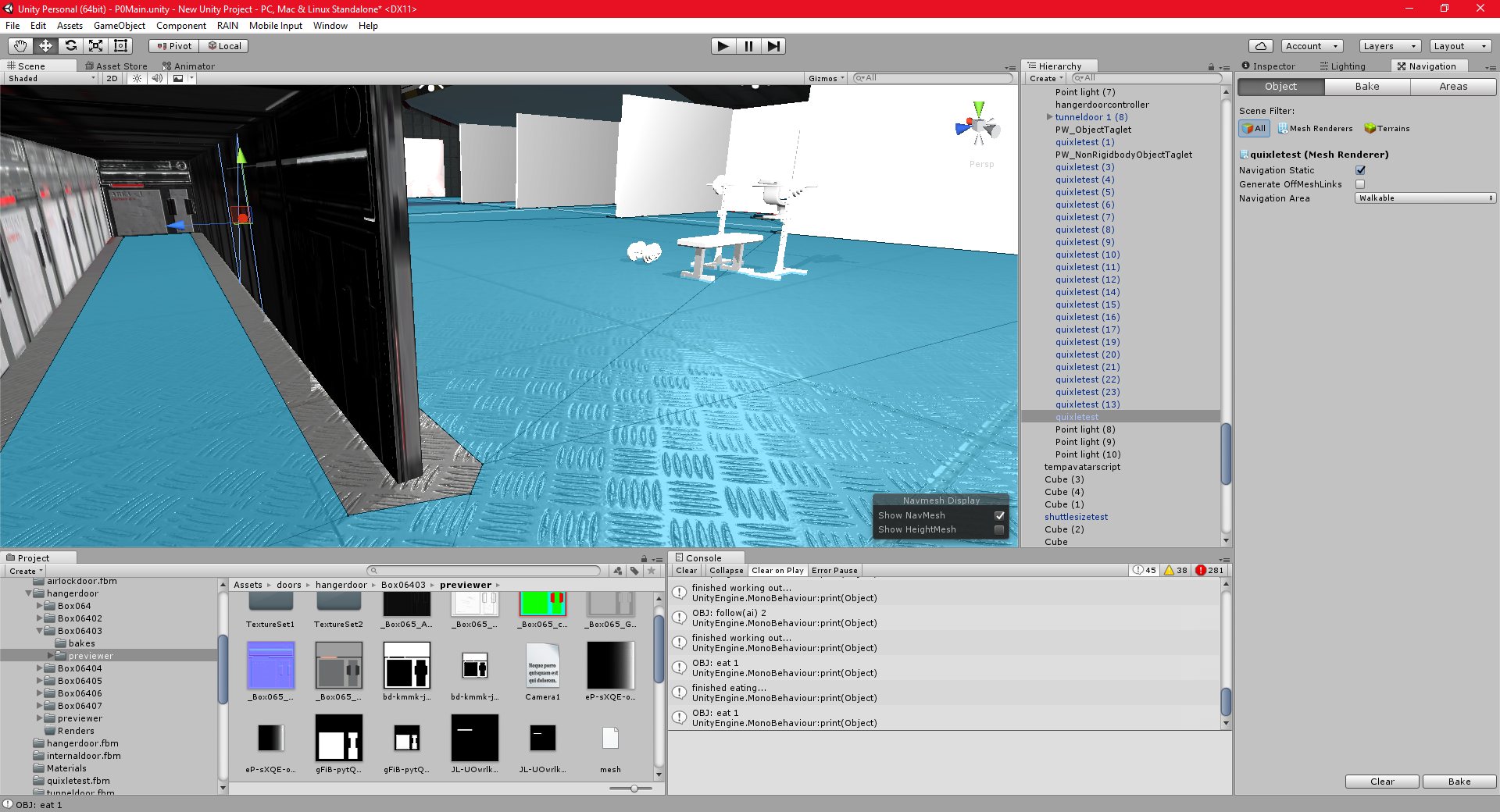
I have added a navmesh for my AI, and I have started working on the more complex ai features that I intend to implement.
In order to make a convincing Persistent World Game, I need the ai characters to perform actions independent of the player. I have started implementing basic functionality to that end now. If the ai is not being directed by the player, they will use the navmesh to travel to various parts of the station.
What I now need to do is get the ai to actually interact with objects at those locations, so that they can perform actions.
The navmesh works very well, and builds very quickly in unity. I am not sure how it will work in a dynamic environment, with the ai standing on a moving object. I will probably need to modify it or add my own solution.
I also had to scale a lot of the art to correctly match the size of the ai (tables, chairs, etc). I may need to do the same for the player once I add in the character system.
I also tested my game in Virtual Reality for the first time. This went reasonably well, everything worked fine, except for, again, some issues with the Space Exploration engine’s long range camera. There were also some control issues caused by using a keyboard and mouse and the Oculus Rift at the same time, but this is to be expected. The gui’s and menus were also quite blurry in VR, but this is not a major issue, I can just scale them up.
Unity 08/11/2016 , 10:26:09 PM Unity Personal (64bit) – P0Main.unity – New Unity Project – PC, Mac & Linux Standalone*Unity 08/11/2016 , 09:08:55 PM Unity Personal (64bit) – P0Main.unity – New Unity Project – PC, Mac & Linux StandaloneUnity 08/11/2016 , 09:08:26 PM Unity Personal (64bit) – P0Main.unity – New Unity Project – PC, Mac & Linux Standalone*Unity 08/11/2016 , 09:08:11 PM Unity Personal (64bit) – P0Main.unity – New Unity Project – PC, Mac & Linux Standalone*
I have implemented multiplayer support into my project.
This was quite easy, and involved very little coding work. I am currently running a server only on my local network, and only with the unity editor as the server. However, this should provide proof of concept that my project is more or less multiplayer safe.
The only issues that I am having (based on the small amount of testing that I had done so far) is that the long-distance camera system for the Space Exploration engine does not work on the client players in multiplayer. This could be serious, depending on what the cause turns out to be. Hopefully it is just a minor issue.
I have not properly tested the floating origin system in multiplayer yet, but there could be issues with that too. The floating origin approach is known to cause issues in multiplayer.
There is also an intermittent issue with the players movement code which seems to be worse in multiplayer. I believe this has to do with the Space Exploration Engine in some way, I may not have set up the player correctly. I will need to debug this when I get a chance.
Other than that, the multiplayer test was very successful.
I believe I have fixed the issues preventing me from reliably importing materials from Quixel into Unity. I was not setting the workflows properly, I needed to specify either “Unity” or “Unity Metalness” in the project generator and export options.
I have made some progress with the texturing, but I am still not happy with the results, I will need to spend more time with this.
Unity 07/11/2016 , 01:55:35 AM Unity Personal (64bit) – P0Main.unity – New Unity Project – PC, Mac & Linux Standalone*Unity 07/11/2016 , 01:55:51 AM Unity Personal (64bit) – P0Main.unity – New Unity Project – PC, Mac & Linux Standalone*Unity 07/11/2016 , 01:54:46 AM Unity Personal (64bit) – P0Main.unity – New Unity Project – PC, Mac & Linux Standalone*Unity 07/11/2016 , 01:54:58 AM Unity Personal (64bit) – P0Main.unity – New Unity Project – PC, Mac & Linux Standalone*Unity 07/11/2016 , 01:55:05 AM Unity Personal (64bit) – P0Main.unity – New Unity Project – PC, Mac & Linux Standalone*Unity 06/11/2016 , 08:24:55 PM Unity Personal (64bit) – P0Main.unity – New Unity Project – PC, Mac & Linux Standalone*Unity 06/11/2016 , 09:14:32 PM Unity Personal (64bit) – P0Main.unity – New Unity Project – PC, Mac & Linux StandaloneUnity 06/11/2016 , 09:19:07 PM Unity Personal (64bit) – P0Main.unity – New Unity Project – PC, Mac & Linux StandaloneUnity 06/11/2016 , 09:19:07 PM Unity Personal (64bit) – P0Main.unity – New Unity Project – PC, Mac & Linux Standalone