
P-172: Unity: Space Environment: Part 32: Web Browser
I have created a simple world space gui in unity, which I am using to control the hanger doors in the environment.
This was actually difficult to get working properly, since the cursor that I was using for the webkit integration seems to be conflicting with the cursor that unity was using for detecting clicks on the gui. I implemented a temporary workaround for this, which should allow me to evaluate unity’s worldspace gui system.
Worldspace just means that the gui’s are 2d objects in the 3d world, as opposed to appearing on the screen in front of everything else, like a conventional gui. They work fairly well, although I had to line them up manually with the computer screen object in the world, which is not ideal.
Generally, I think a html based gui would be better, and certainly far more extendable, than this type of gui. The problem would be easily creating the HTML gui’s.
I will spend another day, maybe two, on the GUI system, and see if I can settle on a proper workflow before I move on to the next part of the project. It is important that I get this workflow sorted out now, since I will be building on this in future, as I create the more complex gui’s that I will need for other features.
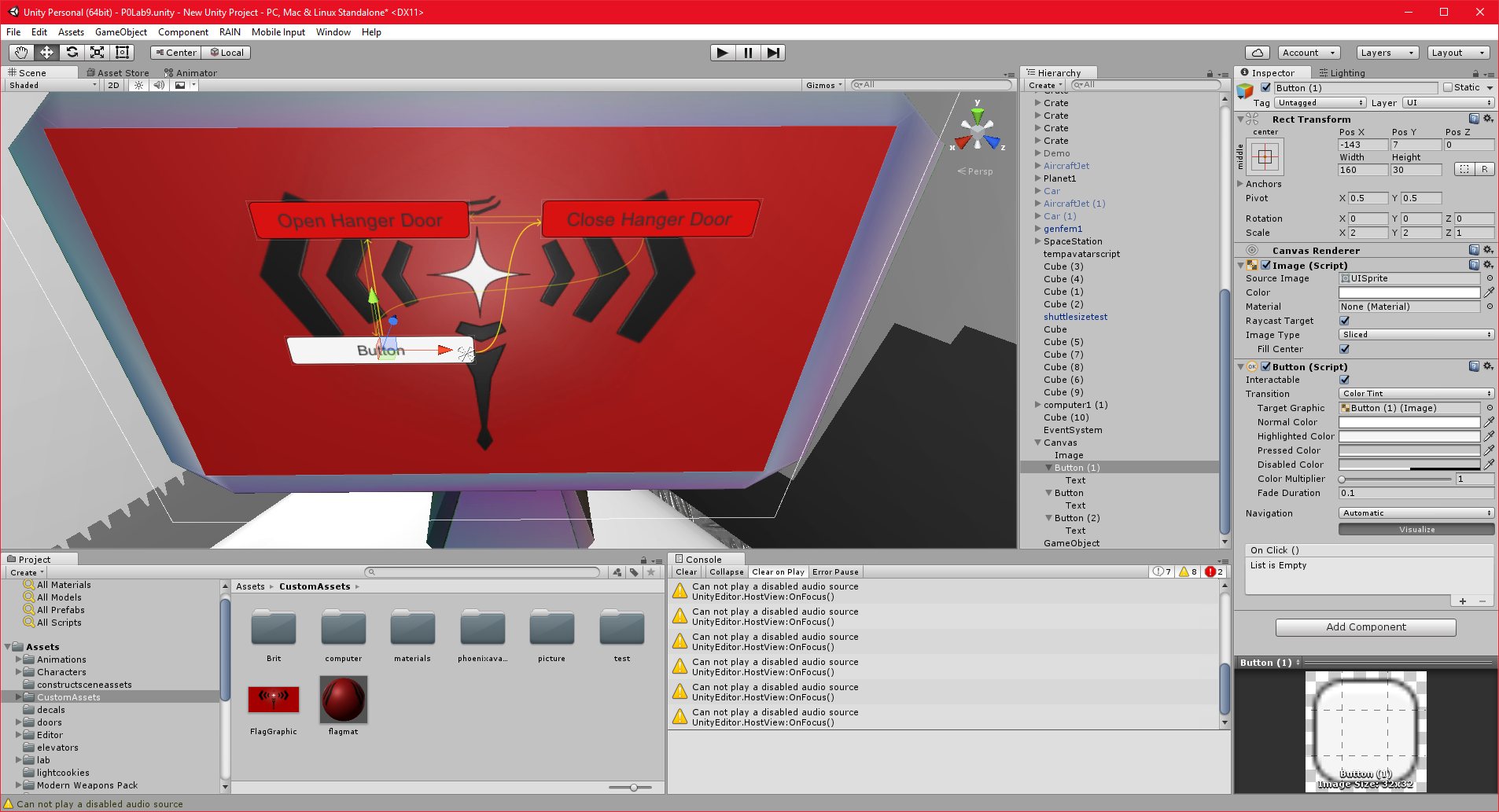
30/10/2016 , 01:24:31 AM
Unity Personal (64bit) – P0Lab9.unity – New Unity Project – PC, Mac & Linux Standalone*
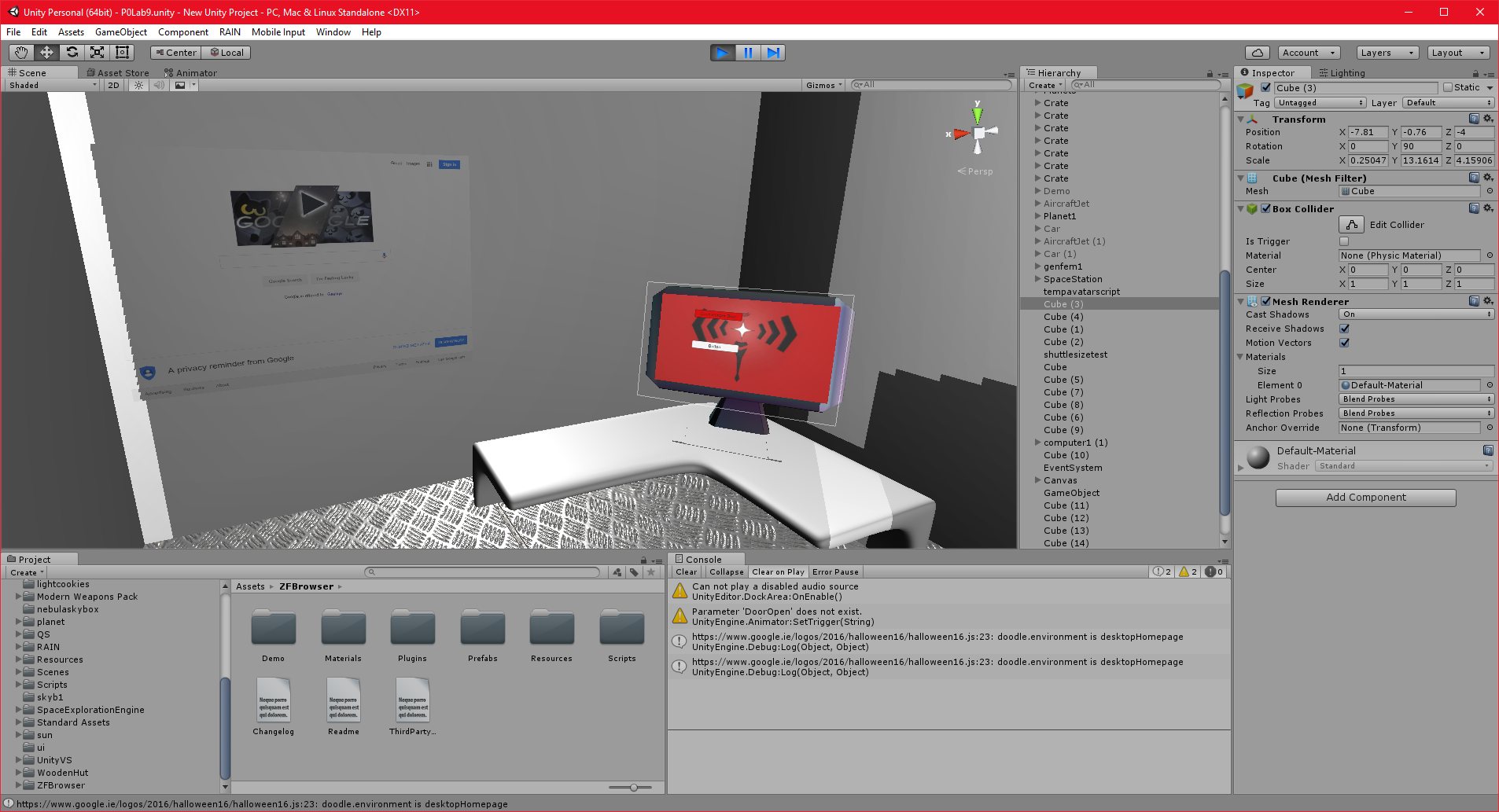
30/10/2016 , 11:55:52 PM
Unity Personal (64bit) – P0Lab9.unity – New Unity Project – PC, Mac & Linux Standalone
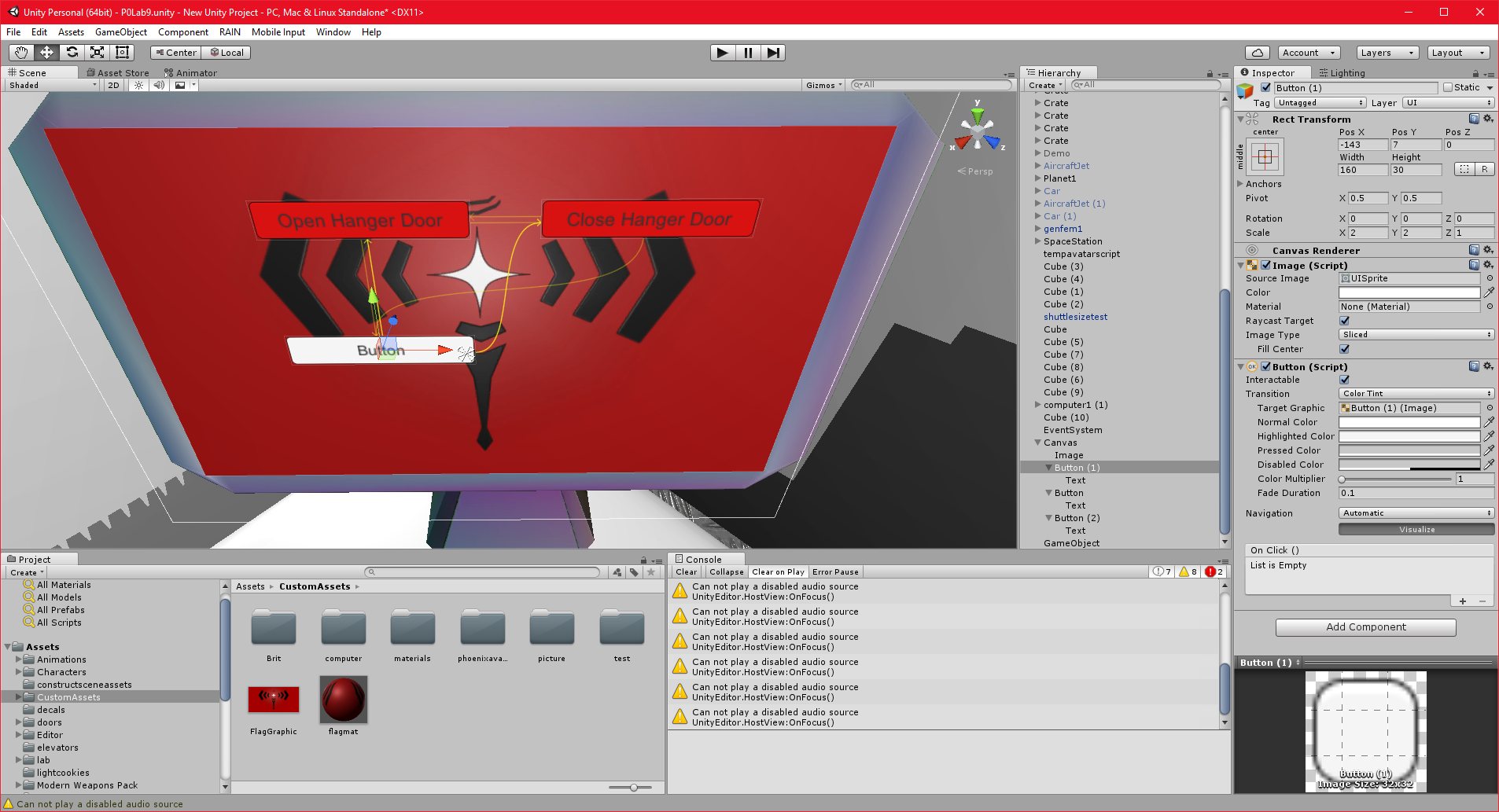
30/10/2016 , 01:24:31 AM
Unity Personal (64bit) – P0Lab9.unity – New Unity Project – PC, Mac & Linux Standalone*
30/10/2016 , 01:24:31 AM
Unity Personal (64bit) – P0Lab9.unity – New Unity Project – PC, Mac & Linux Standalone*
![Spiritus Astrum [P0-EA1]: p1676: Early Access](https://i.imgur.com/IXVMUFo.jpeg "Spiritus Astrum [P0-EA1]: p1676: Early Access")

![Spiritus Astrum [P0-EA1]: p1675: Early Access](https://i.imgur.com/sGTgy9I.jpeg "Spiritus Astrum [P0-EA1]: p1675: Early Access")