
P-172: Unity: Space Environment: Part 35
I have successfully enabled flash support in the embedded webkit browser.
As it turns out, the current official version of the webkit does not support flash. It seems that the webkit uses the chromium browser does not support “NPAPI” flash anymore, and a “PPAPI” flash plugin must be used instead.
The way I did this is to install it on my system first, and then send the command line argument “–enable system flash” to the embedded browser. To do this, I needed to get an updated version of the webkit from the developer, because the one on the asset store doesn’t yet support command line arguments. The flash plugin can be downloaded from the official Adobe site in the usual way, making sure to select the “PPAPI” version.
It is also possible to embed the flash player plugin into the asset, to prevent users having to install it themselves, but this would require a distributors licence from Adobe.
![Spiritus Astrum [P0-EA1]: p1672: Early Access](https://i.imgur.com/waMgAov.jpeg "Spiritus Astrum [P0-EA1]: p1672: Early Access")
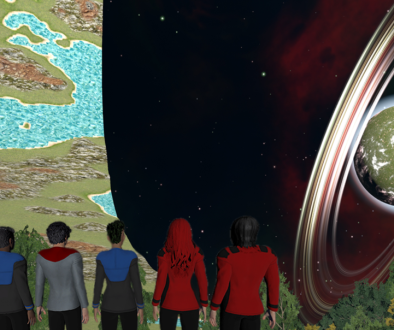
![Spiritus Astrum [P0-EA1]: p1671: 1 Day Left Until Early Access!](https://i.imgur.com/ALB1iKO.jpeg "Spiritus Astrum [P0-EA1]: p1671: 1 Day Left Until Early Access!")