
P0-P-172: Part 45: Shuttle Model, controls, and bug fixes
I have added my shuttle to the game as a controllable object. This is the first time I have added a custom controllable vehicle to the game, and fortunately, it worked fairly easily.
It took some time to get the camera, controls, and collision all working properly, but the shuttle seems to work well now. I can enter and leave it at well, as well as land it on the planet, which is quite an important step forward for the project.
I still need to finish texturing it, and I need to animate part of it as well (door closing, wings retracting, etc). I also need to smooth out the controls, the shuttle seems to be far too slow to respond at certain time, and far too sensitive at others.
I have completed some of the shuttle texturing in substance painter, and I really feel I am getting used to the program. It will definitey improve the quality of my art work in future.
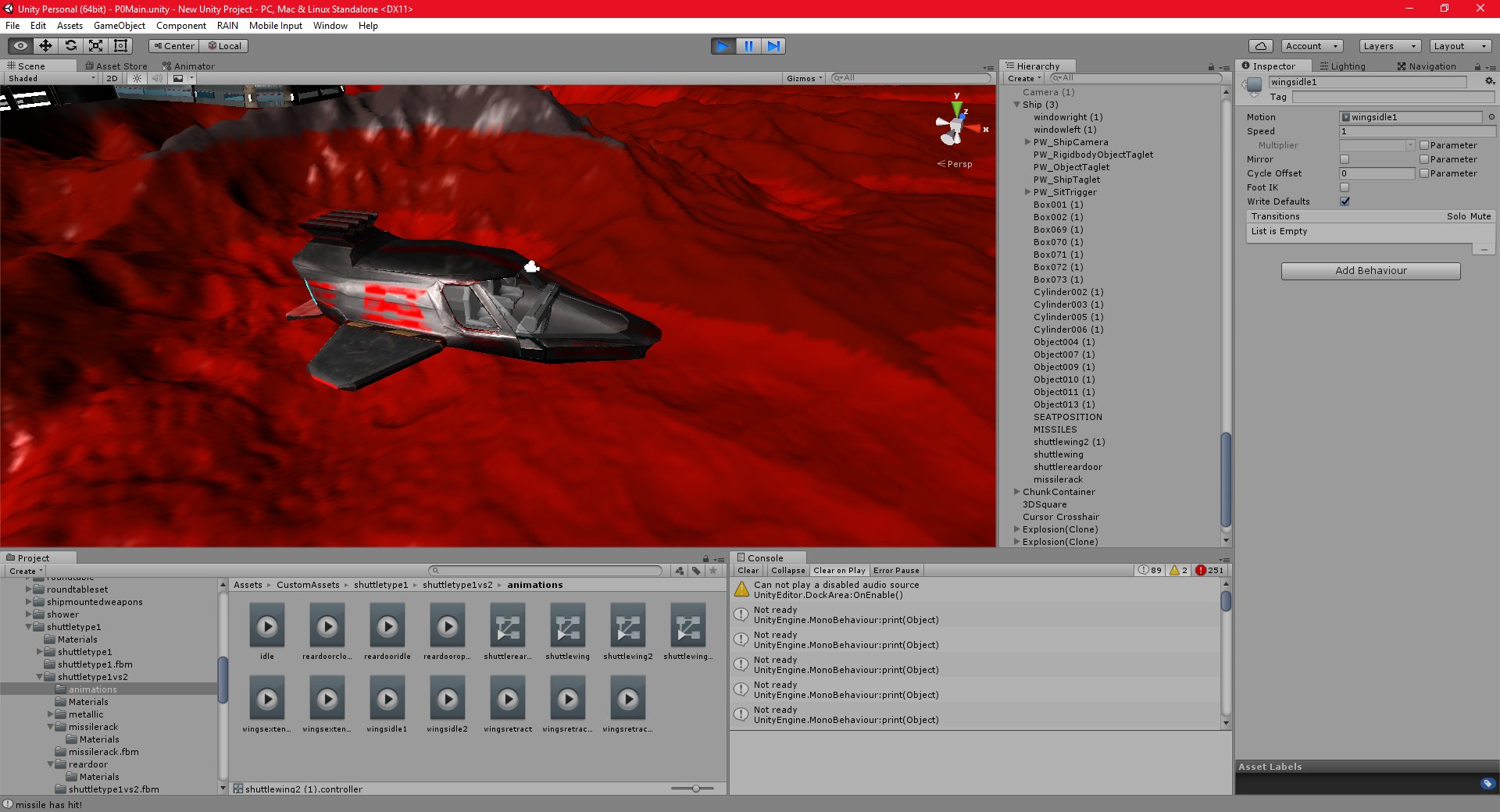
17/11/2016 , 12:37:52 AM
Unity Personal (64bit) – P0Main.unity – New Unity Project – PC, Mac & Linux Standalone
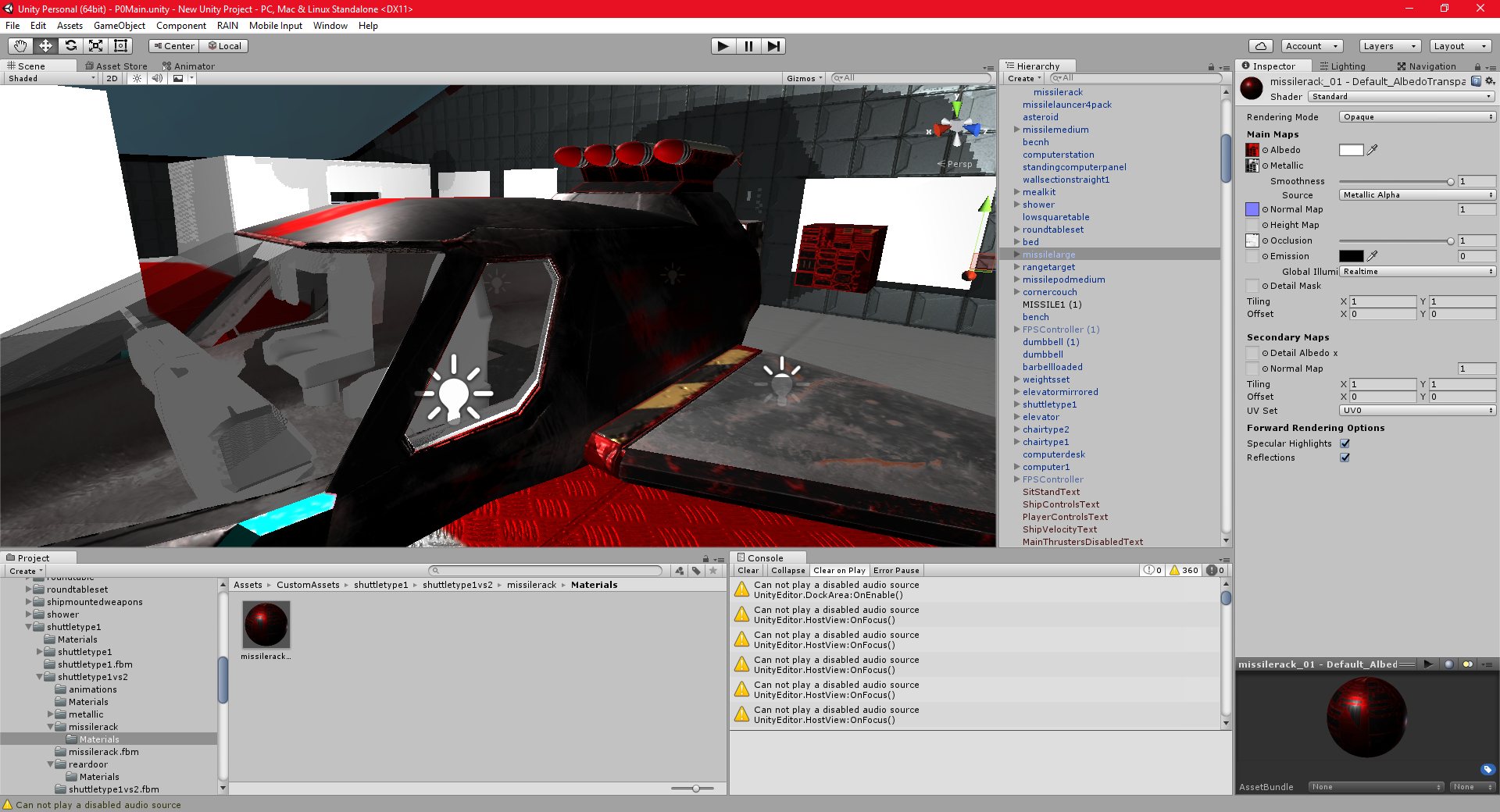
17/11/2016 , 12:30:50 AM
Unity Personal (64bit) – P0Main.unity – New Unity Project – PC, Mac & Linux Standalone
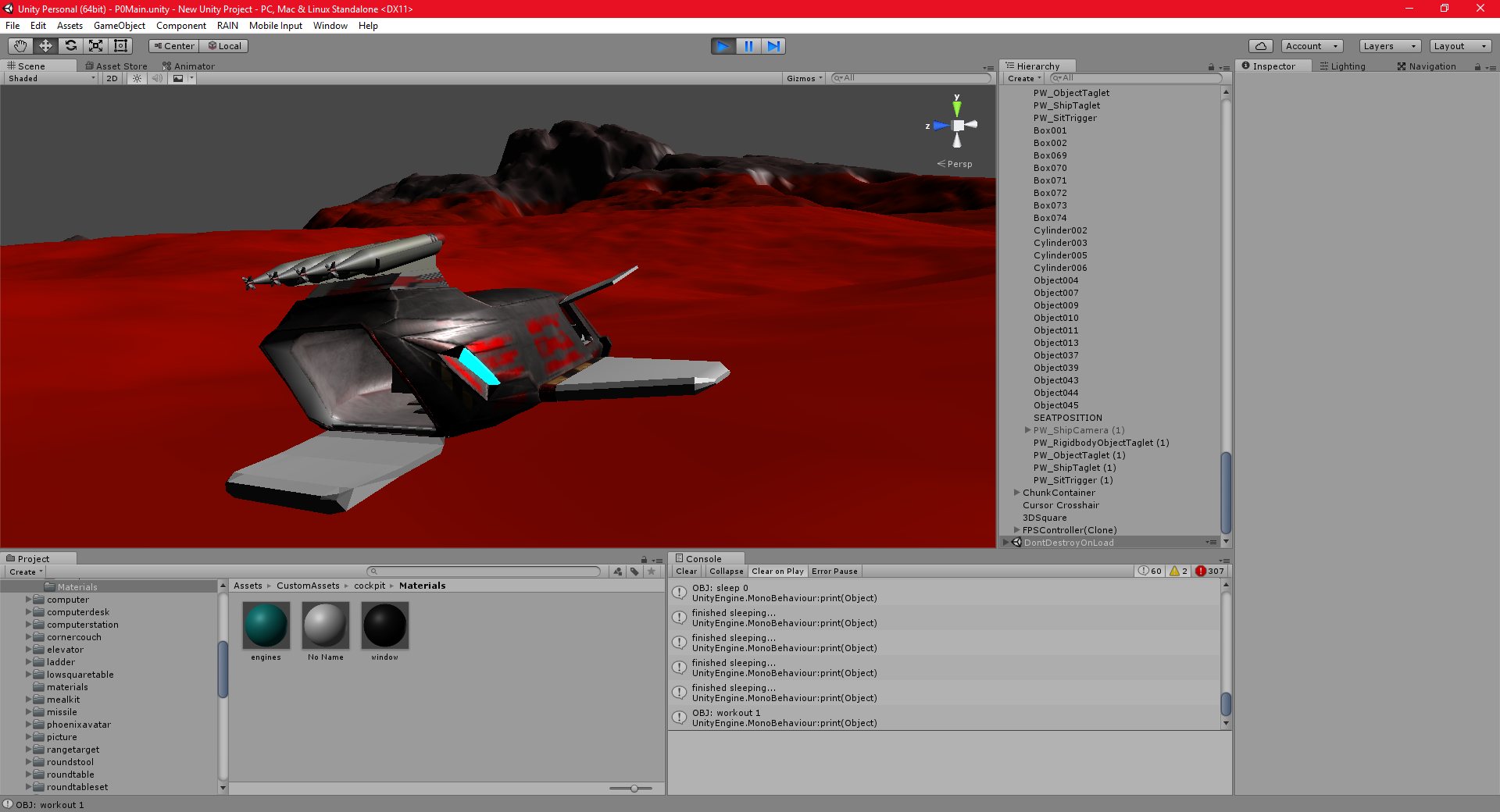
15/11/2016 , 05:54:06 PM
Unity Personal (64bit) – P0Main.unity – New Unity Project – PC, Mac & Linux Standalone

16/11/2016 , 07:12:26 PM
Unity Personal (64bit) – P0Main.unity – New Unity Project – PC, Mac & Linux Standalone
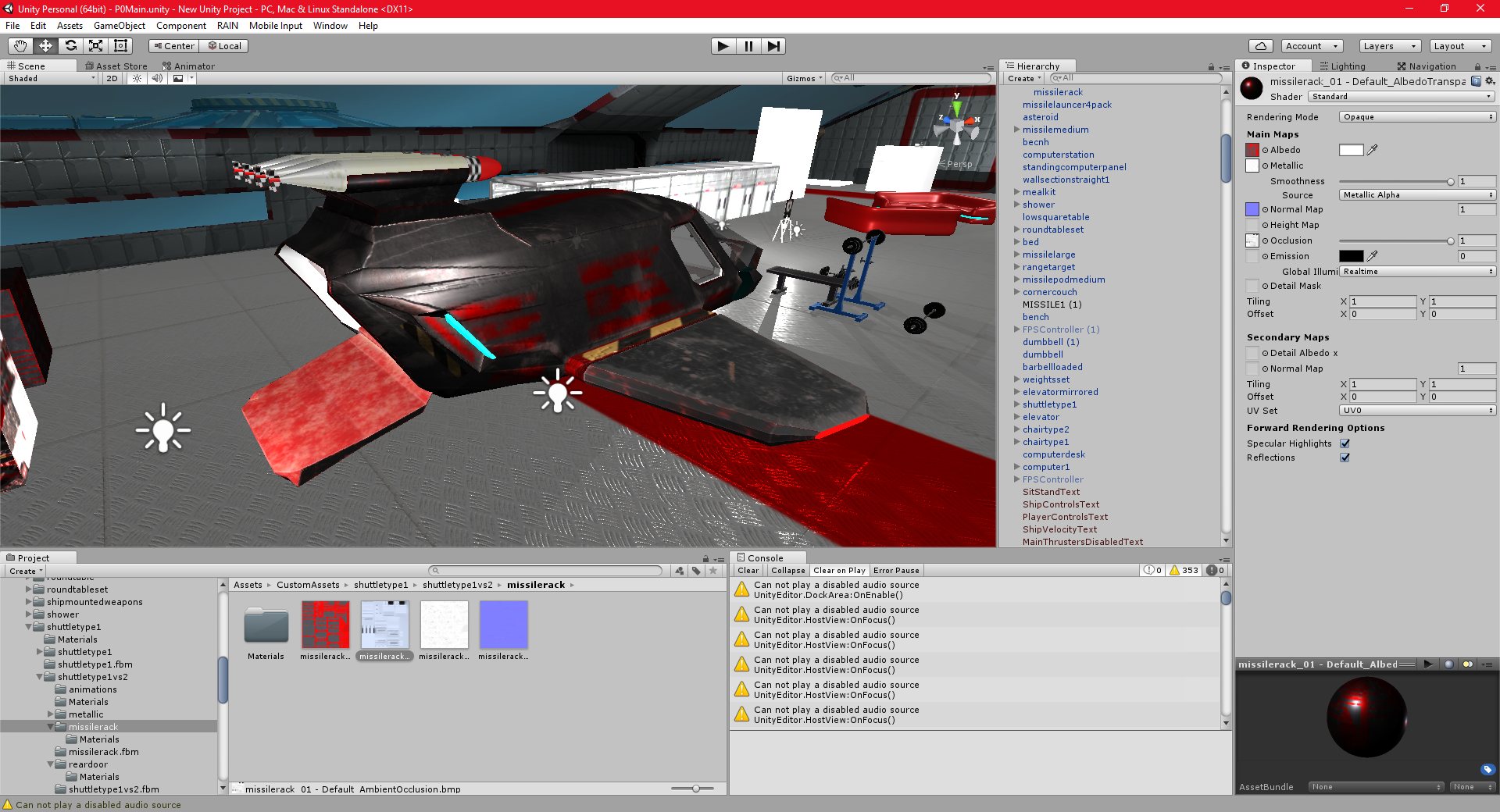
17/11/2016 , 12:22:11 AM
Unity Personal (64bit) – P0Main.unity – New Unity Project – PC, Mac & Linux Standalone
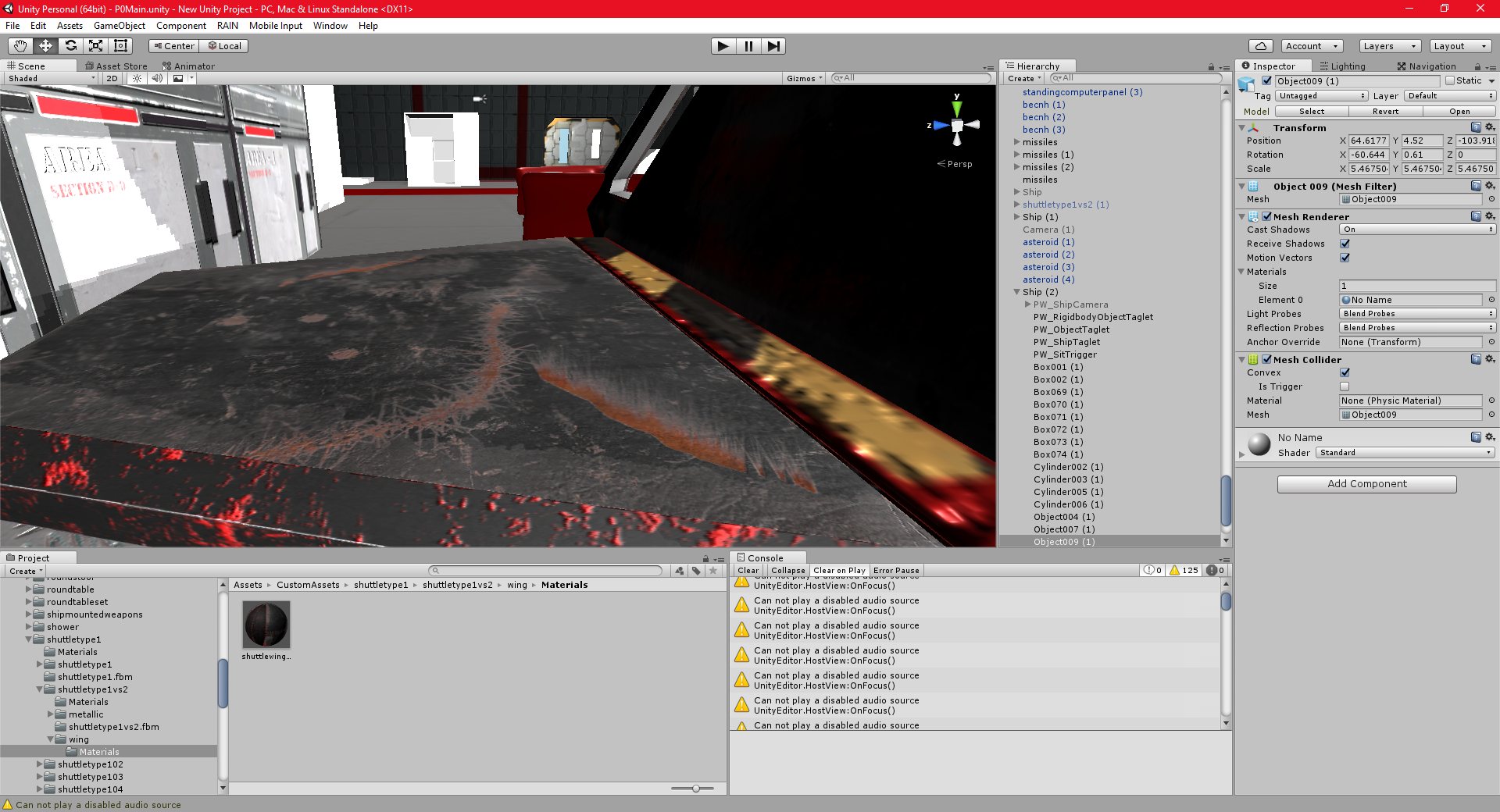
16/11/2016 , 08:50:38 PM
Unity Personal (64bit) – P0Main.unity – New Unity Project – PC, Mac & Linux Standalone

![Spiritus Astrum [P0-EA1]: p1675: Early Access](https://i.imgur.com/sGTgy9I.jpeg "Spiritus Astrum [P0-EA1]: p1675: Early Access")
![Spiritus Astrum [P0-EA1]: p1674: Early Access](https://i.imgur.com/P3mNS6Y.jpeg "Spiritus Astrum [P0-EA1]: p1674: Early Access")