
P0-P-172: Part 73: Advanced GUI selection, Art
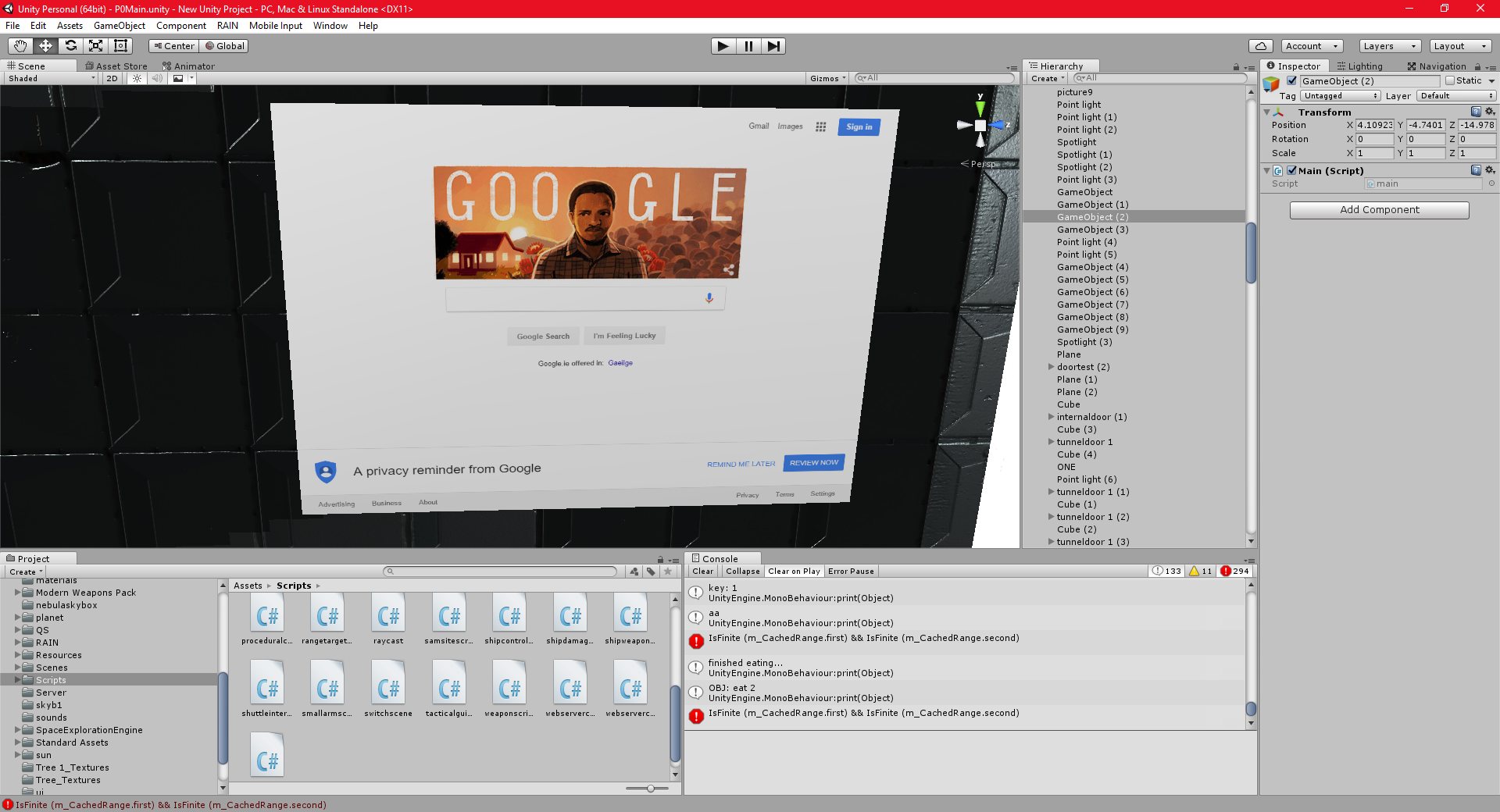
I have added another feature to the Browser-based gui’s that I have been using.
When the user right-clicks on the gui, as well as immobilising the player (preventing the WASD keys from moving them) it will also unlock the mouse from the camera, and allow the user to move it independently, in exactly the same way that a mouse is used on a regular screen.
I am using a standard FPS-style cursor (IE, the cursor is fixed to the center of the screen, and the entire camera moves) for player and gui interaction in most cases, but being able to unlock the cursor and keep the camera steady is very useful for fine control over gui’s.
This also works for the gui’s on board the shuttle as well.
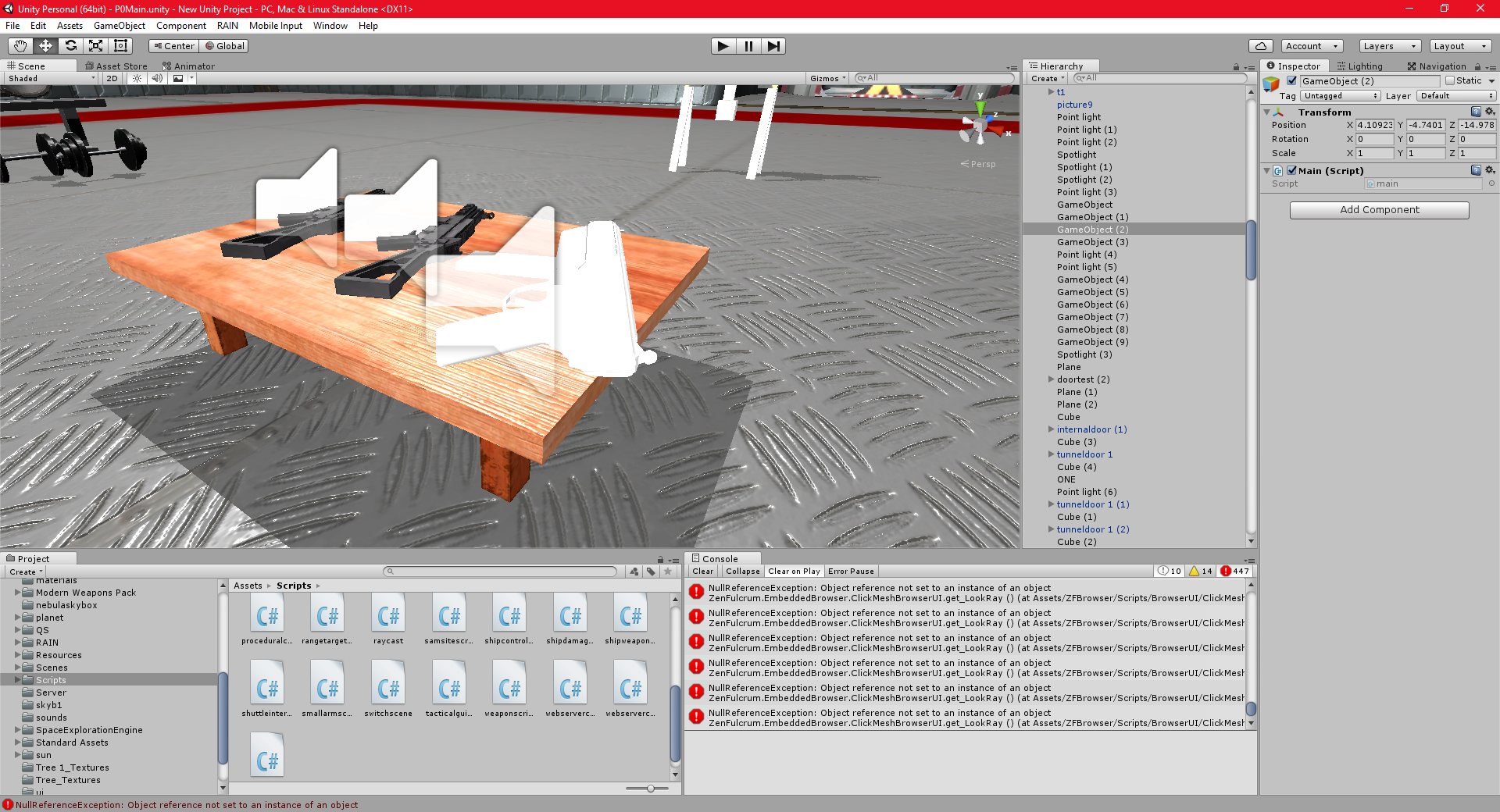
I have also finished a model of a basic weapon, which I intend to texture.
 Unity
Unity
18/12/2016 , 09:54:19 PM
Unity Personal (64bit) – P0Main.unity – New Unity Project – PC, Mac & Linux Standalone
18/12/2016 , 09:52:27 PM
Unity Personal (64bit) – P0Main.unity – New Unity Project – PC, Mac & Linux Standalone
![Spiritus Astrum [P0-B14]: p1660: Towards Early Access](https://i.imgur.com/gPCgEhq.jpeg "Spiritus Astrum [P0-B14]: p1660: Towards Early Access")
![Spiritus Astrum [P0-B14]: p1559: Towards Early Access](https://i.imgur.com/VUO369w.jpeg "Spiritus Astrum [P0-B14]: p1559: Towards Early Access")
![Spiritus Astrum [P0-B14]: p1558: Towards Early Access](https://i.imgur.com/WqaPsth.jpeg "Spiritus Astrum [P0-B14]: p1558: Towards Early Access")