
P-172: Unity: Space Environment: Part 7
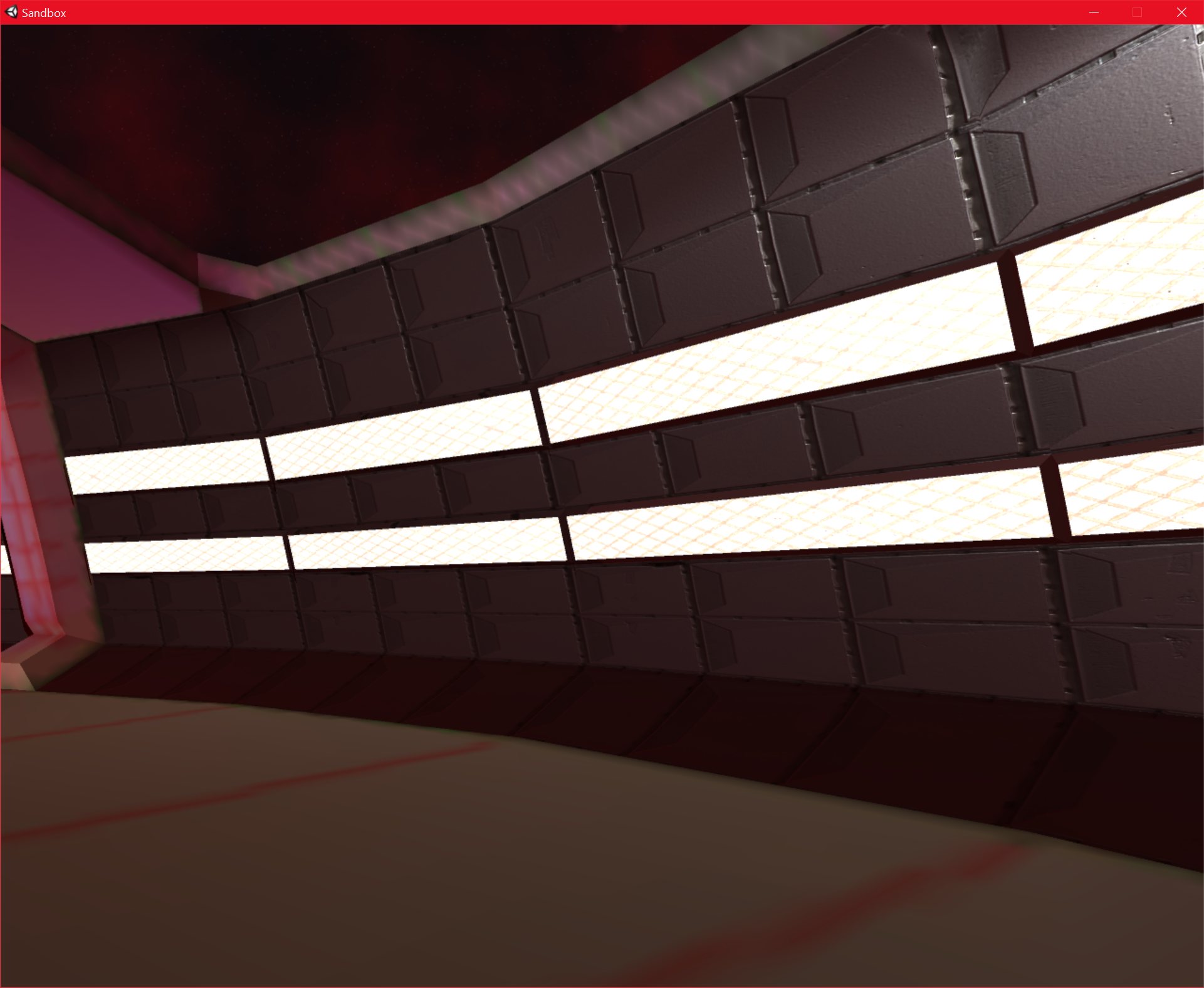
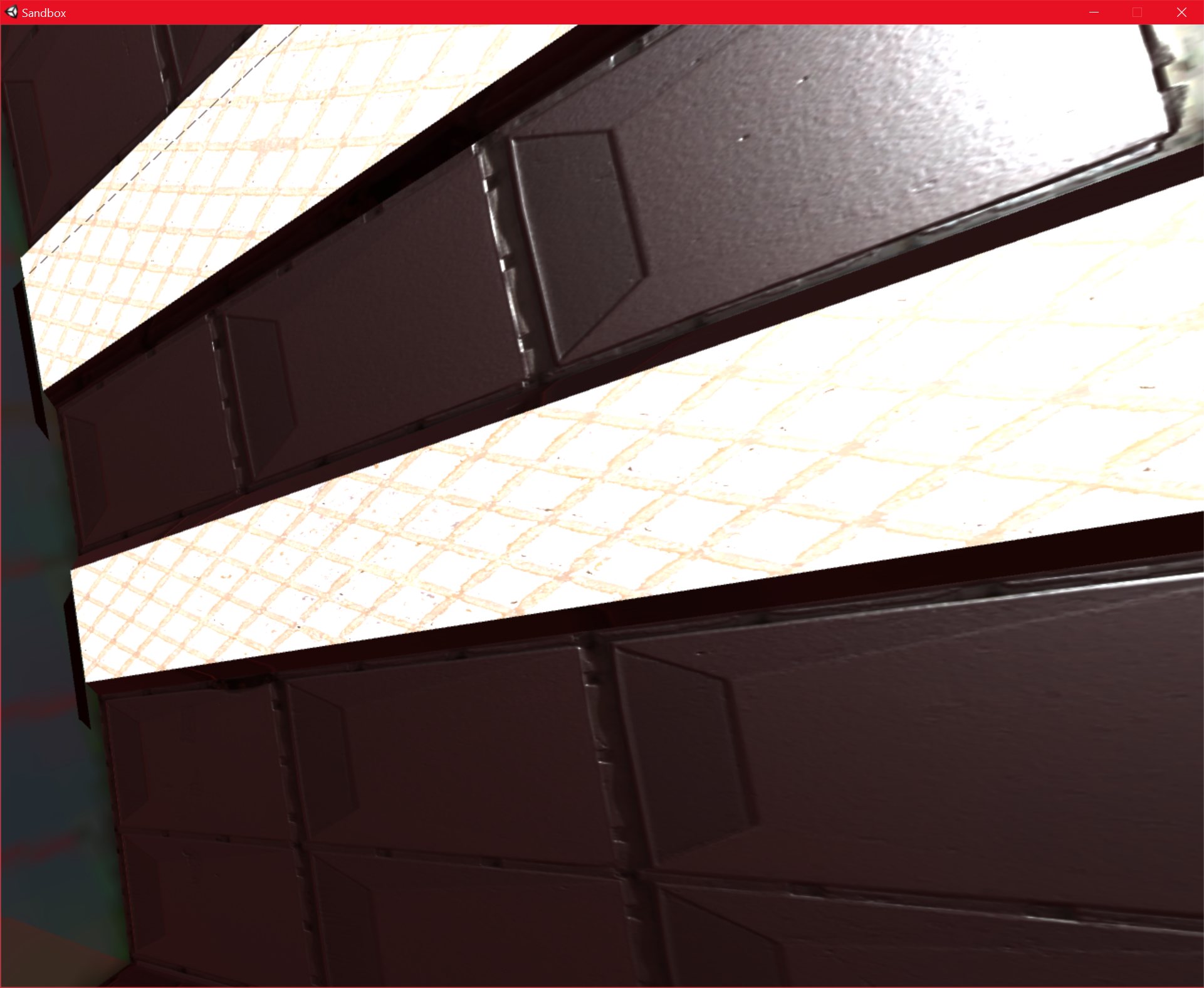
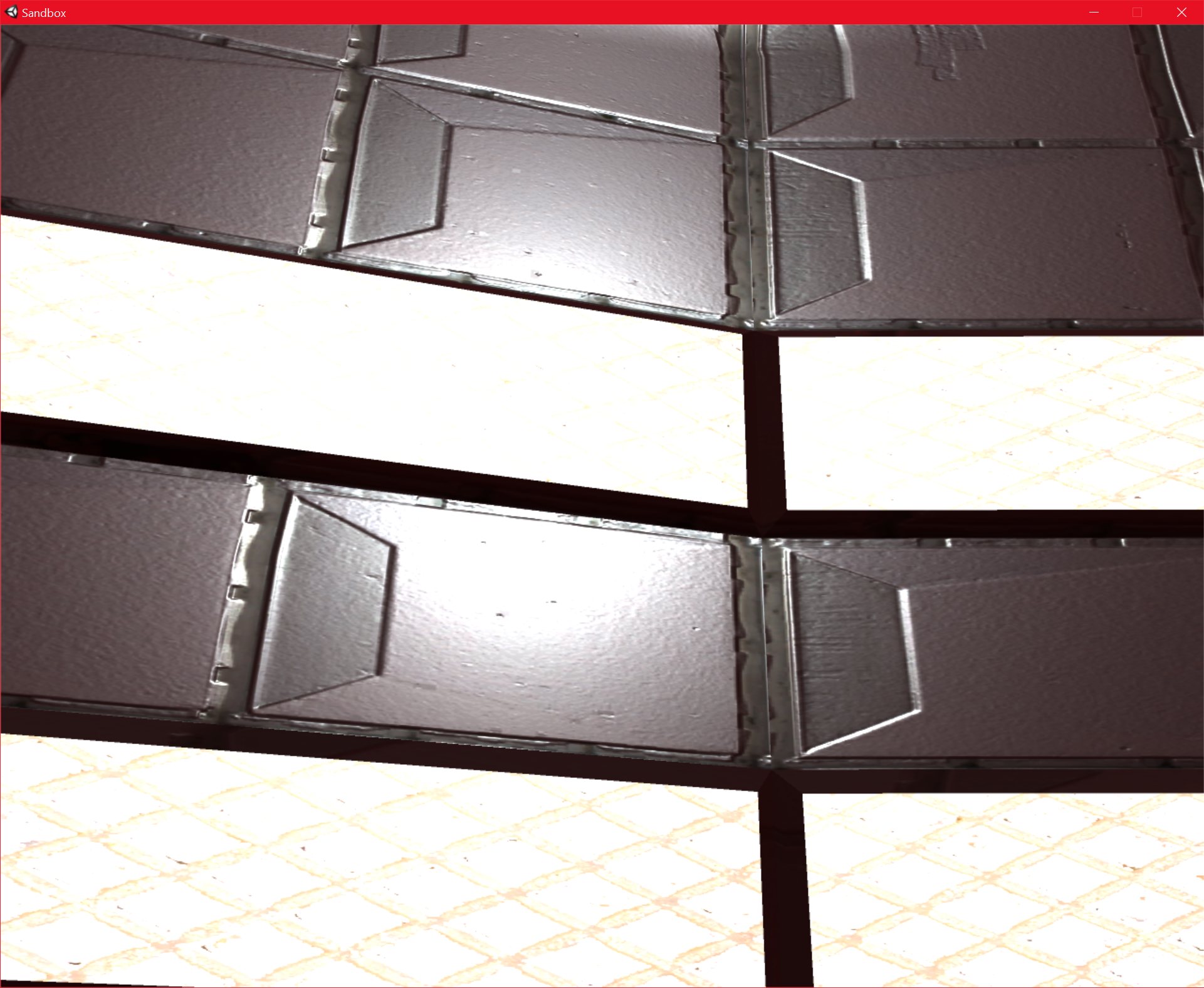
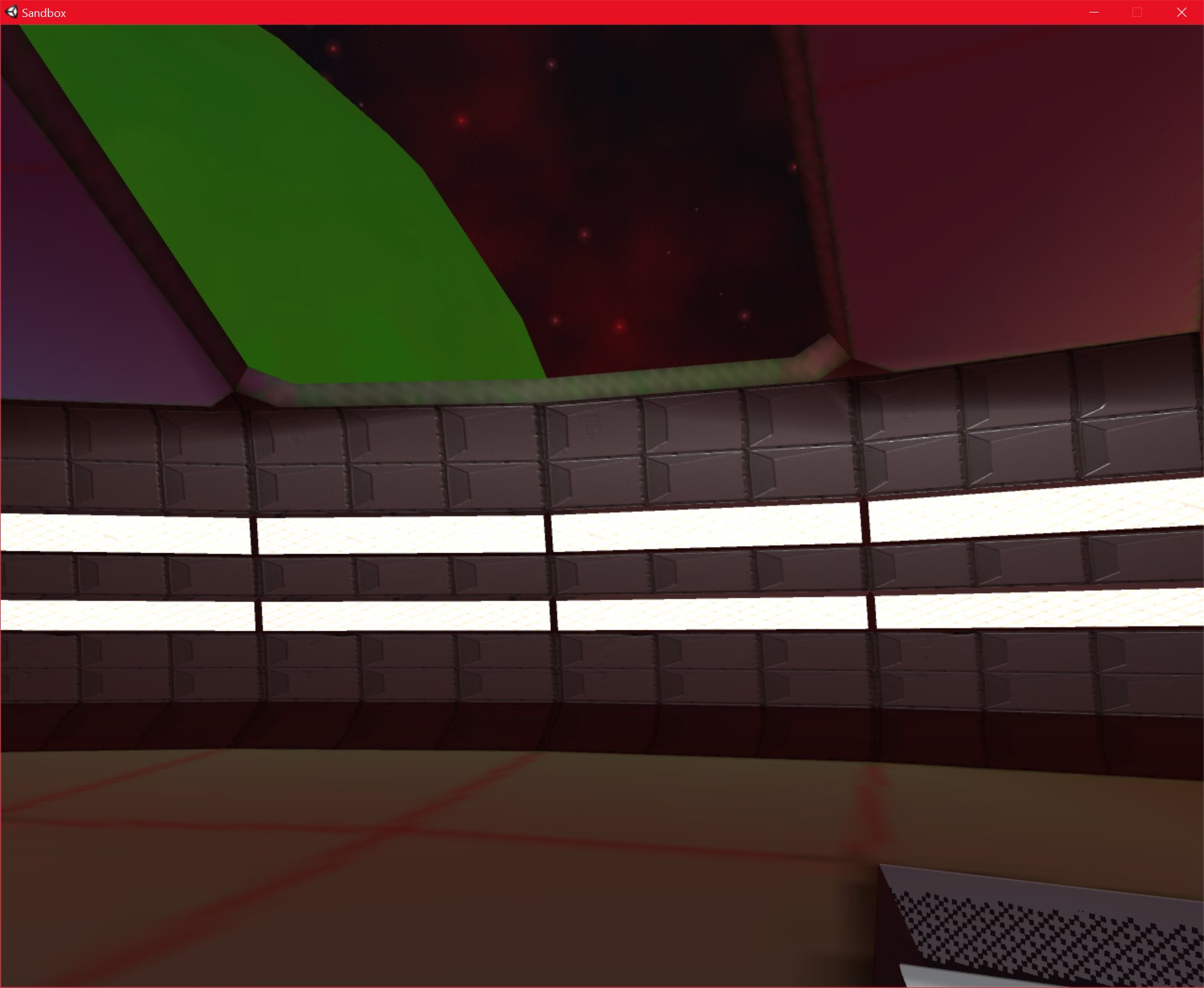
I have finally finished the main “wall” texture of the structure that I was working on. I have created a normal map, and I have modified the “Metallic” and “Smoothness” values in Unity, and I am very pleased with the results.
I am using “xNormal” as my normal map creation program, and it seems to work well, even if it does require a little preprocessing to produce a height map from my texture, before I can create the normal map (It seems to be mainly designed to produce normal maps from high poly geometry). xNormal is free, my previous tool, CrazyBump, costs $99, and I don’t create a lot of normal maps, so I thought the free option would be better.
I think the normal maps and metallic/smoothness values have made a massive difference. They really do their jobs well, and add a huge amount of detail to what would otherwise be quite a boring, flat texture.
Going from the images below, I really think that the surface “feels” metallic. Even when the camera is very close to it, the detail is still good enough. The fact that I am using high-resolution textures makes a difference as well, of course, the overall effect is a combination of all of the new techniques that I have been using. In fact, the wall texture has a 4096×4096 texture all to itself.

23/09/2016 , 10:17:45 PM
Sandbox

23/09/2016 , 06:35:12 PM
Sandbox
23/09/2016 , 10:17:40 PM
Sandbox
23/09/2016 , 06:35:47 PM
Sandbox
23/09/2016 , 06:35:32 PM
Sandbox

23/09/2016 , 06:35:23 PM
Sandbox
23/09/2016 , 06:35:15 PM
Sandbox

23/09/2016 , 03:39:03 AM
Unity Personal (64bit) – P0Lab.unity – New Unity Project – PC, Mac & Linux Standalone

23/09/2016 , 03:38:58 AM
Unity Personal (64bit) – P0Lab.unity – New Unity Project – PC, Mac & Linux Standalone
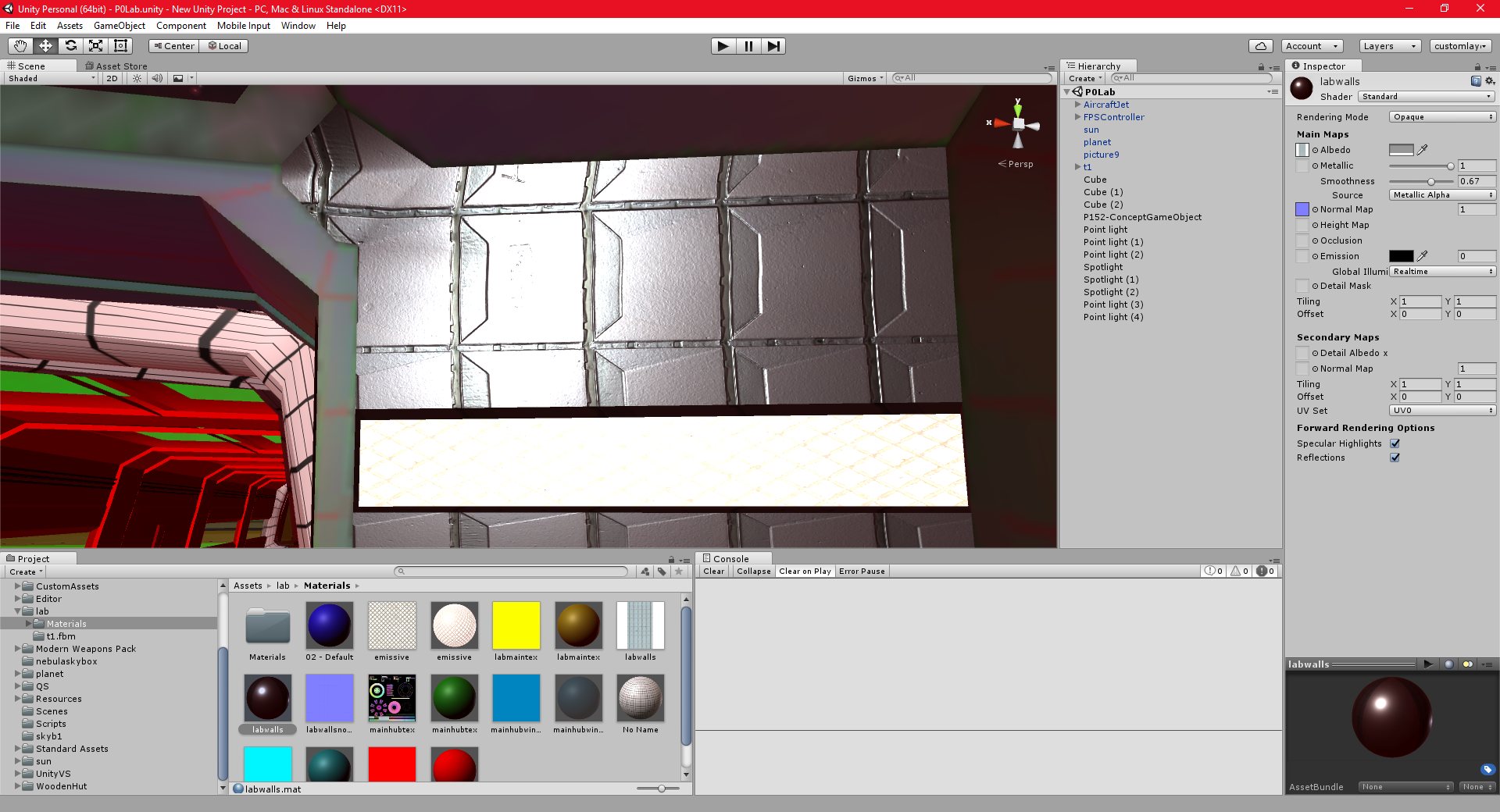
23/09/2016 , 02:42:25 AM
Unity Personal (64bit) – P0Lab.unity – New Unity Project – PC, Mac & Linux Standalone
![Spiritus Astrum [P0-EA1]: p1672: Early Access](https://i.imgur.com/waMgAov.jpeg "Spiritus Astrum [P0-EA1]: p1672: Early Access")
![Spiritus Astrum [P0-EA1]: p1671: 1 Day Left Until Early Access!](https://i.imgur.com/ALB1iKO.jpeg "Spiritus Astrum [P0-EA1]: p1671: 1 Day Left Until Early Access!")