
P-167: Paranoia: Update 17: Debugging Ai (Hunter)
I encountered a serious issue when preparing to implement the AI for my Hunter character.
The nav mesh in T3D basically creates a navigable surface around any objects that are present inside the bounds of the nav mesh. This worked fine earlier in the project, and then stopped working. I just got around to trying to fix it, and I discovered that the cause was the doors that I had added to the world. The door’s collision was taken into account by the nav mesh, and the AI was therefore unable to navigate through doorways.
This caused a problem, because I needed to, first of all, create the navmesh with passages through the door ways, and second of all, I needed to allow the AI to open and close doors themselves.
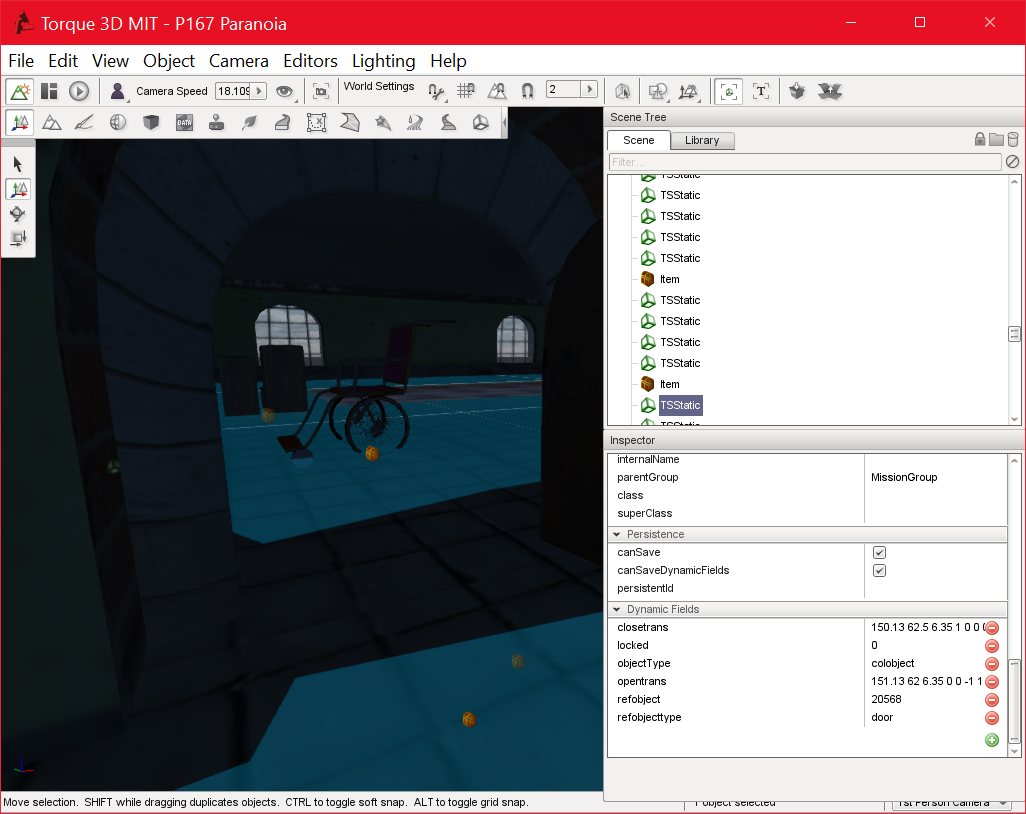
29/06/2016 , 05:04:55 AM
Torque 3D MIT – P167 Paranoia
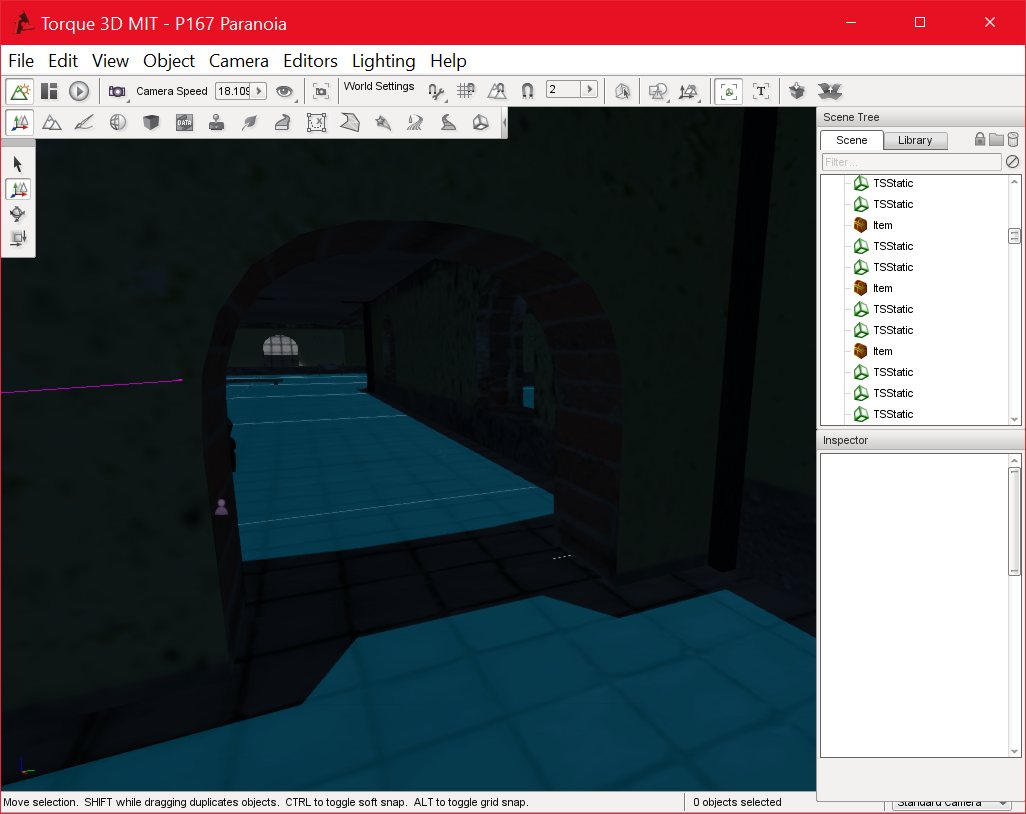
02/07/2016 , 10:26:53 PM
Torque 3D MIT – P167 Paranoia
Thankfully, this turned out to be easier than I thought, since collision can be added and removed on an object dynamically, simply by changing the “collisionType” property of the object. I was therefore able to create the doors and collision boxes as normal, but disable the collision on the collision objects and add the collision objects to a simset. The Nav Mesh then created a mesh that included the doorways.
Once the nav mesh was complete, I was then able to loop through the objects in the simset and enable collision for them. I was then able to use a simple raycast to check for a door in the path of the AI, and open it if a door was found.
This worked fine, except I had to temporarily disable collision for the door while the AI was passing through, since open door position was not added to the navmesh, and was blocking the AI in some cases.
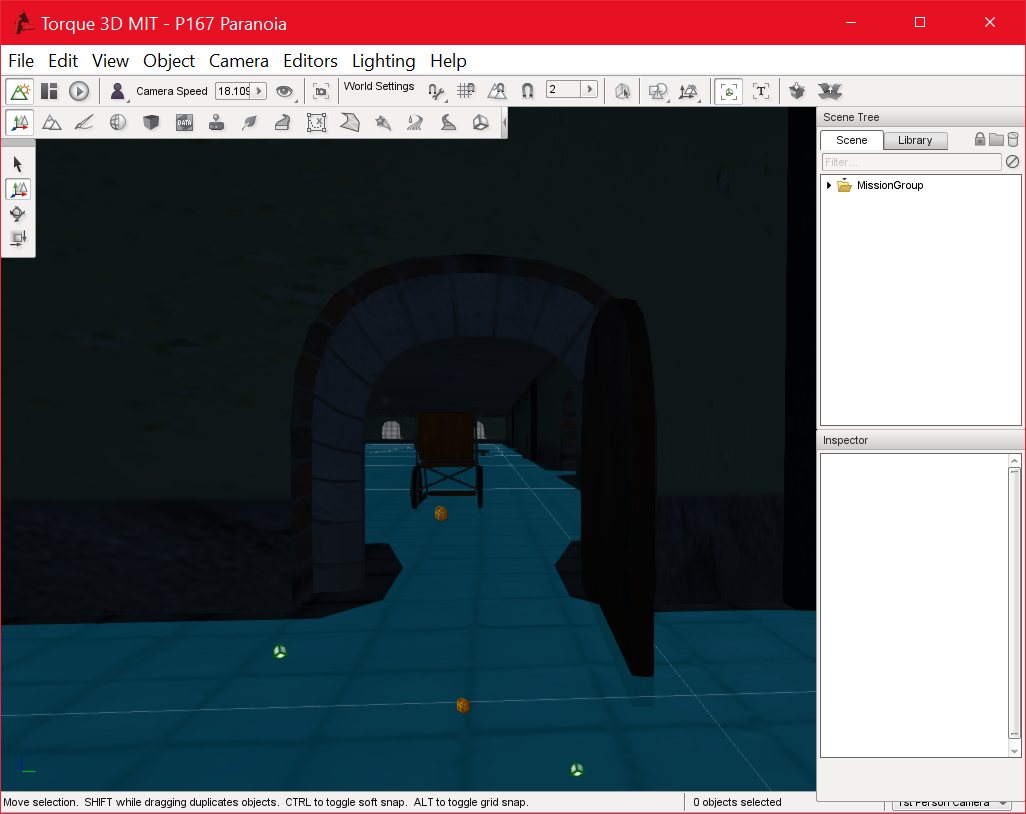
03/07/2016 , 06:42:37 PM
Torque 3D MIT – P167 Paranoia
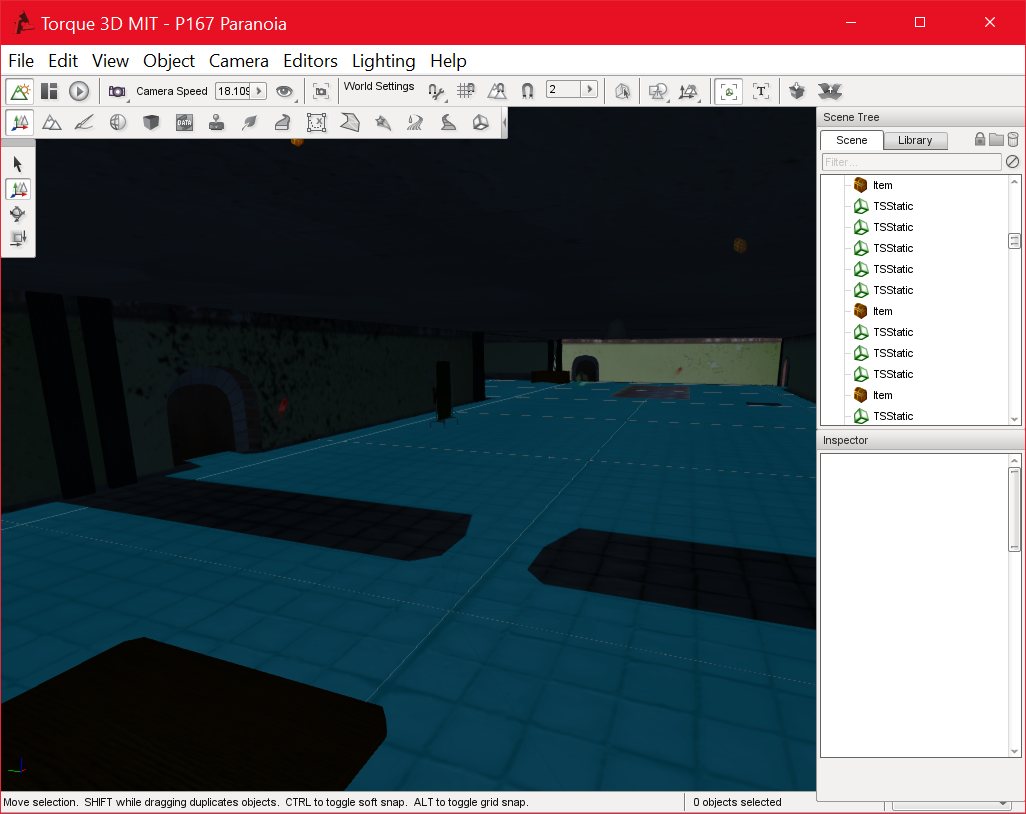
P167 Paranoia_DEBUG
03/07/2016 , 05:48:43 PM
Torque 3D MIT – P167 Paranoia
![Spiritus Astrum [P0-B14]: p1557: Towards Early Access](https://i.imgur.com/XZnoVge.jpeg "Spiritus Astrum [P0-B14]: p1557: Towards Early Access")
![Spiritus Astrum [P0-B14]: p1556: Towards Early Access](https://i.imgur.com/T5K2dqM.jpeg "Spiritus Astrum [P0-B14]: p1556: Towards Early Access")
![Spiritus Astrum [P0-B14]: p1555: Towards Early Access](https://i.imgur.com/ViBetHM.jpeg "Spiritus Astrum [P0-B14]: p1555: Towards Early Access")