
P-152: Virtual World Concept Update 108: Fixing Seams on CLOD Terrain: Part 2
I believe I have come up with a relatively decent solution to this problem.
My original plan was to use essentially a distance based check to determine if a midpoint was on a border between two LOD’s. If it was, I intended to create a new polygon from that midpoint and the two corner points, and then add those polygons to the end of the renderlist, so that all of the terrain polys are rendered at once, from the same vertex and primitive buffers.
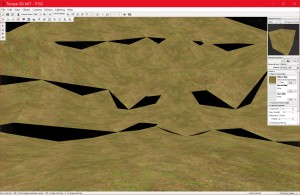
Creating the extra poly didn’t seem to work well, as can be seen from the following screenshots.
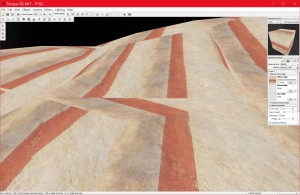
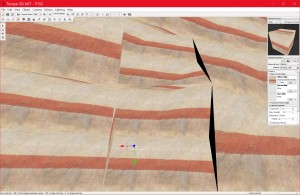
The new poly’s didn’t fill the gaps properly in most cases. I then changed to a more elegant solution where instead of creating a new polygon, I set the position of the midpoint to a point between the two corner nodes, so it was not offset from them. This seemed to produce very good looking results.
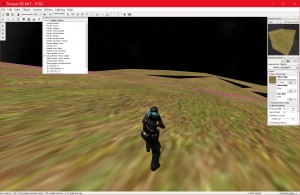
These first images are from before the seams were fixed:
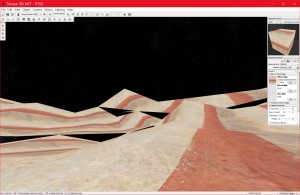
These images were taken after the seams were fixed:
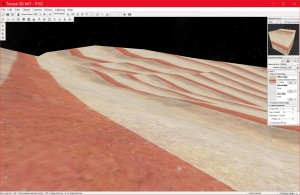
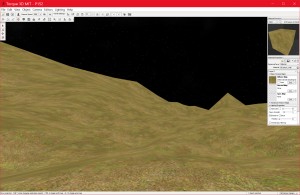
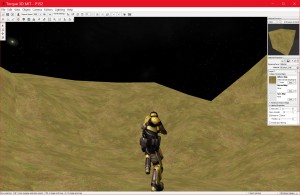
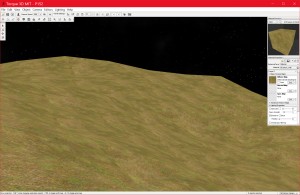
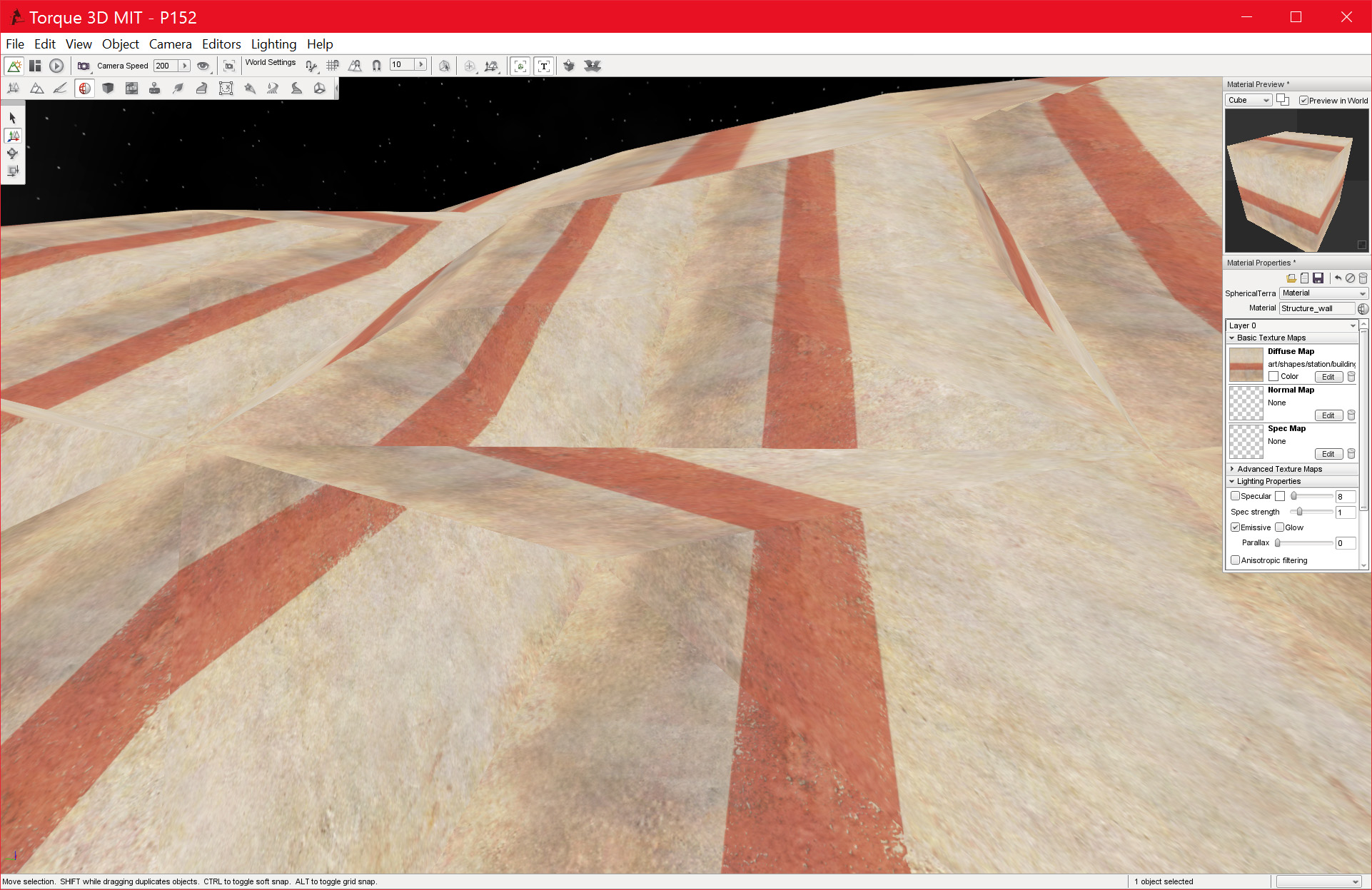
The terrain clearly looks a lot better! There are still some issues with the seams, they are visible in some cases. I believe this is because the algorithm I am using to identify a border midpoint is not working in all cases. I will need to look at this again in the future.
![Spiritus Astrum [P0-EA1]: p1676: Early Access](https://i.imgur.com/IXVMUFo.jpeg "Spiritus Astrum [P0-EA1]: p1676: Early Access")

![Spiritus Astrum [P0-EA1]: p1675: Early Access](https://i.imgur.com/sGTgy9I.jpeg "Spiritus Astrum [P0-EA1]: p1675: Early Access")