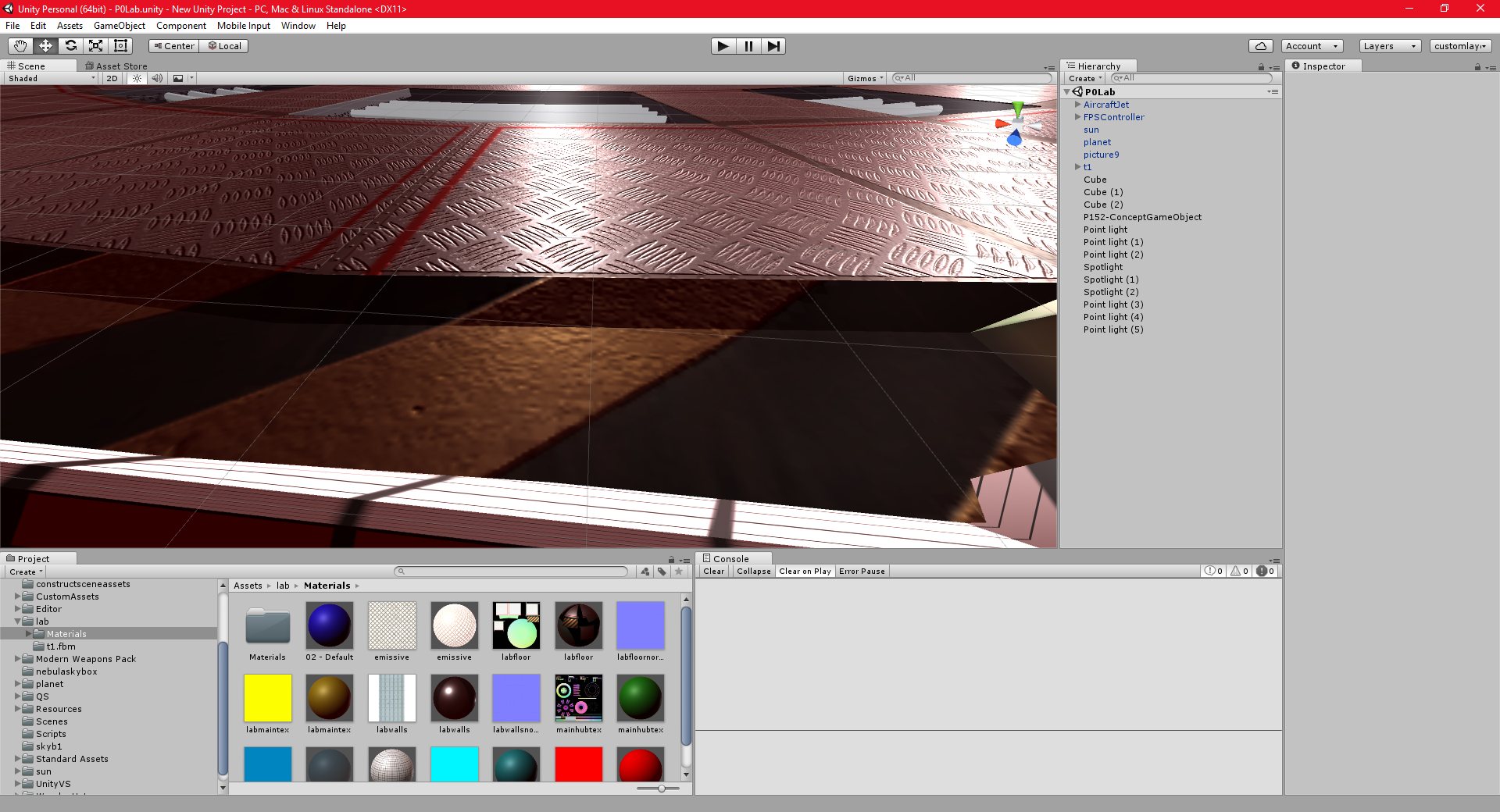
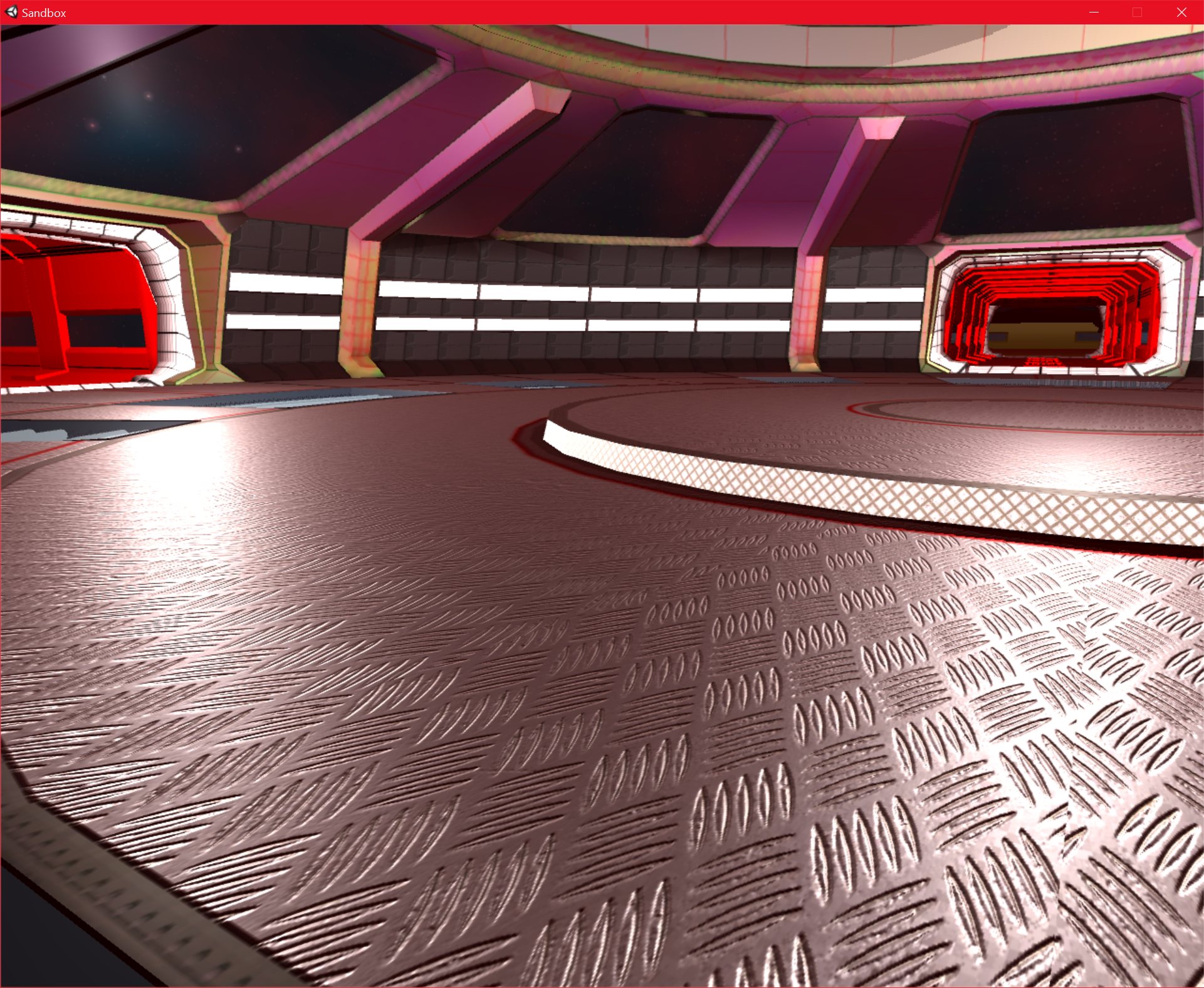
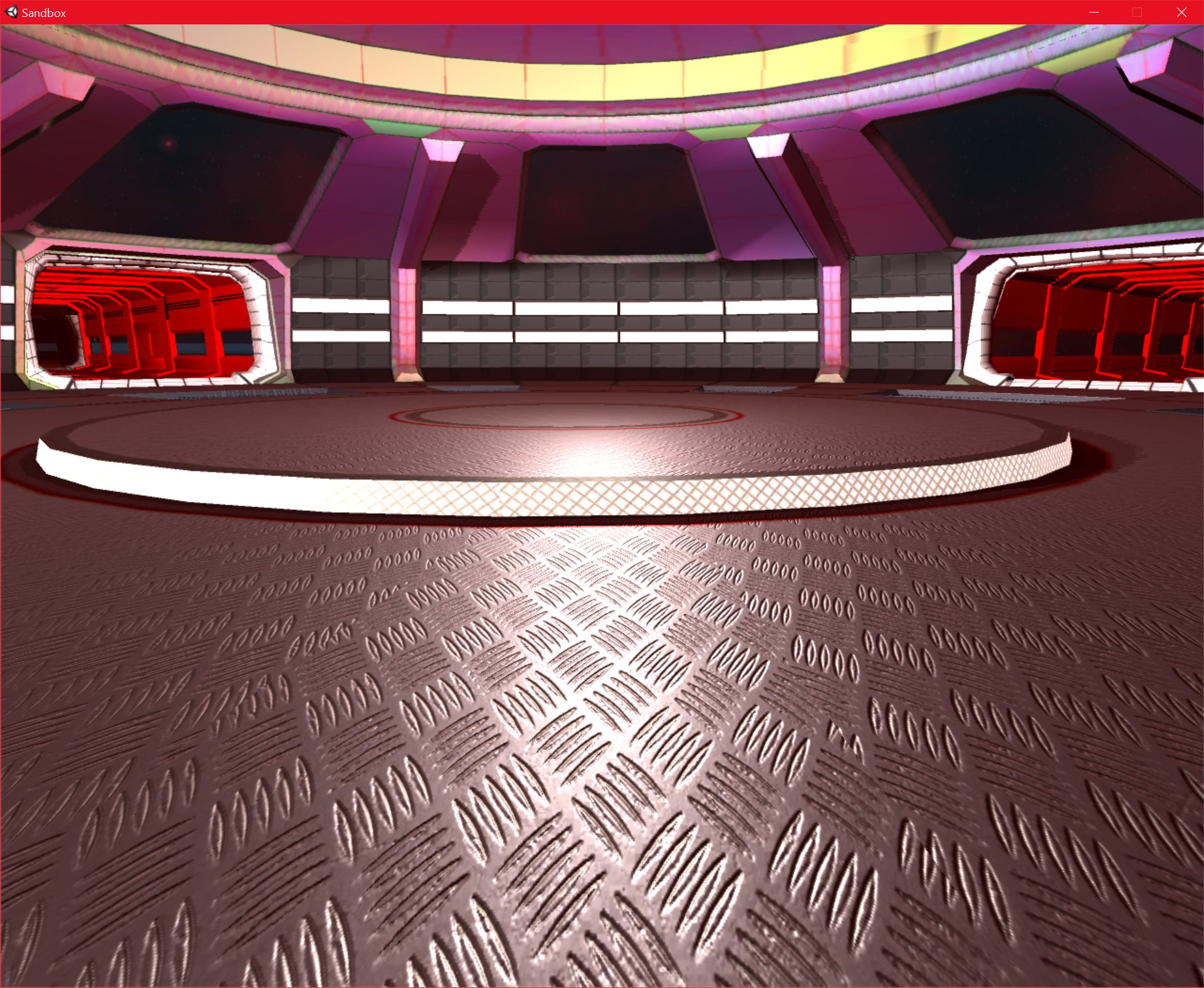
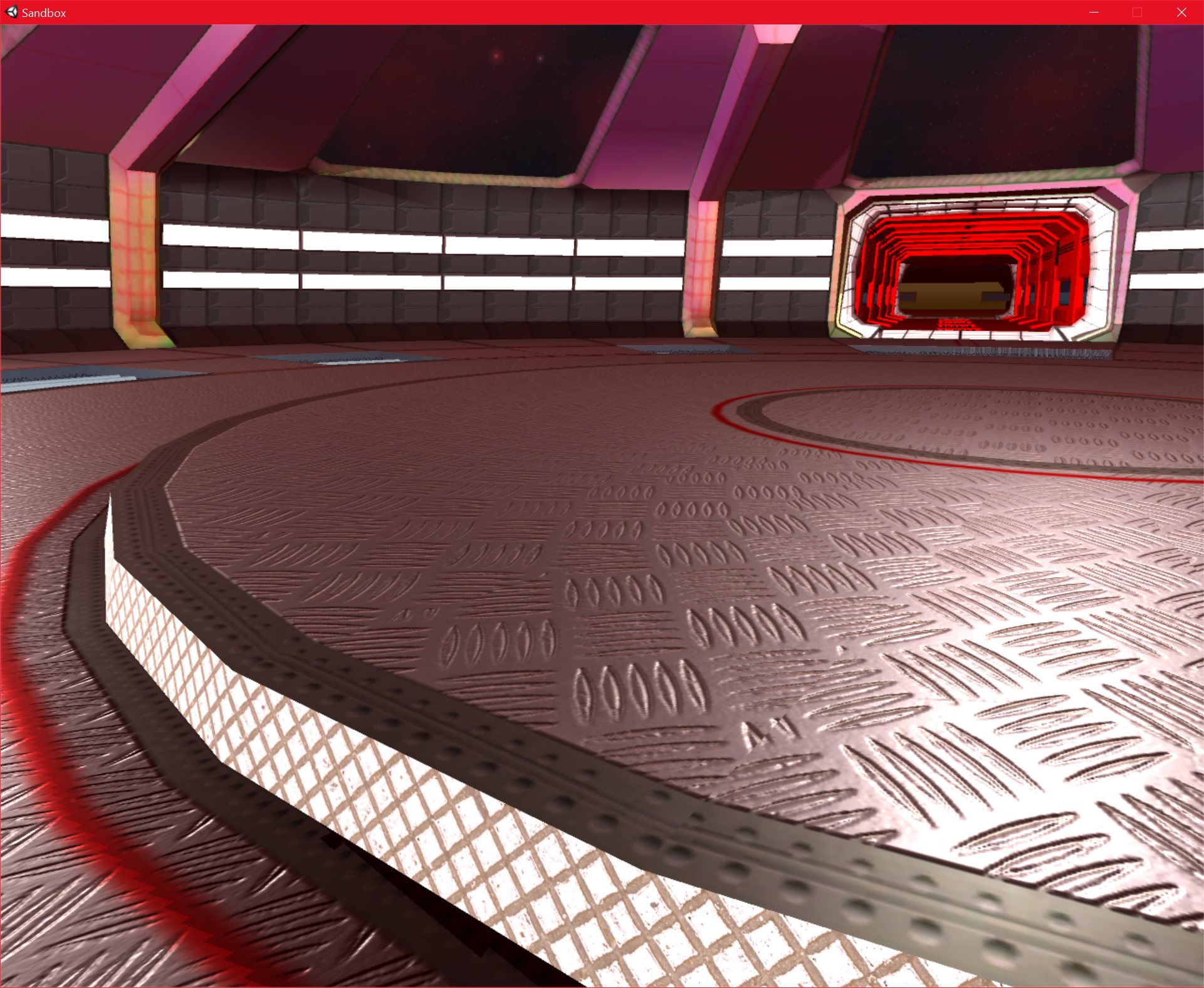
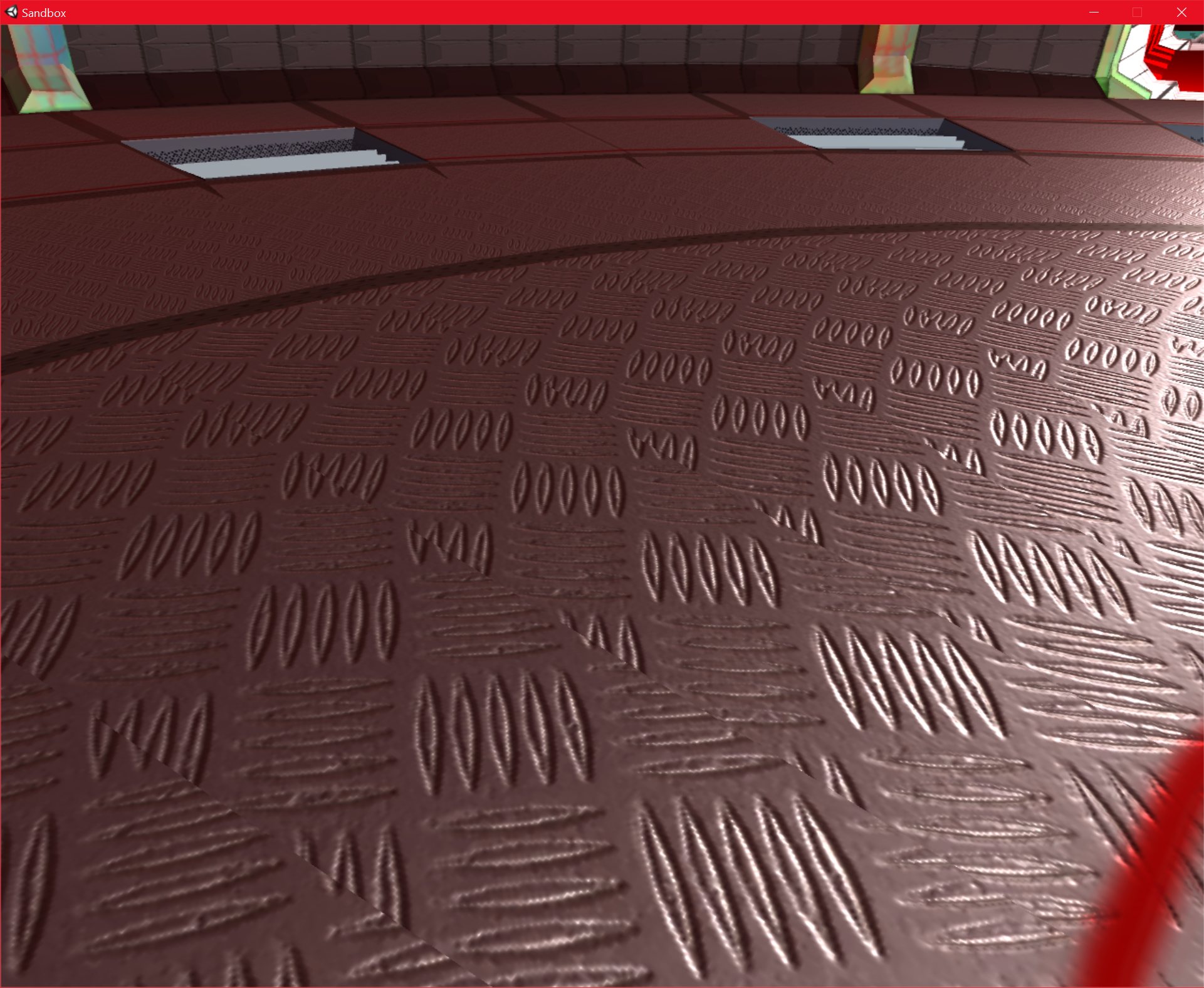
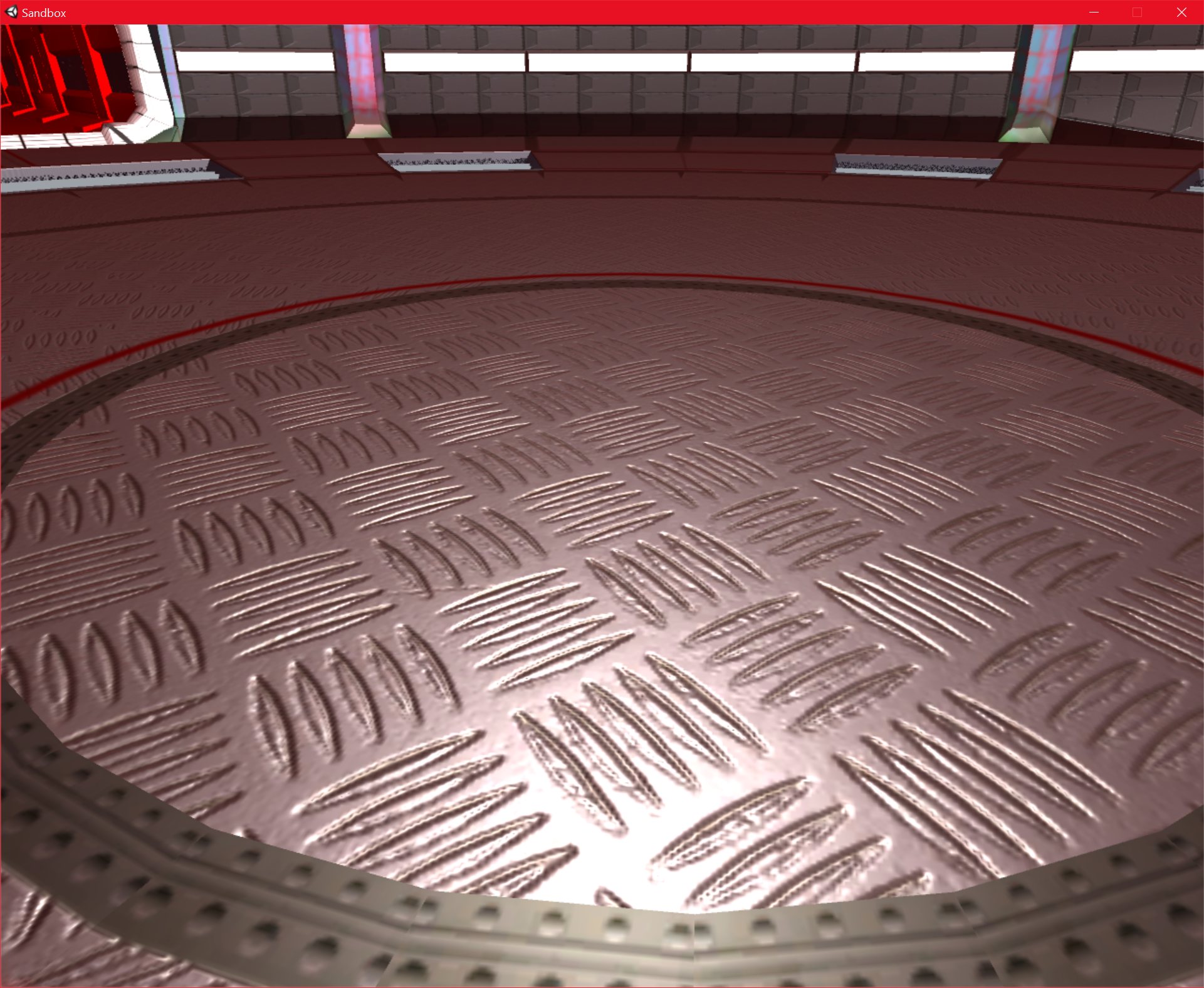
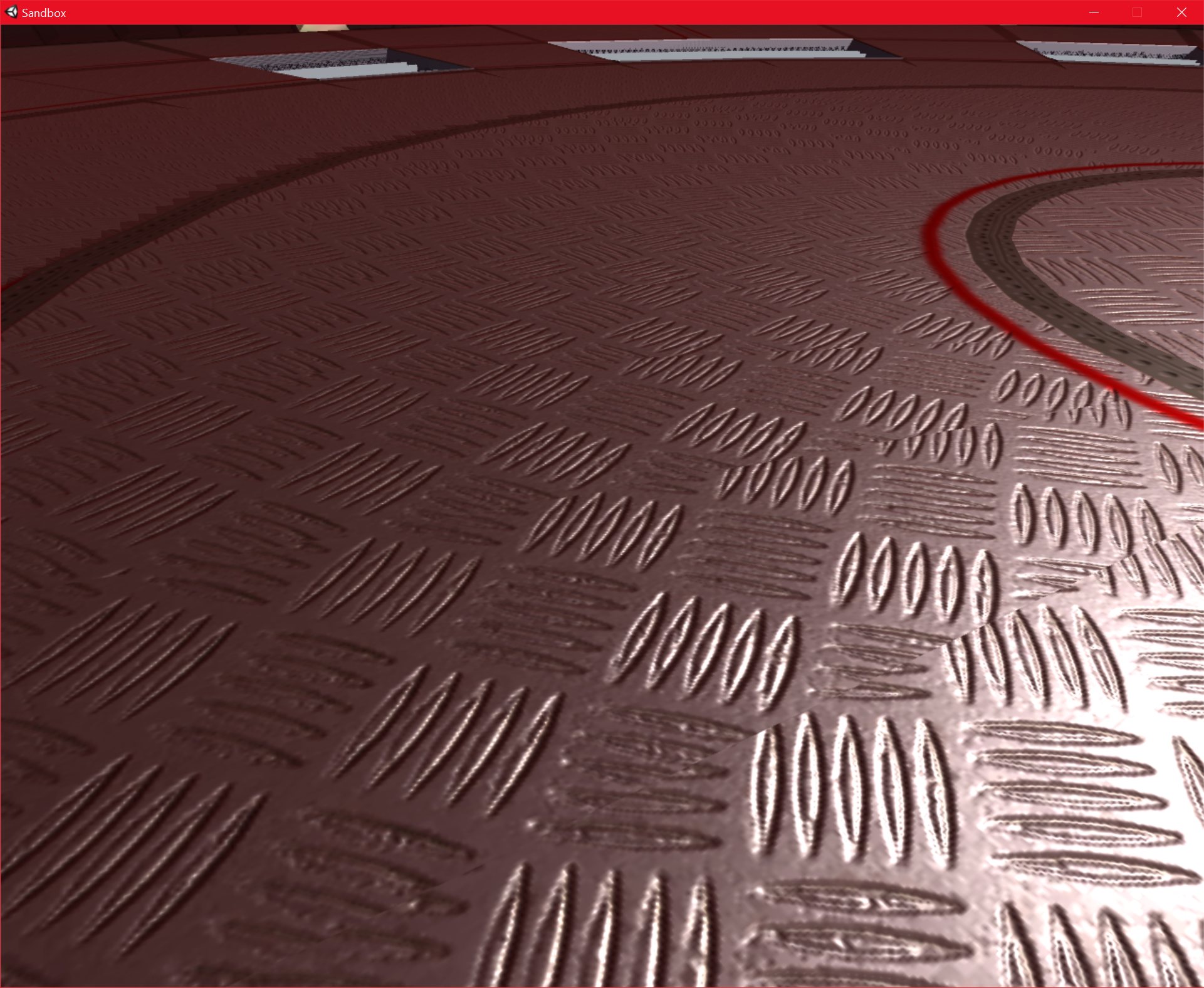
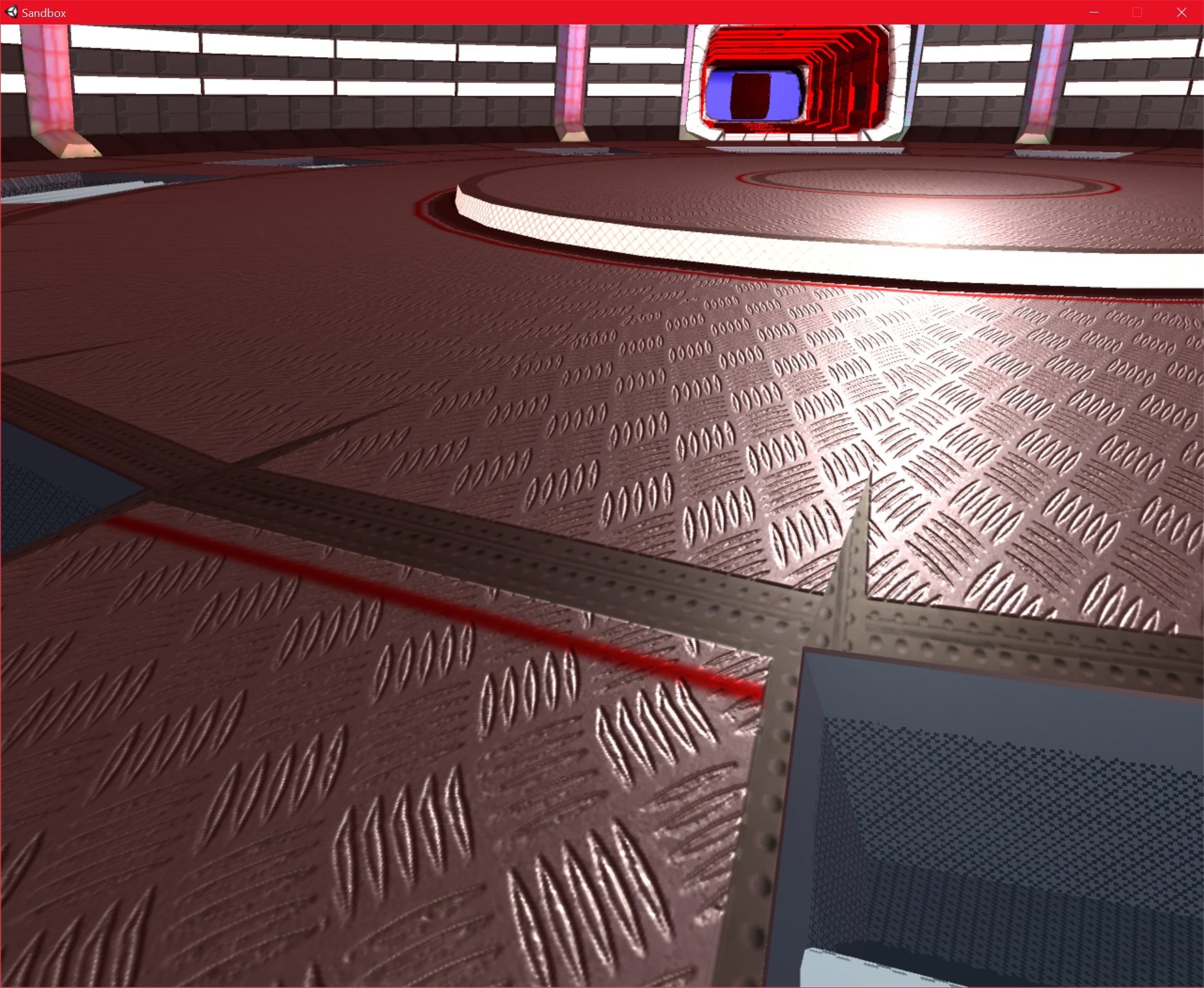
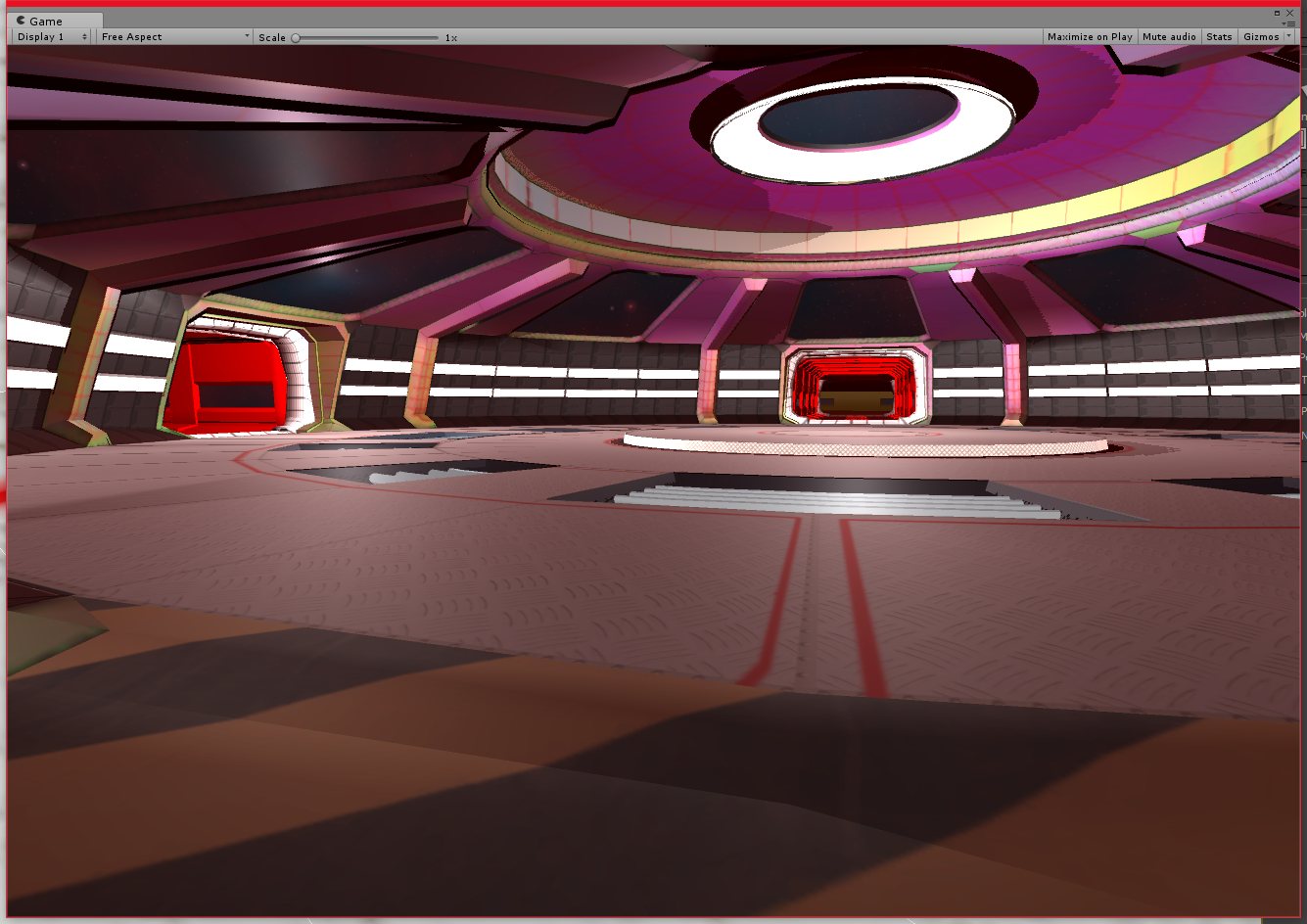
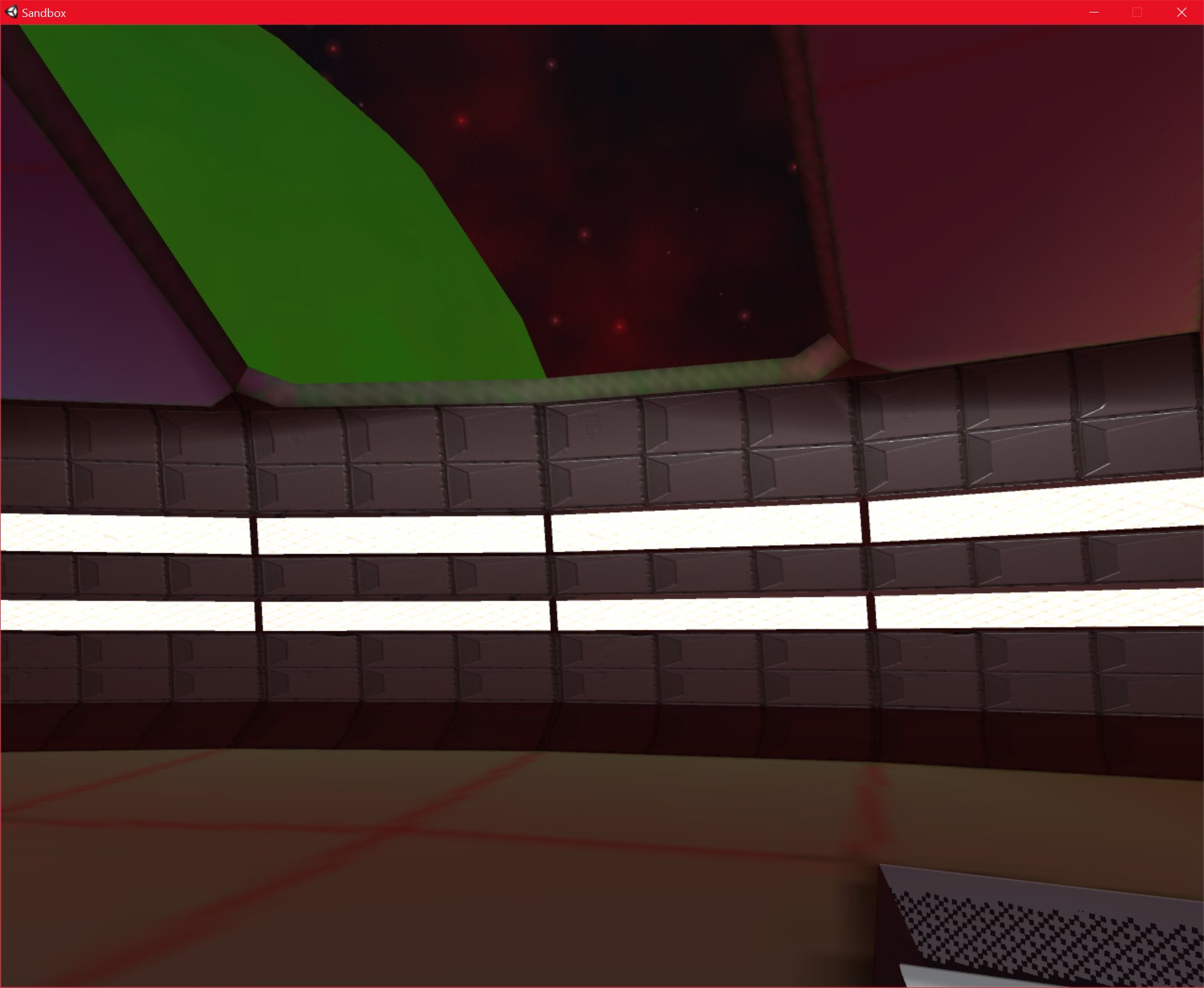
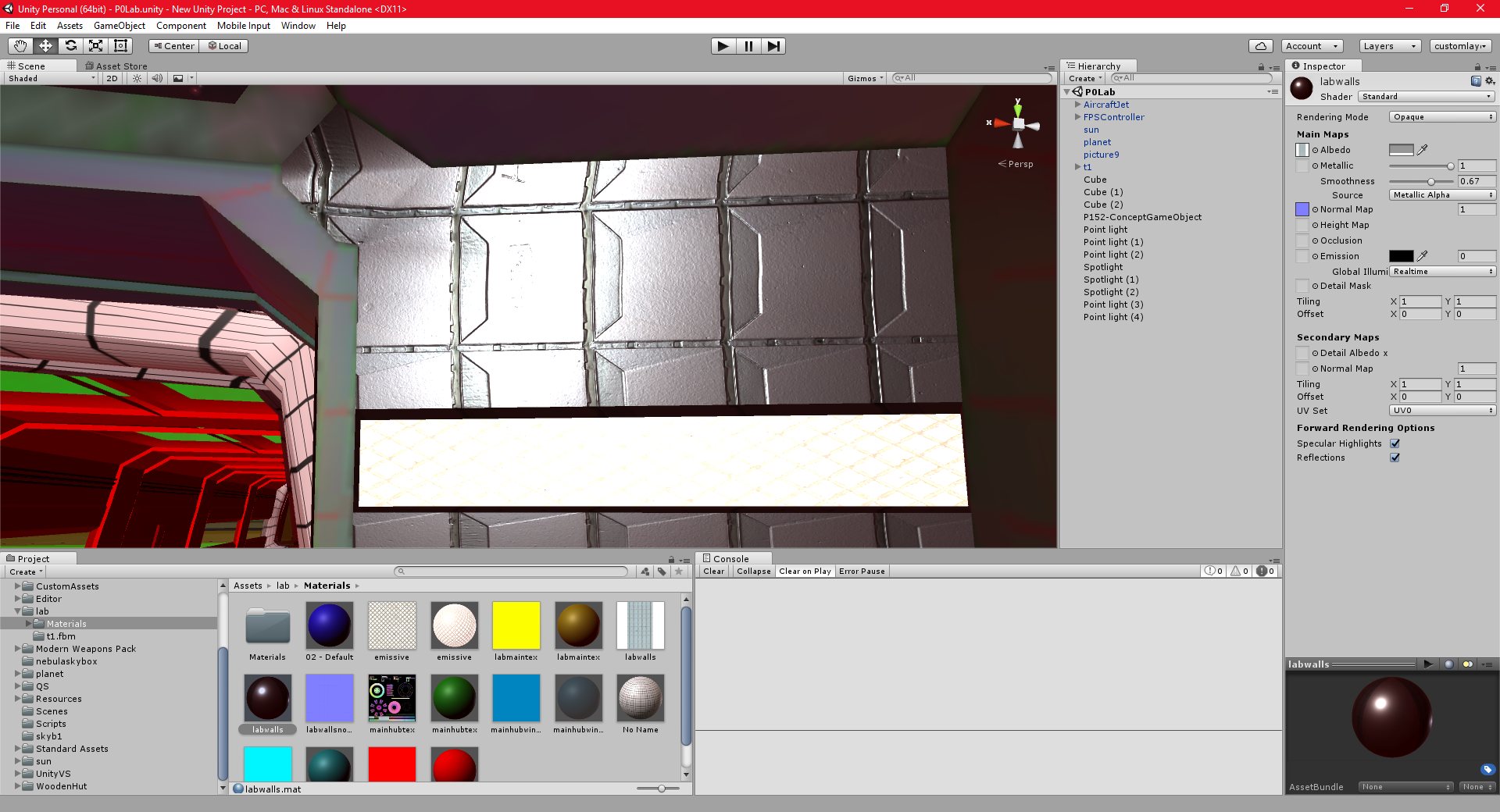
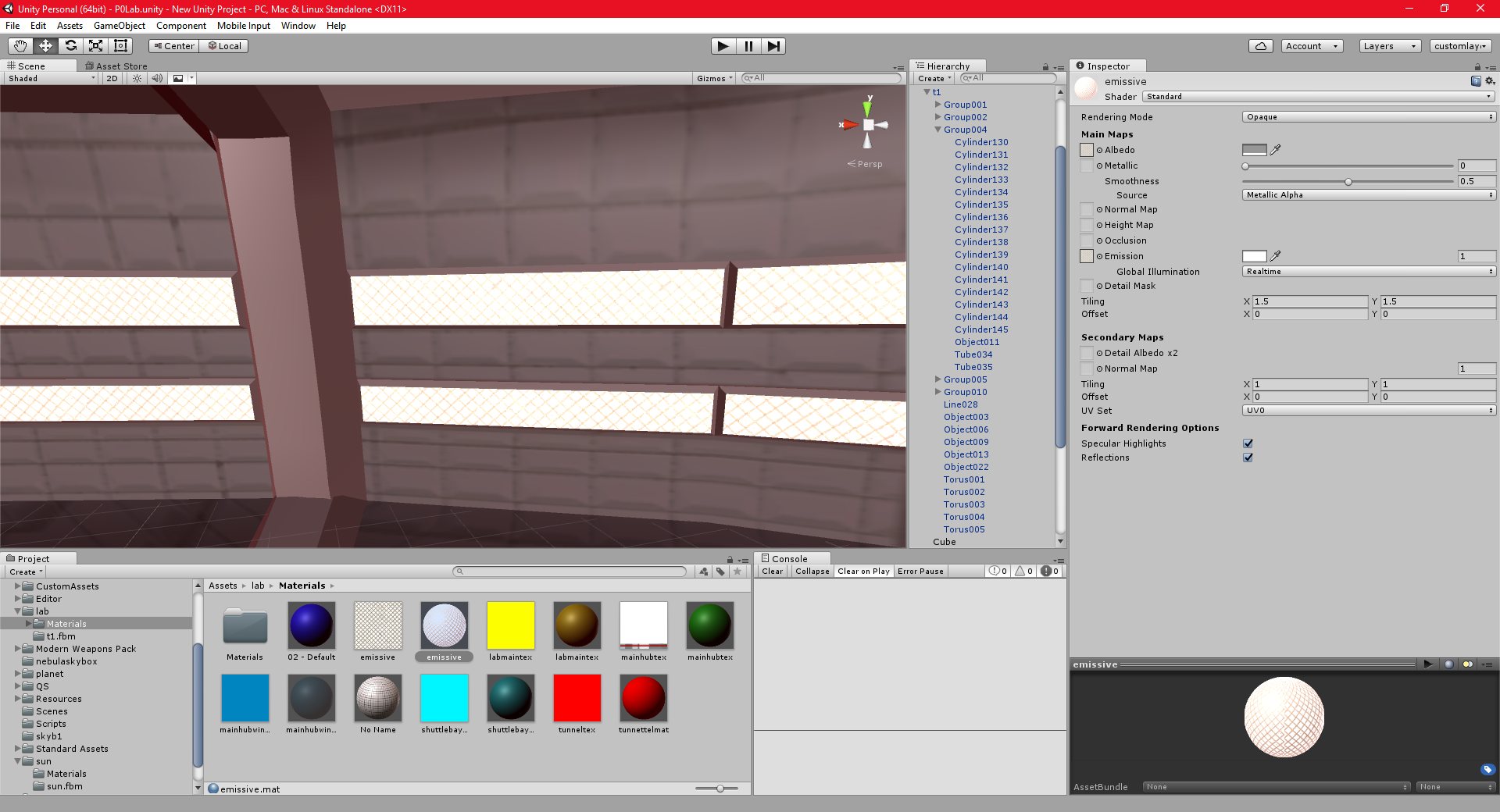
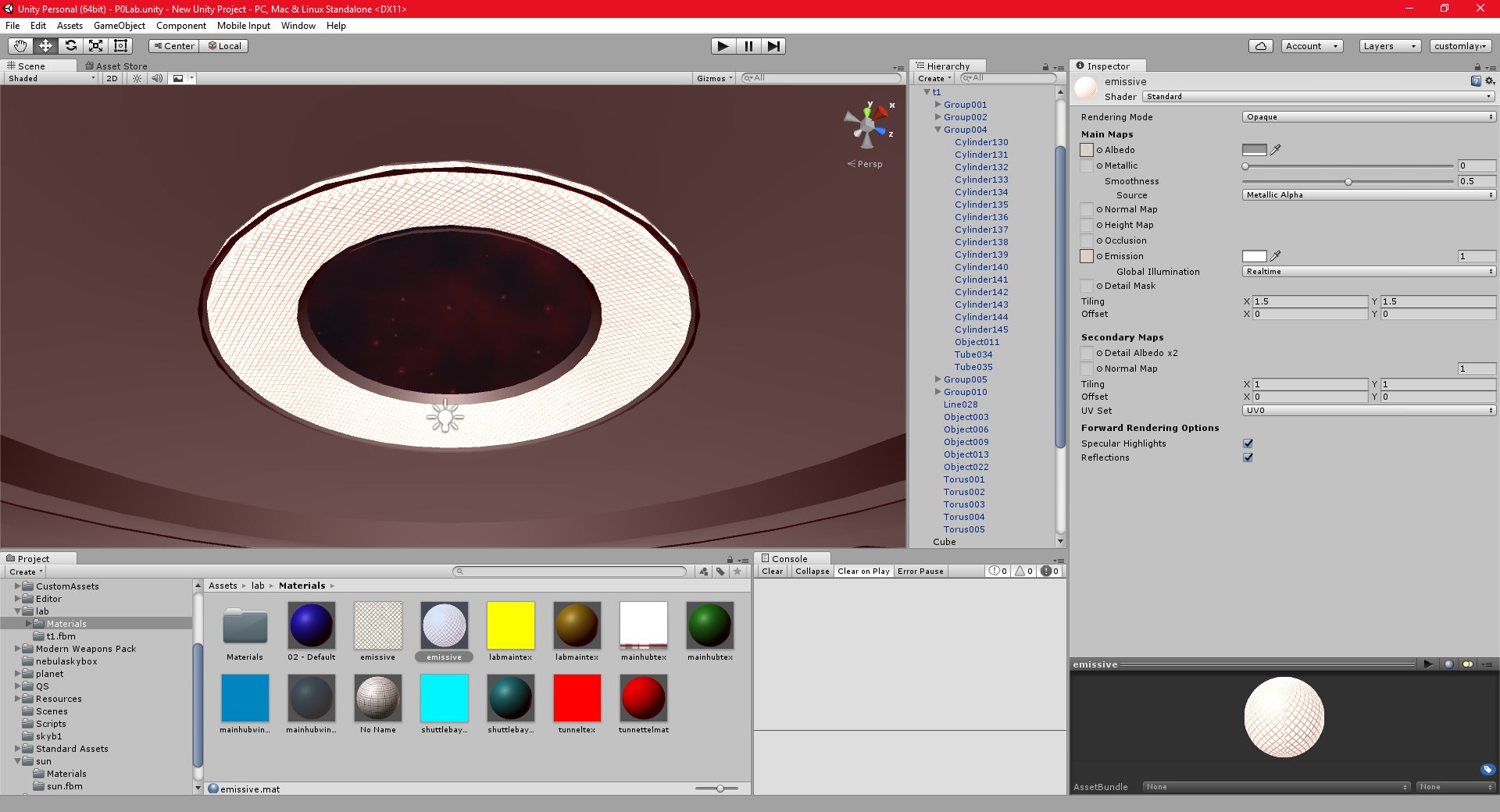
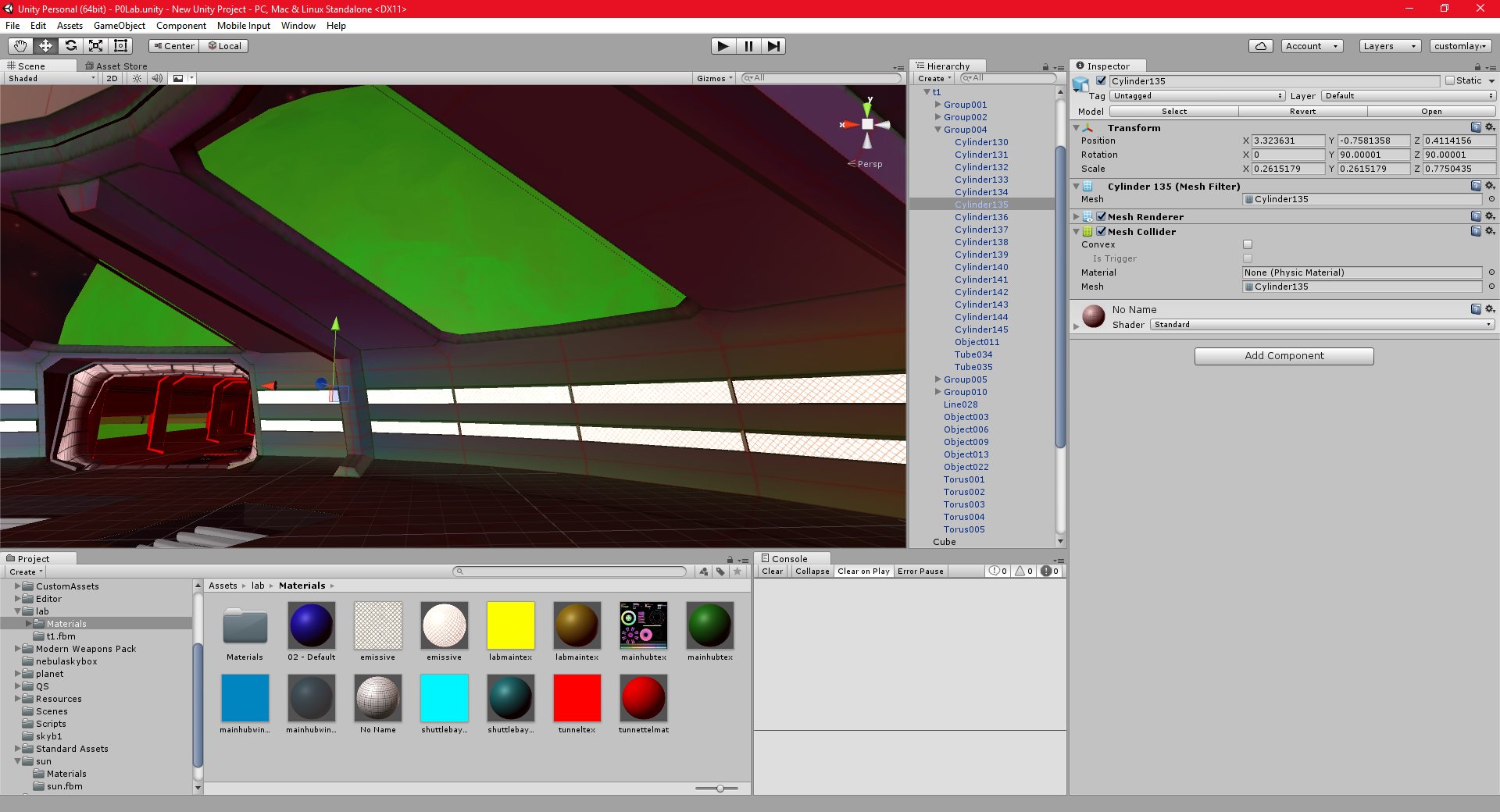
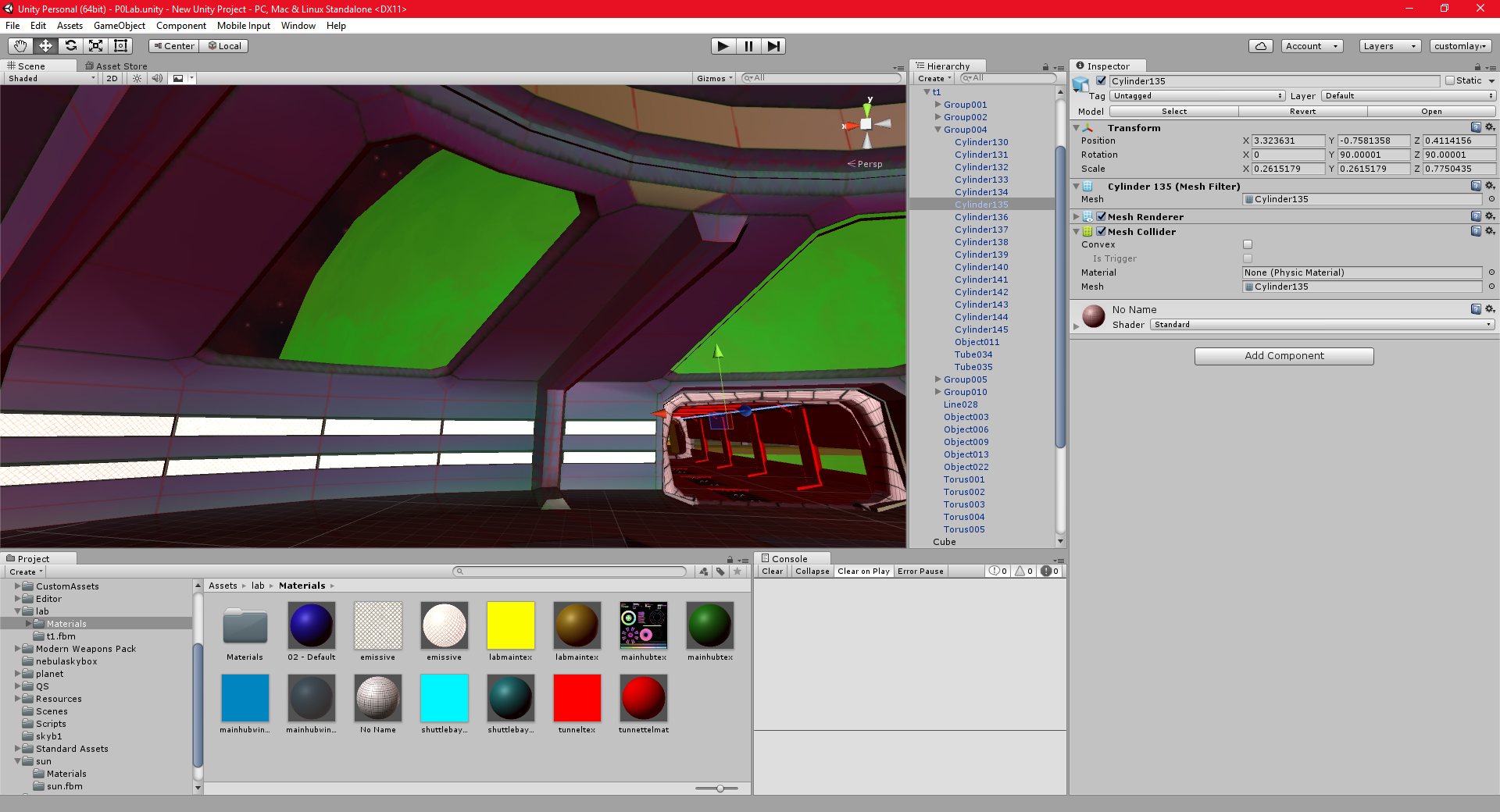
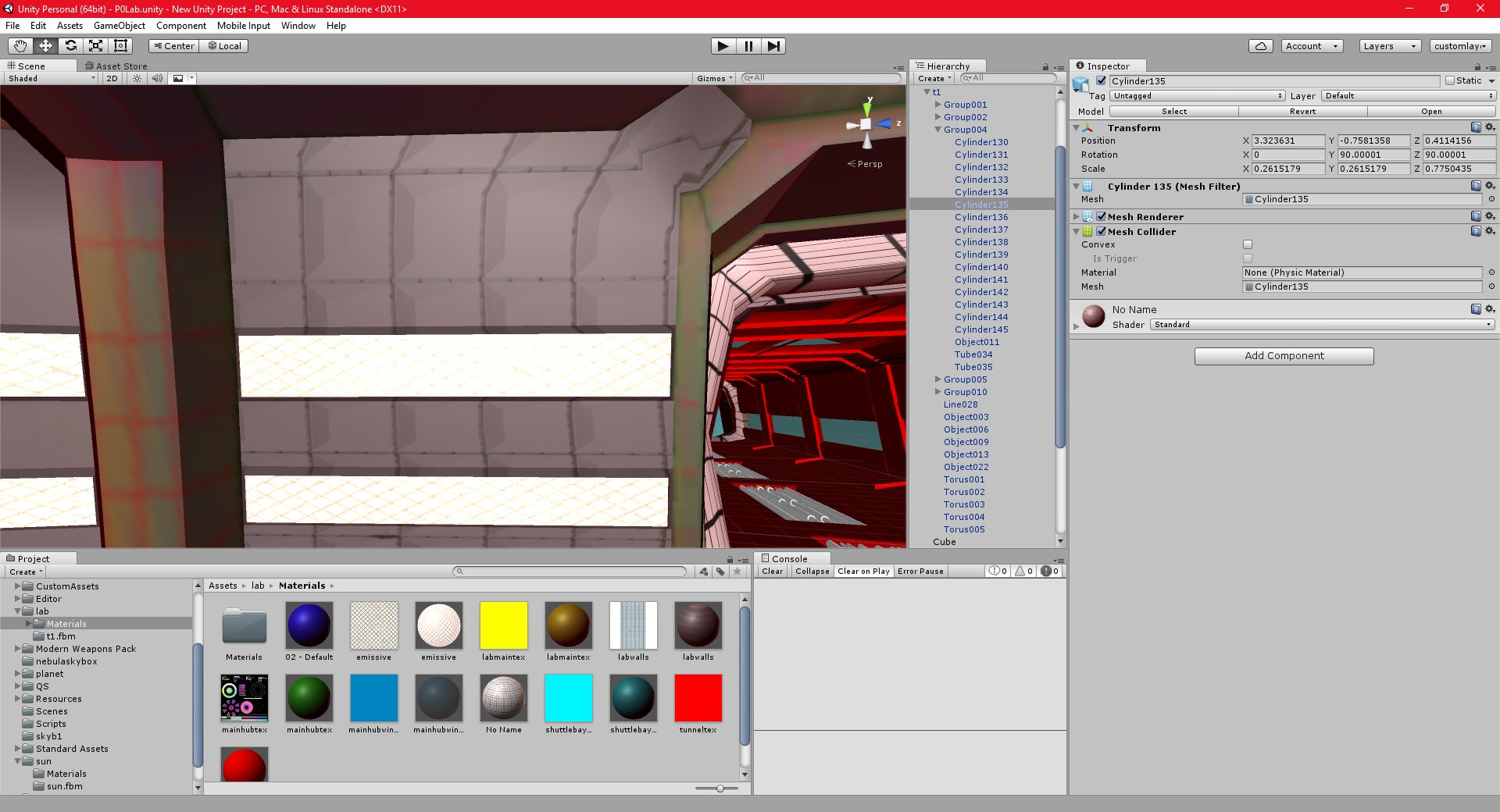
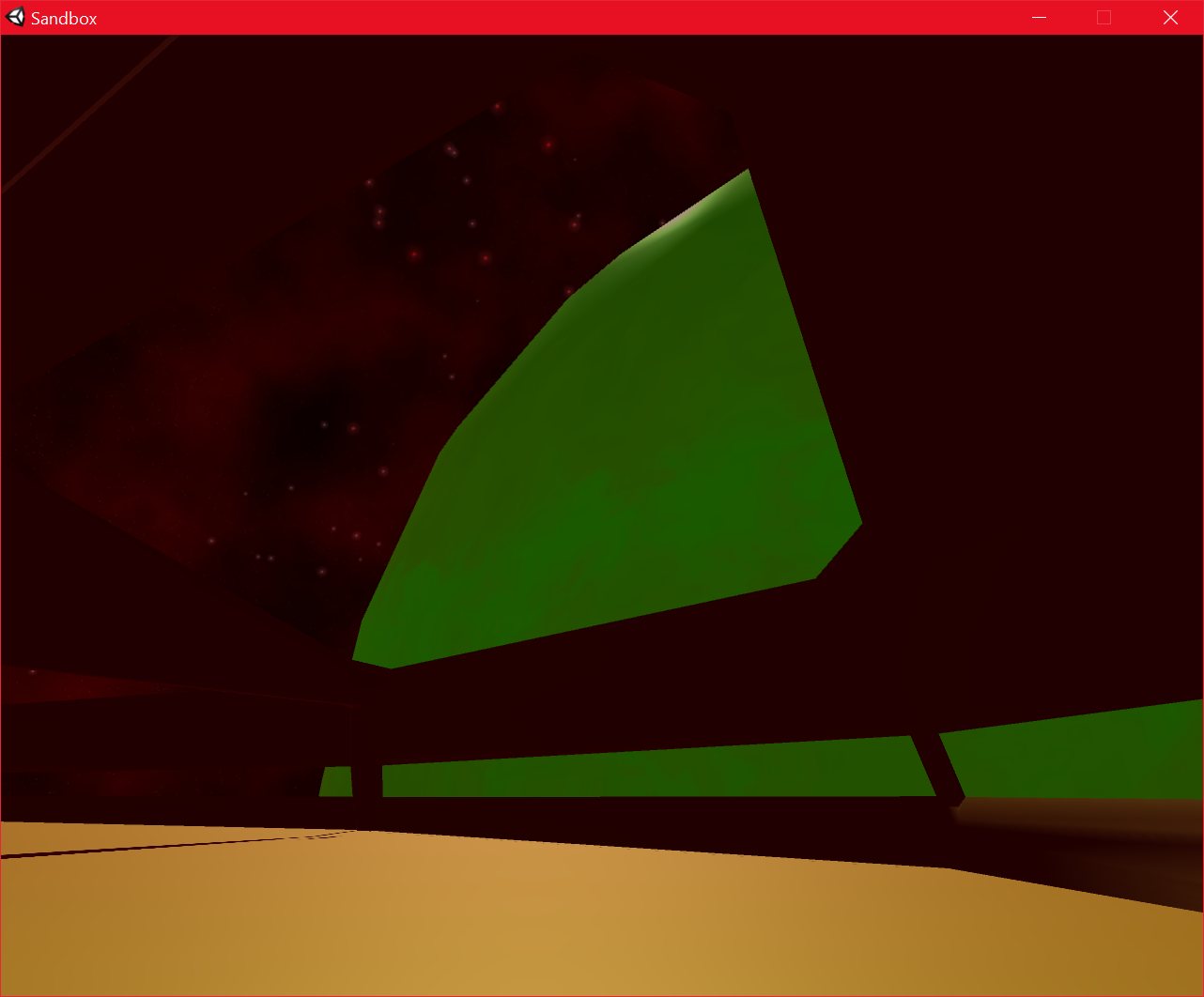
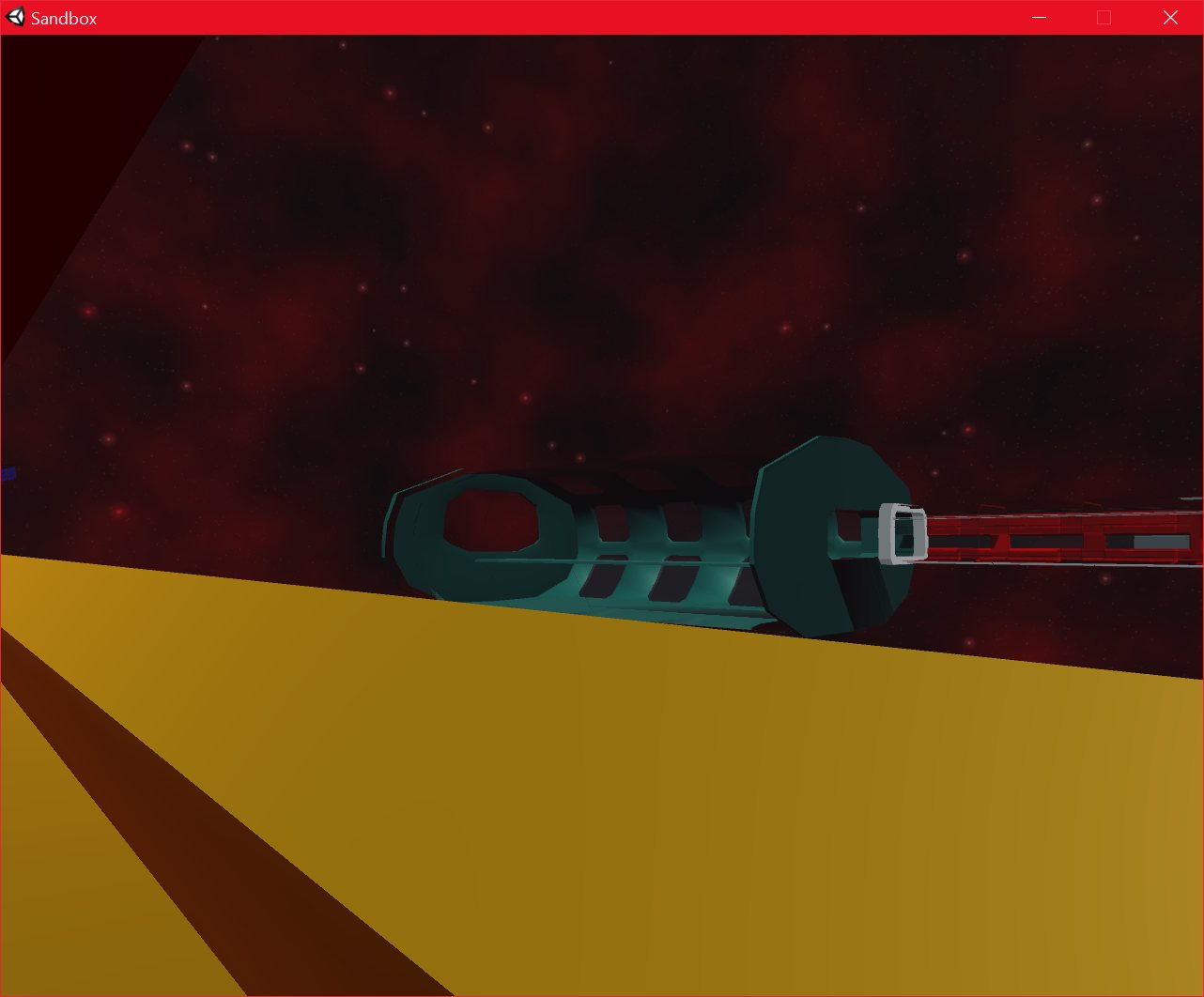
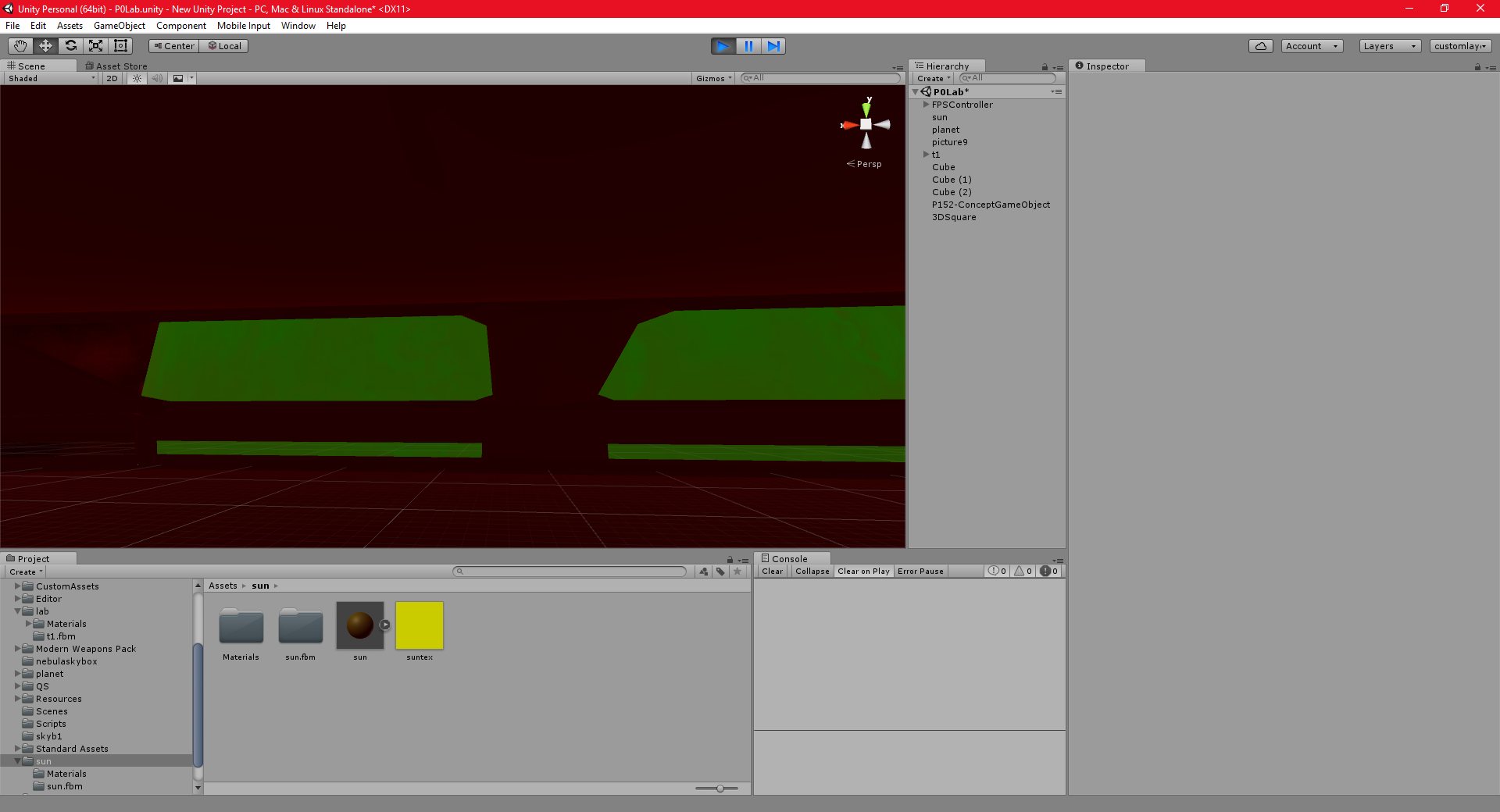
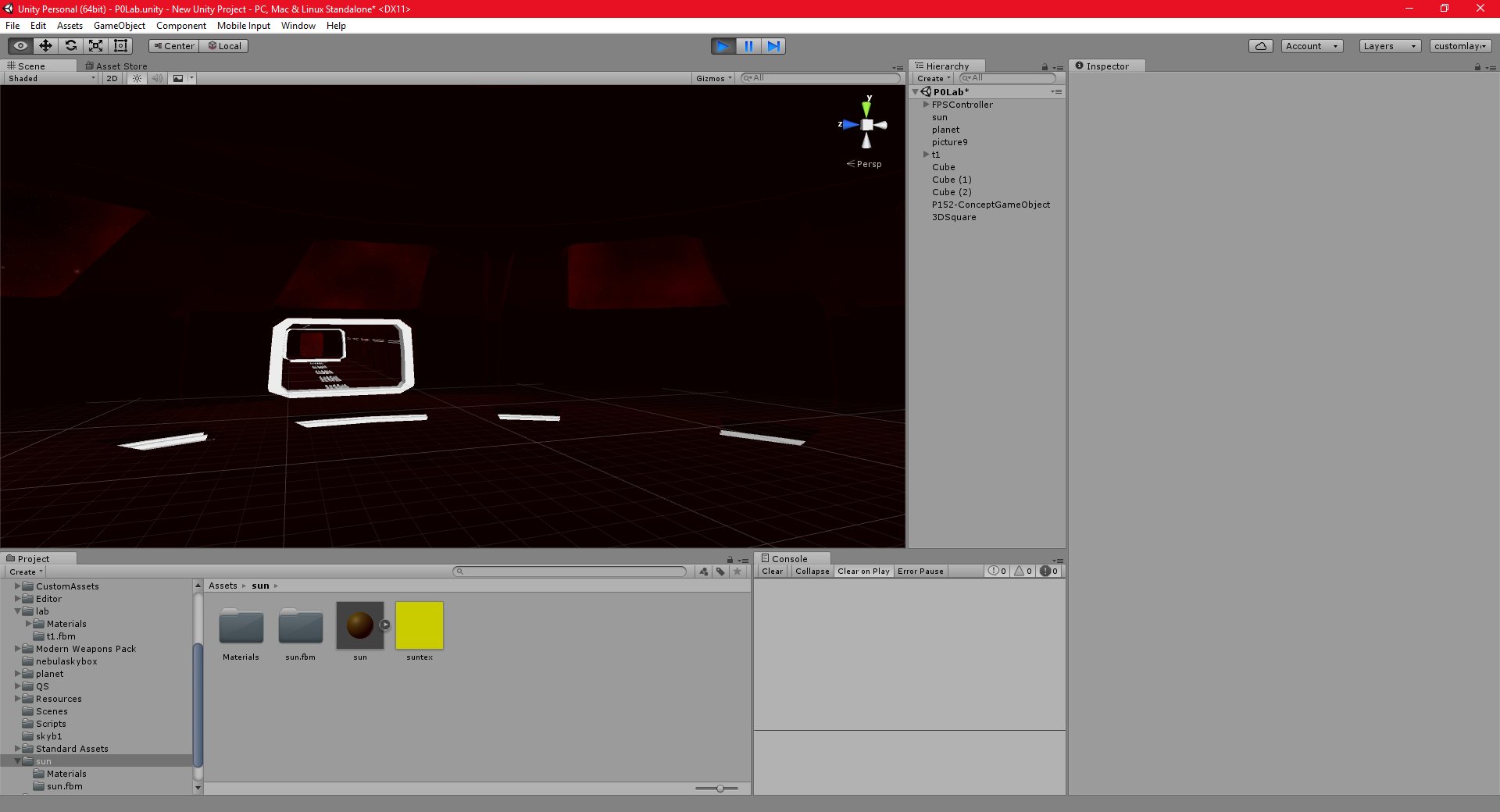
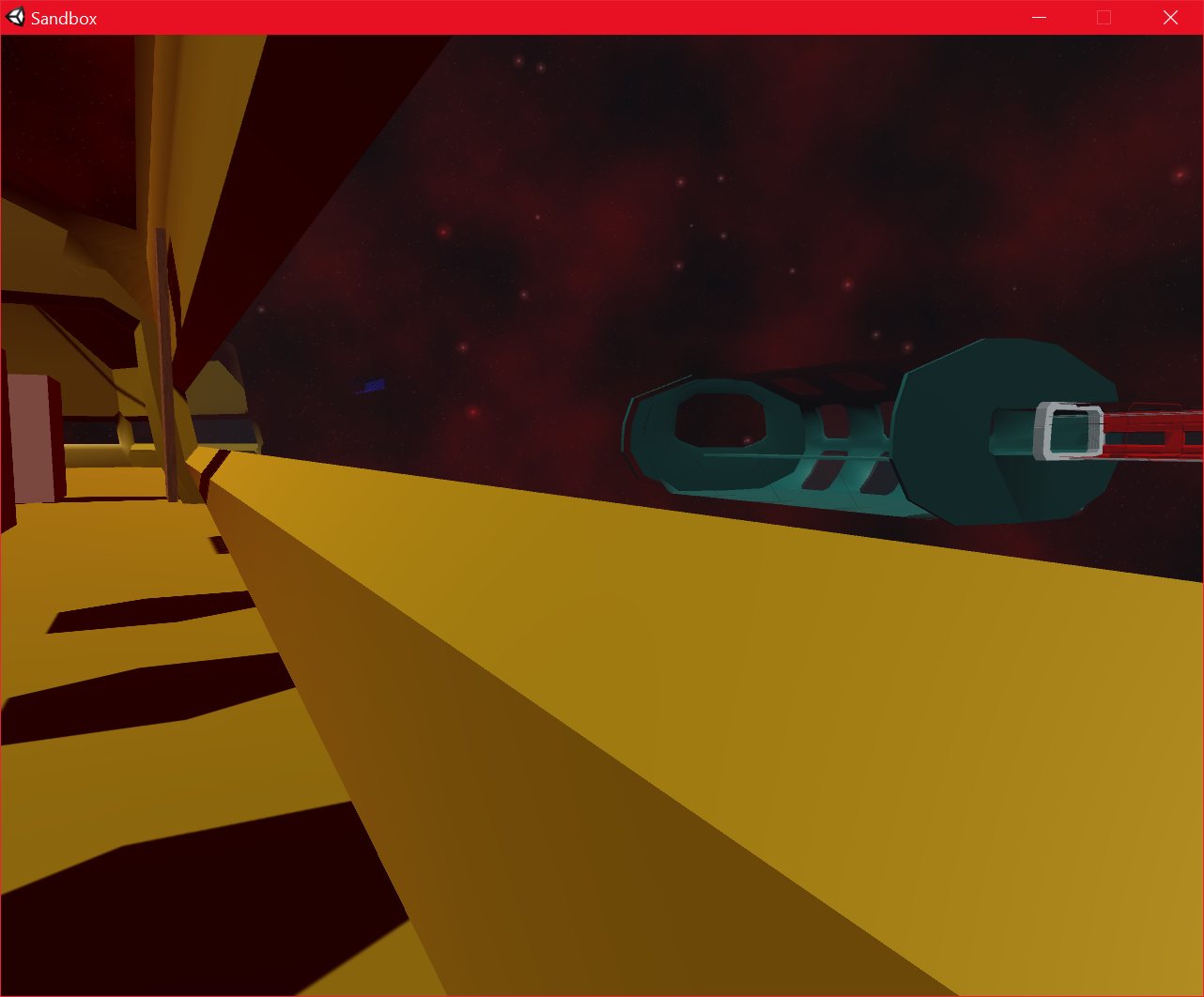
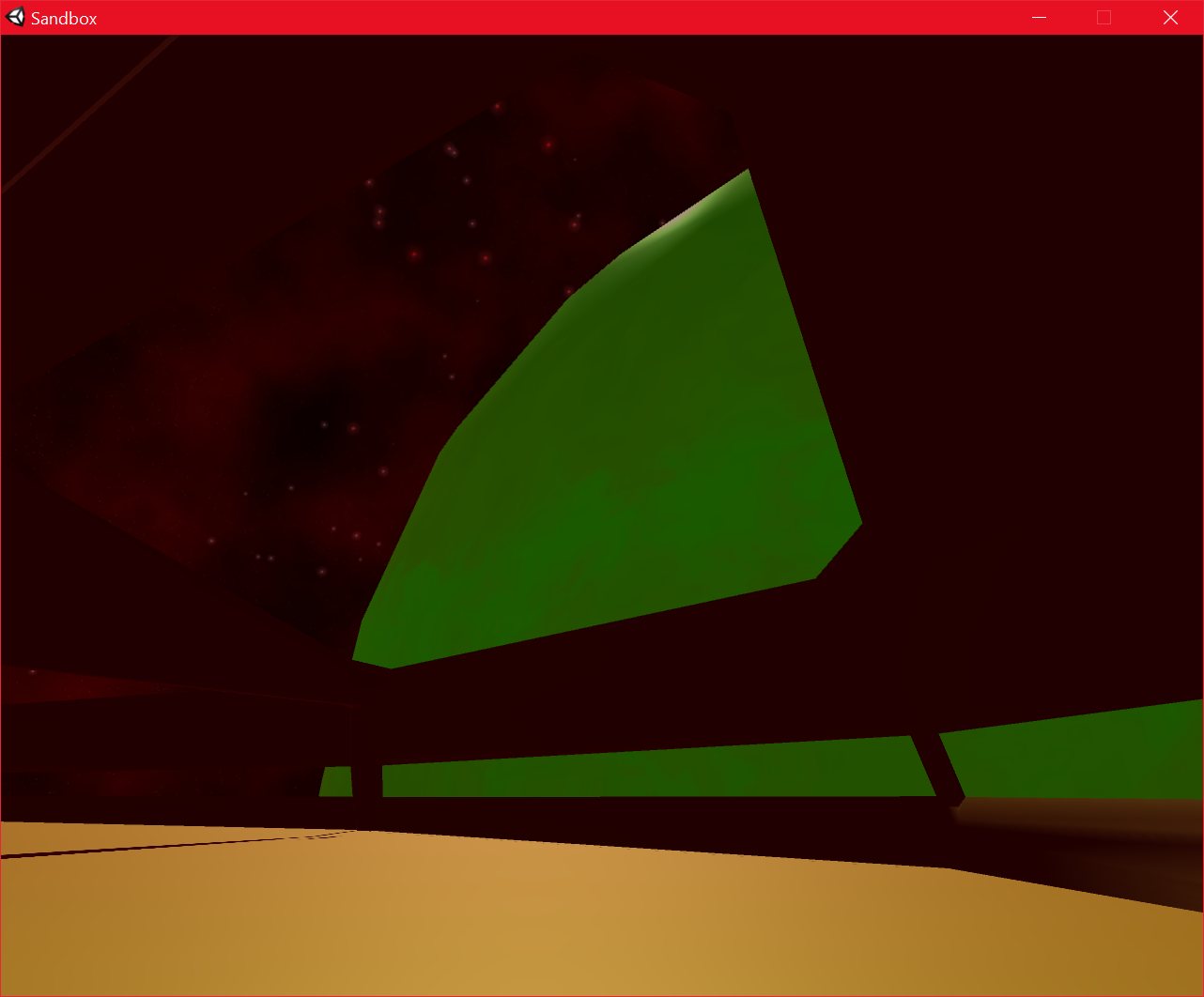
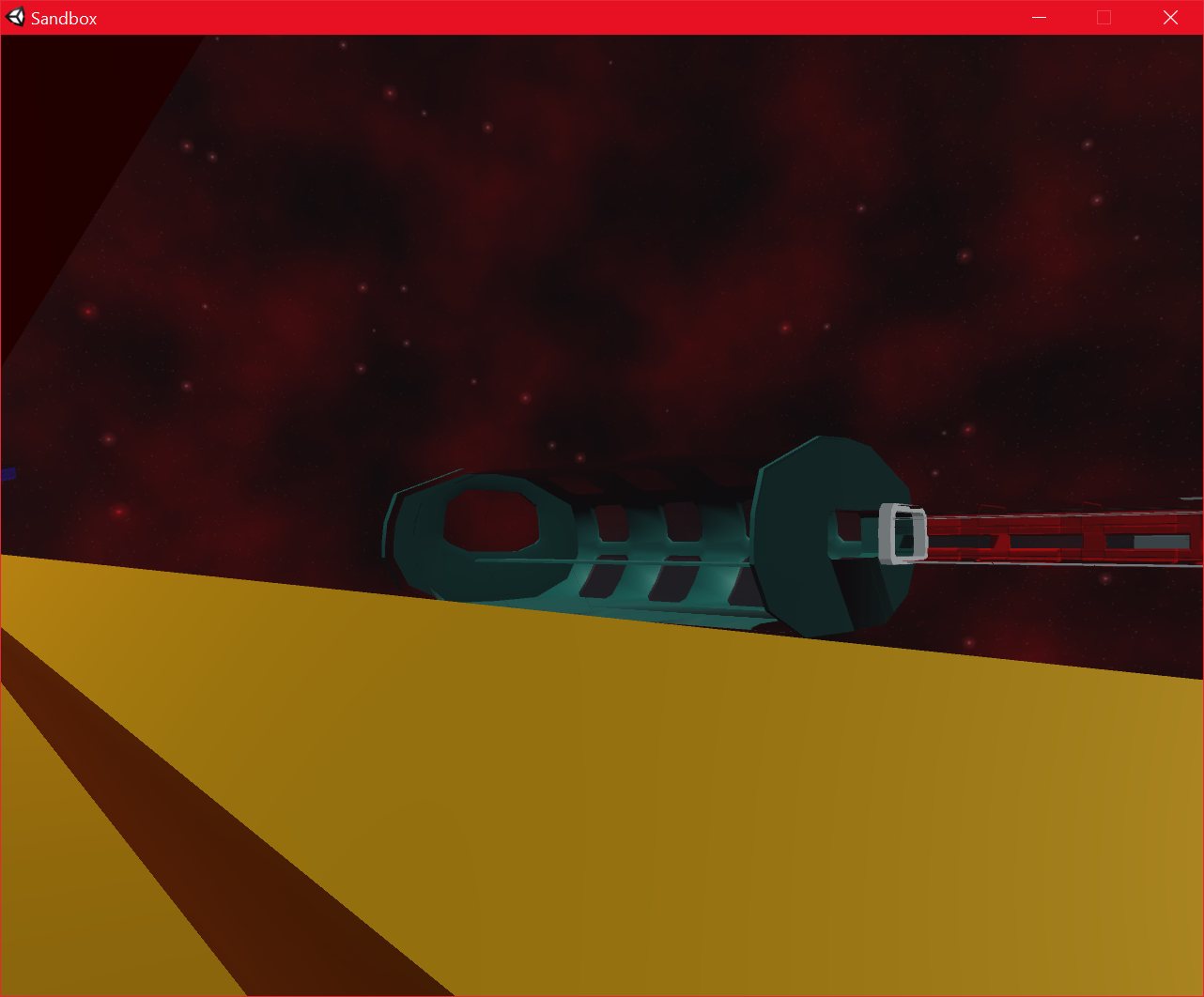
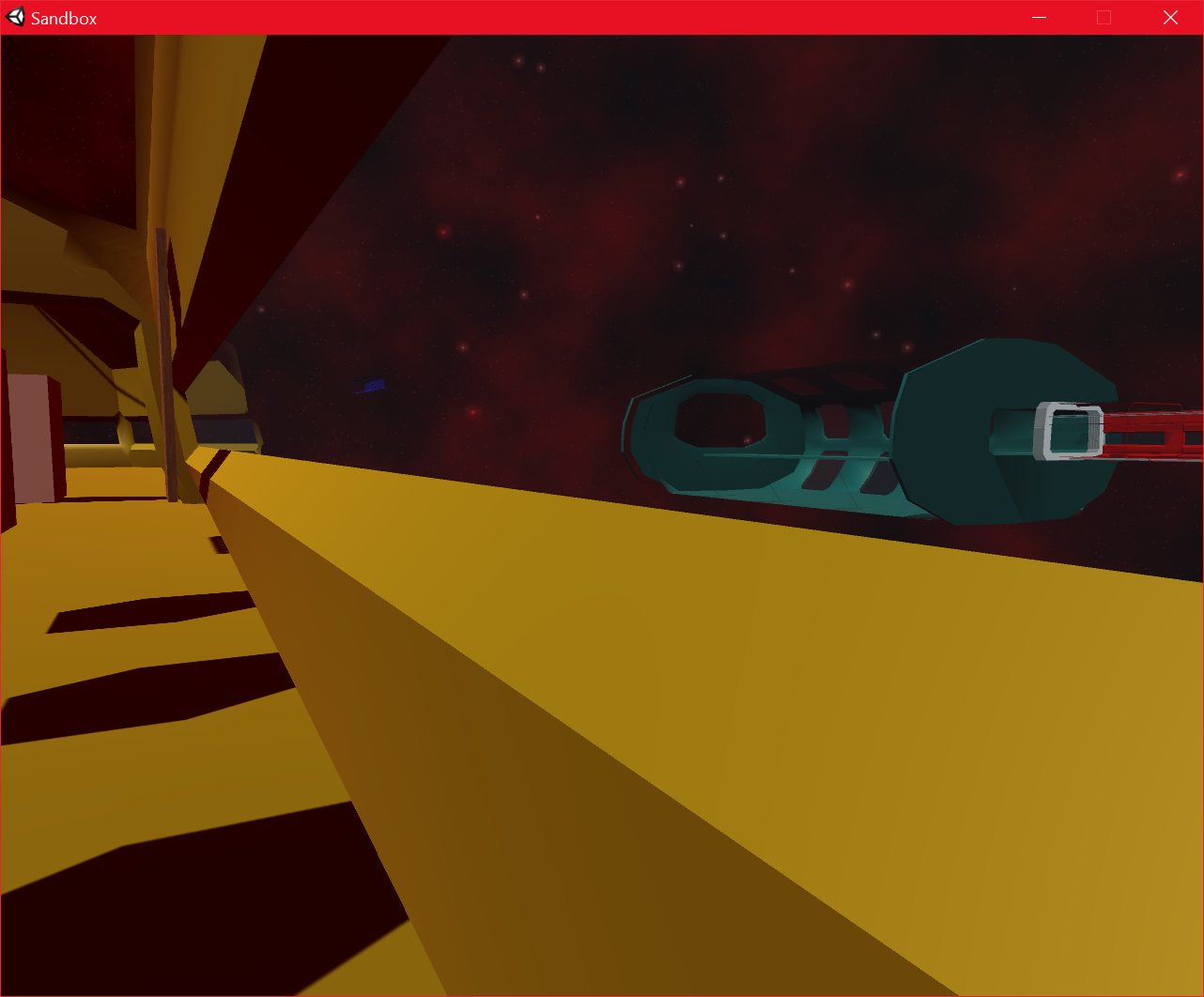
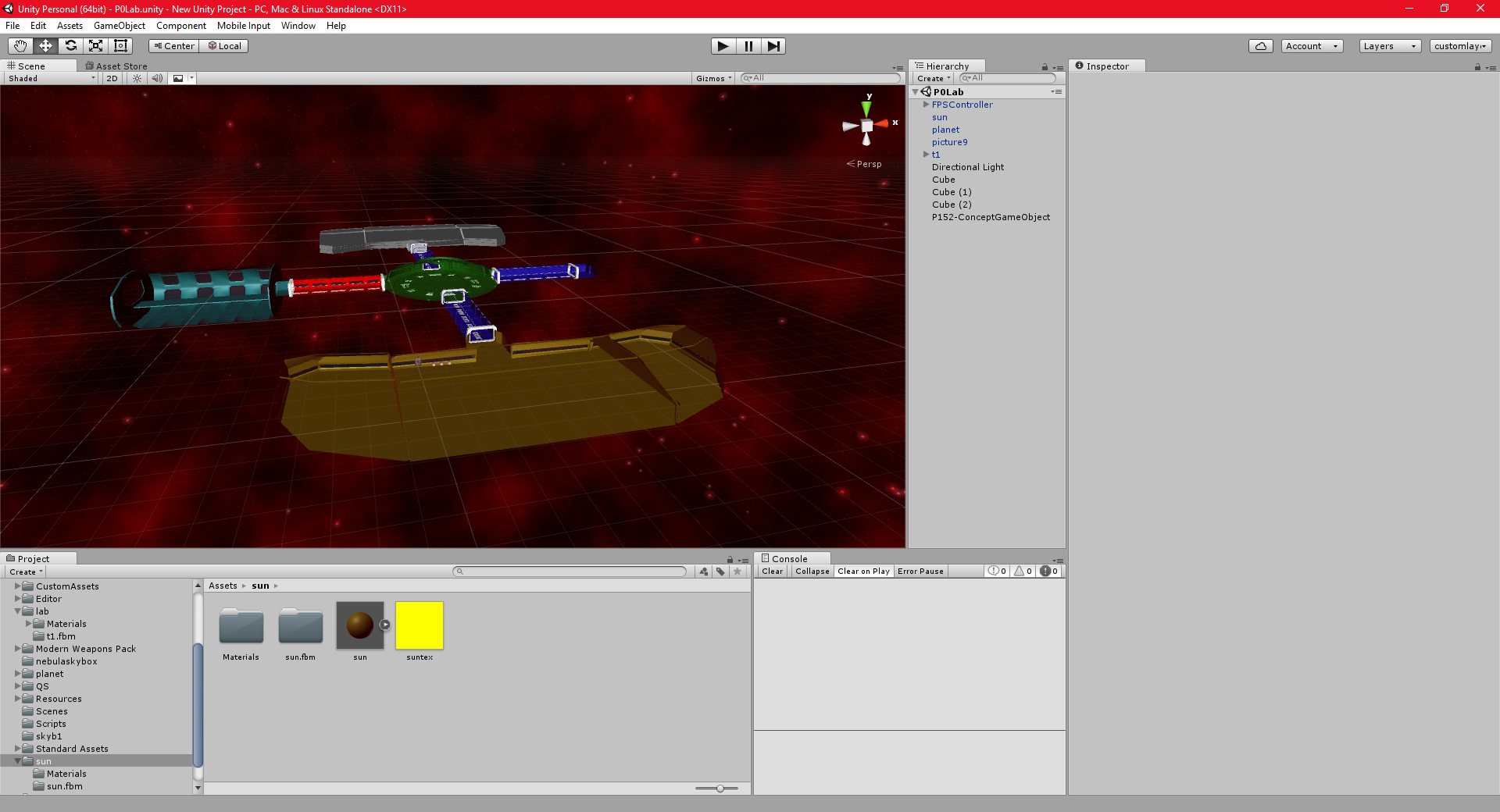
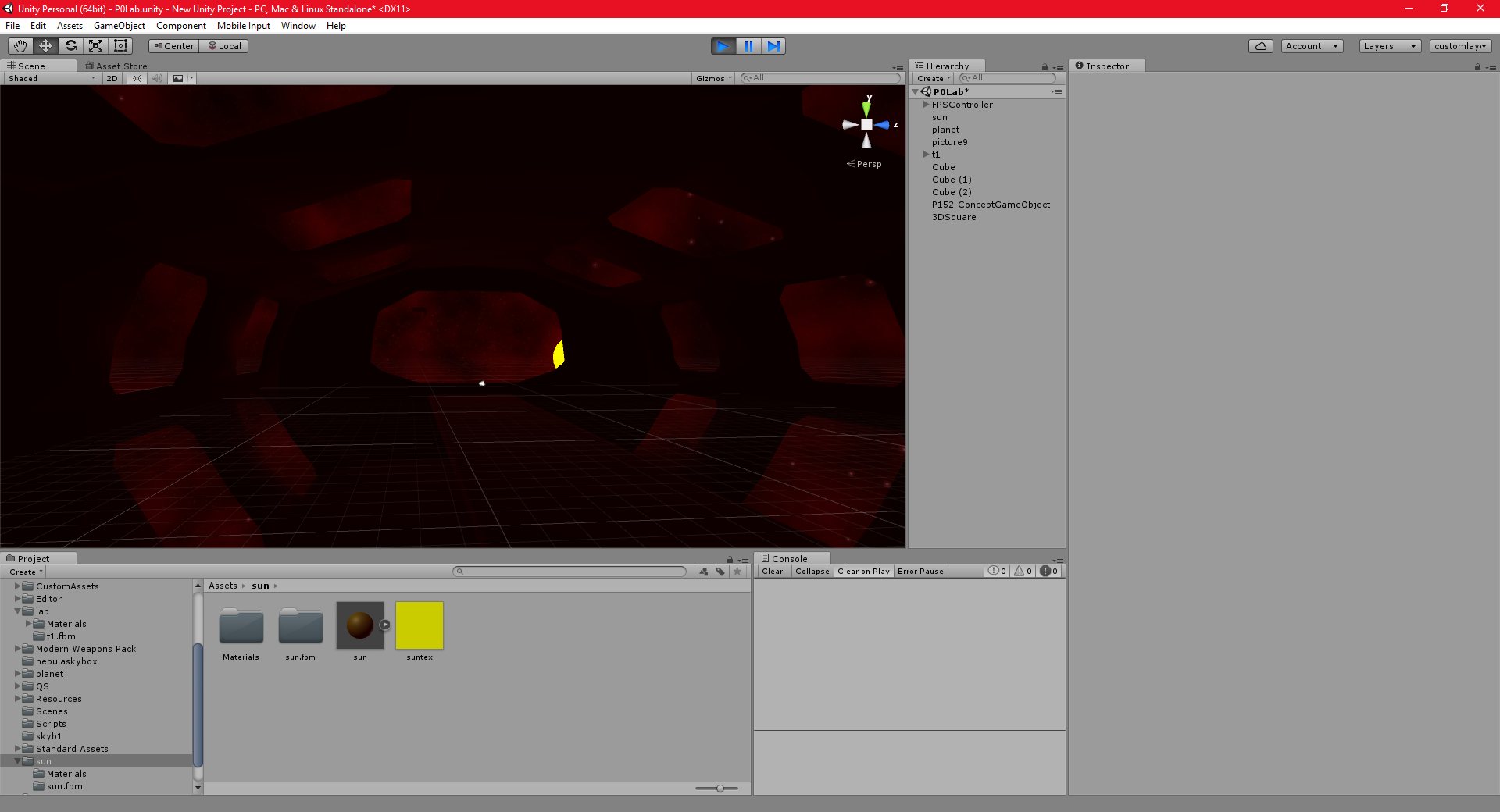
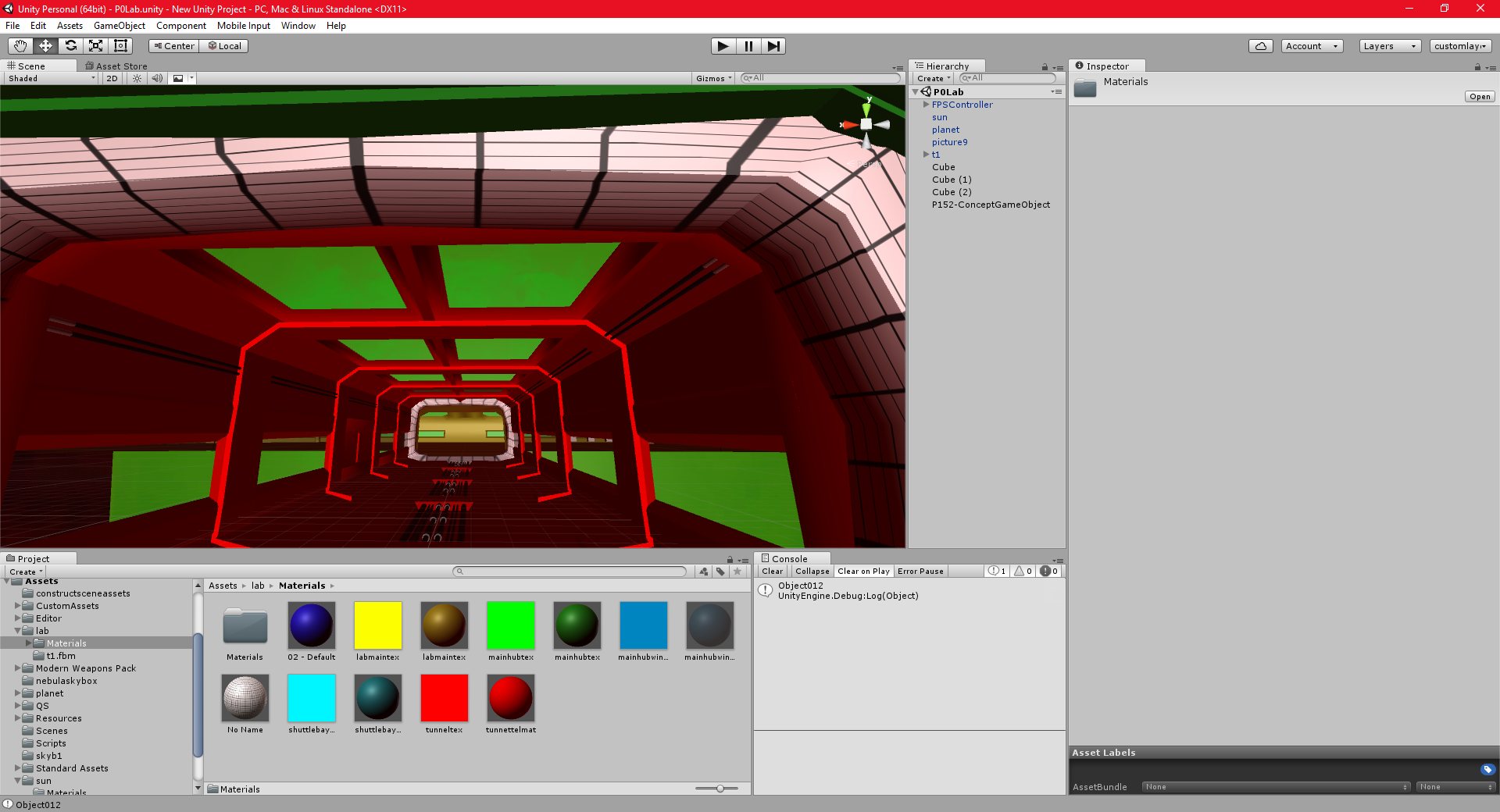
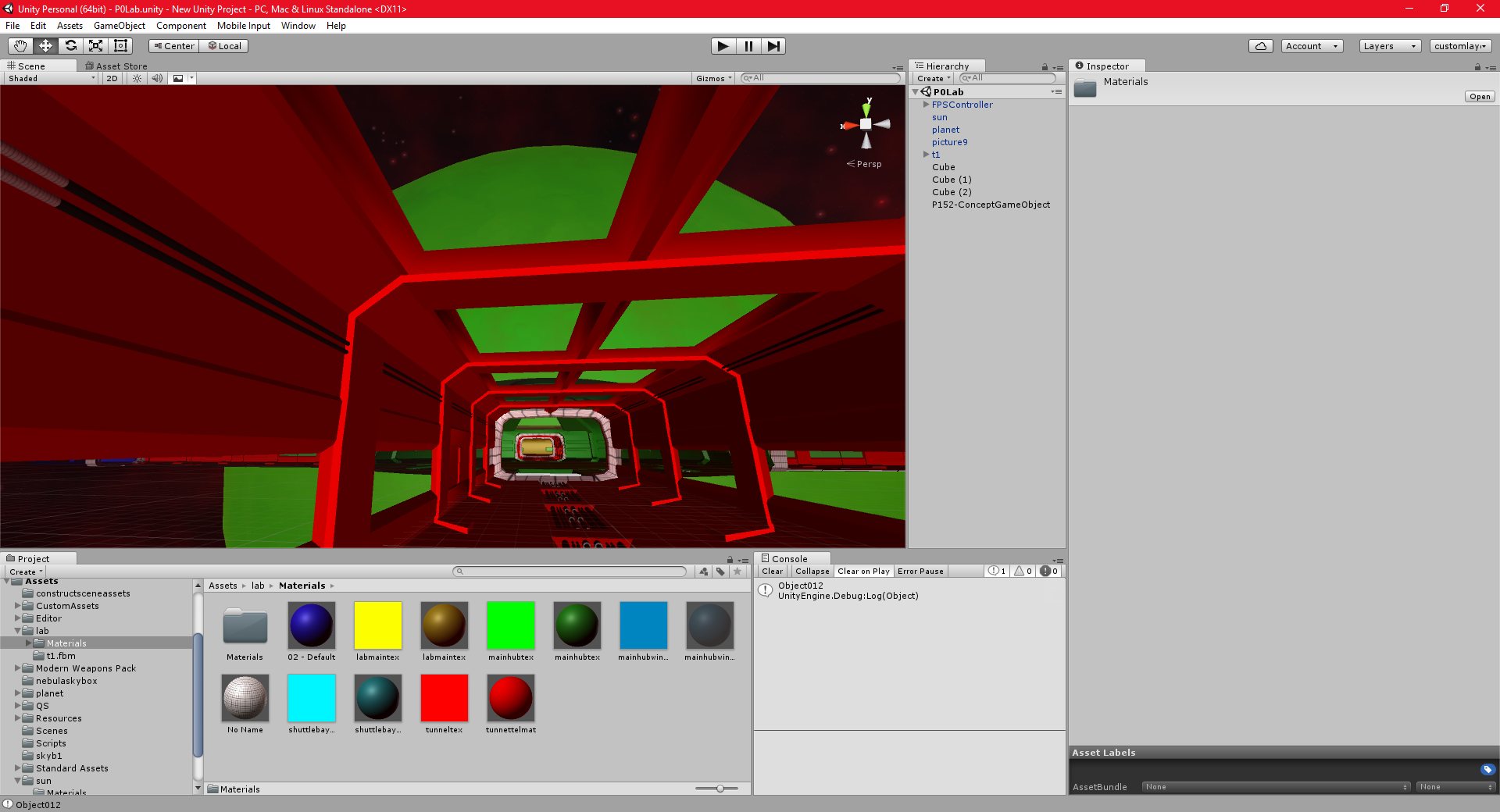
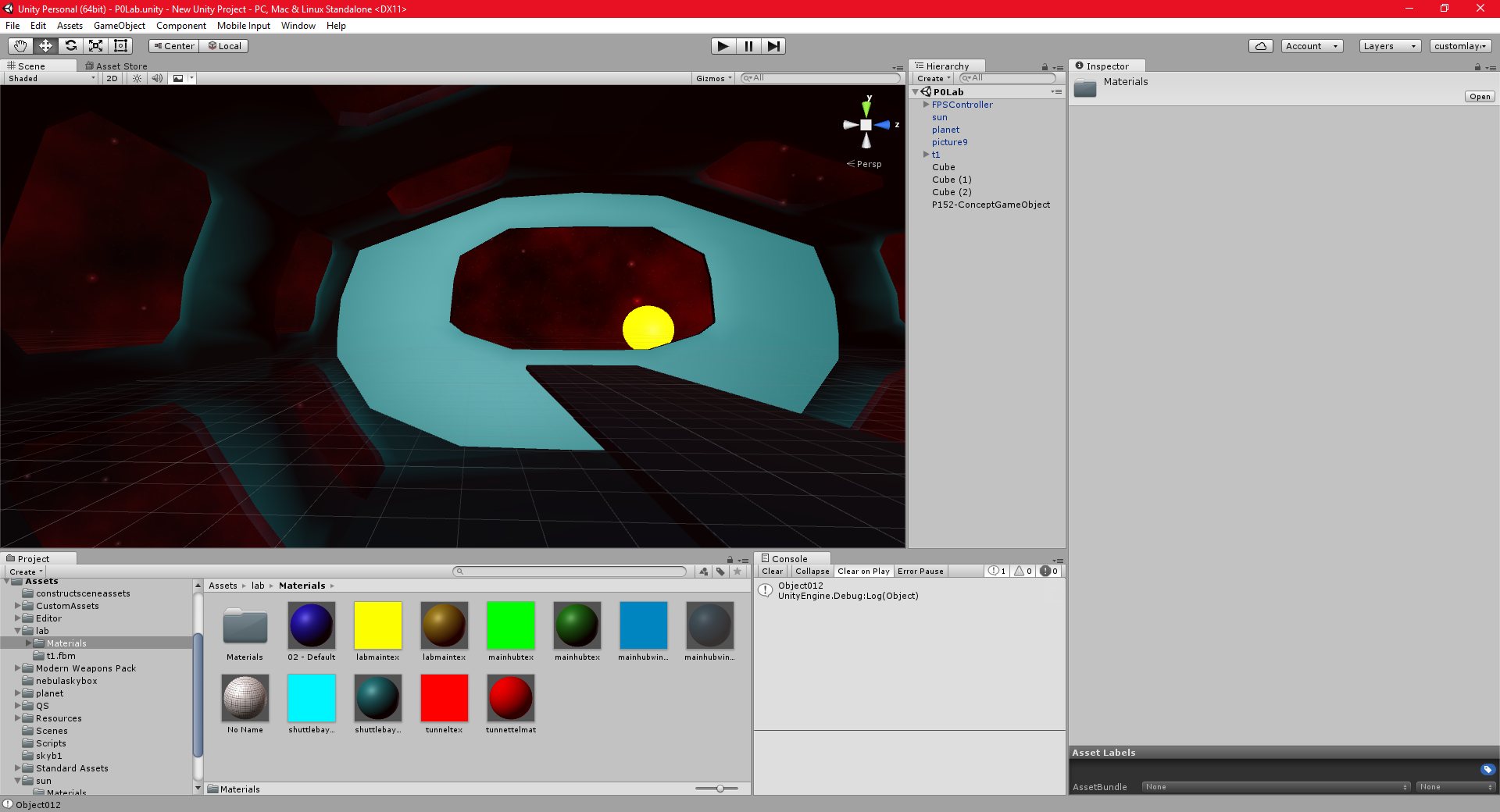
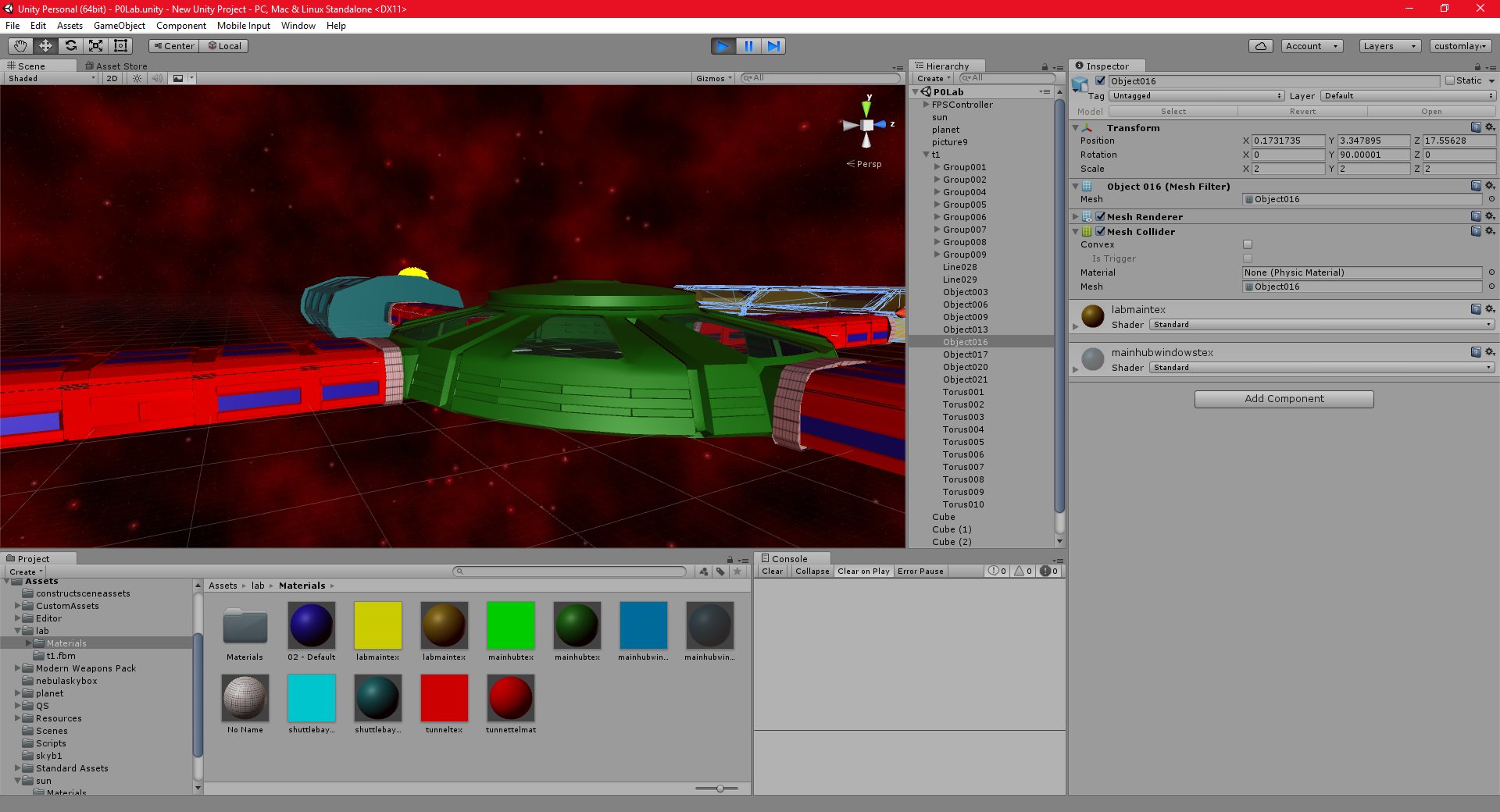
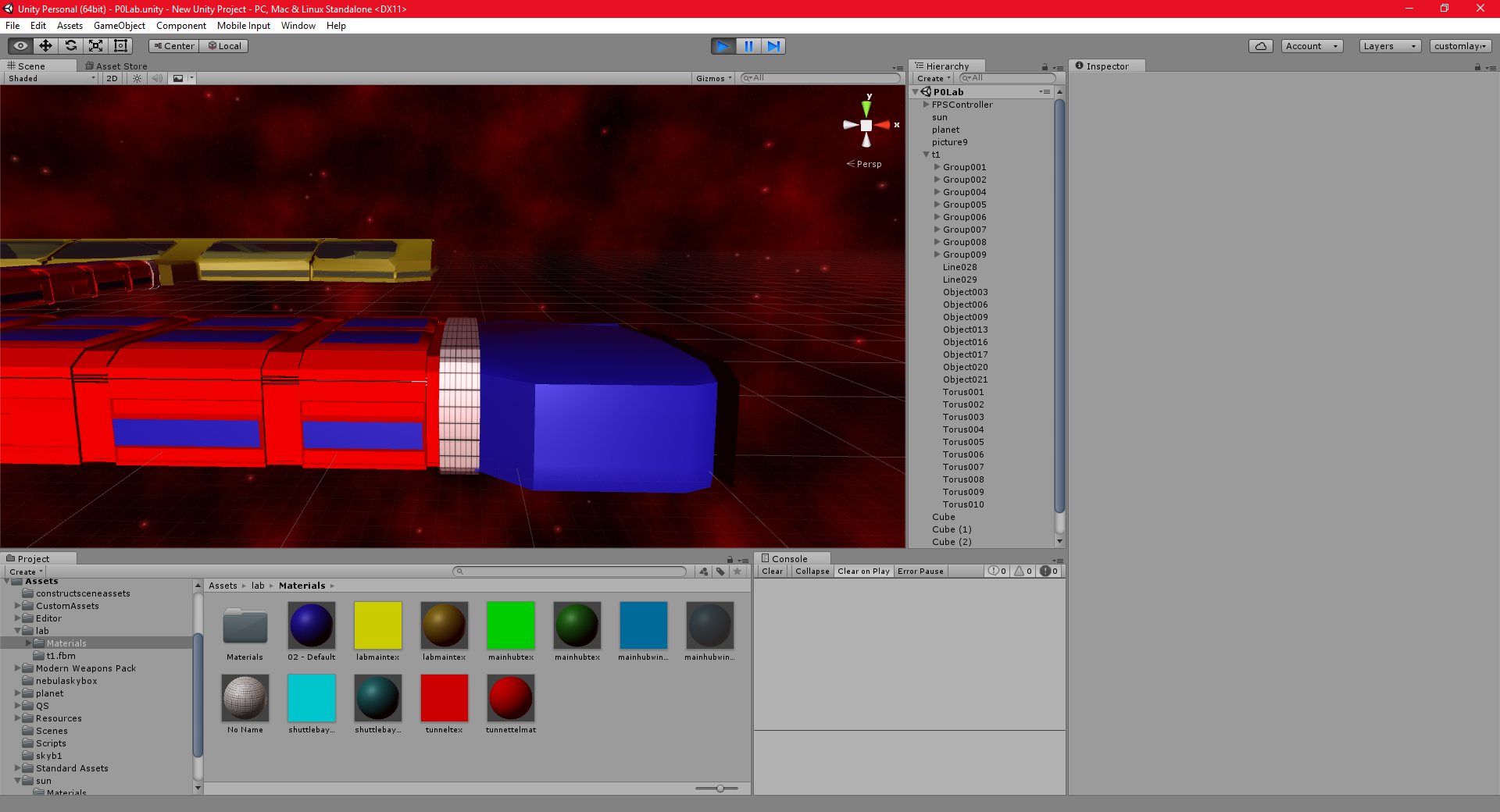
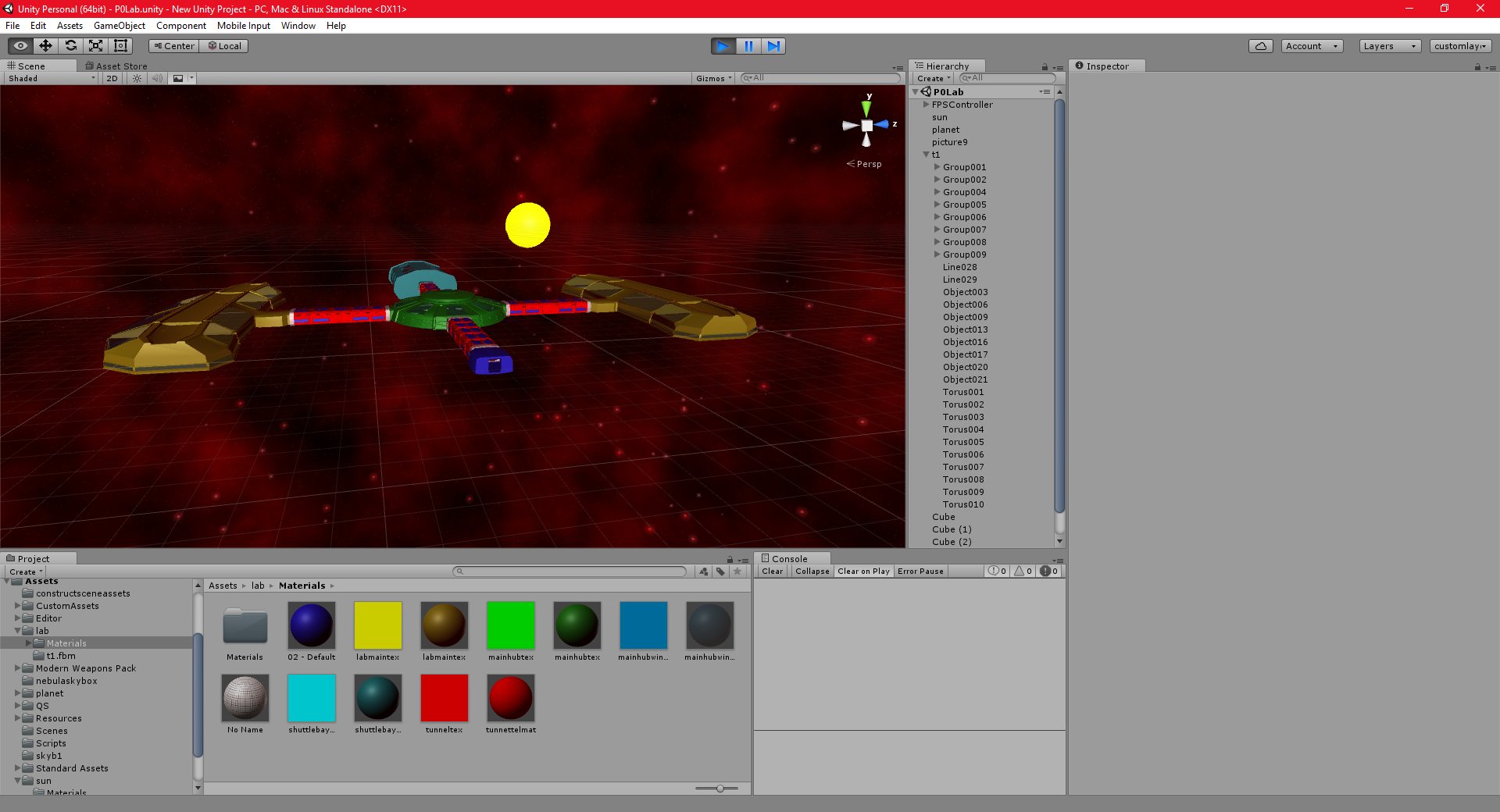
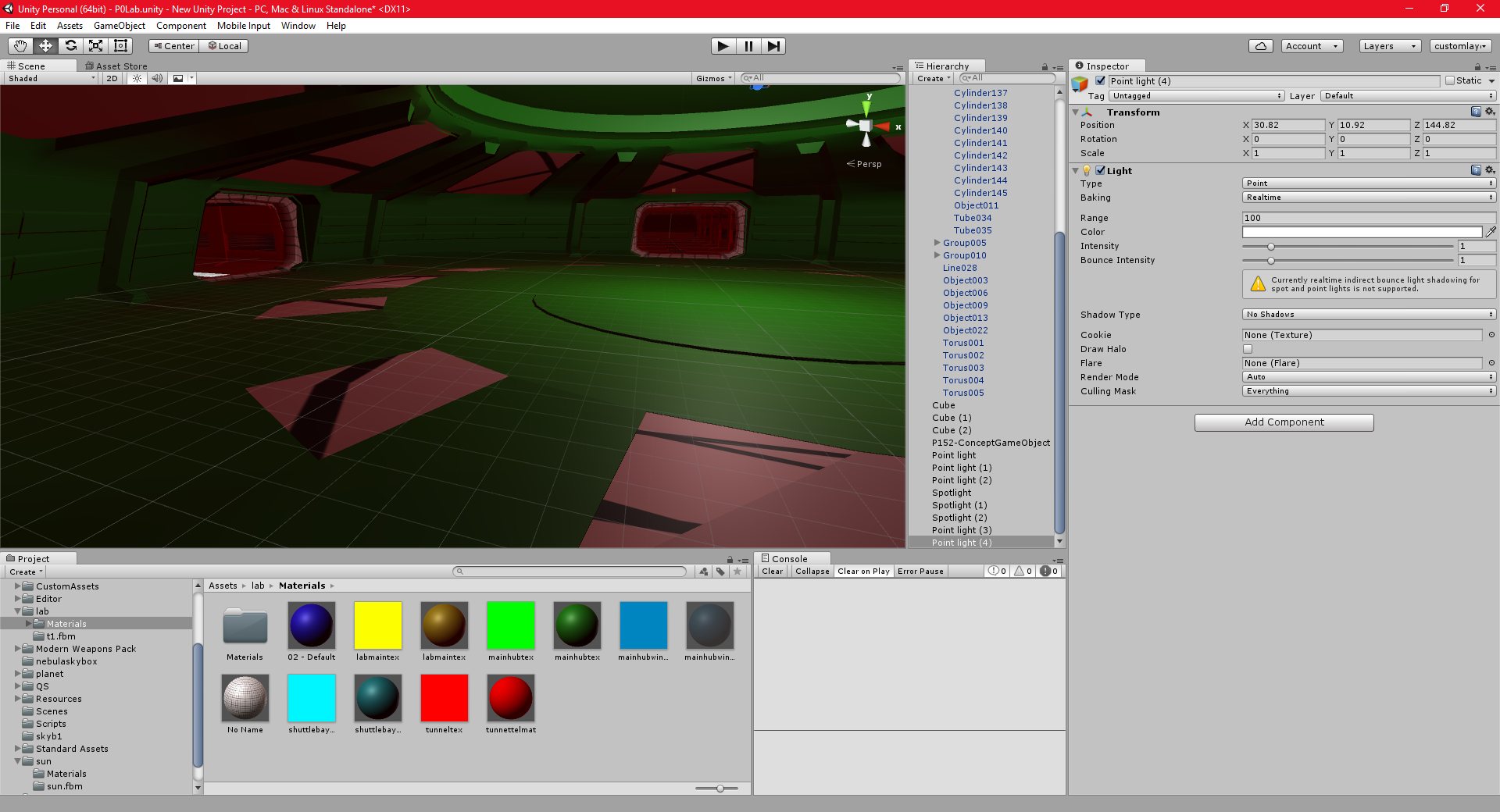
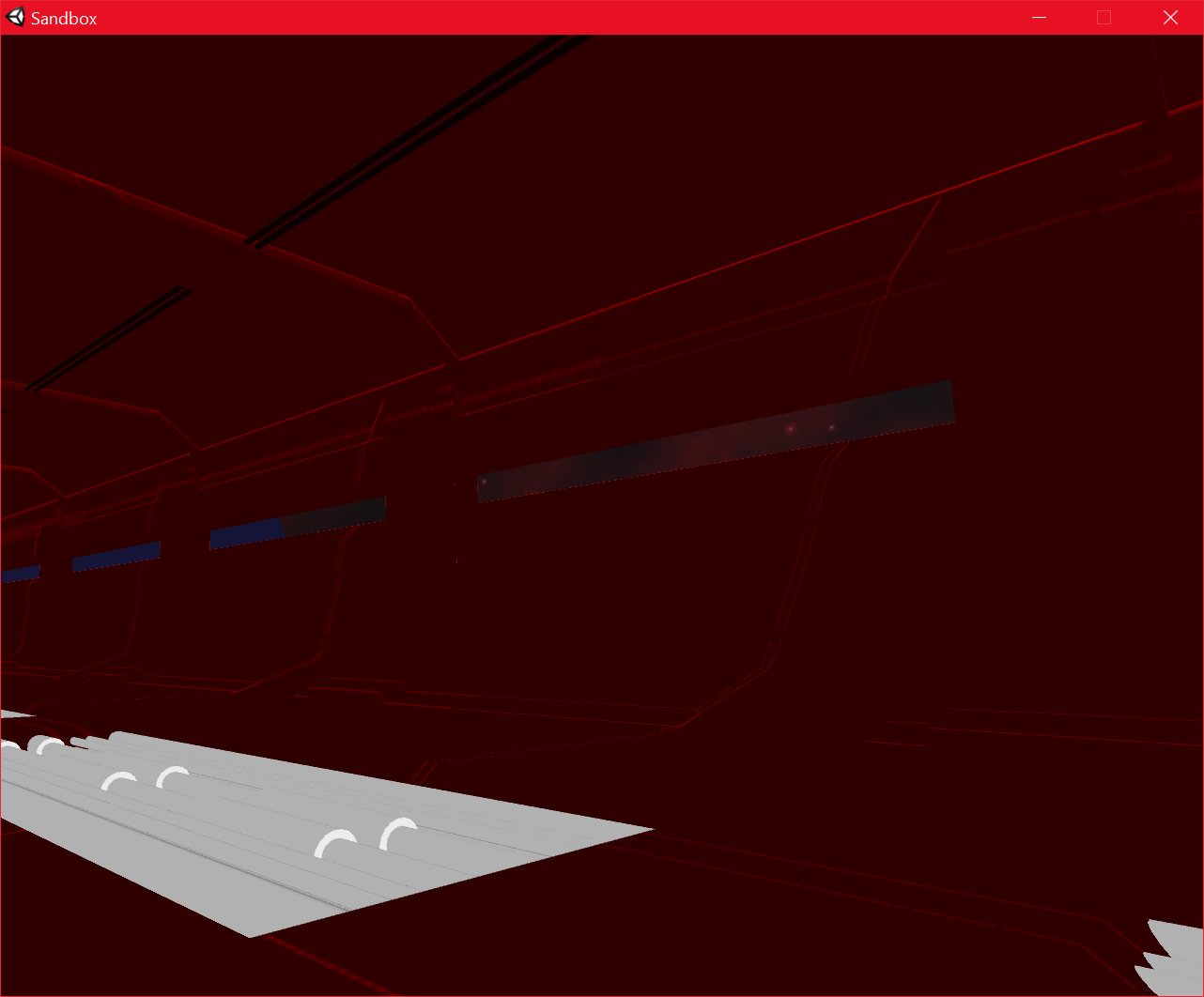
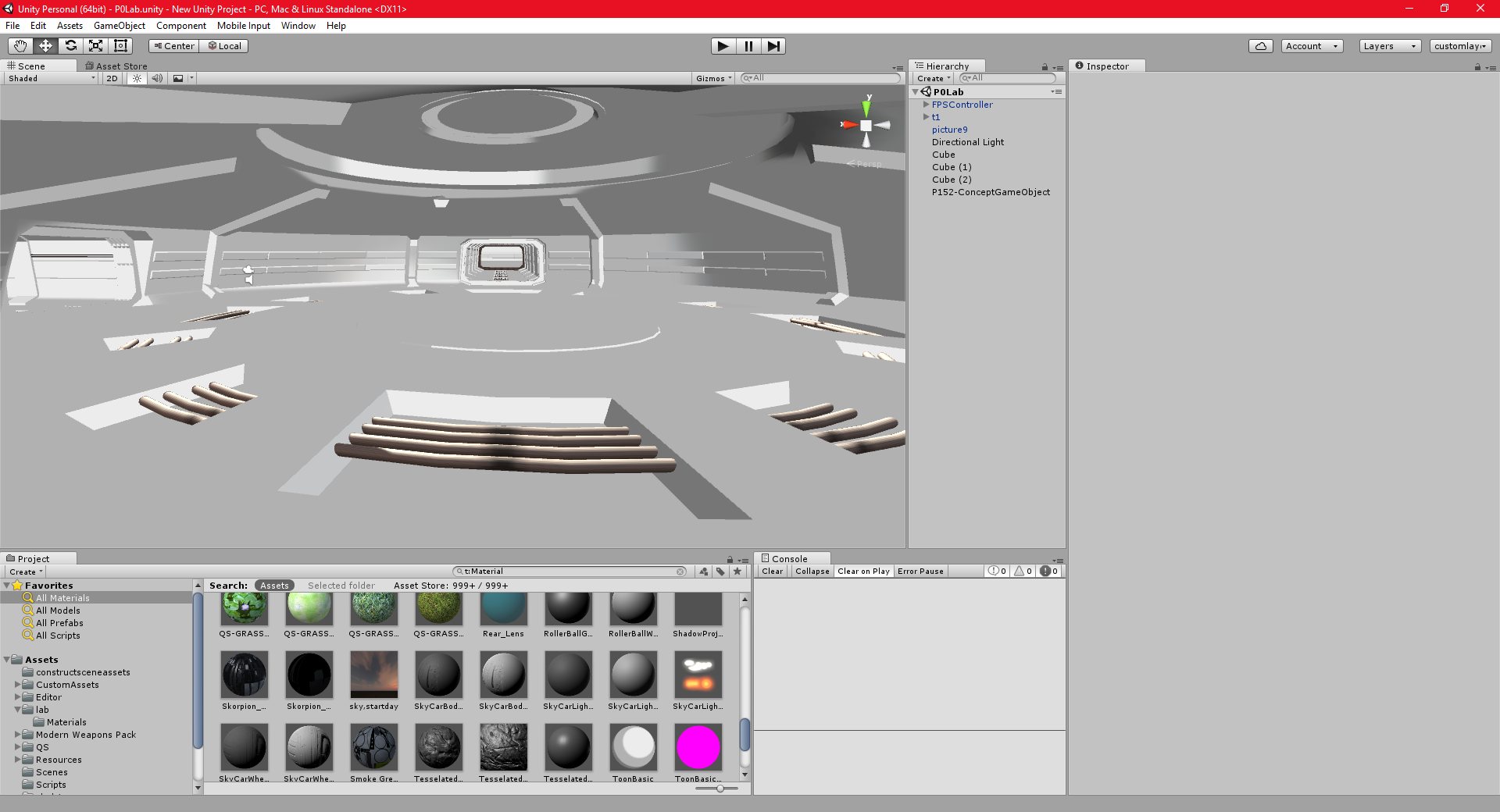
I have now finished the floor texture. I am using a relatively high resolution metal grating texture which I have modified to have a brighter feel. The art style for this project is intended to be bright, and futuristic, so I am using lots of shiny and metallic textures.
The resolution of the floor texture is high enough that I can draw detailed lines on it that do not appear blurry in game at all, this doesn’t happen at lower resolutions.
There are still a few issues with seams, and I may need to change the scale of the texture, but I think it looks very good.
I should progress quite a lot faster with the texturing now, since the rest of the model will use the same techniques, and in many cases, it will also use the same textures. This is because I want to maintain a consistent art style throughout the structure.
Unity 25/09/2016 , 02:28:17 AM Unity Personal (64bit) – P0Lab.unity – New Unity Project – PC, Mac & Linux Standalonesandbox 25/09/2016 , 02:24:33 AM Sandboxsandbox 25/09/2016 , 02:24:27 AM Sandboxsandbox 25/09/2016 , 02:24:21 AM Sandboxsandbox 25/09/2016 , 02:22:01 AM Sandboxsandbox 25/09/2016 , 02:21:37 AM Sandboxsandbox 25/09/2016 , 02:21:30 AM Sandboxsandbox 25/09/2016 , 02:21:16 AM SandboxUnity 25/09/2016 , 12:45:51 AMUnity 24/09/2016 , 09:15:54 PM Unity Personal (64bit) – P0Lab.unity – New Unity Project – PC, Mac & Linux Standalone
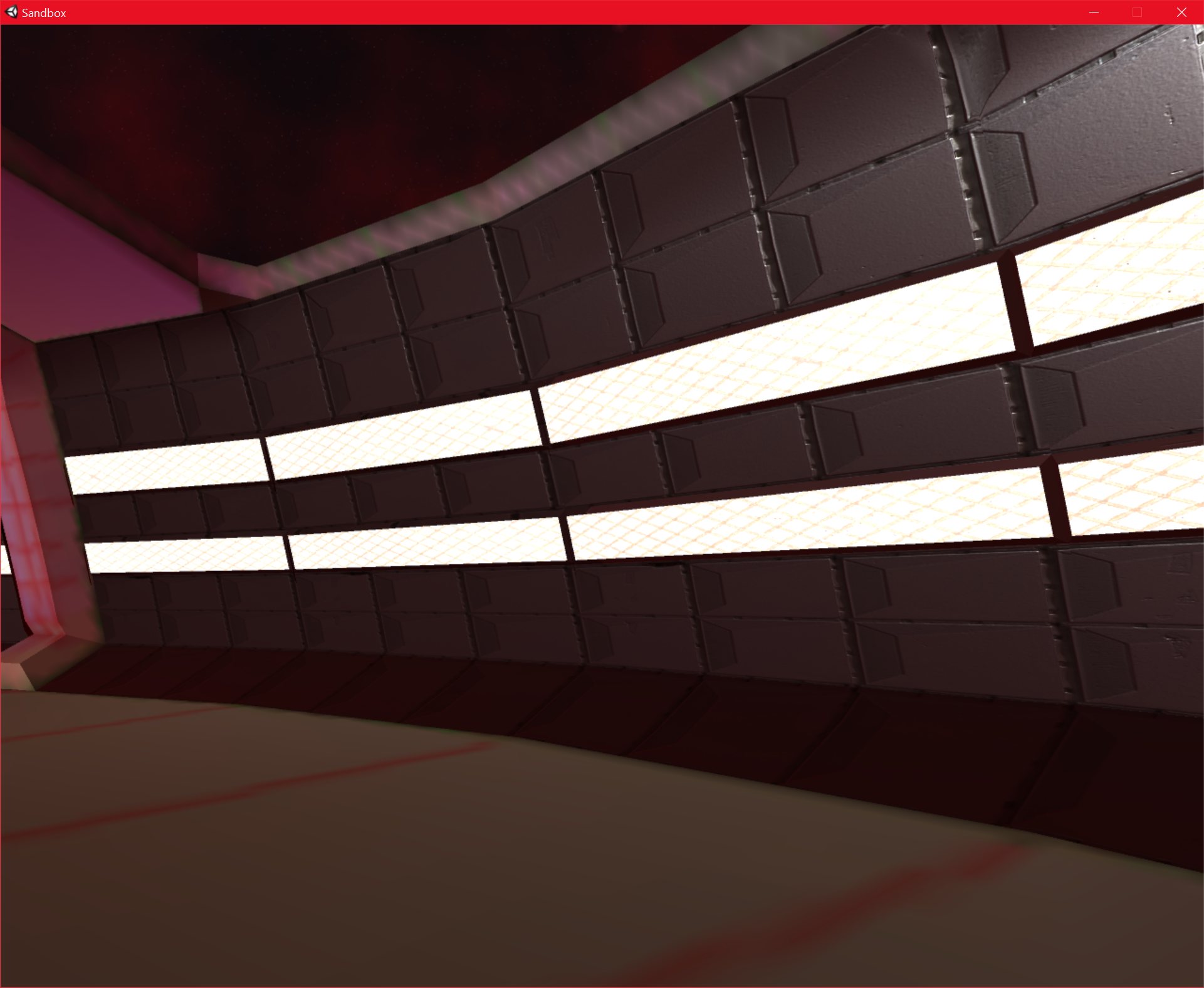
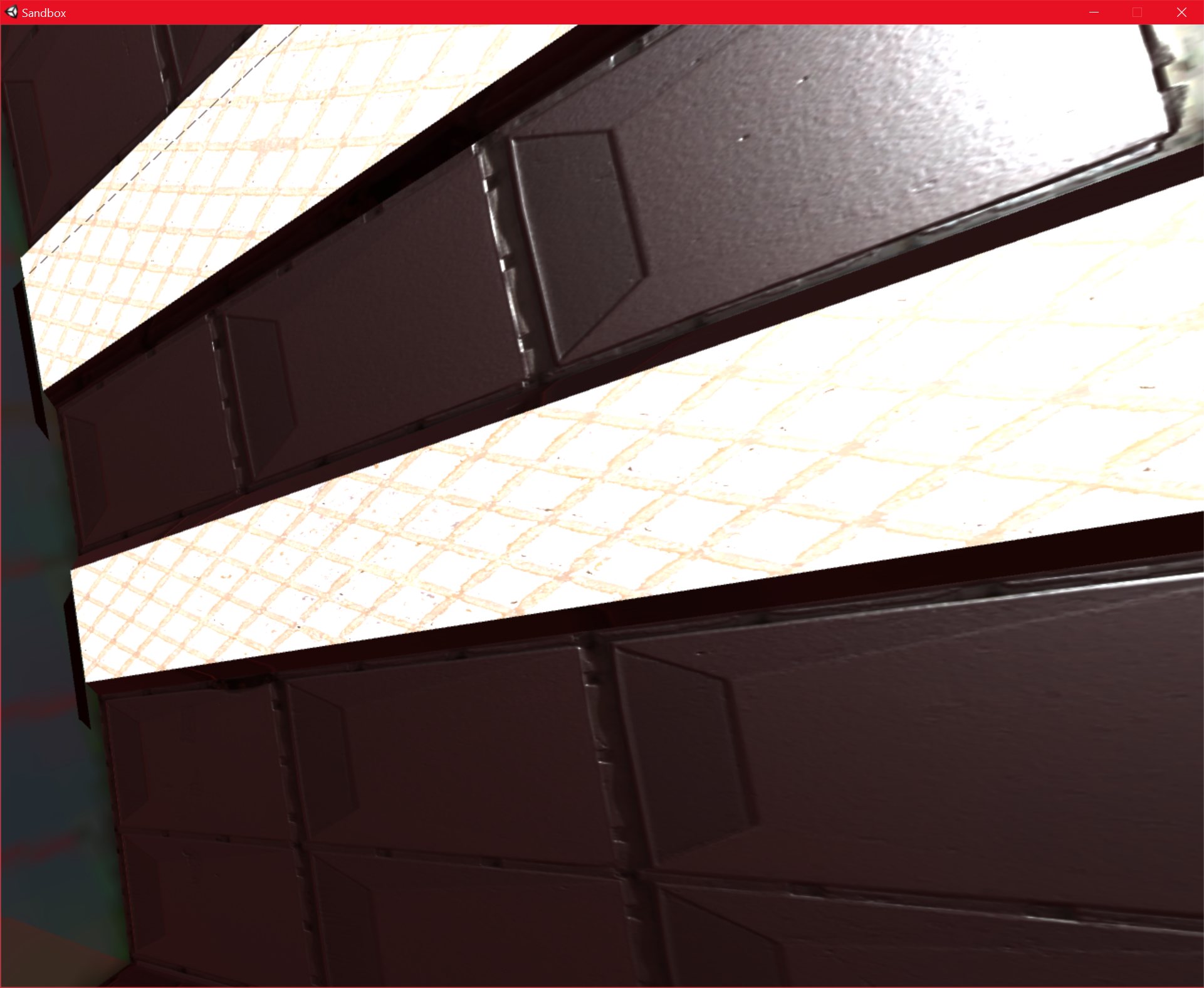
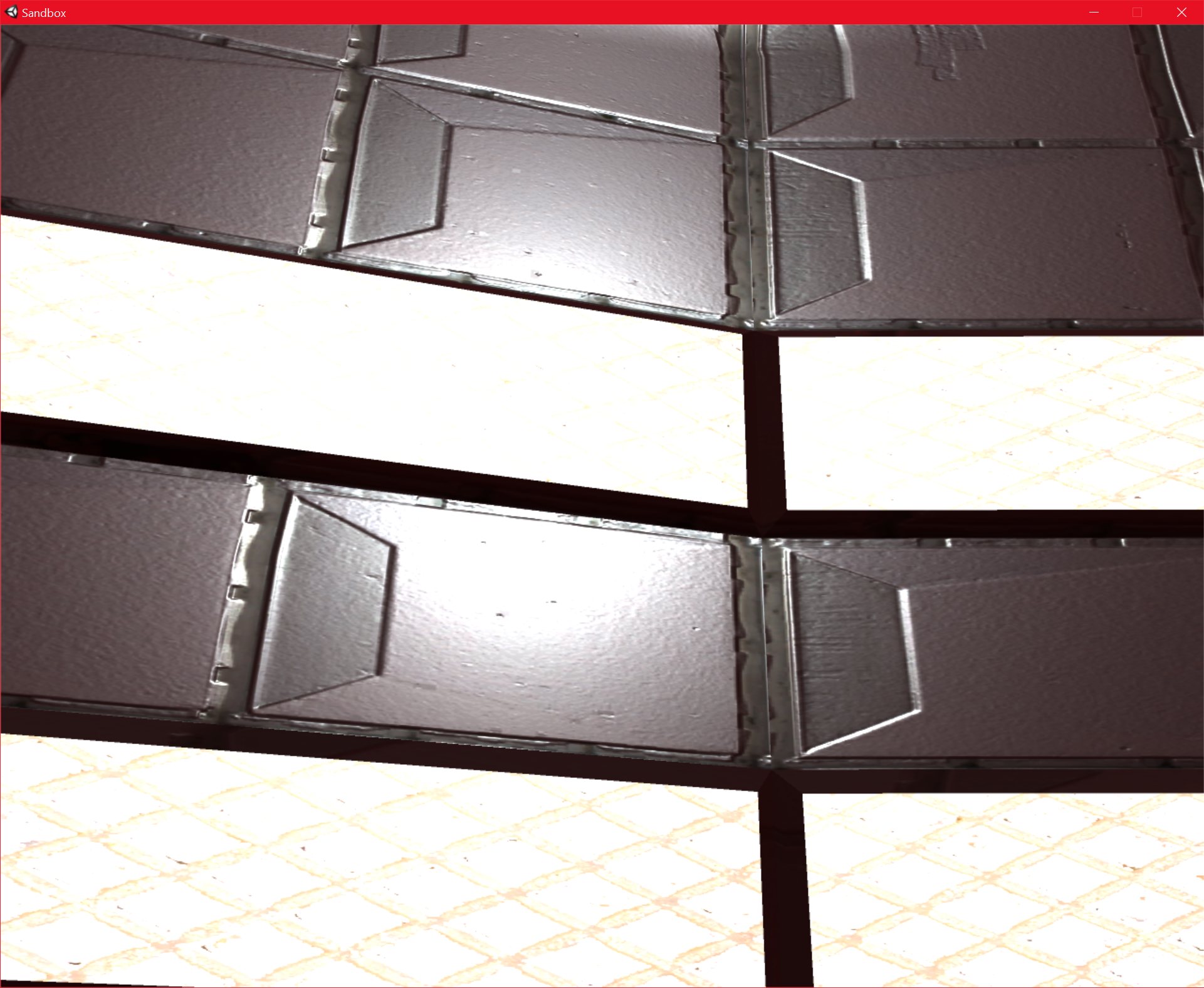
I have finally finished the main “wall” texture of the structure that I was working on. I have created a normal map, and I have modified the “Metallic” and “Smoothness” values in Unity, and I am very pleased with the results.
I am using “xNormal” as my normal map creation program, and it seems to work well, even if it does require a little preprocessing to produce a height map from my texture, before I can create the normal map (It seems to be mainly designed to produce normal maps from high poly geometry). xNormal is free, my previous tool, CrazyBump, costs $99, and I don’t create a lot of normal maps, so I thought the free option would be better.
I think the normal maps and metallic/smoothness values have made a massive difference. They really do their jobs well, and add a huge amount of detail to what would otherwise be quite a boring, flat texture.
Going from the images below, I really think that the surface “feels” metallic. Even when the camera is very close to it, the detail is still good enough. The fact that I am using high-resolution textures makes a difference as well, of course, the overall effect is a combination of all of the new techniques that I have been using. In fact, the wall texture has a 4096×4096 texture all to itself.
sandbox 23/09/2016 , 10:17:45 PM Sandboxsandbox 23/09/2016 , 06:35:12 PM Sandboxsandbox 23/09/2016 , 10:17:40 PM Sandboxsandbox 23/09/2016 , 06:35:47 PM Sandboxsandbox 23/09/2016 , 06:35:32 PM Sandboxsandbox 23/09/2016 , 06:35:23 PM Sandboxsandbox 23/09/2016 , 06:35:15 PM SandboxUnity 23/09/2016 , 03:39:03 AM Unity Personal (64bit) – P0Lab.unity – New Unity Project – PC, Mac & Linux StandaloneUnity 23/09/2016 , 03:38:58 AM Unity Personal (64bit) – P0Lab.unity – New Unity Project – PC, Mac & Linux StandaloneUnity 23/09/2016 , 02:42:25 AM Unity Personal (64bit) – P0Lab.unity – New Unity Project – PC, Mac & Linux Standalone
I am currently working on unwrapping and texturing the walls of the main hub of the space station.
This is a fairly slow and tedious process, but it’s not particularly difficult, and I seem to be making good progress. The only issue now is increasing the resolution of the textures, even at 4096×4096 they are quite low resolution.
I am planning to apply several textures to the same object, this will allow me to work on groups of UV’s separately, and will dramatically increase the quality of the final result.
I am getting some premium textures, as well as most of my free textures from the site Textures.com, which I am finding very useful. They have a pretty good system there where you can buy “tokens” and use those tokens to purchase premium textures, so you can only pay for what you use. I like that a lot better than a subscription based system.
I am going to make some of the textures emissive which will allow me to simulate interior lighting, which I think will look pretty good.
Unity 22/09/2016 , 06:46:07 PM Unity Personal (64bit) – P0Lab.unity – New Unity Project – PC, Mac & Linux StandaloneUnity 22/09/2016 , 06:46:21 PM Unity Personal (64bit) – P0Lab.unity – New Unity Project – PC, Mac & Linux StandaloneUnity 22/09/2016 , 08:11:57 PM Unity Personal (64bit) – P0Lab.unity – New Unity Project – PC, Mac & Linux StandaloneUnity 22/09/2016 , 08:12:04 PM Unity Personal (64bit) – P0Lab.unity – New Unity Project – PC, Mac & Linux StandaloneUnity 23/09/2016 , 12:58:23 AM Unity Personal (64bit) – P0Lab.unity – New Unity Project – PC, Mac & Linux StandaloneUnity 22/09/2016 , 11:35:33 PM Unity Personal (64bit) – P0Lab.unity – New Unity Project – PC, Mac & Linux Standalone
I have been steadily progressing with the texturing of the interior of the space station model.
I have divided it up into sections, and I am planning to use high-resolution textures whenever I can.
I intend to use 4096 x 4096 resolution textures, which is much higher than what I would normally use.
At the moment, the exterior isn’t done yet, so it is possible to see into the opposite rooms from the inside of the station, but this won’t be a problem once the interior is done.
I am learning a lot about unwrapping and texturing from this part of the project, which are traditionally things that I have been weak at. This is part of the reason why I wanted to create this, since I will need to improve my skills in these areas.
sandbox 19/09/2016 , 12:34:13 AM Sandboxsandbox 19/09/2016 , 12:34:02 AM SandboxUnity 19/09/2016 , 12:39:03 AM Unity Personal (64bit) – P0Lab.unity – New Unity Project – PC, Mac & Linux Standalone*Unity 19/09/2016 , 12:38:56 AM Unity Personal (64bit) – P0Lab.unity – New Unity Project – PC, Mac & Linux Standalone*sandbox 19/09/2016 , 12:35:37 AM Sandboxsandbox 19/09/2016 , 12:34:13 AM Sandboxsandbox 19/09/2016 , 12:34:02 AM SandboxUnity 19/09/2016 , 12:36:52 AM Unity Personal (64bit) – P0Lab.unity – New Unity Project – PC, Mac & Linux Standalonesandbox 19/09/2016 , 12:35:37 AM SandboxUnity 19/09/2016 , 12:36:52 AM Unity Personal (64bit) – P0Lab.unity – New Unity Project – PC, Mac & Linux StandaloneUnity 19/09/2016 , 12:38:34 AM Unity Personal (64bit) – P0Lab.unity – New Unity Project – PC, Mac & Linux Standalone*Unity 19/09/2016 , 12:38:45 AM Unity Personal (64bit) – P0Lab.unity – New Unity Project – PC, Mac & Linux Standalone*Unity 20/09/2016 , 03:23:47 AM Unity Personal (64bit) – P0Lab.unity – New Unity Project – PC, Mac & Linux StandaloneUnity 20/09/2016 , 03:24:03 AM Unity Personal (64bit) – P0Lab.unity – New Unity Project – PC, Mac & Linux StandaloneUnity 20/09/2016 , 03:26:21 AM Unity Personal (64bit) – P0Lab.unity – New Unity Project – PC, Mac & Linux StandaloneUnity 20/09/2016 , 03:46:19 AM Unity Personal (64bit) – P0Lab.unity – New Unity Project – PC, Mac & Linux StandaloneUnity 20/09/2016 , 03:46:24 AM Unity Personal (64bit) – P0Lab.unity – New Unity Project – PC, Mac & Linux StandaloneUnity 20/09/2016 , 03:46:30 AM Unity Personal (64bit) – P0Lab.unity – New Unity Project – PC, Mac & Linux StandaloneUnity 20/09/2016 , 03:46:42 AM Unity Personal (64bit) – P0Lab.unity – New Unity Project – PC, Mac & Linux StandaloneUnity 20/09/2016 , 03:46:51 AM Unity Personal (64bit) – P0Lab.unity – New Unity Project – PC, Mac & Linux StandaloneUnity 20/09/2016 , 03:47:13 AM Unity Personal (64bit) – P0Lab.unity – New Unity Project – PC, Mac & Linux StandaloneUnity 20/09/2016 , 10:43:35 PM Unity Personal (64bit) – P0Lab.unity – New Unity Project – PC, Mac & Linux Standalone*
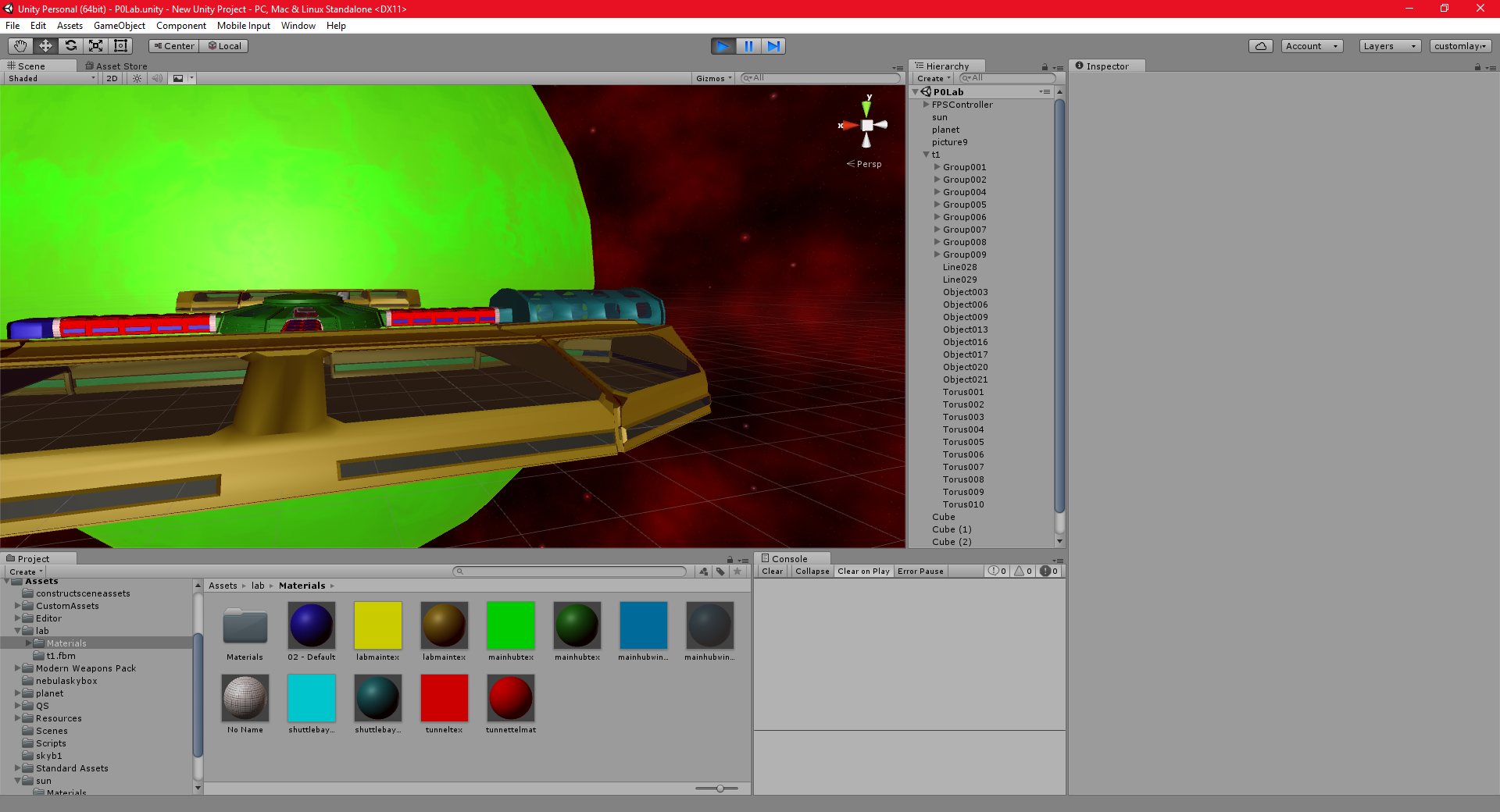
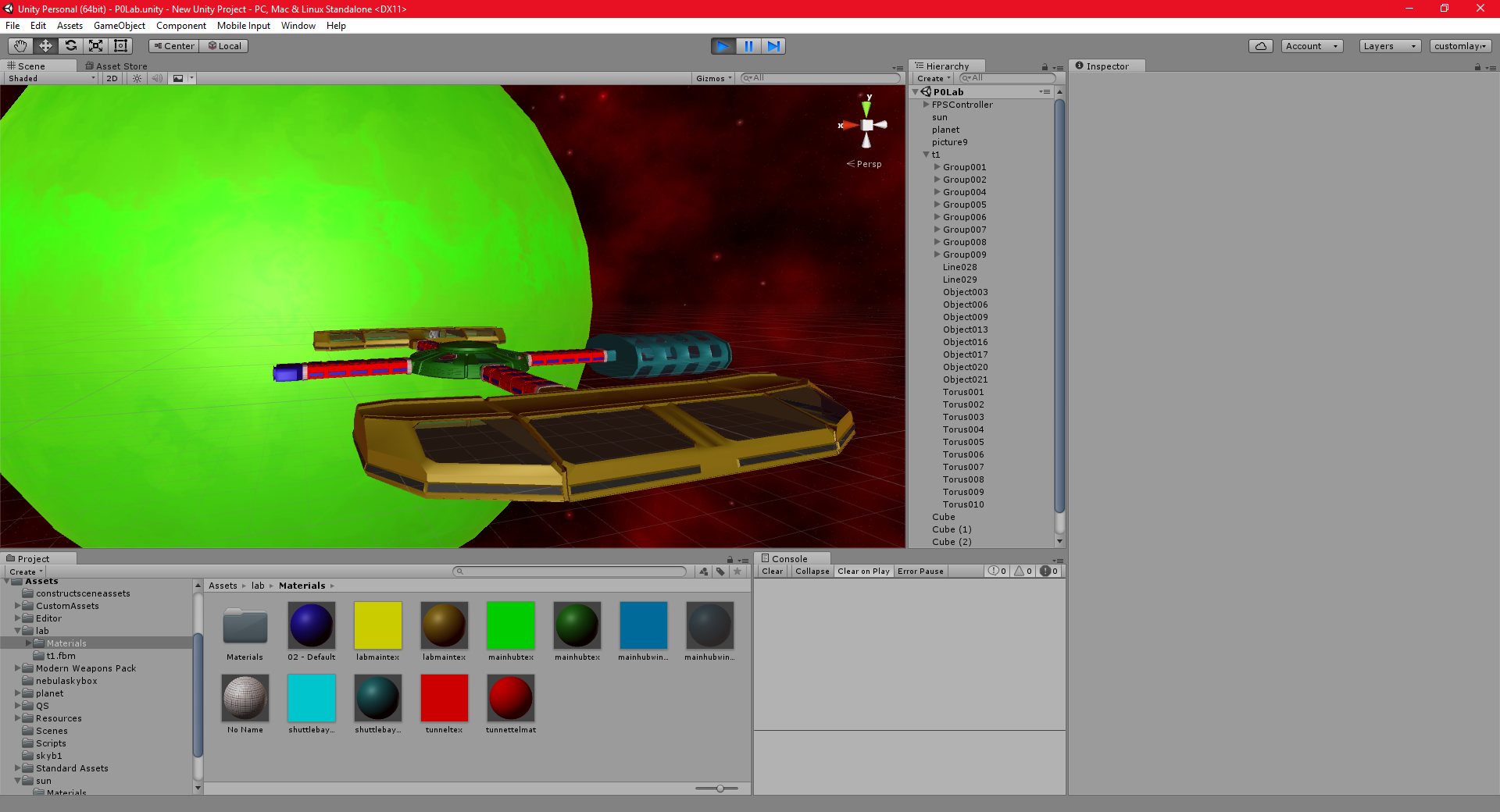
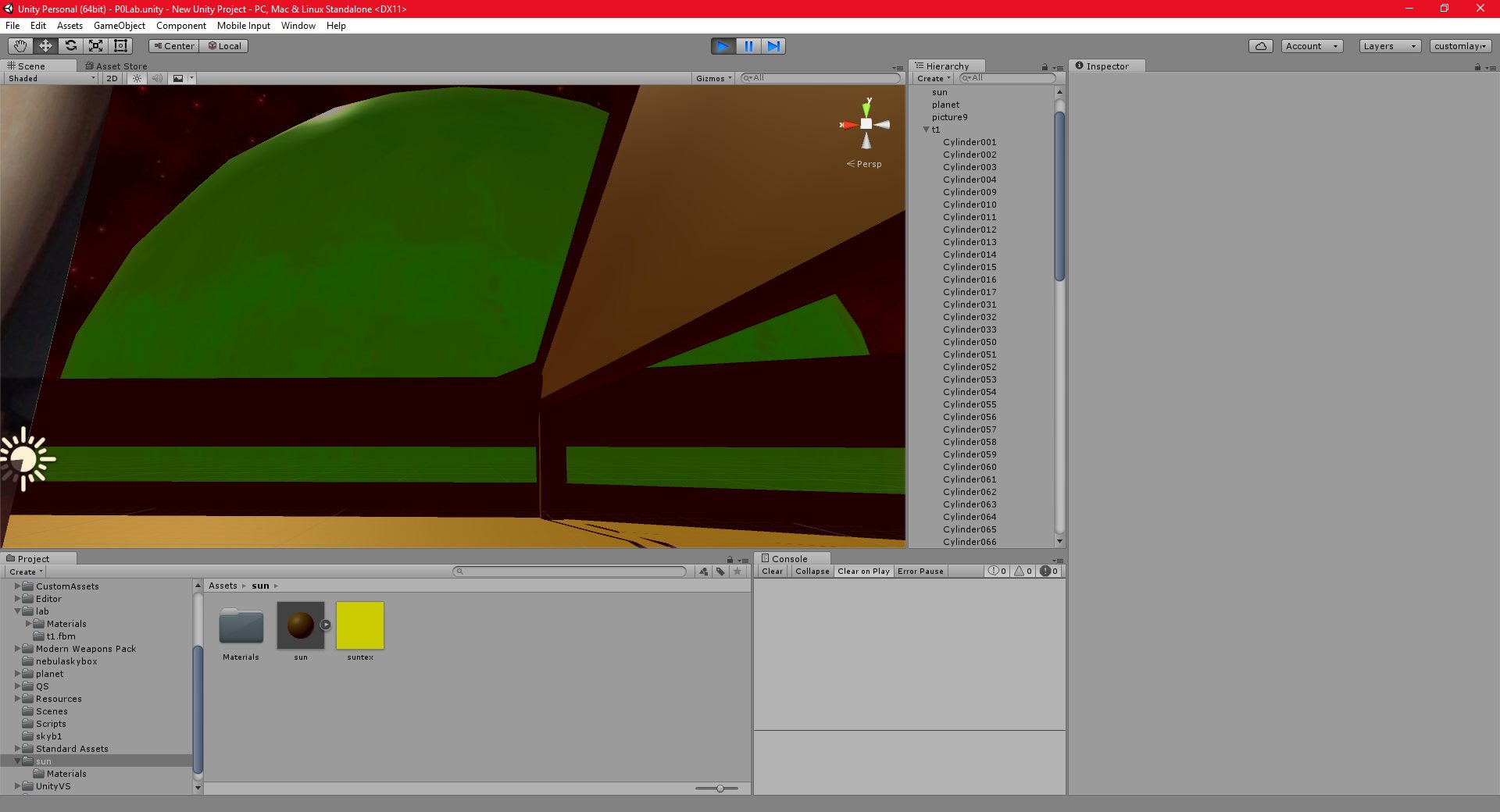
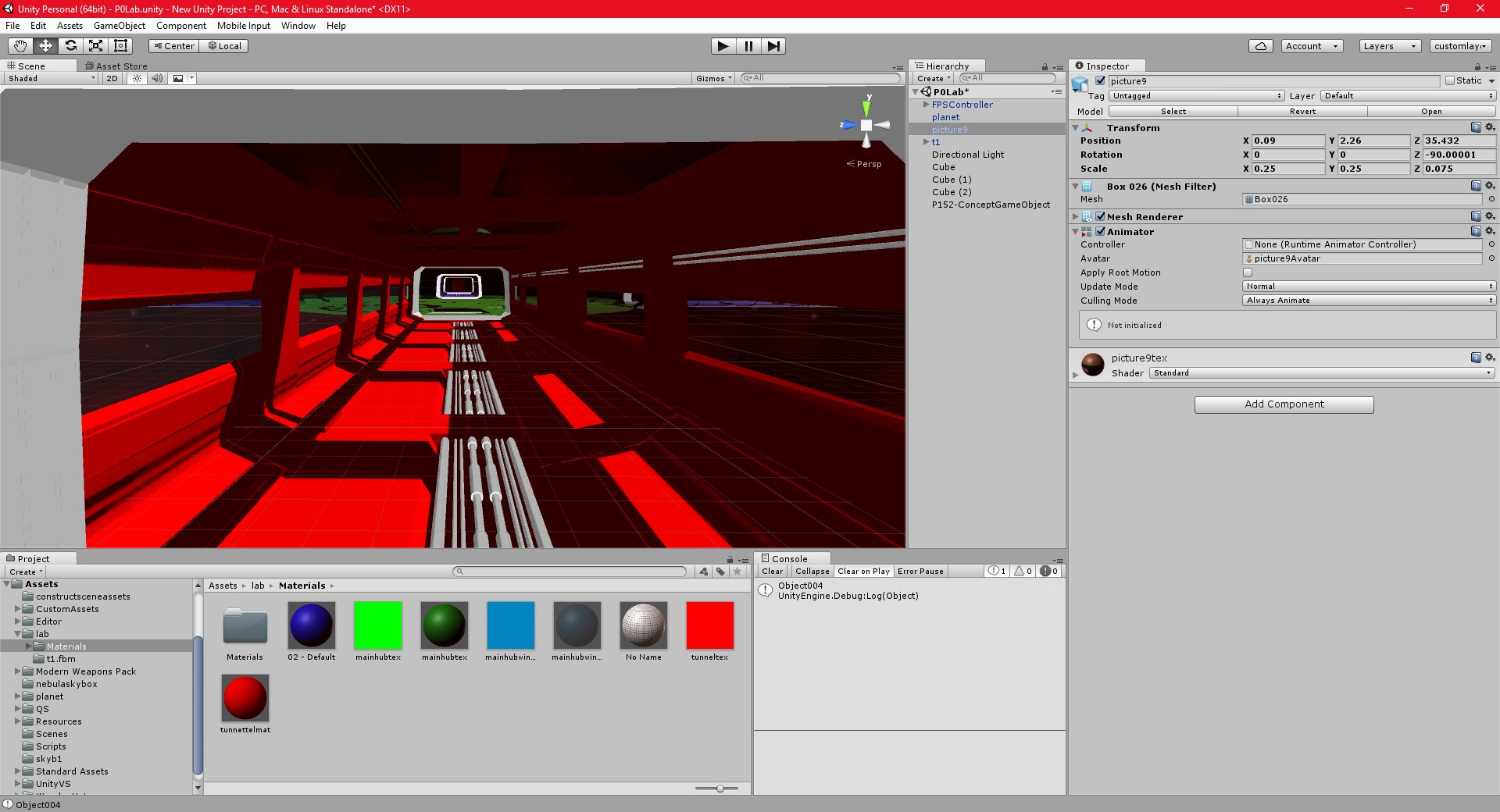
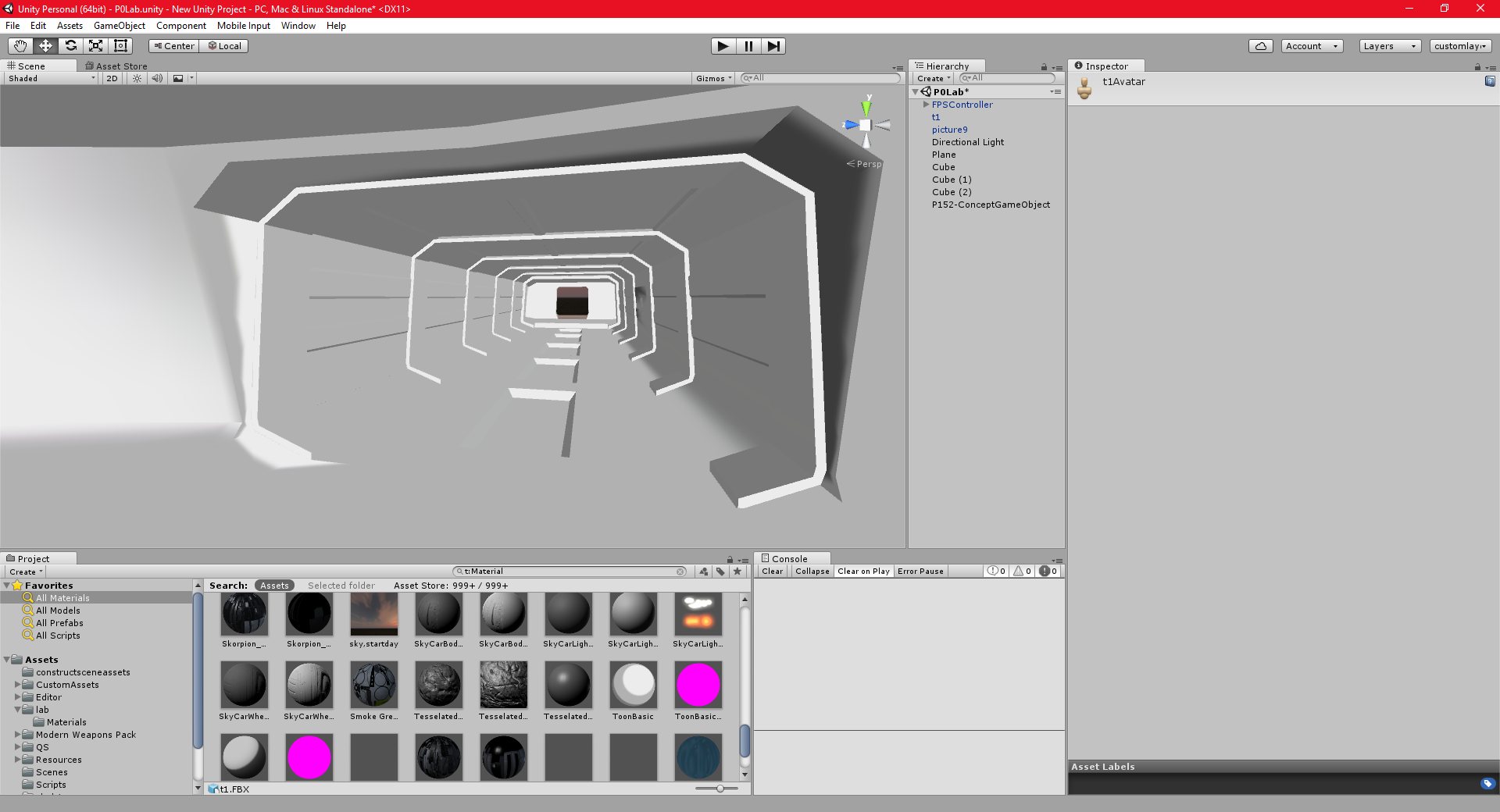
I have completed the vast majority of the modelling for the space station structure. I have added the windows as a transparent texture, instead of using a boolean operator to cut them into the mesh. I think this looks a lot better.
I have not modelled the exterior of the station yet, so the station looks “inside out” when viewed from outside.
I have also added a very basic sun object.
The next goal is the actual texturing itself, along with fixing and small issues or problem with the model.
I’m not sure what I want to do at that point, I may do some more art for other projects, try to make a small standalone game with Unity, or even being porting my Spherical Terrain project from T3D to Unity.
sandbox 19/09/2016 , 12:35:37 AM SandboxUnity 19/09/2016 , 12:38:56 AM Unity Personal (64bit) – P0Lab.unity – New Unity Project – PC, Mac & Linux Standalone*Unity 19/09/2016 , 12:39:03 AM Unity Personal (64bit) – P0Lab.unity – New Unity Project – PC, Mac & Linux Standalone*sandbox 19/09/2016 , 12:34:02 AM Sandboxsandbox 19/09/2016 , 12:34:08 AM Sandboxsandbox 19/09/2016 , 12:34:13 AM SandboxUnity 18/09/2016 , 11:53:20 PM Unity Personal (64bit) – P0Lab.unity – New Unity Project – PC, Mac & Linux StandaloneUnity 18/09/2016 , 11:53:27 PM Unity Personal (64bit) – P0Lab.unity – New Unity Project – PC, Mac & Linux StandaloneUnity 18/09/2016 , 10:48:27 PM Unity Personal (64bit) – P0Lab.unity – New Unity Project – PC, Mac & Linux StandaloneUnity 18/09/2016 , 07:47:54 PM Unity Personal (64bit) – P0Lab.unity – New Unity Project – PC, Mac & Linux Standalone*
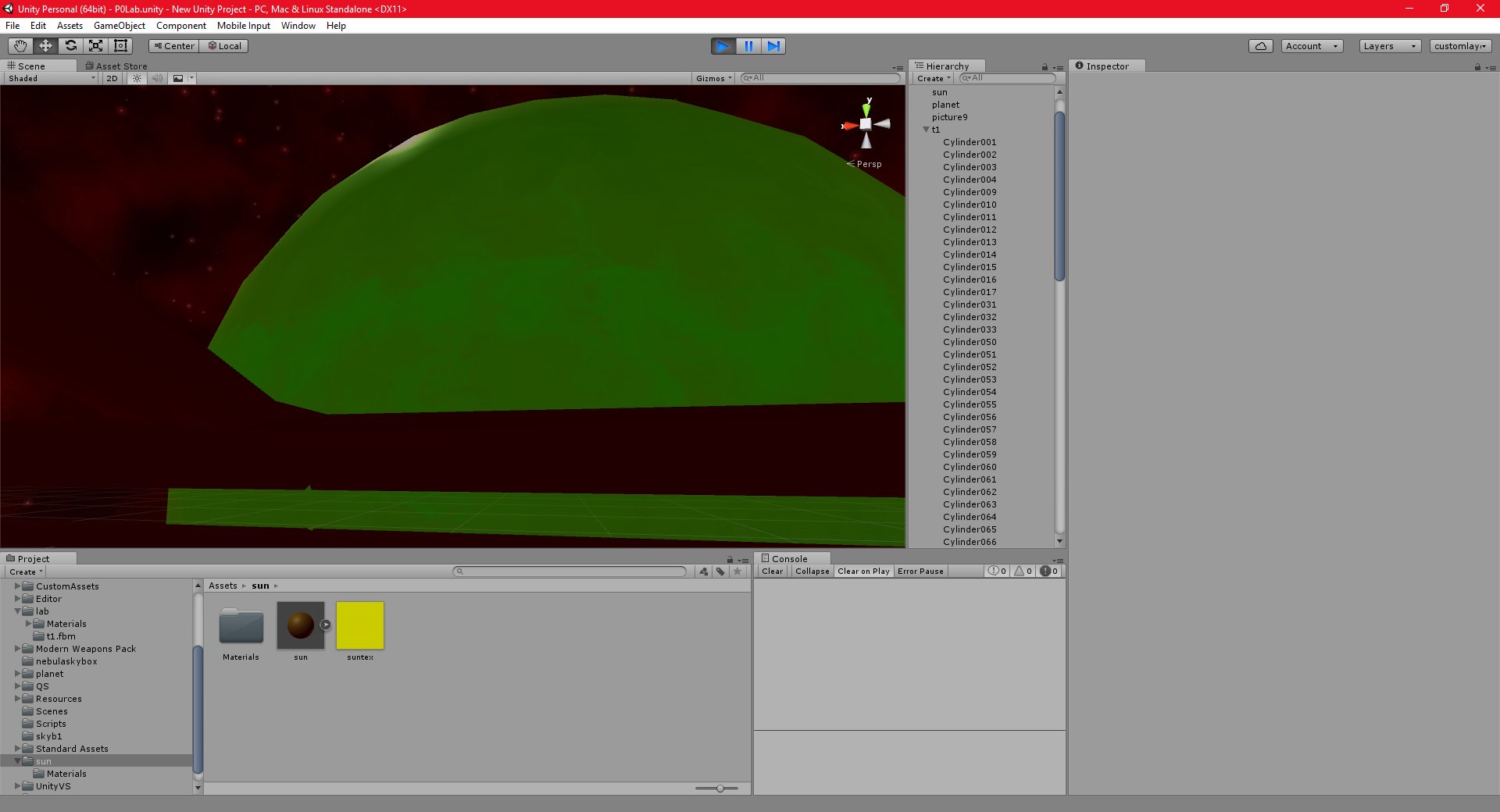
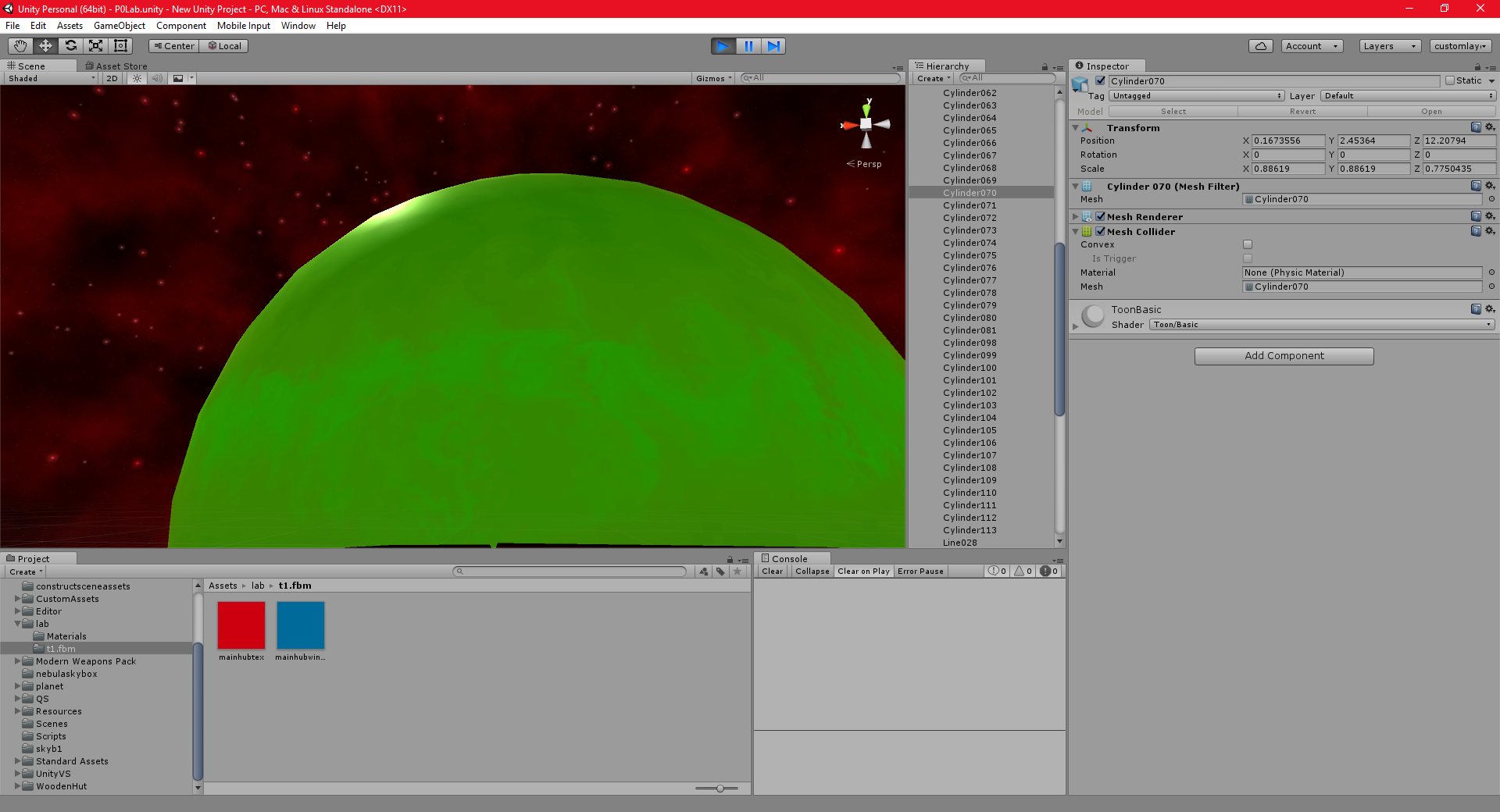
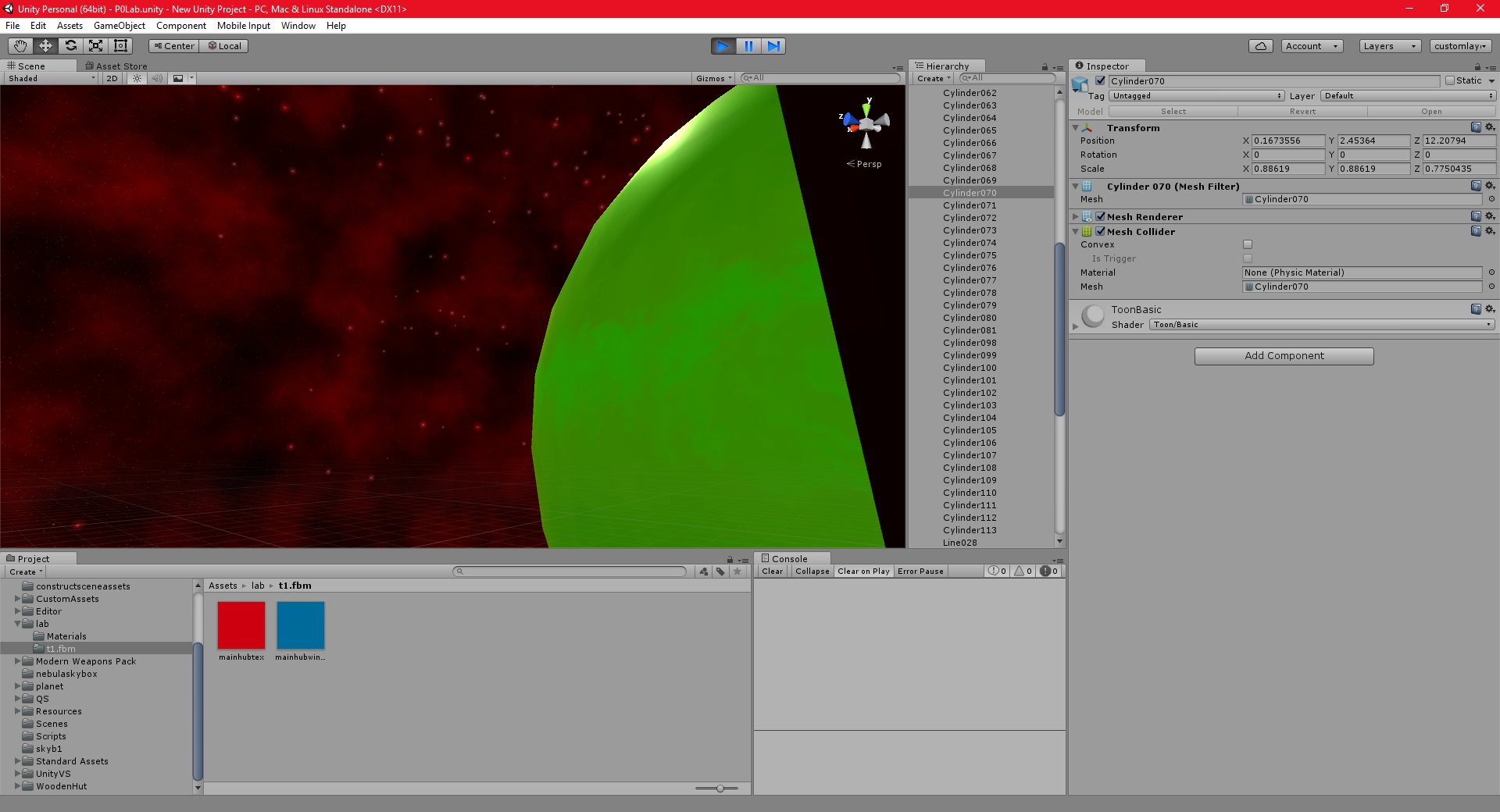
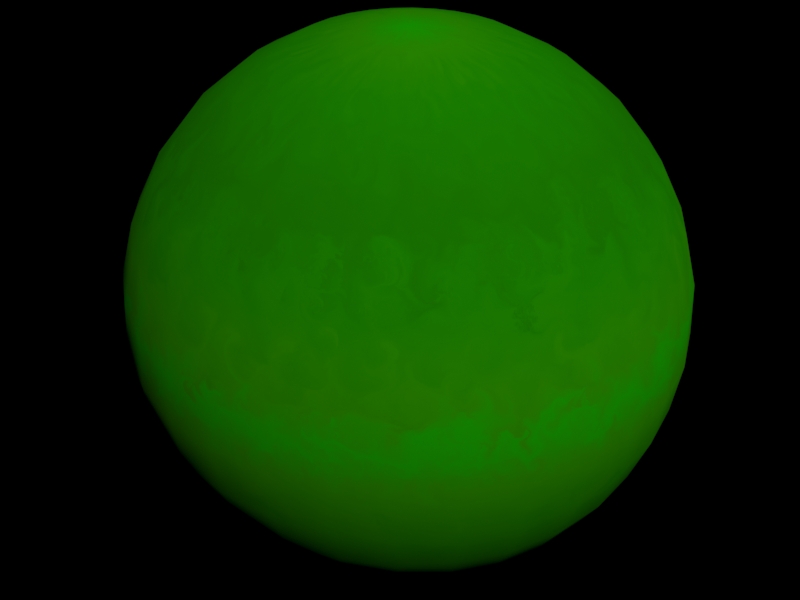
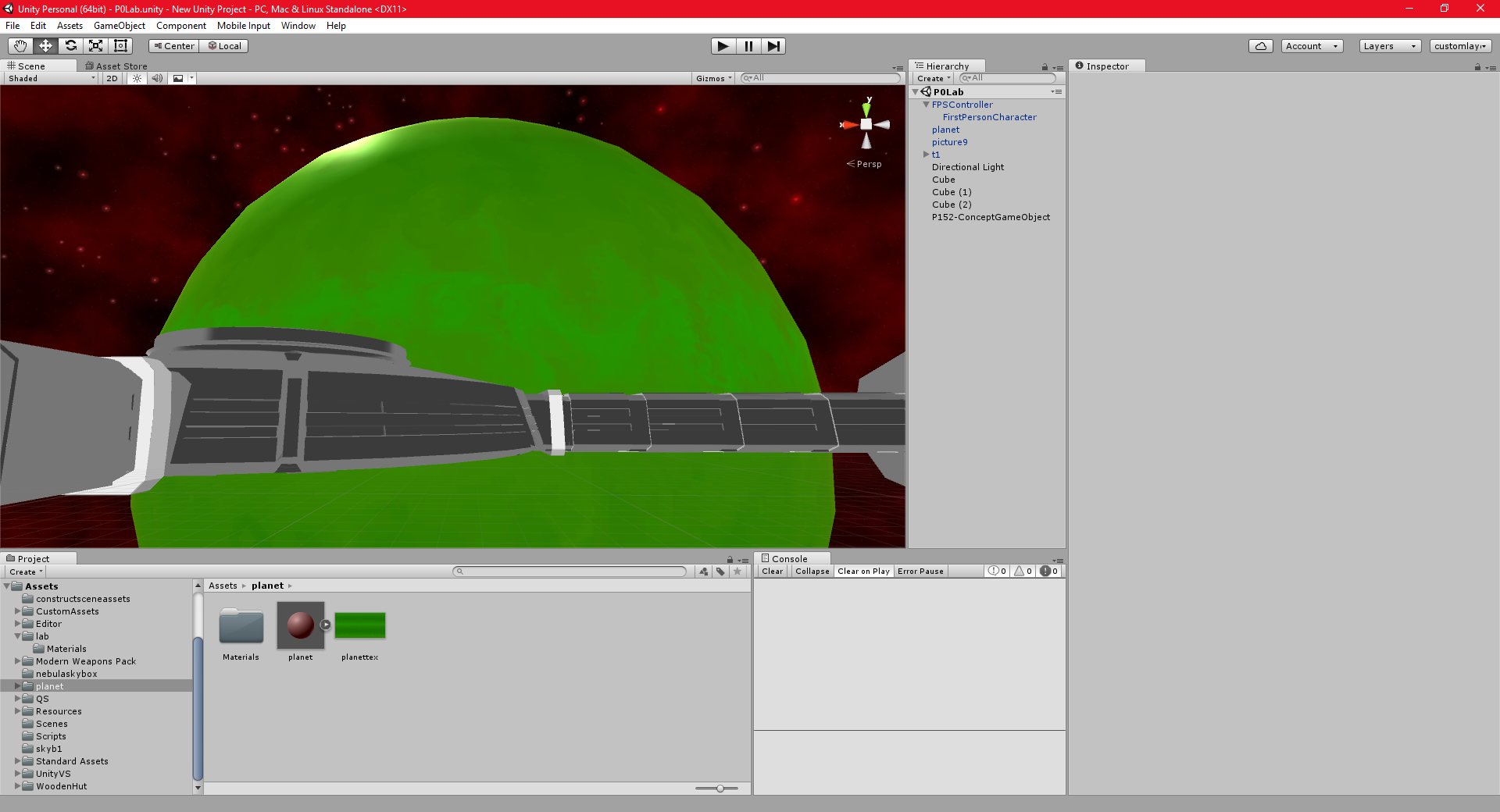
I needed to create a planet quickly for the space scene, and I discovered that there are actually several tools online that will create planetary textures.
Some of them only produce low resolution textures, but I discovered one program HERE, called “Planet texture generator” that seems to produce fairly high resolution spherical texture maps. It also some fairly powerful customisation options. There are also a few more good options listed HERE.
The planet is a placeholder, eventually, I intend to replace it with the spherical terrain project that I have been working on in T3D, but it will be some time before I am ready to begin porting this to Unity.
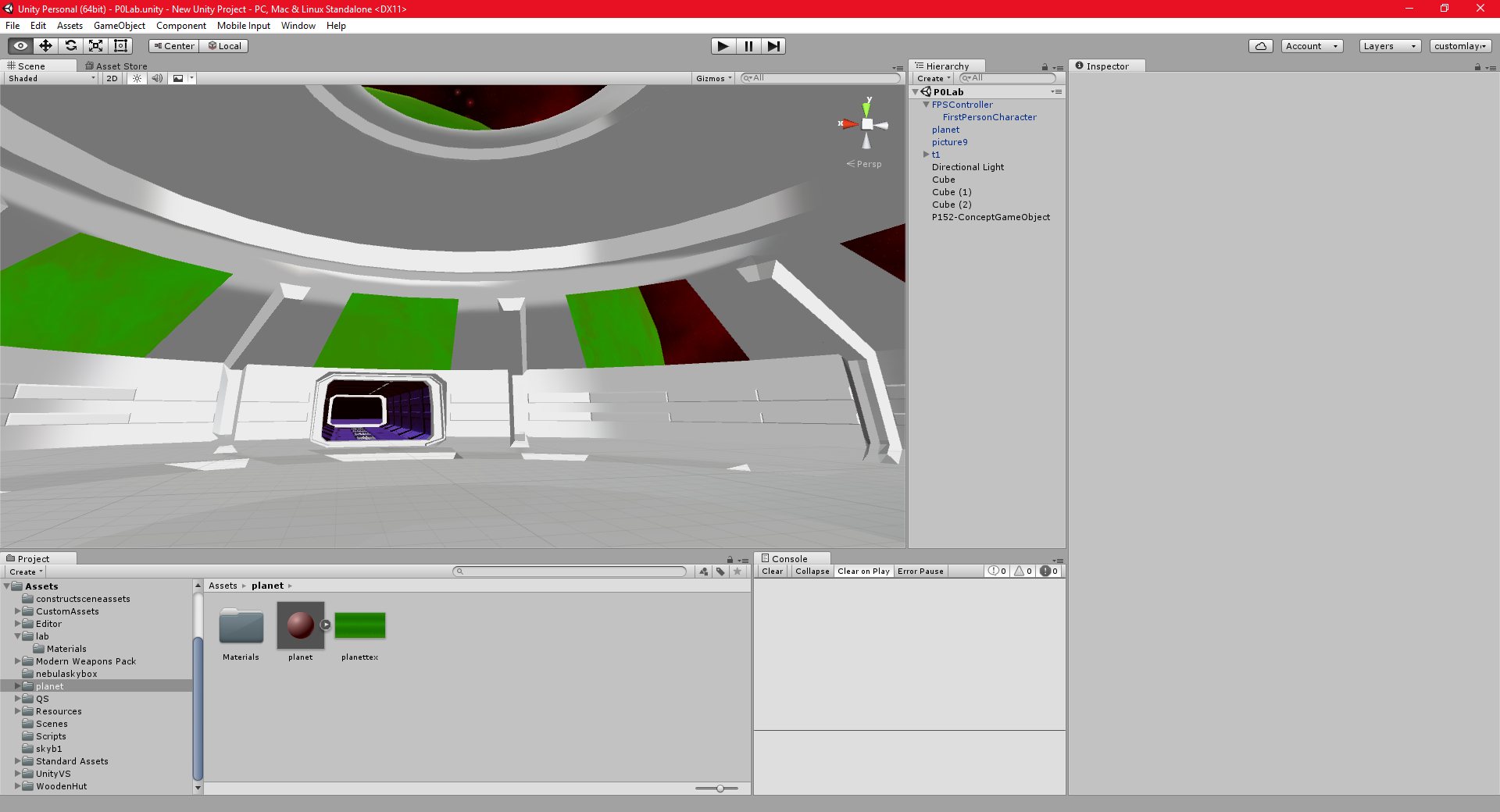
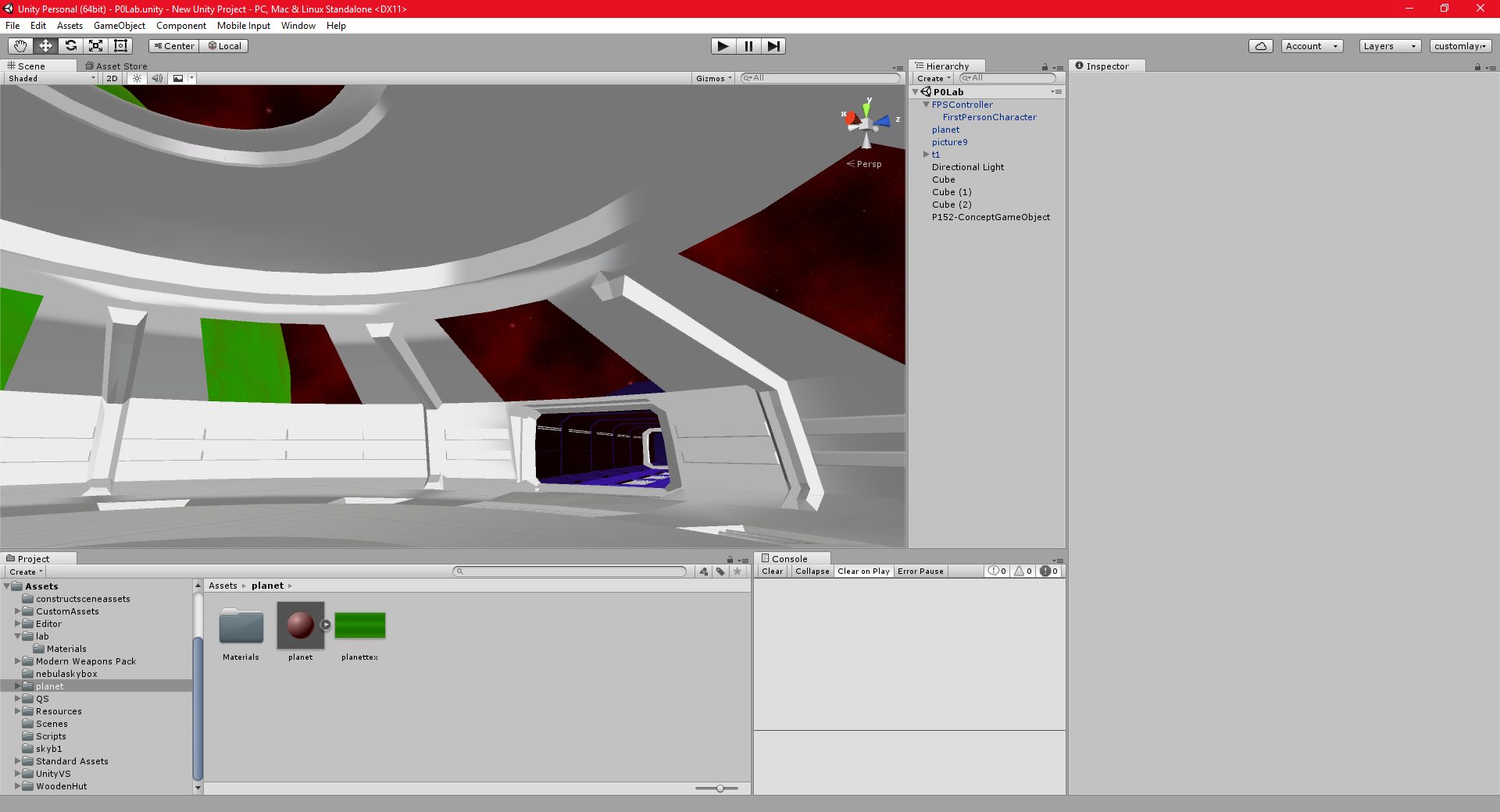
I have also been working on putting the windows into the space station model. Normally, I use a boolean operator to cut holes into the mesh for the windows, however, this rarely works well, since the edges of the hole aren’t properly connected to the rest of the mesh. This often results in rendering artifacts in the mesh.
This time, I created the windows using the geometry itself, without cutting any holes. Instead of deleting the faces, I also decided to apply a transparent texture to them. I thought that this would look more realistic than just an empty hole in the mesh.
This worked out very well, and I also learned how to use multiple textures per object in Unity, which is an important skill.
The next goal is to make some minor changes to the model, and then begin work on the texturing.
sandbox 18/09/2016 , 01:23:49 AM Sandboxsandbox 18/09/2016 , 01:23:26 AM SandboxUnity 18/09/2016 , 01:04:44 AM Unity Personal (64bit) – P0Lab.unity – New Unity Project – PC, Mac & Linux StandaloneUnity 18/09/2016 , 01:04:28 AM Unity Personal (64bit) – P0Lab.unity – New Unity Project – PC, Mac & Linux StandaloneUnity 17/09/2016 , 09:59:34 PM Unity Personal (64bit) – P0Lab.unity – New Unity Project – PC, Mac & Linux StandaloneUnity 17/09/2016 , 09:59:28 PM Unity Personal (64bit) – P0Lab.unity – New Unity Project – PC, Mac & Linux StandaloneUnity 17/09/2016 , 07:01:43 PM Unity Personal (64bit) – P0Lab.unity – New Unity Project – PC, Mac & Linux Standalone
Unity 17/09/2016 , 07:01:30 PM Unity Personal (64bit) – P0Lab.unity – New Unity Project – PC, Mac & Linux Standalone
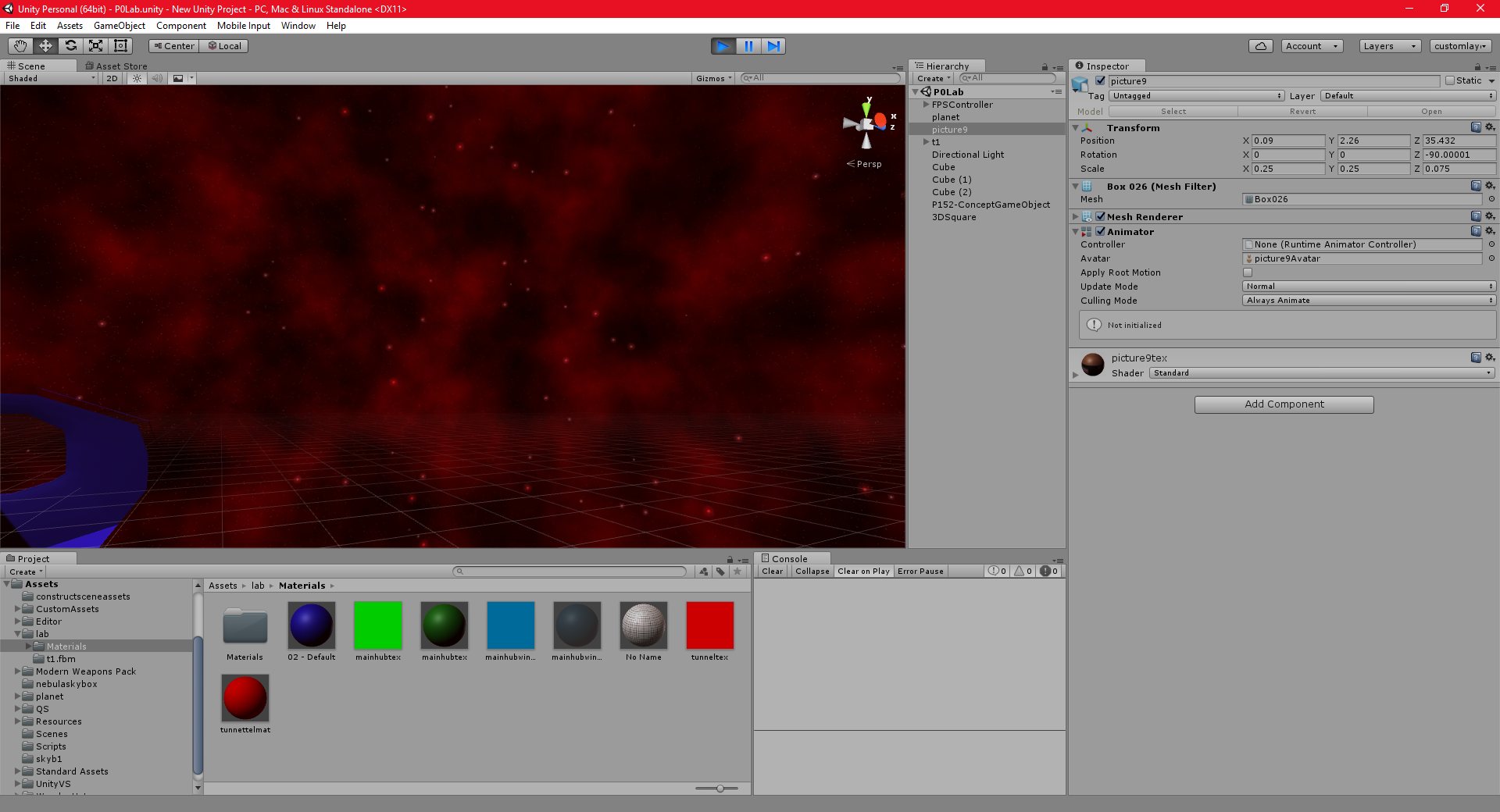
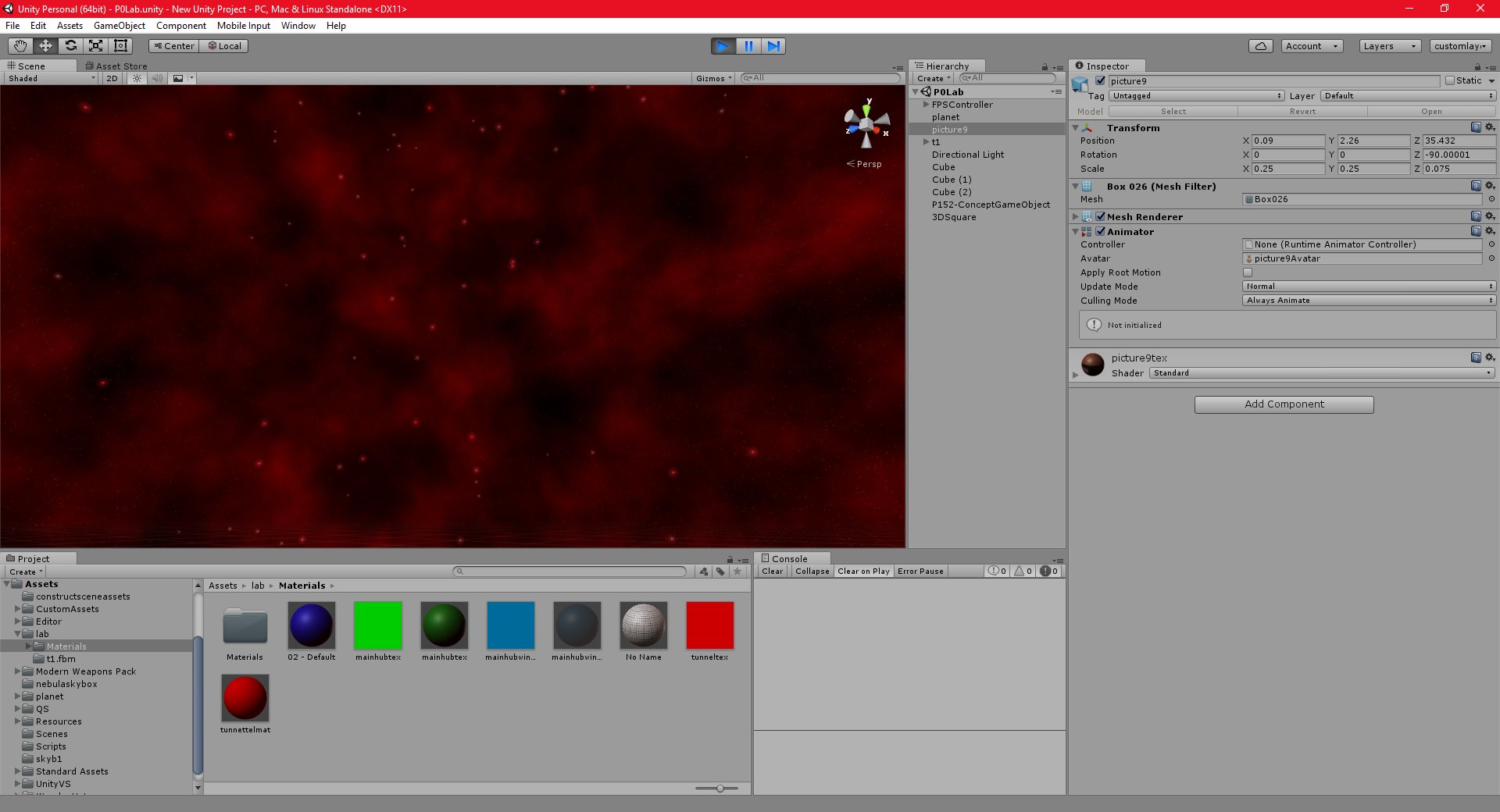
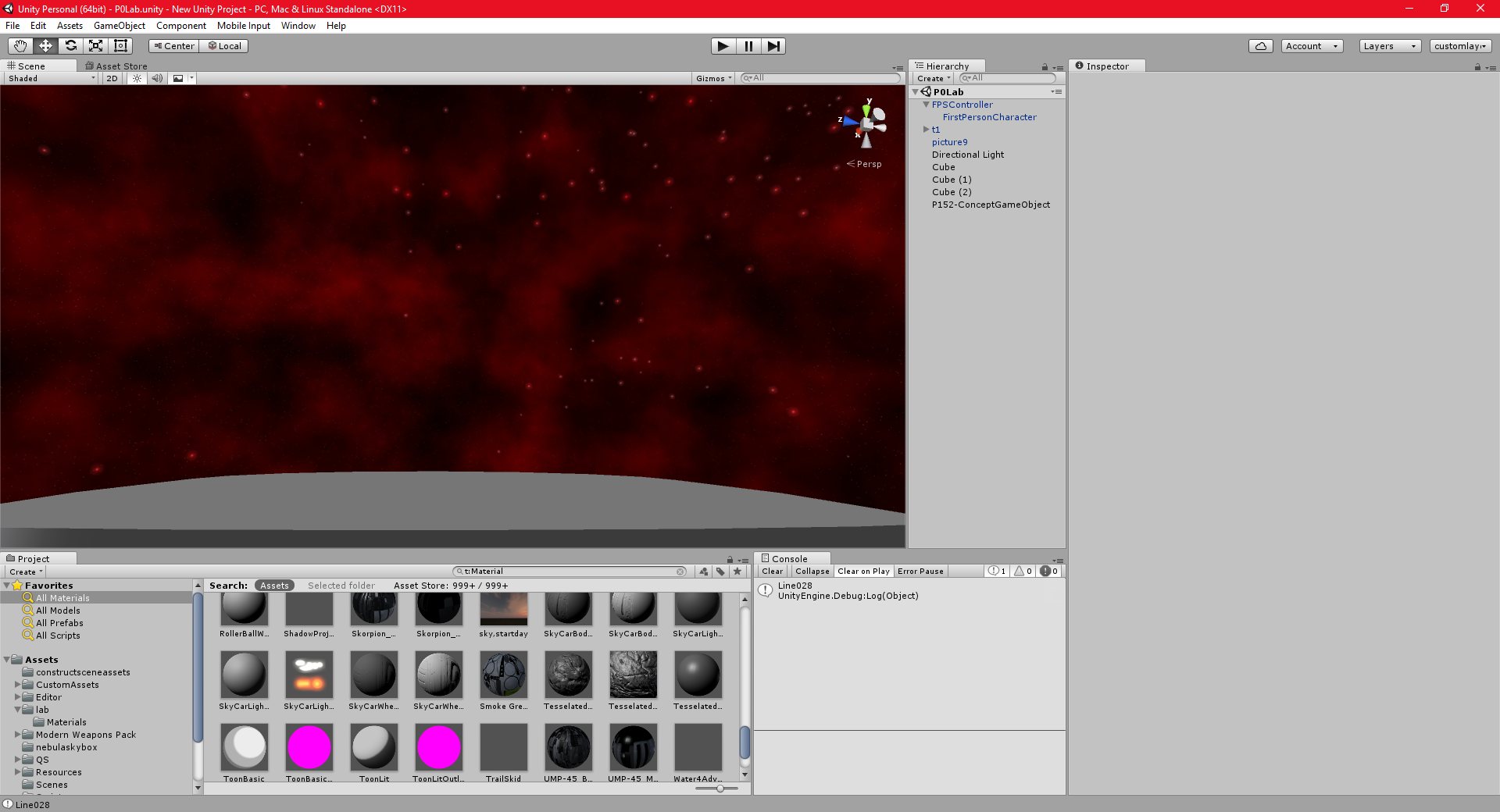
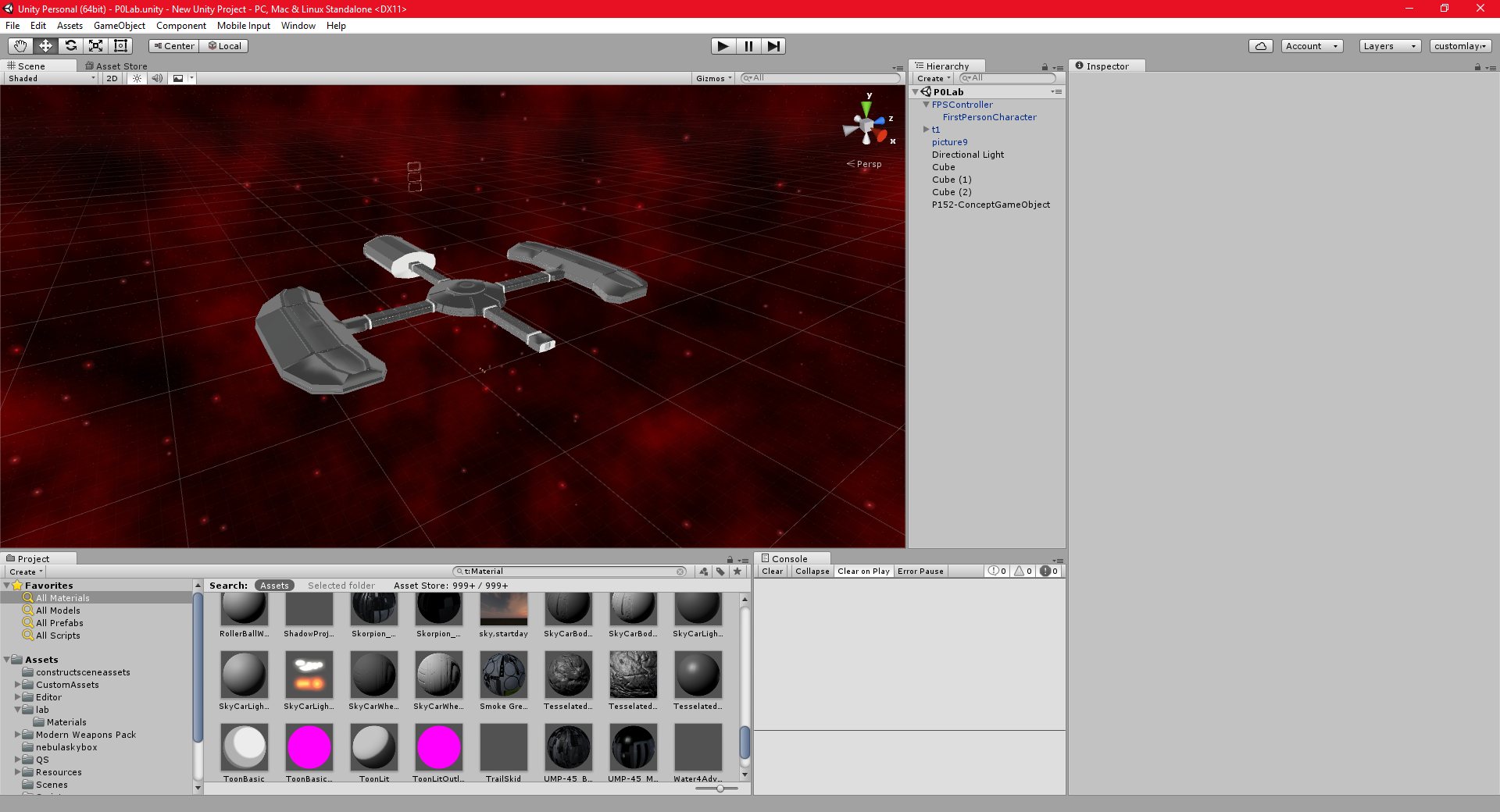
I was able to use the excellent freeware (MIT License) program “Spacescape” to create the skybox backgrounds for this scene. It is my go to program for all space backgrounds. It is capable of creating high-resolution skyboxes very easily. There is a good tutorial for it HERE. It can also be used to create starfield, without nebulae.
What I especially like about it is that it exports the actual images from the program natively (it even has a “Unity” option that can be selected). The way I used to create skyboxes before discovering this program was to create a large image in an art package, then use that to texture a sphere in a modelling tool. I would then place a camera in the center of the sphere, and take six renders from that camera, rotating it by 90 degrees after each render, so that I get a square image for each side of the sky box.
This worked ok, but it wasn’t ideal, the renders were usually low resolution, and there was often texture distortion on the poles of the sphere, since even with adjustment, the square image didn’t match up properly to the sphere object.
Creating the skybox in unity was very easy, since Spacescape has an export option for Unity. I think it looks quite good, although there is probably a bit too much red, I could reduce that a bit.
Unity 18/09/2016 , 05:05:56 PM Unity Personal (64bit) – P0Lab.unity – New Unity Project – PC, Mac & Linux StandaloneUnity 18/09/2016 , 05:05:42 PM Unity Personal (64bit) – P0Lab.unity – New Unity Project – PC, Mac & Linux StandaloneUnity 17/09/2016 , 02:28:30 AM Unity Personal (64bit) – P0Lab.unity – New Unity Project – PC, Mac & Linux StandaloneUnity 17/09/2016 , 02:25:59 AM Unity Personal (64bit) – P0Lab.unity – New Unity Project – PC, Mac & Linux Standalone
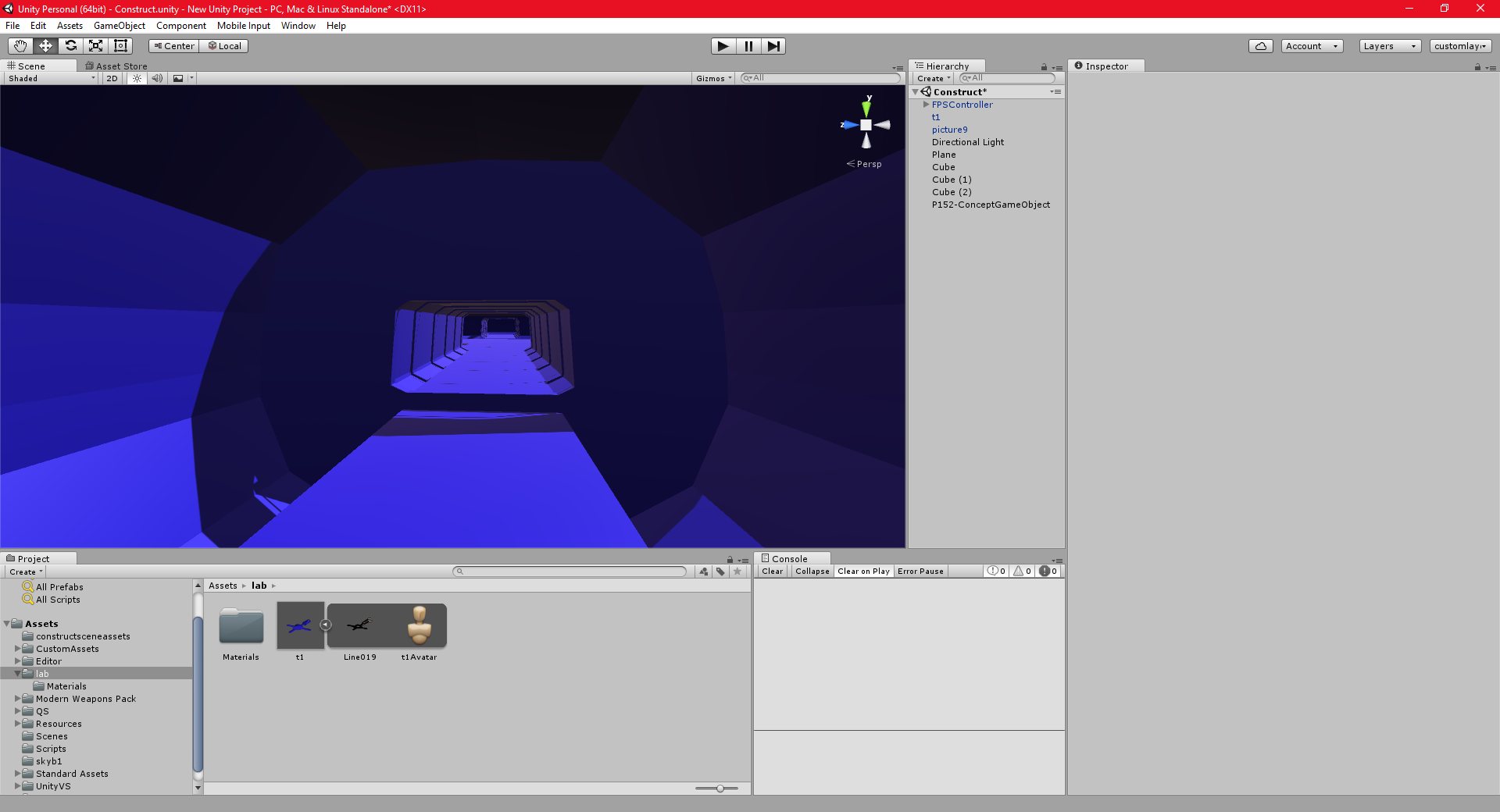
I have been developing both my art and Unity skills this week, by creating a relatively simple space environment. I intend to use this in a more complex game at some point, but for now it is more of a learning experience.
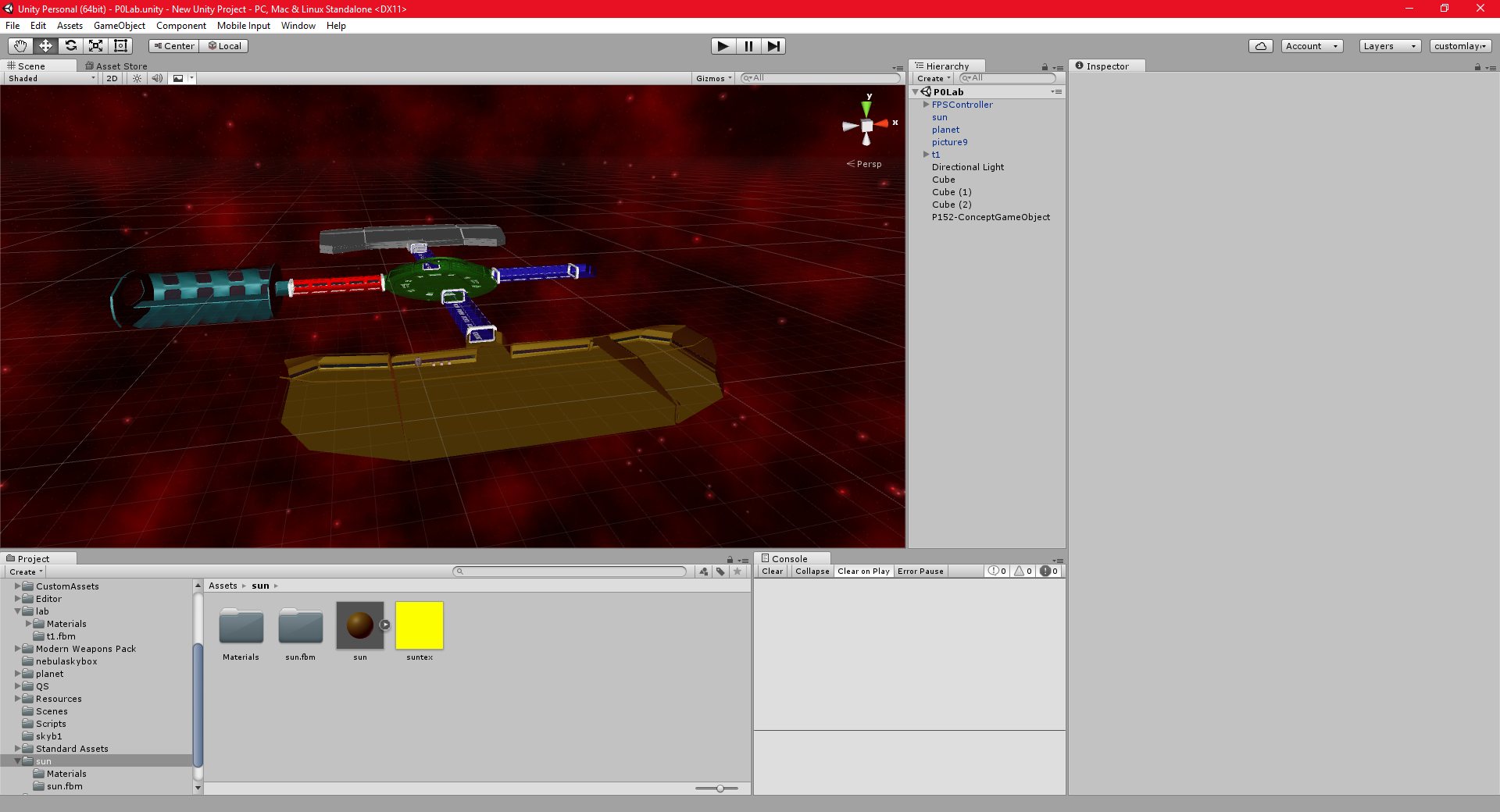
The main goal here is to learn how to create a complex shape that can be viewed from both inside and outside, ie, it has an interior, and it is possible for the player to walk around within it, but it can also be viewed from the outside. The model that I am making here is a small space station.
There are some deceptively complicated issues to deal with here. Most shape files that I have dealt with previously have either only been viewable from the outside, (such as weapon models, characters, items, etc) or have been simple interiors (such as predominately square or rectangular shaped buildings).
A model such as a space station or space ship, however, requires both a complex interior (non-square rooms, multiple decks, access tunnels, maintenance shafts, etc) and a complex exterior.
My goal in creating this model is mainly to decide on the correct workflow for creating a shape like this.
Currently, I am planning to divide the shape into multiple pieces, with one piece for each room, or part of the structure. I will also have a separate object for the outside and the inside of the piece.
In this way, I should be able to simplify the modeling, by being able to work on one piece of the model at a time, and simplify the texturing, be being able to easily unwrap and texture each piece separately, instead of having to texture the entire object at once.
The only thing that I am worried about at the moment is joining together the pieces, I don’t want to leave any small gaps or cracks in the two adjoining meshes. I believe that I have solved this by adding a shape that serves as a connector between the two adjoining pieces. This makes sense, since in real life, there would be some kind of joint or connection between components on a large space structure.
I have not yet begun modelling the outside of the station, and I am still not 100% sure how to fit the outside pieces to the inside pieces.
Unity 16/09/2016 , 05:16:58 PM Unity Personal (64bit) – P0Lab.unity – New Unity Project – PC, Mac & Linux StandaloneUnity 16/09/2016 , 01:02:39 AM Unity Personal (64bit) – P0Lab.unity – New Unity Project – PC, Mac & Linux Standalone*Unity 16/09/2016 , 01:02:18 AM Unity Personal (64bit) – P0Lab.unity – New Unity Project – PC, Mac & Linux Standalone*Unity 14/09/2016 , 02:10:07 PM Unity Personal (64bit) – P0Lab.unity – New Unity Project – PC, Mac & Linux Standalone*Unity 14/09/2016 , 02:09:04 PM Unity Personal (64bit) – P0Lab.unity – New Unity Project – PC, Mac & Linux Standalone*Unity 14/09/2016 , 02:08:53 PM Unity Personal (64bit) – P0Lab.unity – New Unity Project – PC, Mac & Linux Standalone*Unity 13/09/2016 , 04:53:54 AM Unity Personal (64bit) – Construct.unity – New Unity Project – PC, Mac & Linux Standalone*
I have discovered, and fixed, a bug in the procedural texturing code for the spherical terrain.
Initially, I had set the terrain’s position to the origin. However, to render the planet at a realistic scale, I need to implement the floating origin system, which requires being able to specify an arbitrary position for the planet. I had implemented this, but I hadn’t realised that there was a bug in the code which meant that the distance calculations for the minimum and maximum terrain heights weren’t properly taking into account the changes in the planets position.
This meant that the planet was not being textured properly.
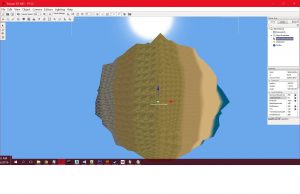
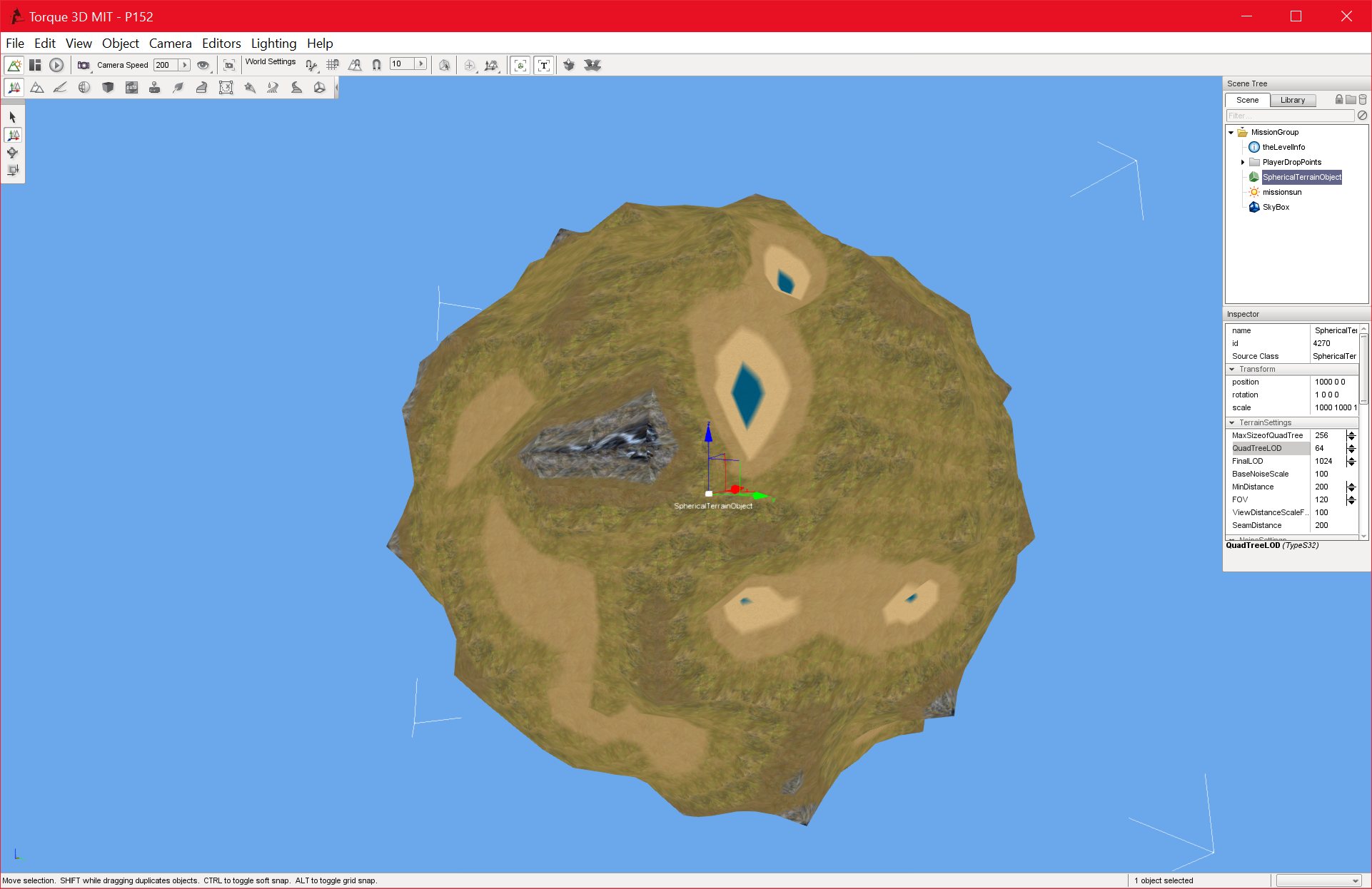
This turned out to be more complex to fix than I thought, I first ended up with this effect:
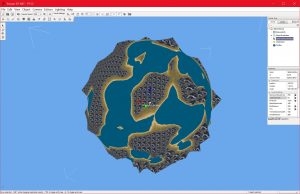
And I then finally managed to get a working solution:
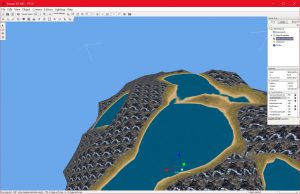
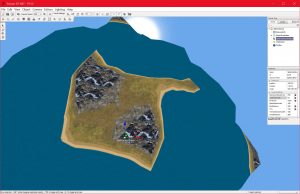
But that was still not correct, the min and max height values were strongly biased in favour or water and rock types. Eventually I solved the issues, and the terrain renders correctly. As it turned out, it was easier than I thought to solve this, I didn’t actually need to take into account the world position at all, since the terrain coordinates were in local space.
This solution has also solved a lot of the texturing issues that I was having with the terrain scaling, in fact, the texture looks more or less correct now. This has inspired me to continue trying to solve the realistic terrain problem.
The zone-based system that I am attempting to implement is turning out to be more difficult than I thought. I am having issues that I believe are caused by 32-bit precision.
At some point I am seriously considering converting the 32-bit position, rotation, and scale variables to 64-bit variables. This would be a lot of work, since I would have to change all of the parent variables as well, since my spherical terrain code extends the sceneobject class.
I would also need to deal with the other sub-classes that extend sceneobject. I would likely need to create a custom sceneobject class for my project. I would also have a lot of other issues to deal with in relation to physics, networking, rendering, and many other areas of T3D that expect 32-bit values.
It would be far easier, both in the short term and the long term, to find a workable zone-based solution to allow a planet-sized mesh to be represented in 32-bit space.
I am assuming the user is on the surface of the planet, and therefore will not be able to see all of the planet, so a zone-based solution should be technically feasible at least.