
P-148 Heist Update 2 (Full-Screen Shader, Post FX,Object Selection and Highlighting)
One of the features of this project will be an alternate vision system, similiar to, for example, thermal vision or night vision. It will be possible for the player to select certain types of objects and have them show up brightly in a particular colour. For example, Security cameras could show up as blue, guards could show up in red, etc. This will make it much easier to spot the security systems being used in a level. It could also be possible to detect things that are not visible with regular vision modes, such as invisible lasers, ultrasonic sensors, pressure-sensitive floor panels, etc.
To accomplish this very-useful feature I intend to use a full-screen shader (called a PostFX in T3d) to convert the screen to grayscale. This should make the selected object more pronounced. The selection itself will be more difficult, since all object information is lost before reaching the shader level of the graphics pipeline (I have access to an array of pixels and colour values, I have no way of knowing which object each pixel belongs to).
I intend to use the same concept that would be used in a green-screen on a movie set. To highlight an object, I change it’s material to one which is consists of a single RGBA value, say, pure red (255,0,0). In the shader, I can then search for this value with an if statement (If col.r >250 && col.g < 5 and col.b <5) and then colourise that object only. This is a little bit of a hack, but it should work.
The PostFX shader is done, I have found that T3D has an excellent system in place for this. I was, however having an issue with the scene lighting changing the colour of the texture. This is shown in the image below. Parts of the model facing the sun were showing up in the selection colour, and were being selected by the shader (which is why they show in green) but the shaded parts of the model are darker, which means the RGB values are not the same as the (255,0,0) value specified in the texture, so they weren’t being selected.
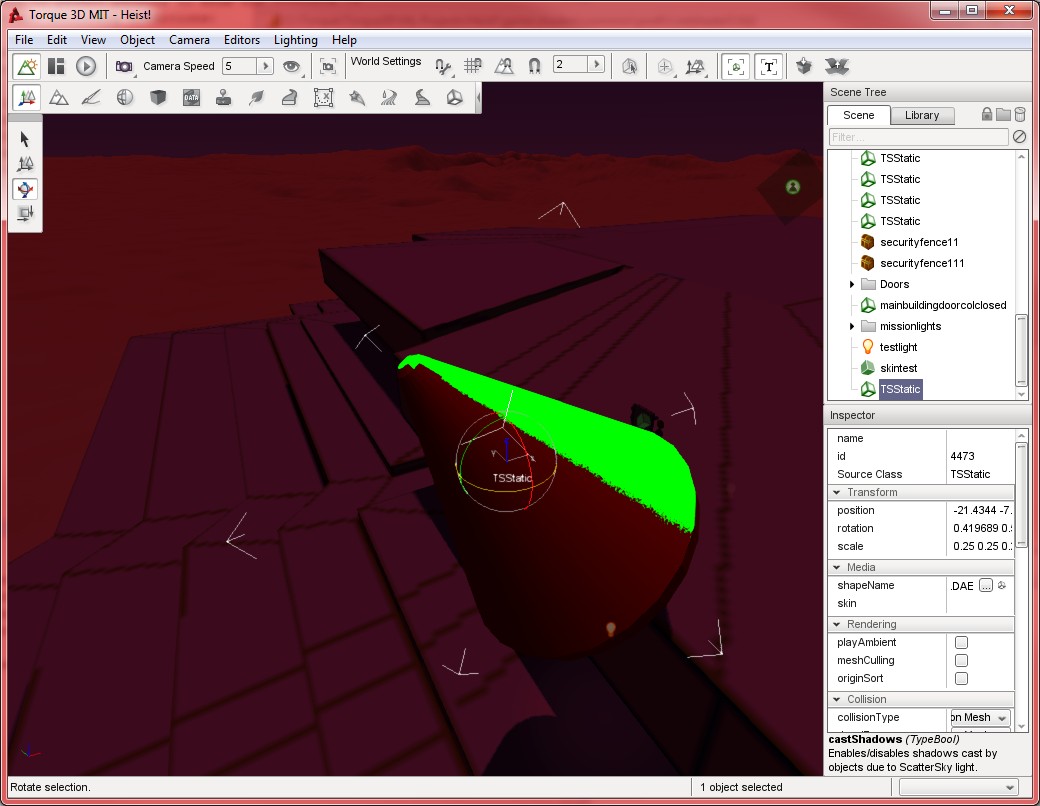
Thanks to a comment on the garagegames forums however, I remembered that enabling the “emissive” property of a material means that it will ignore scene lighting:

This means that I can isolate and select objects easily using a shader. I now need to do some more work to allow this to work in the game. I need to find some way of reliably changing the objects material, and I may need to shade the selected object to give it a more well-defined appearance, as opposed to a simple flat texture.
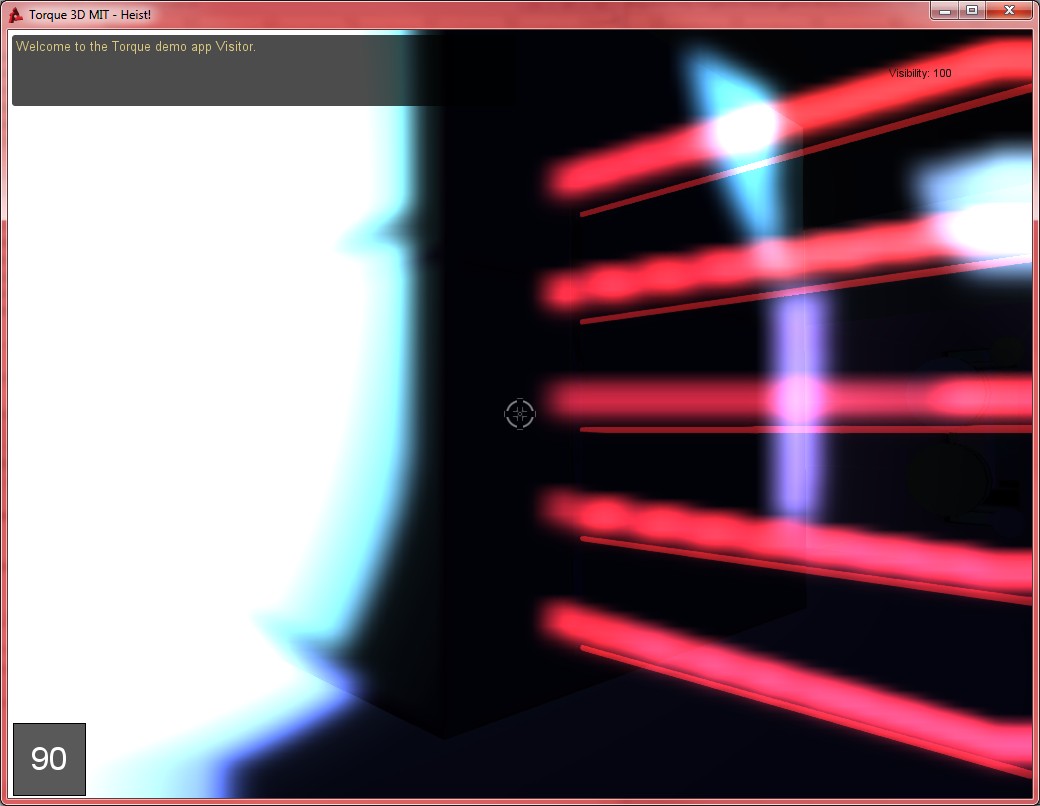
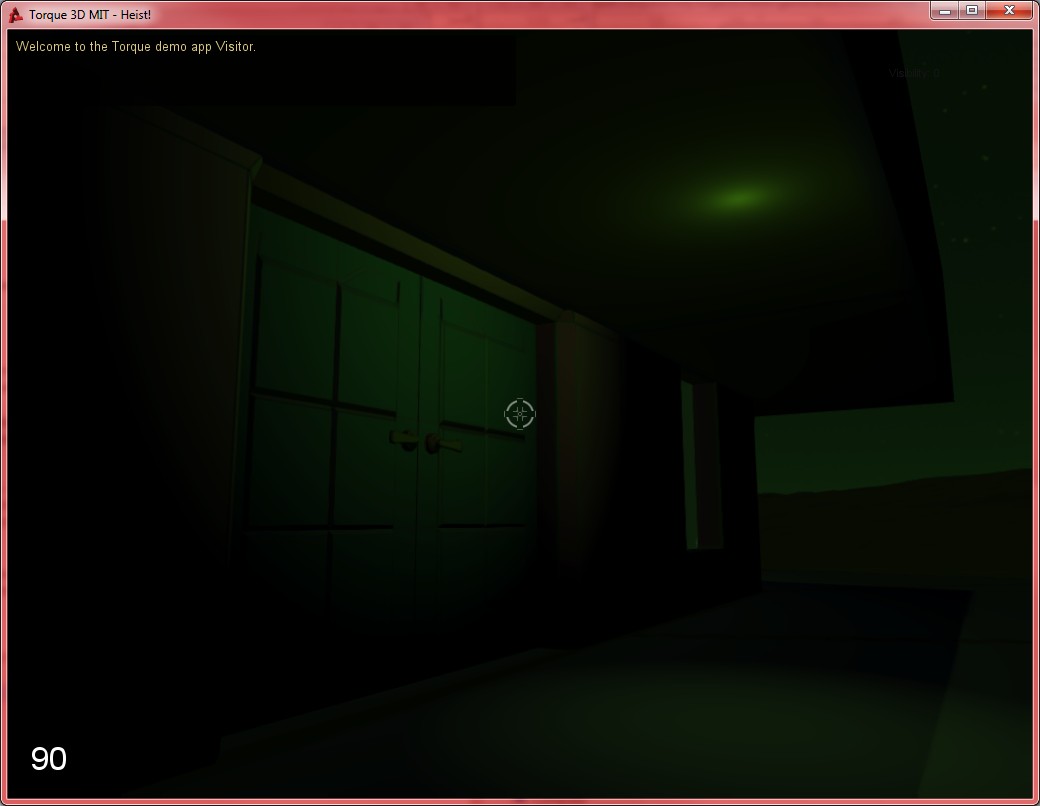
Some pictures of the other shader experiments follow.


![Spiritus Astrum [P0-EA1]: p1675: Early Access](https://i.imgur.com/sGTgy9I.jpeg "Spiritus Astrum [P0-EA1]: p1675: Early Access")
![Spiritus Astrum [P0-EA1]: p1674: Early Access](https://i.imgur.com/P3mNS6Y.jpeg "Spiritus Astrum [P0-EA1]: p1674: Early Access")