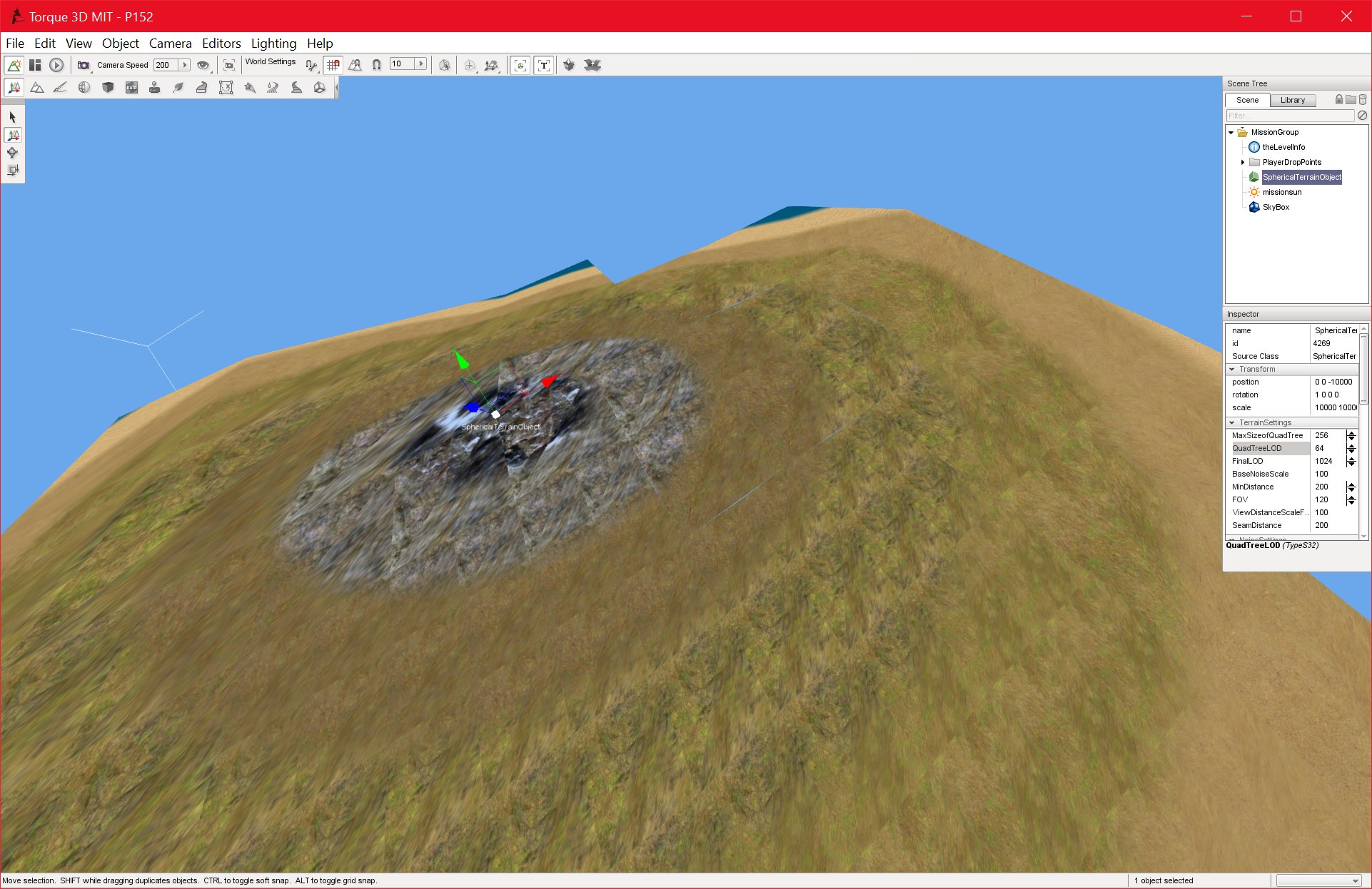
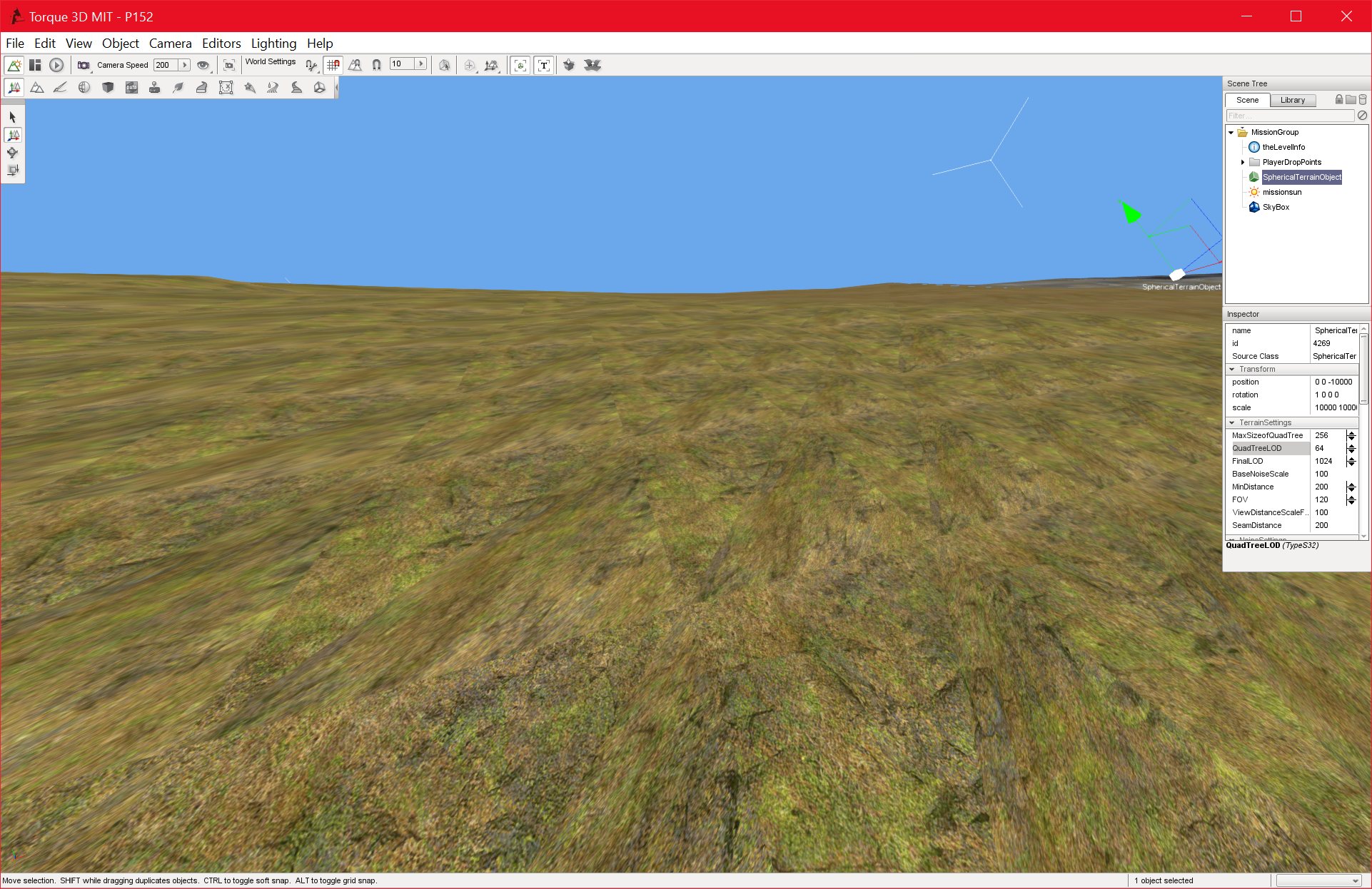
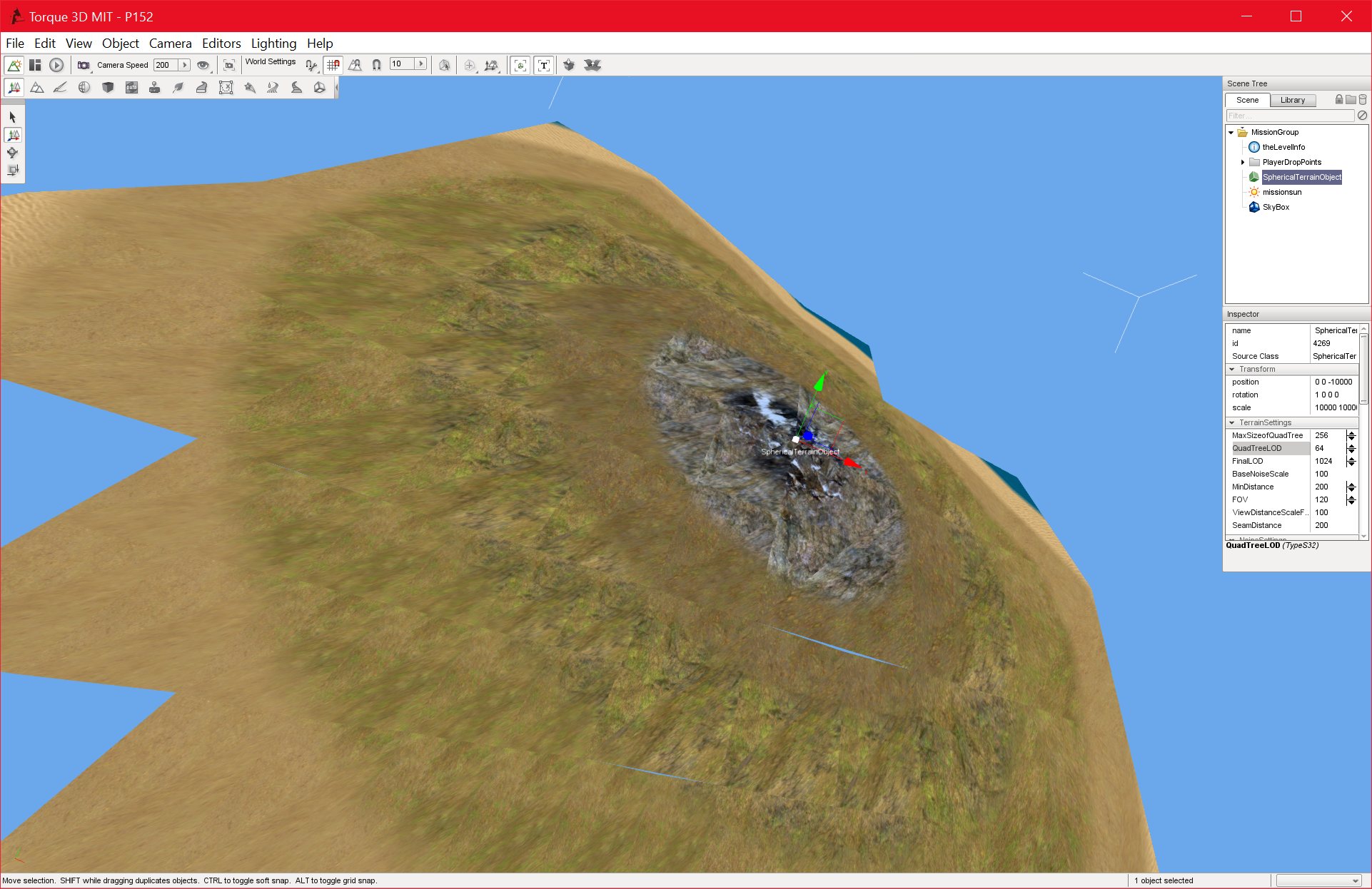
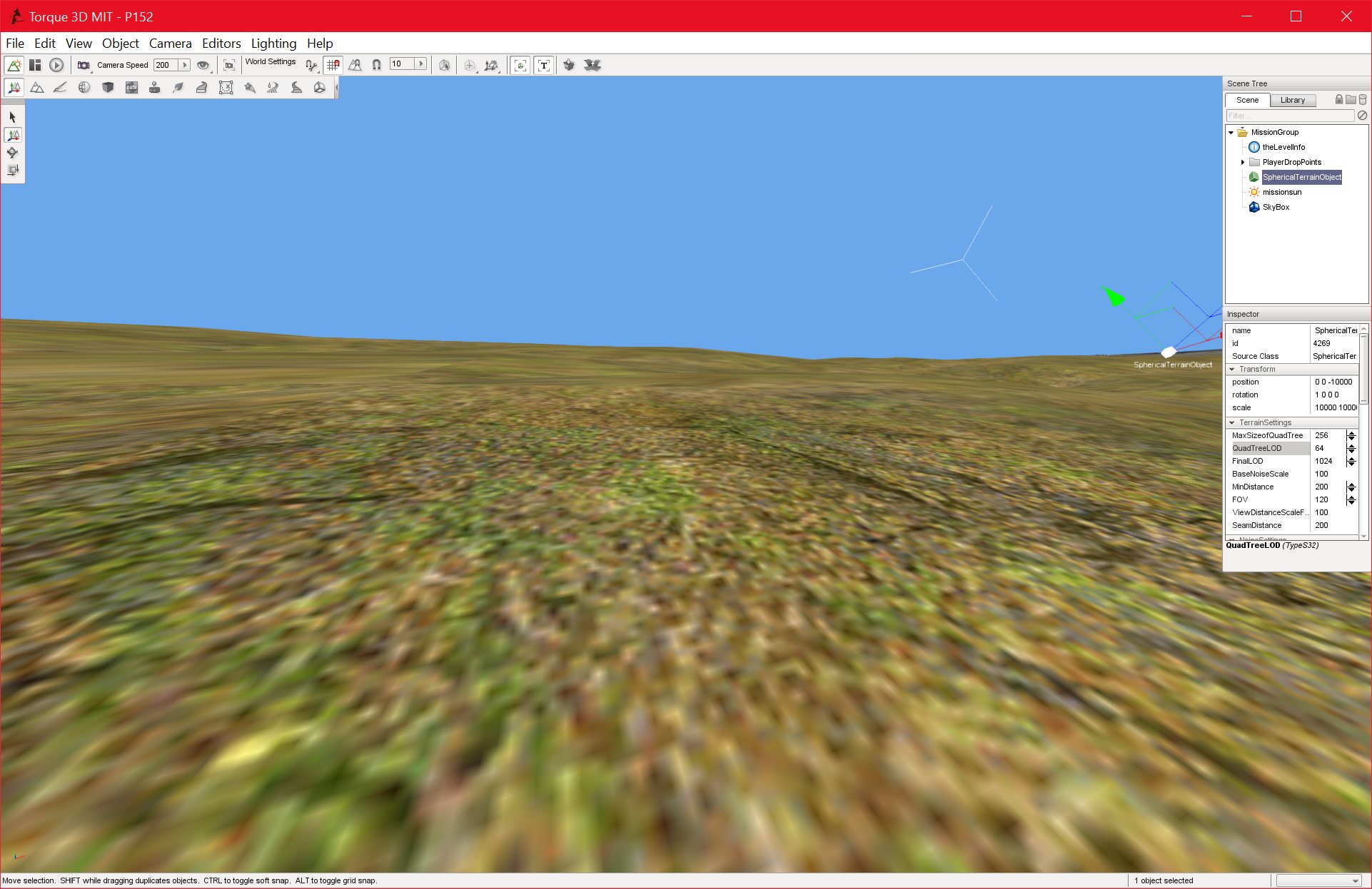
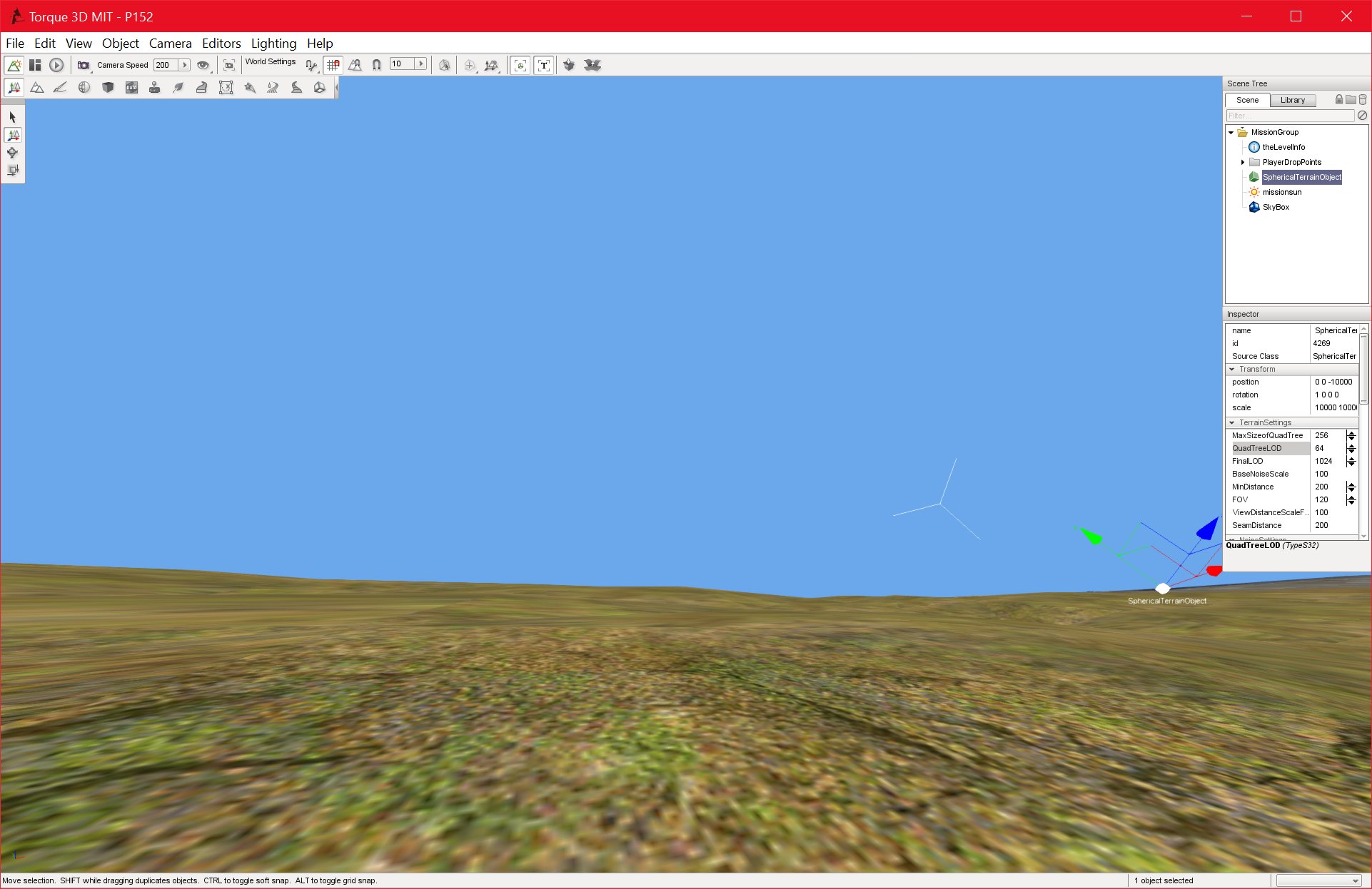
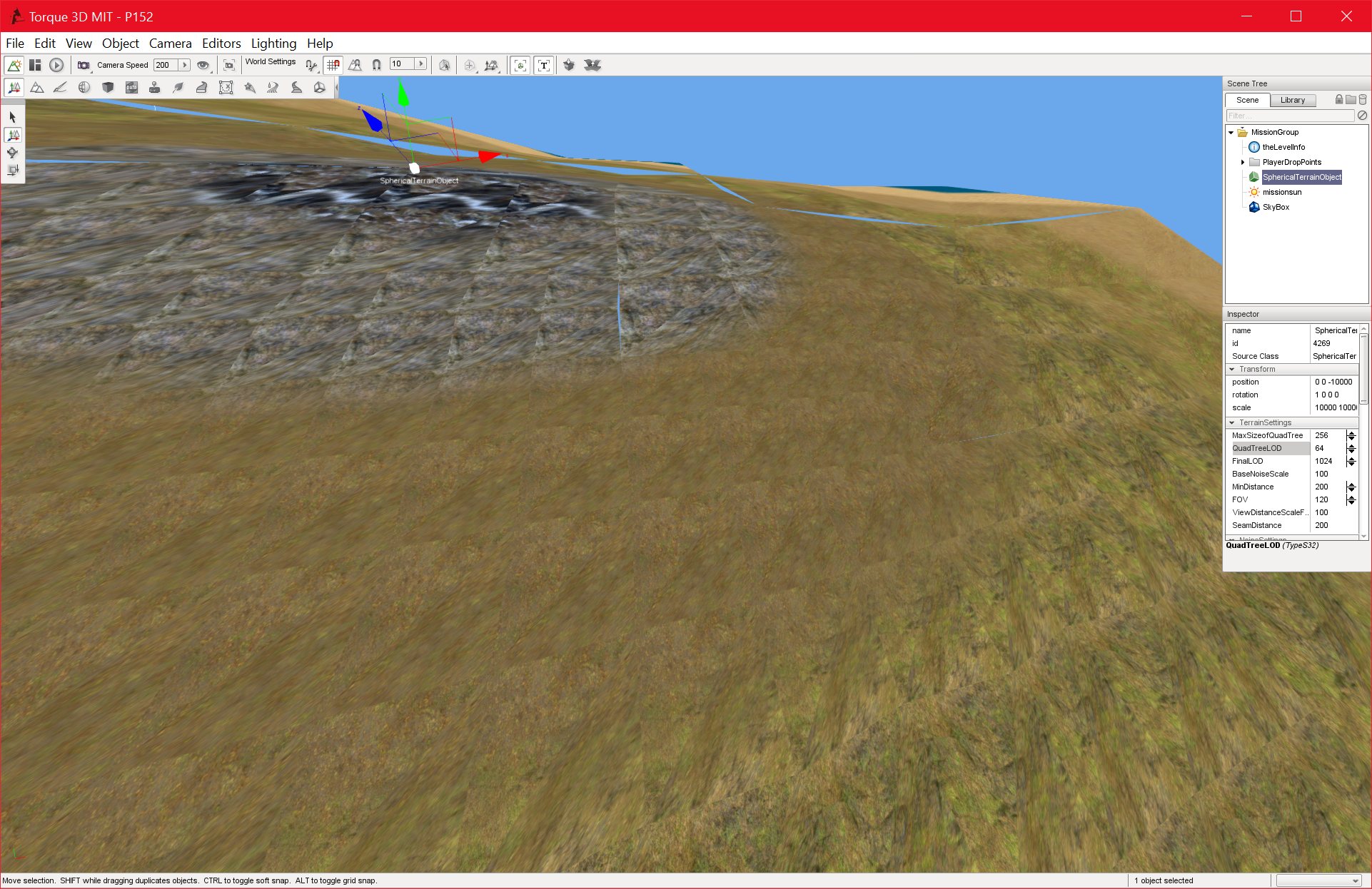
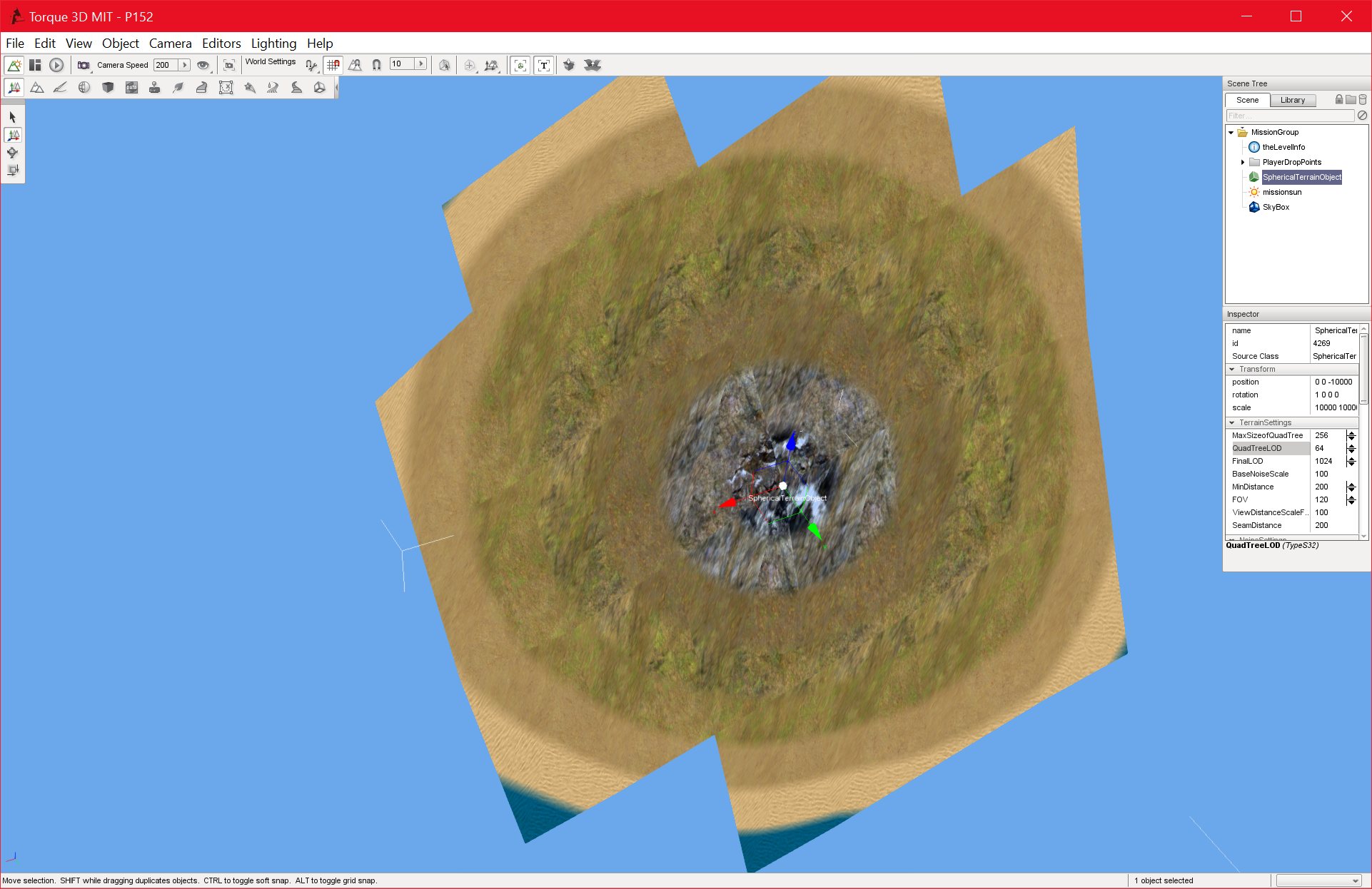
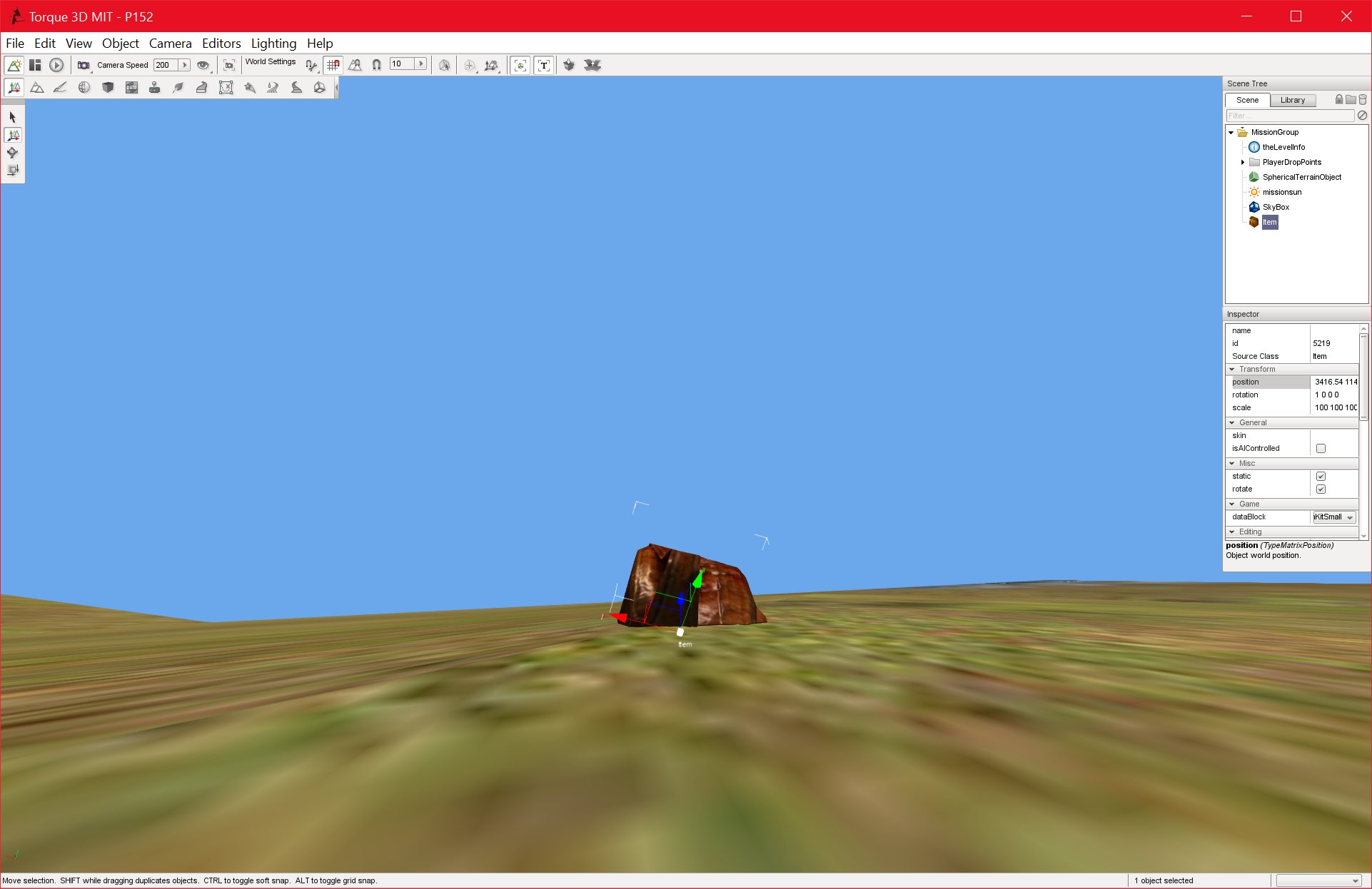
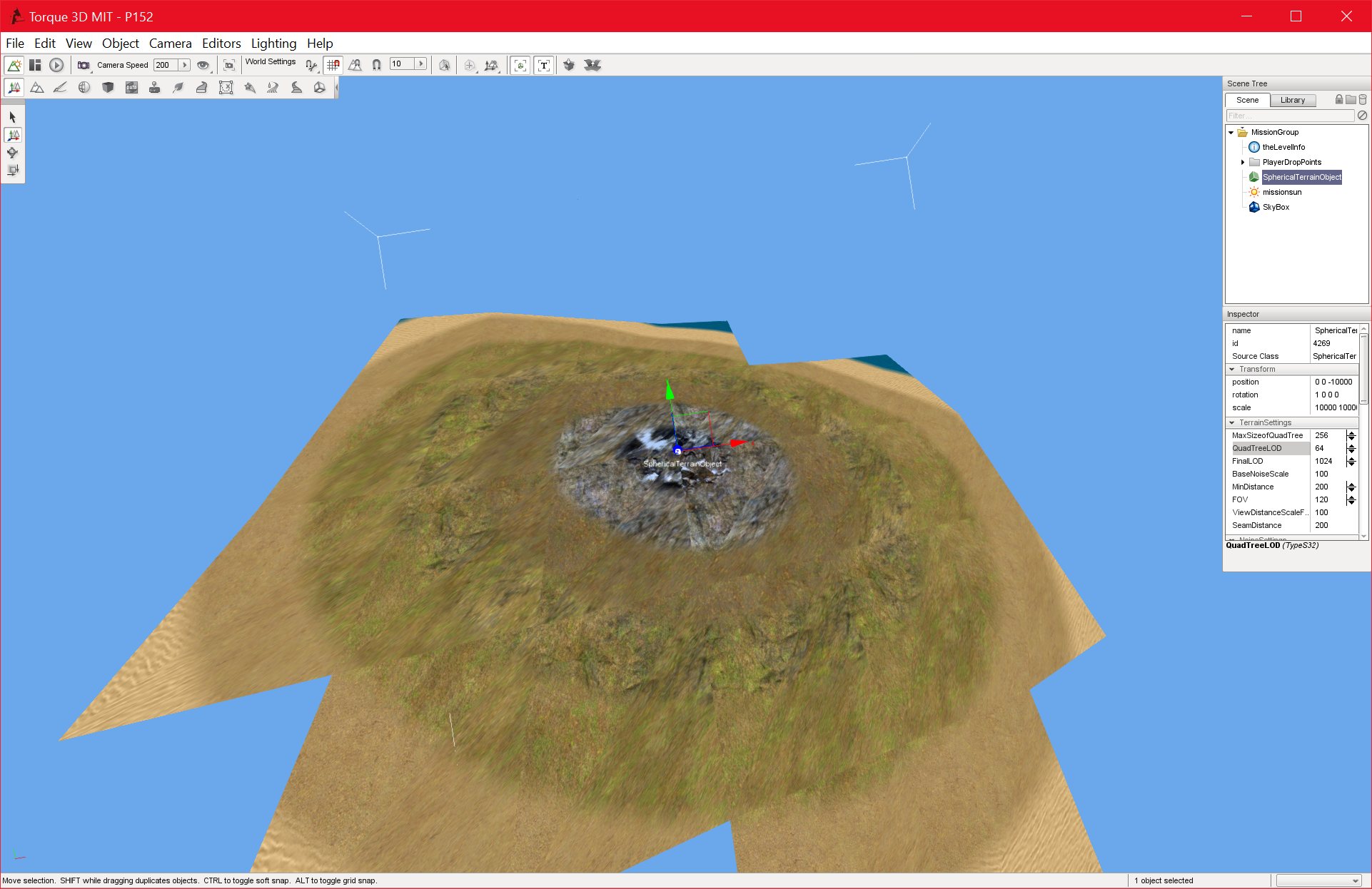
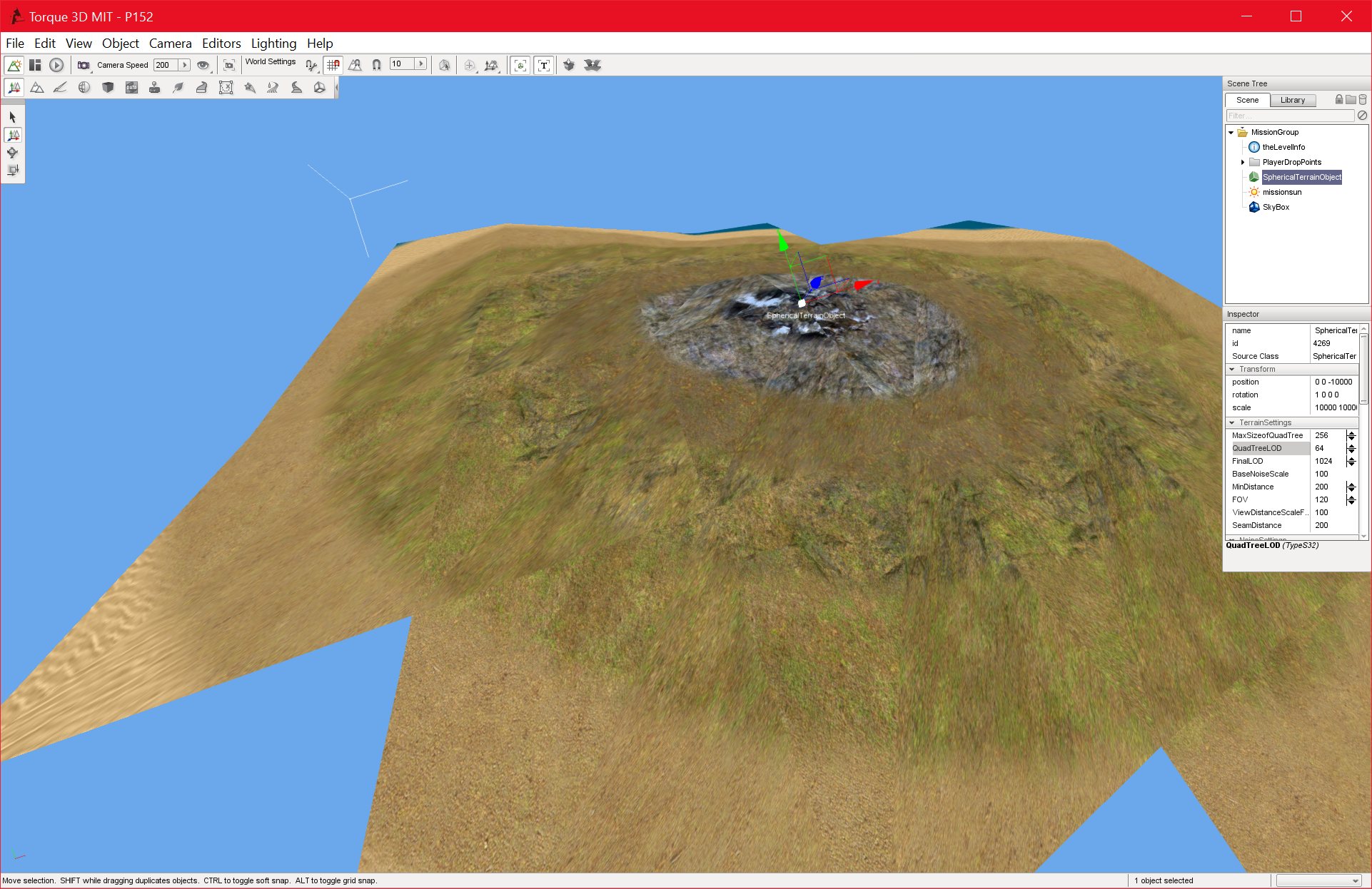
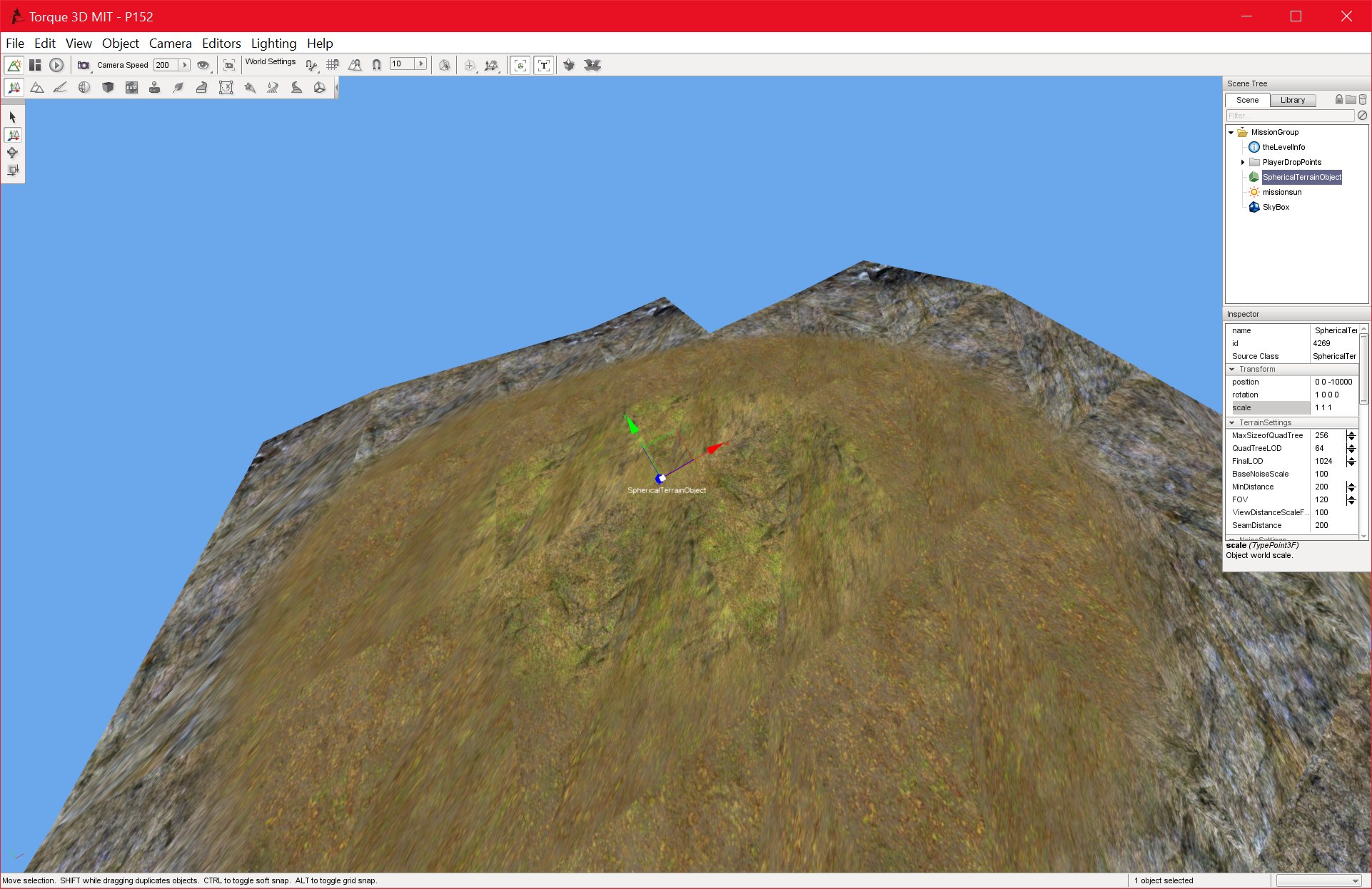
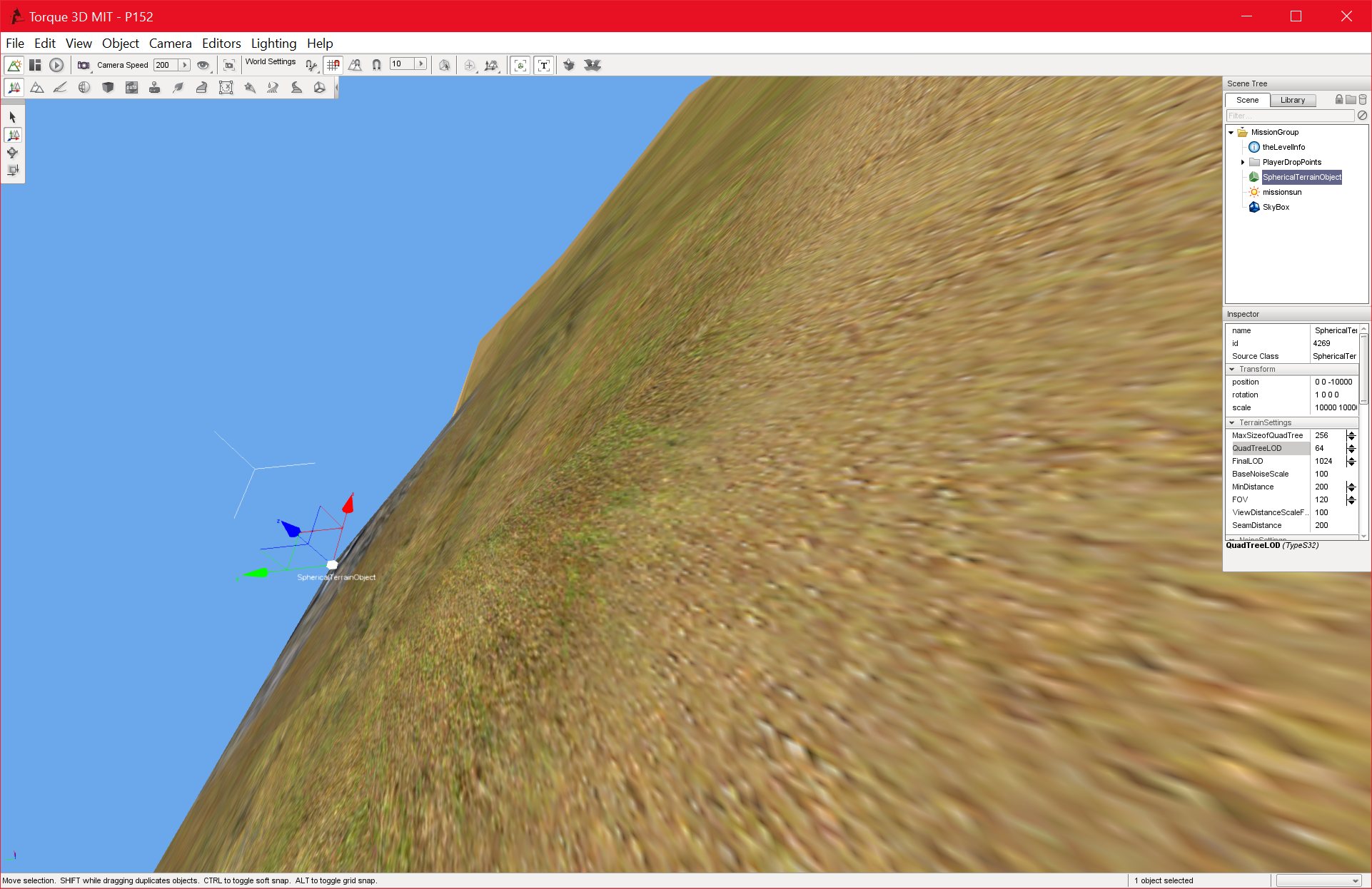
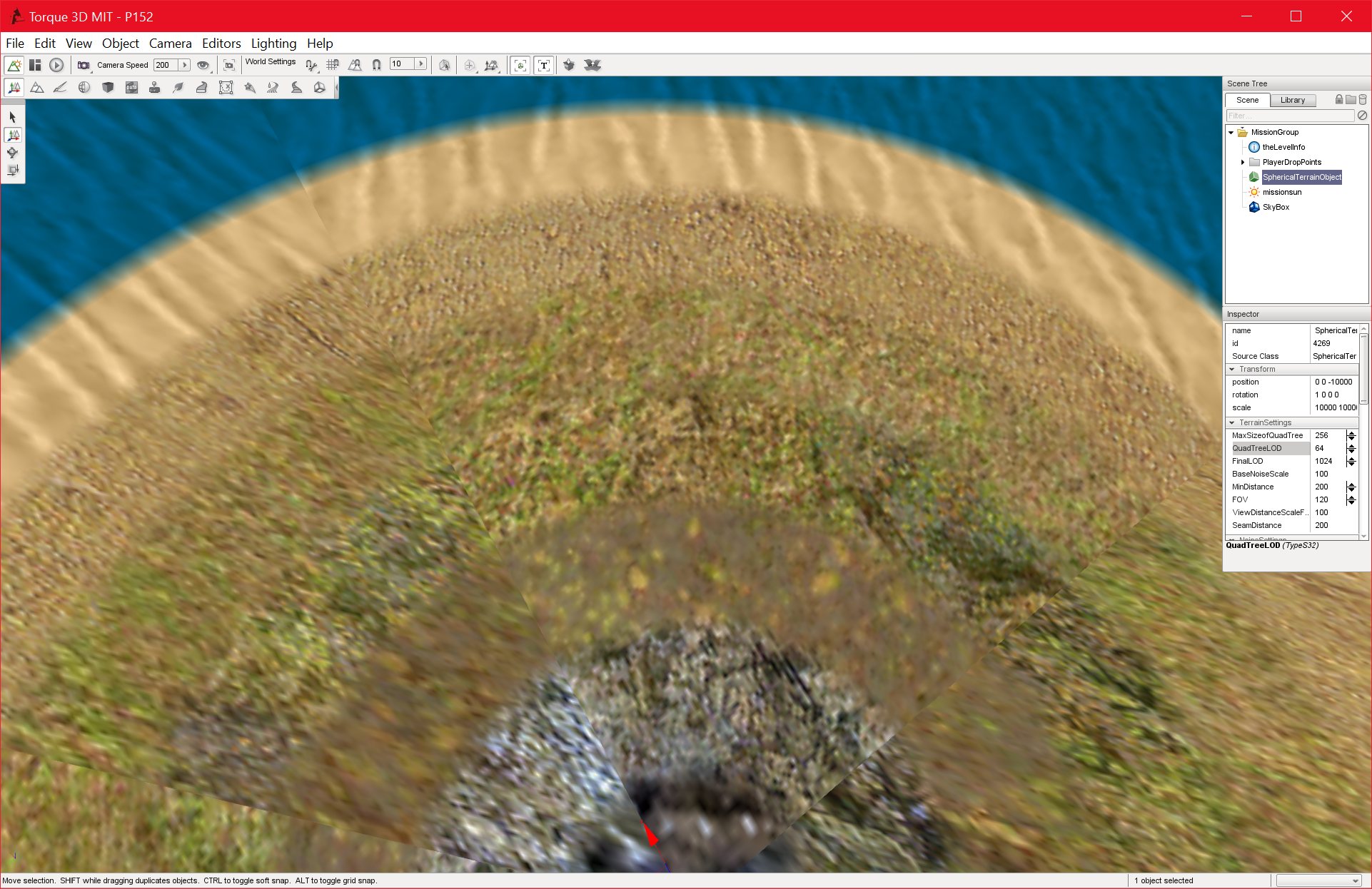
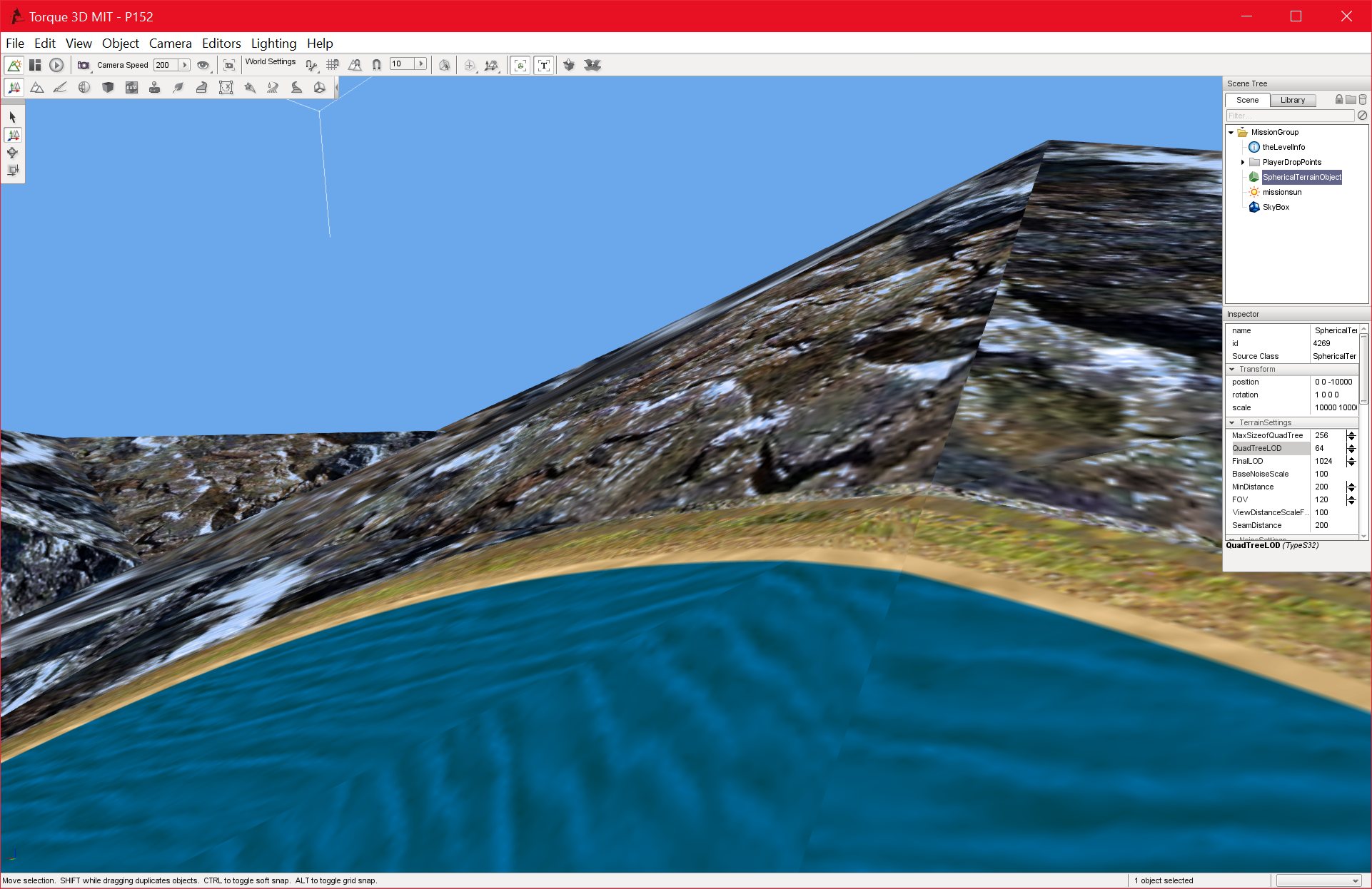
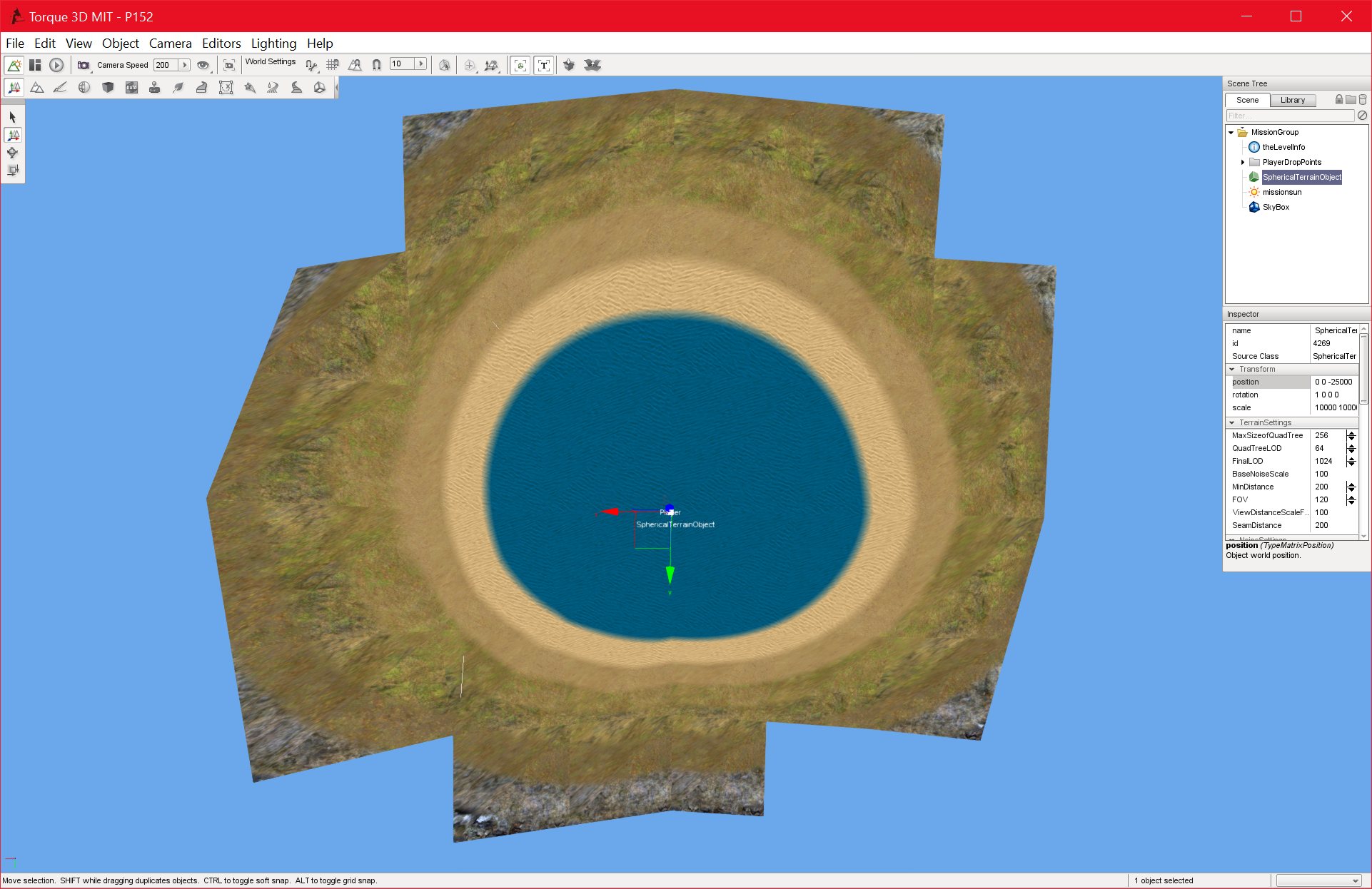
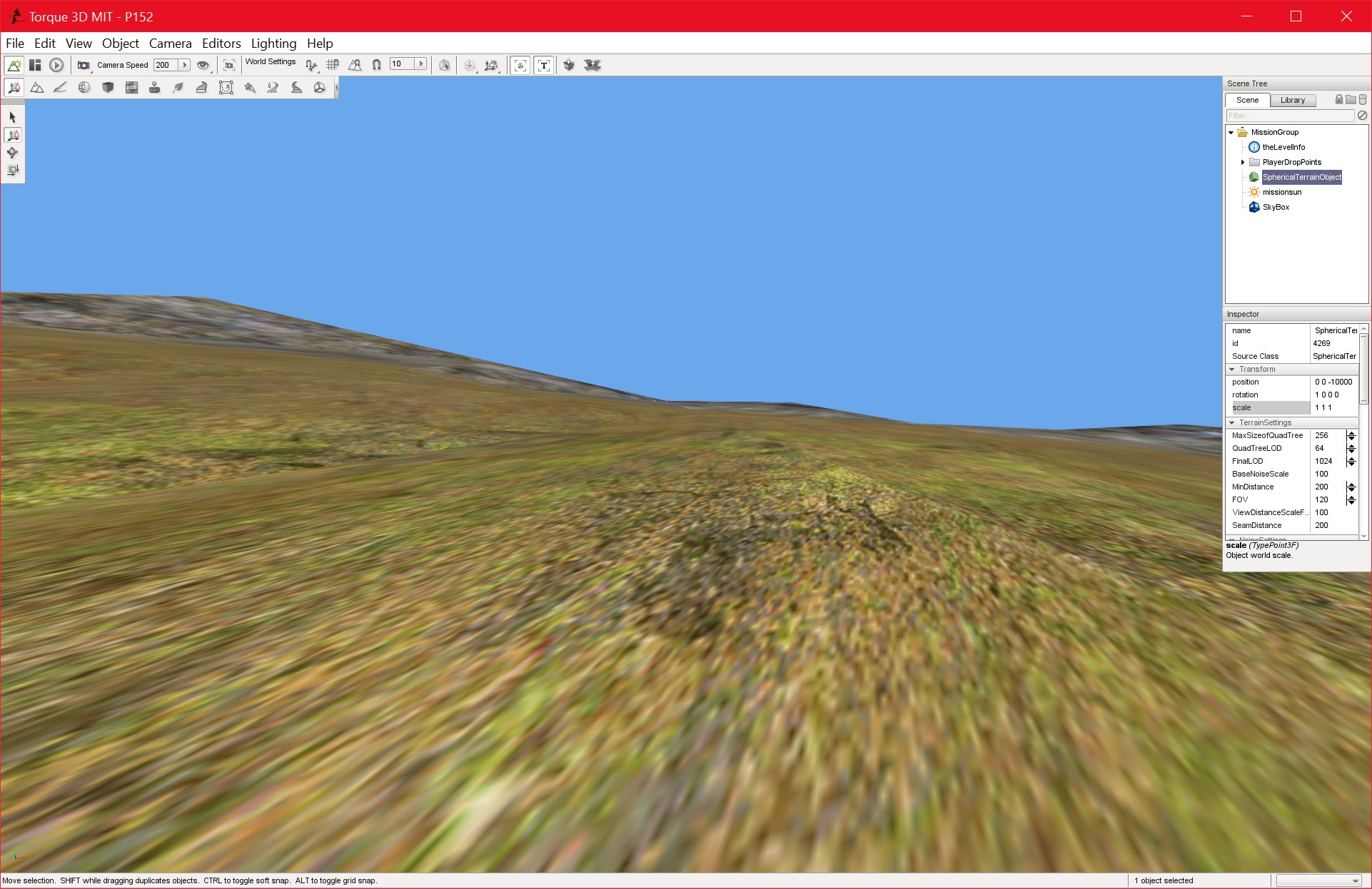
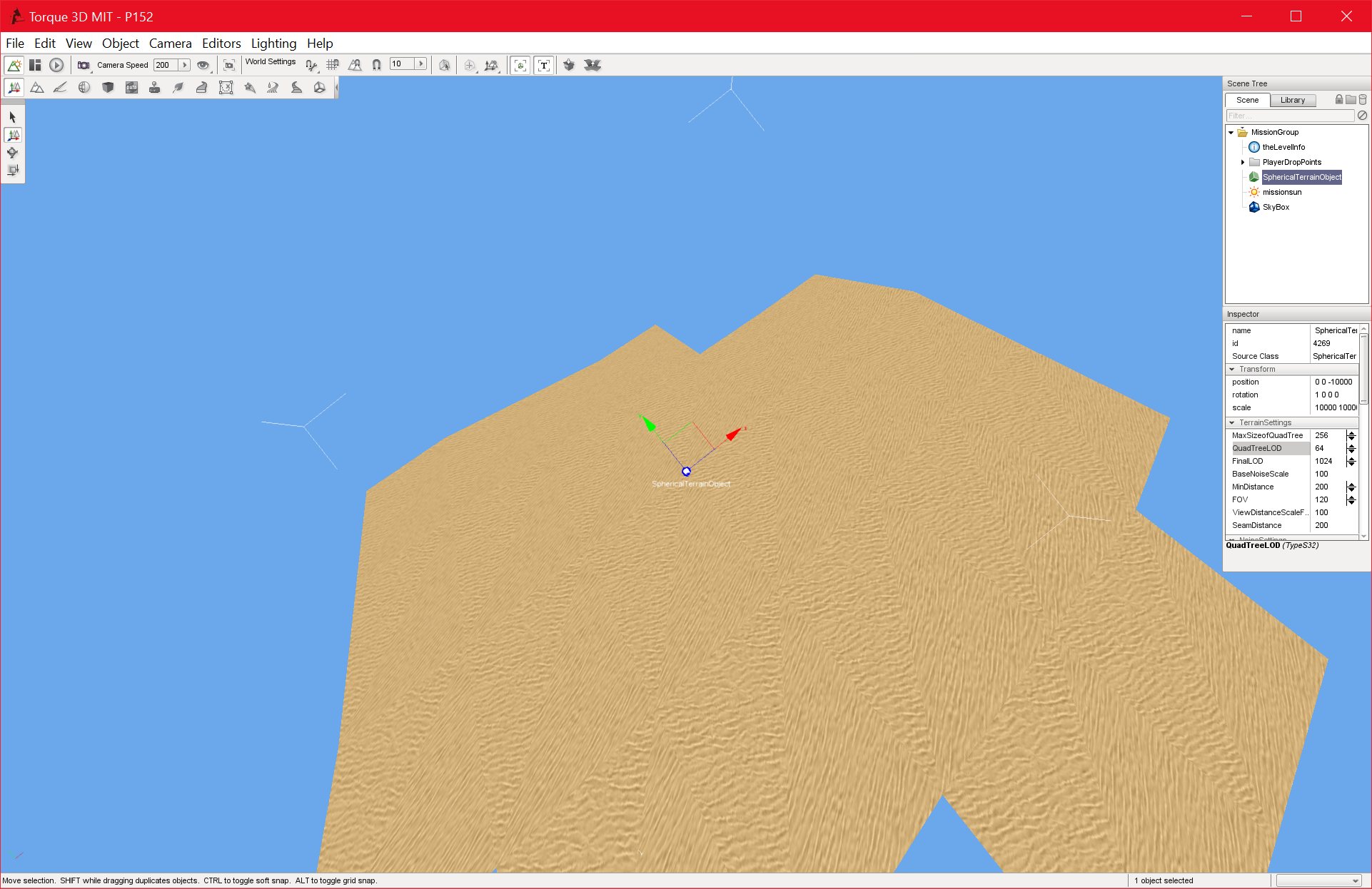
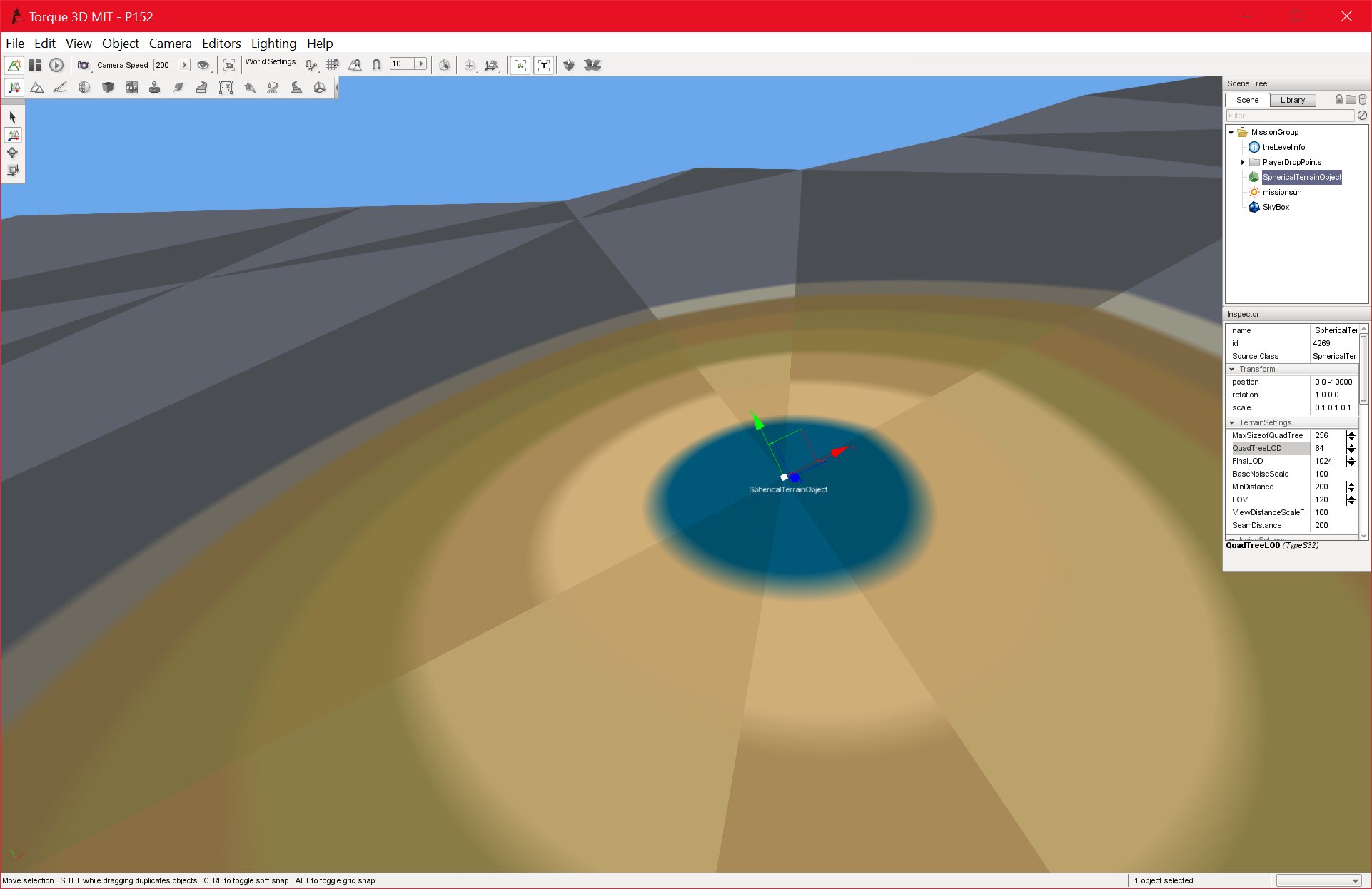
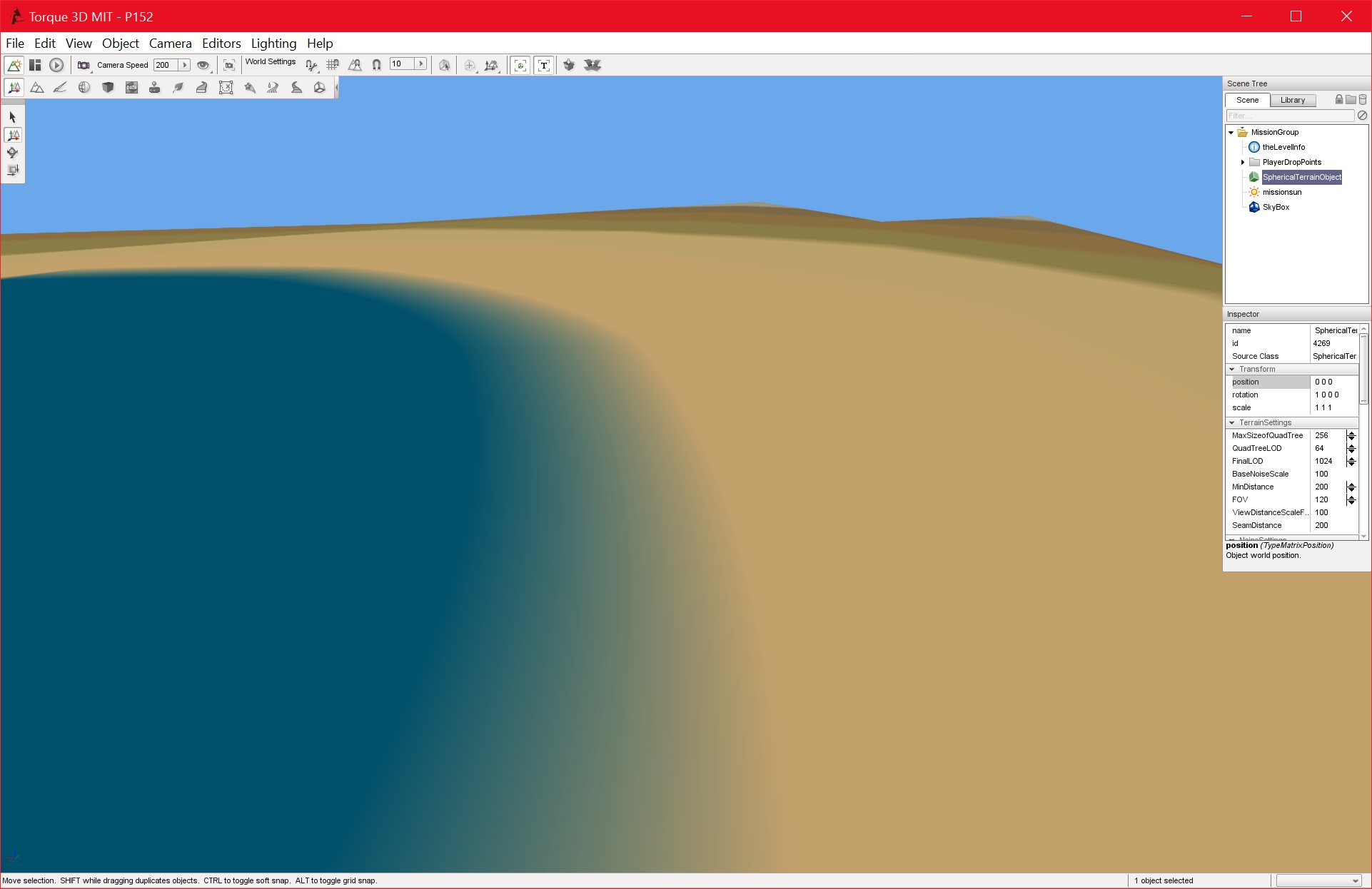
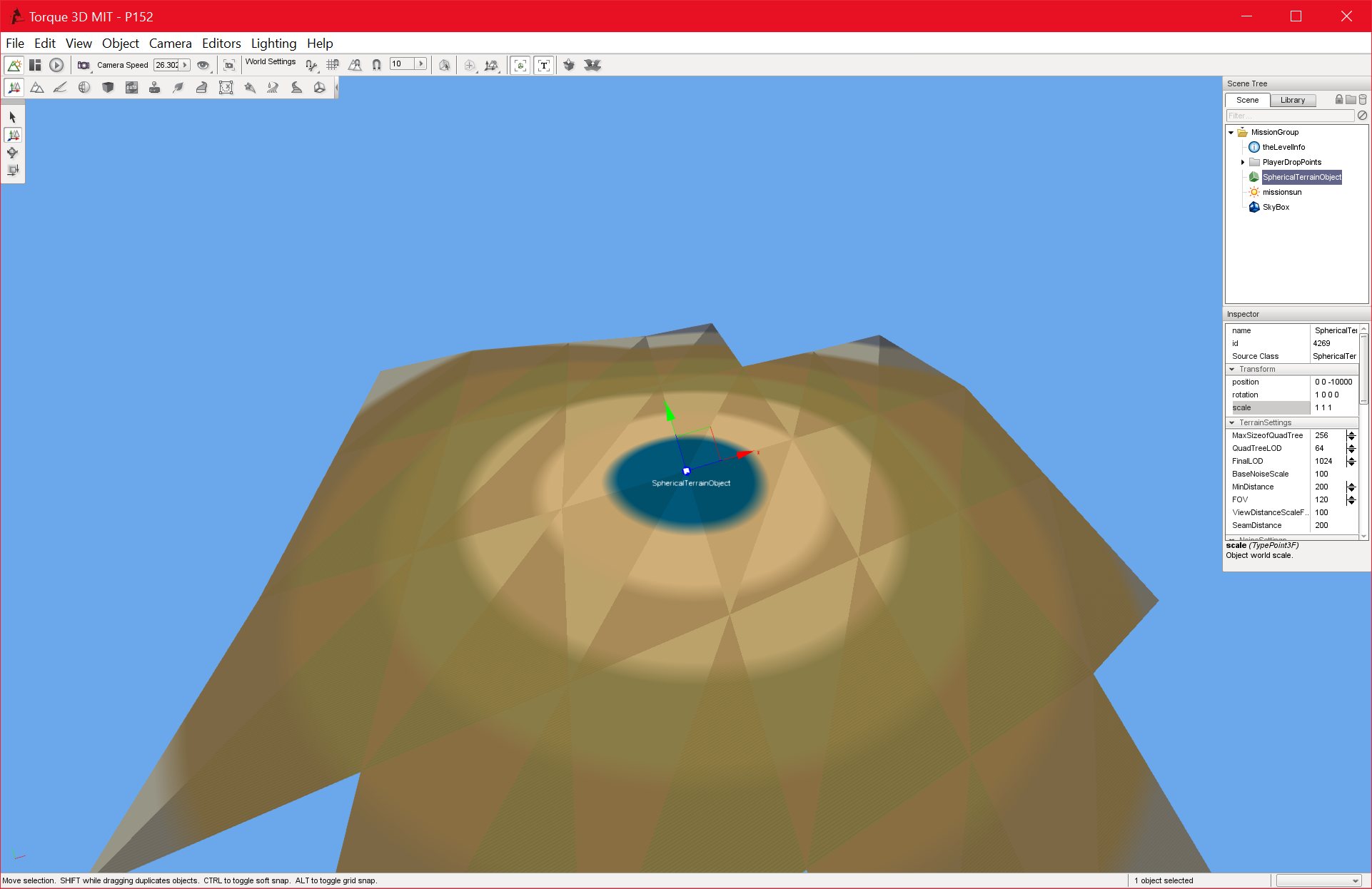
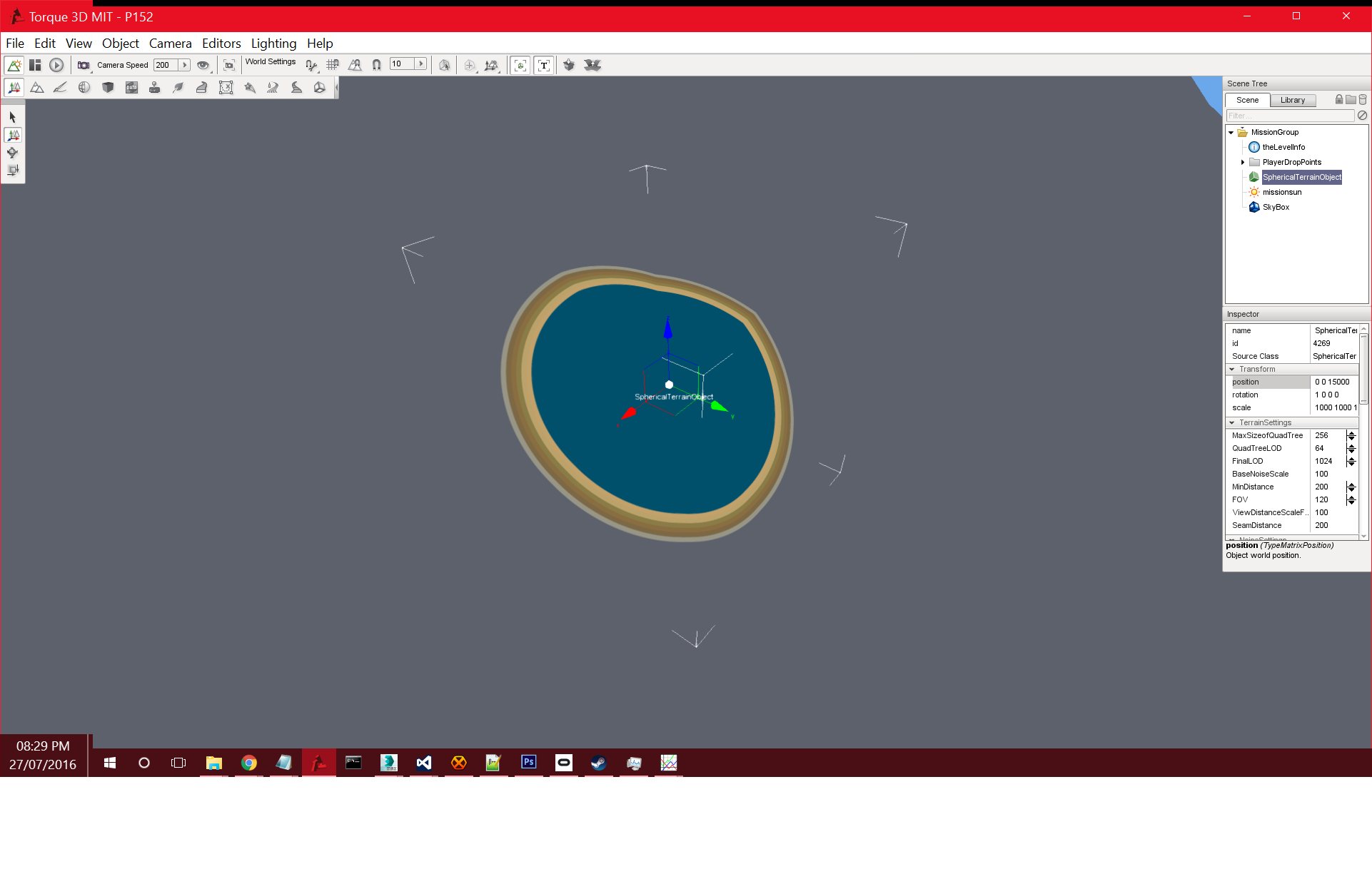
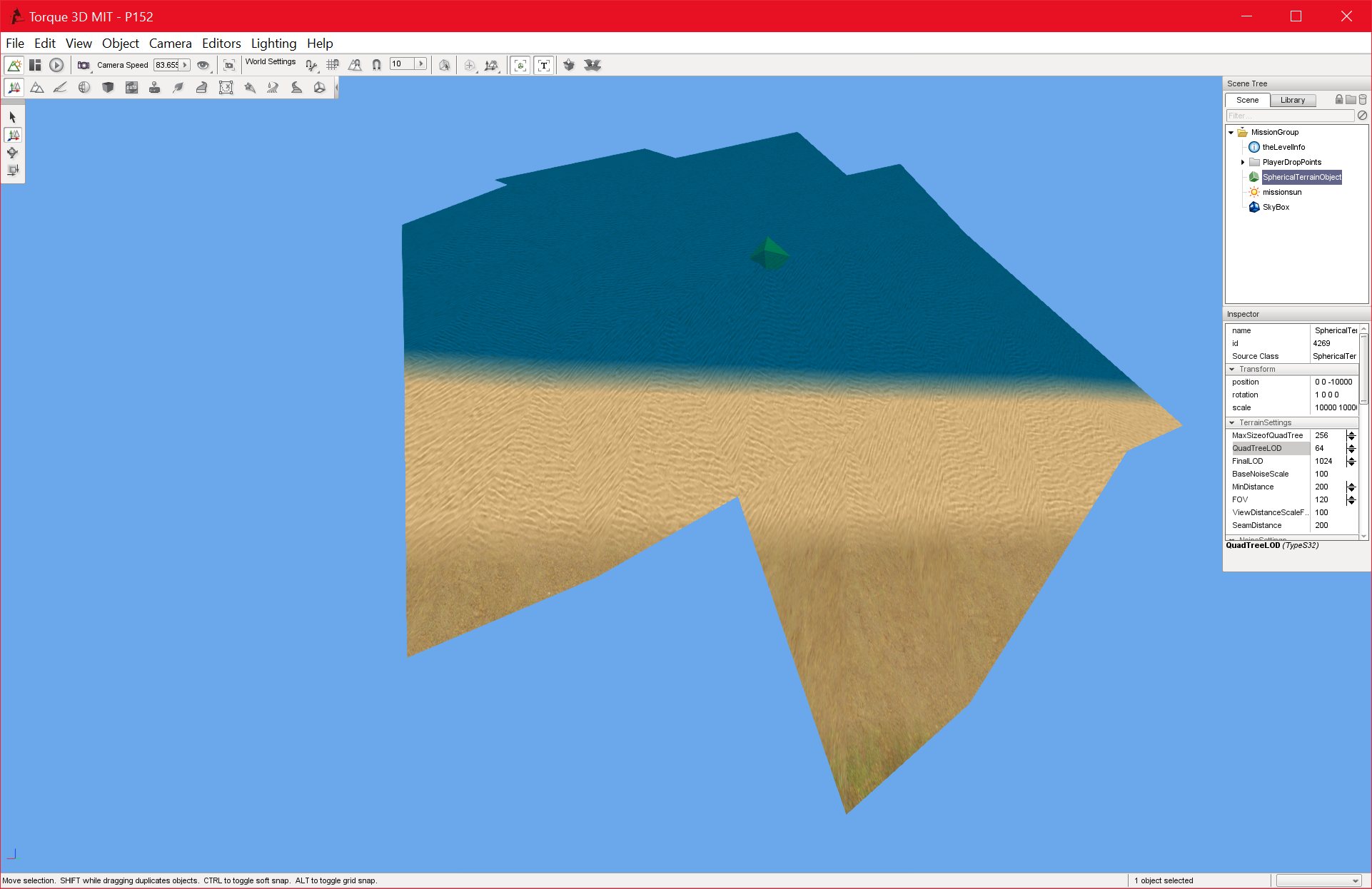
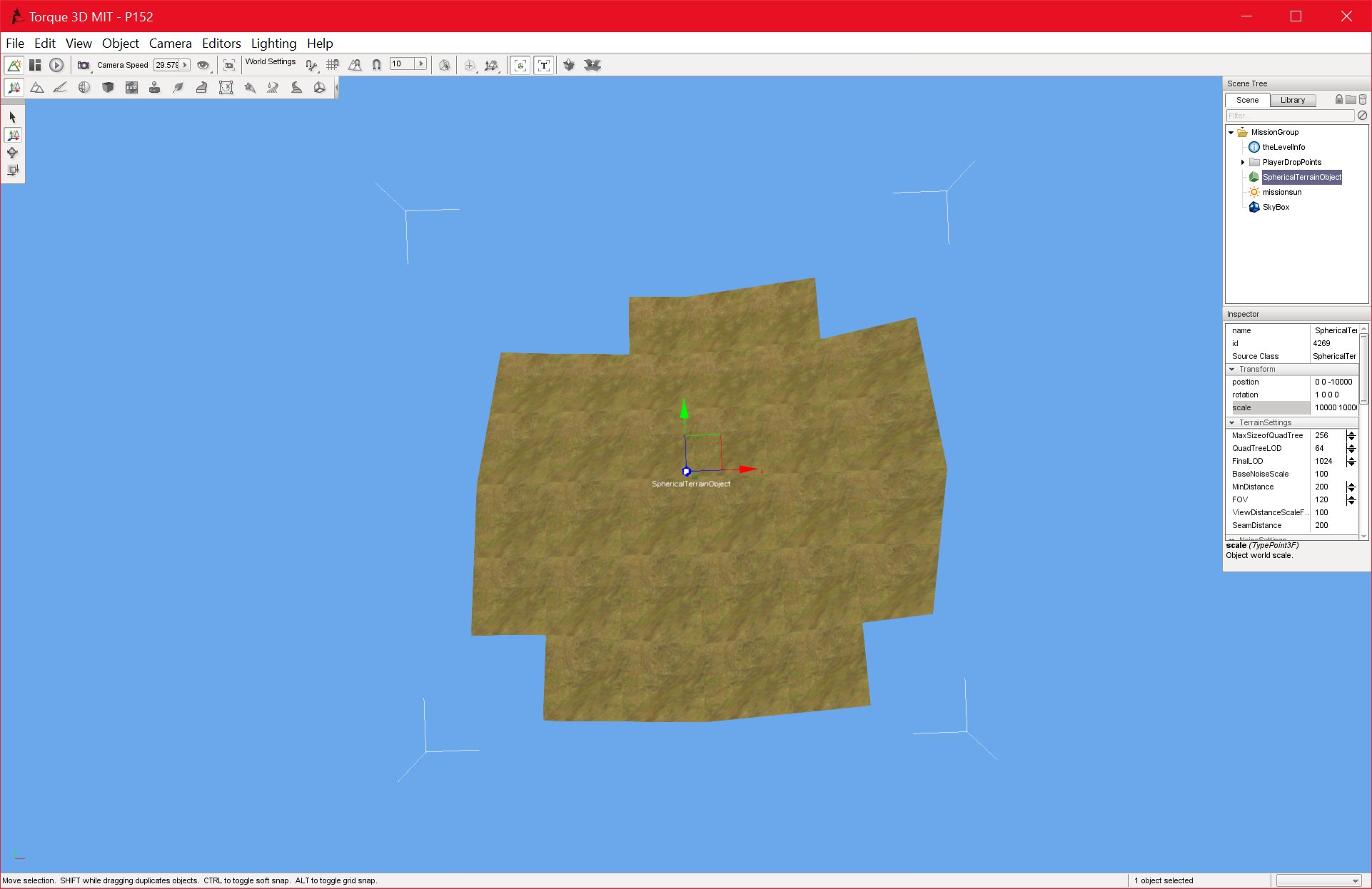
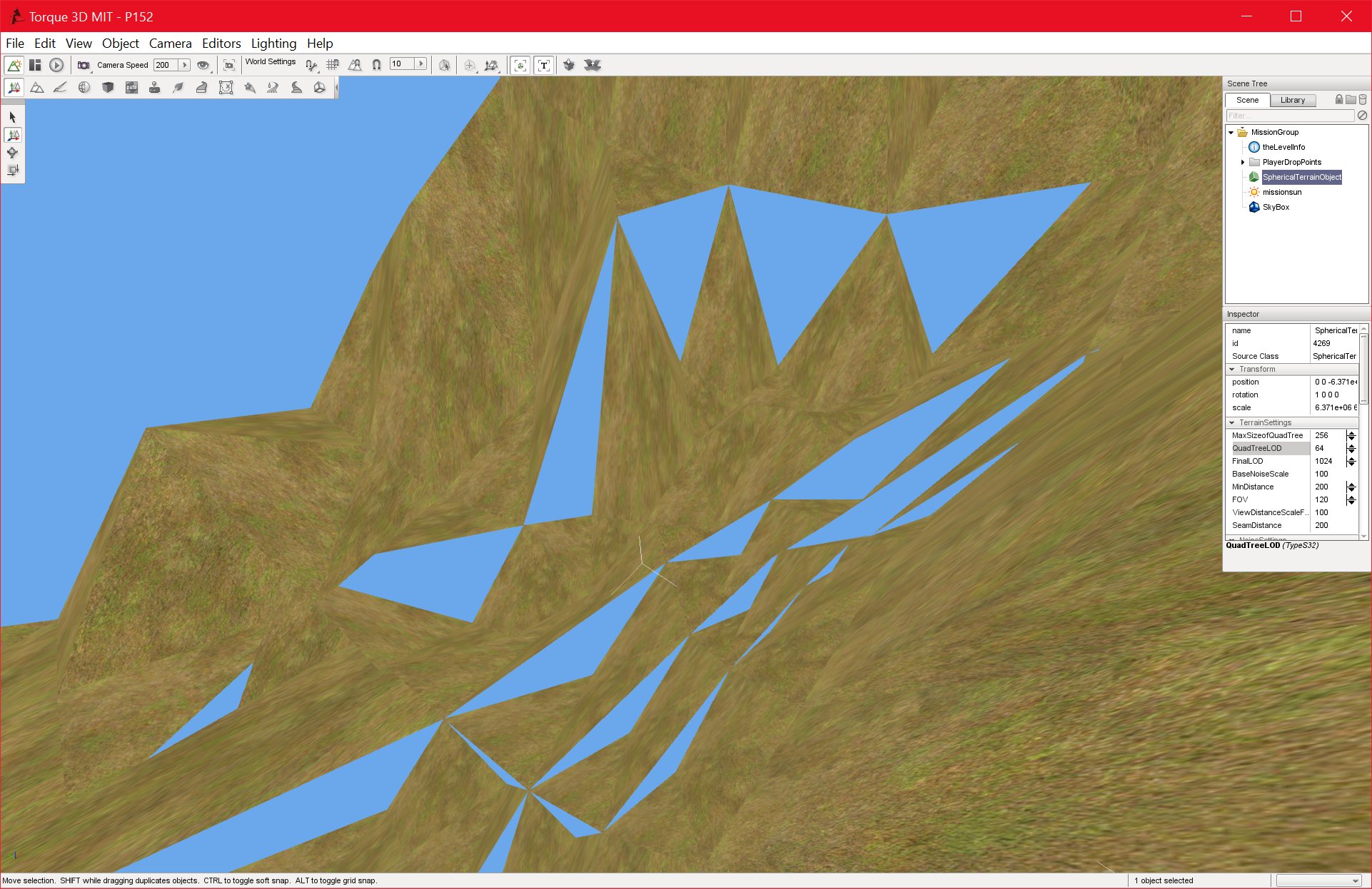
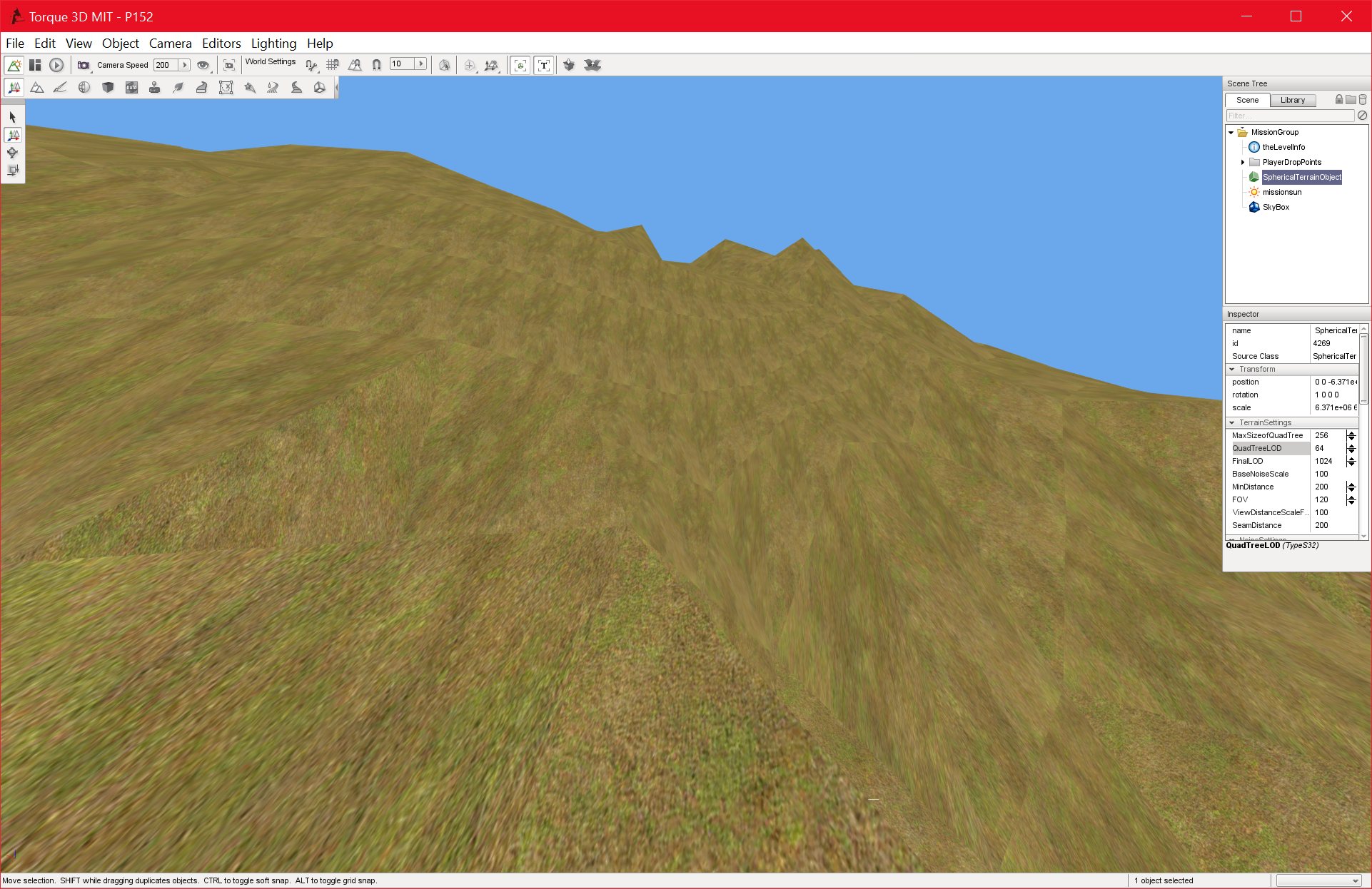
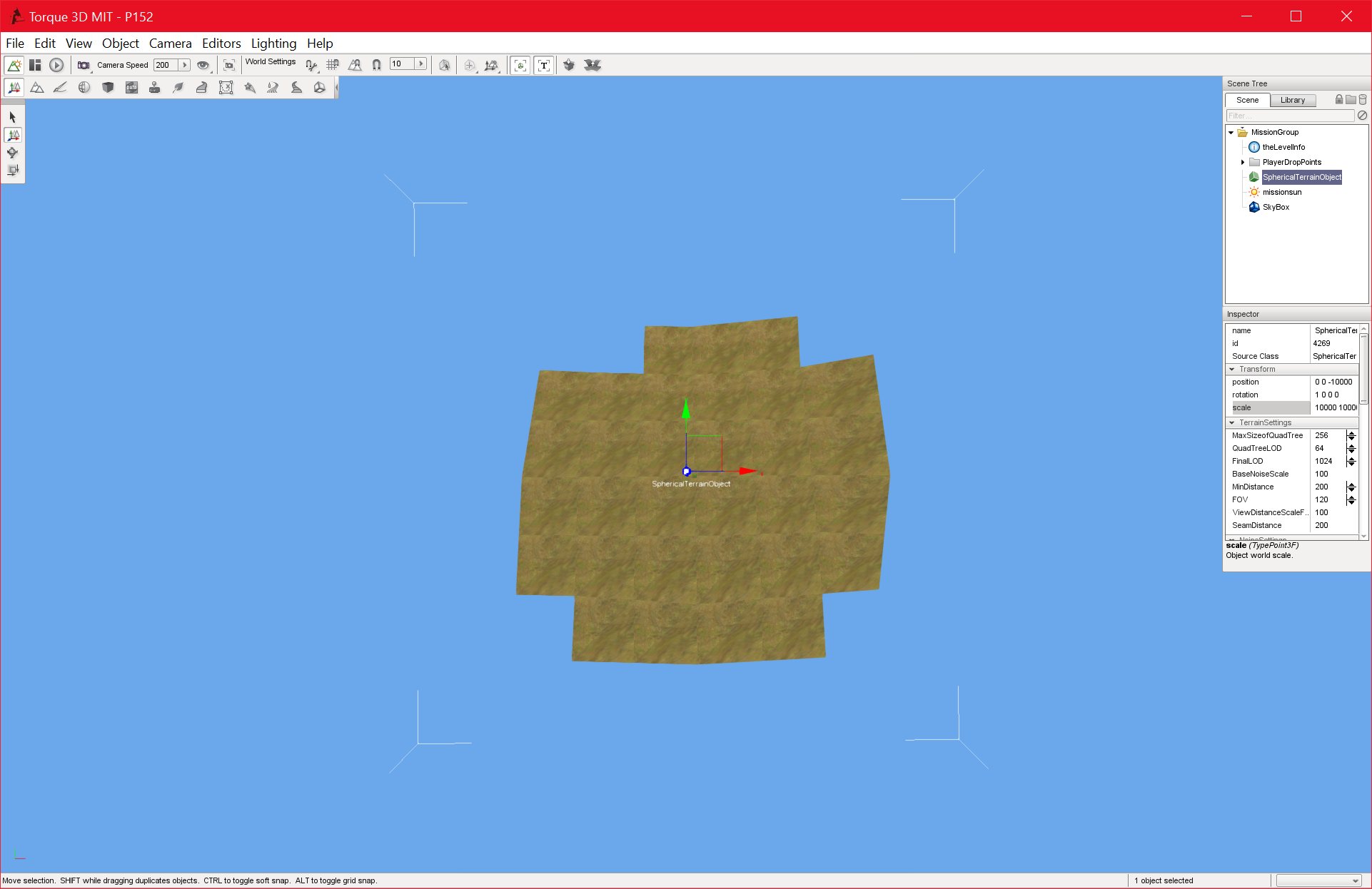
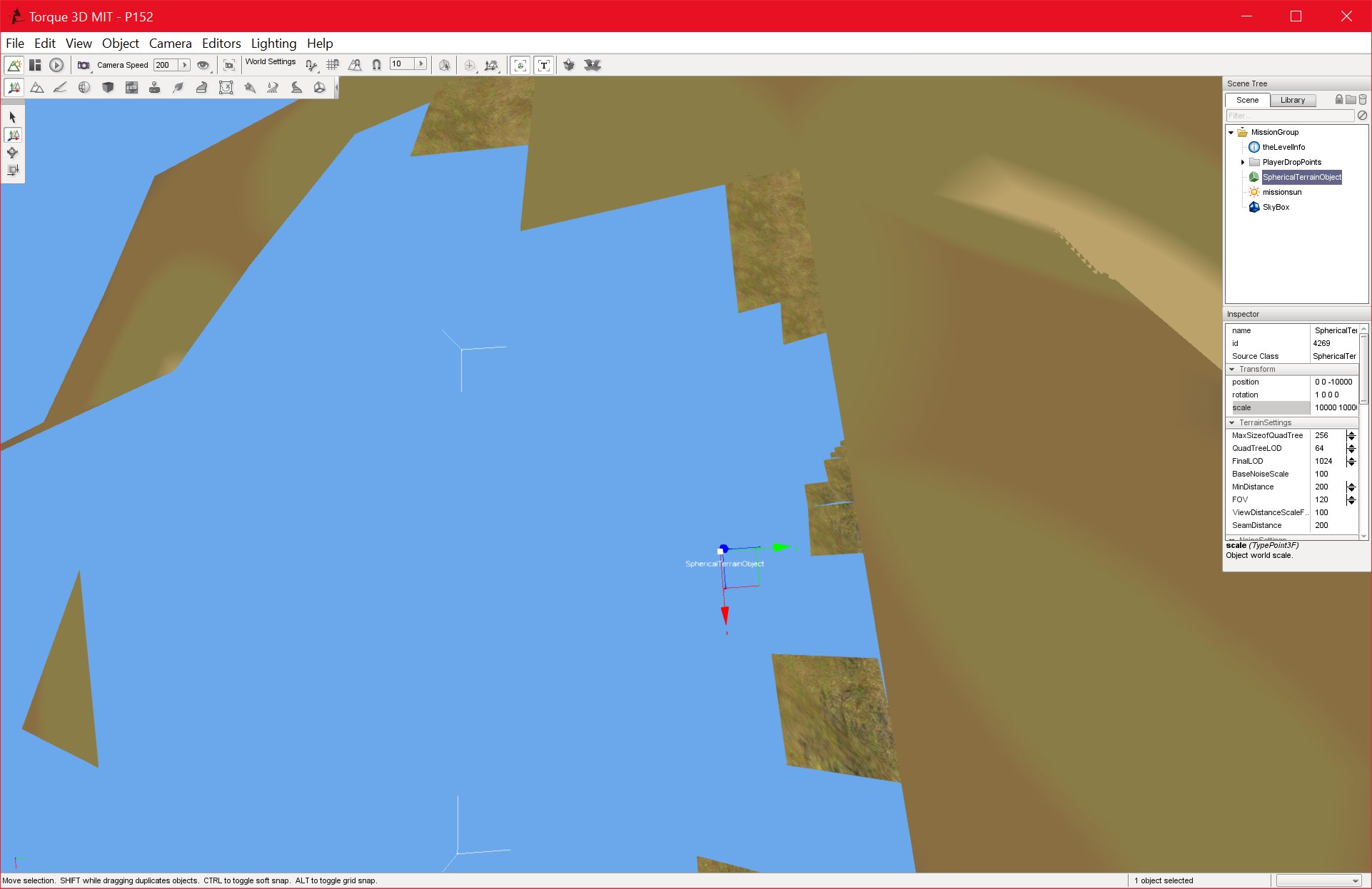
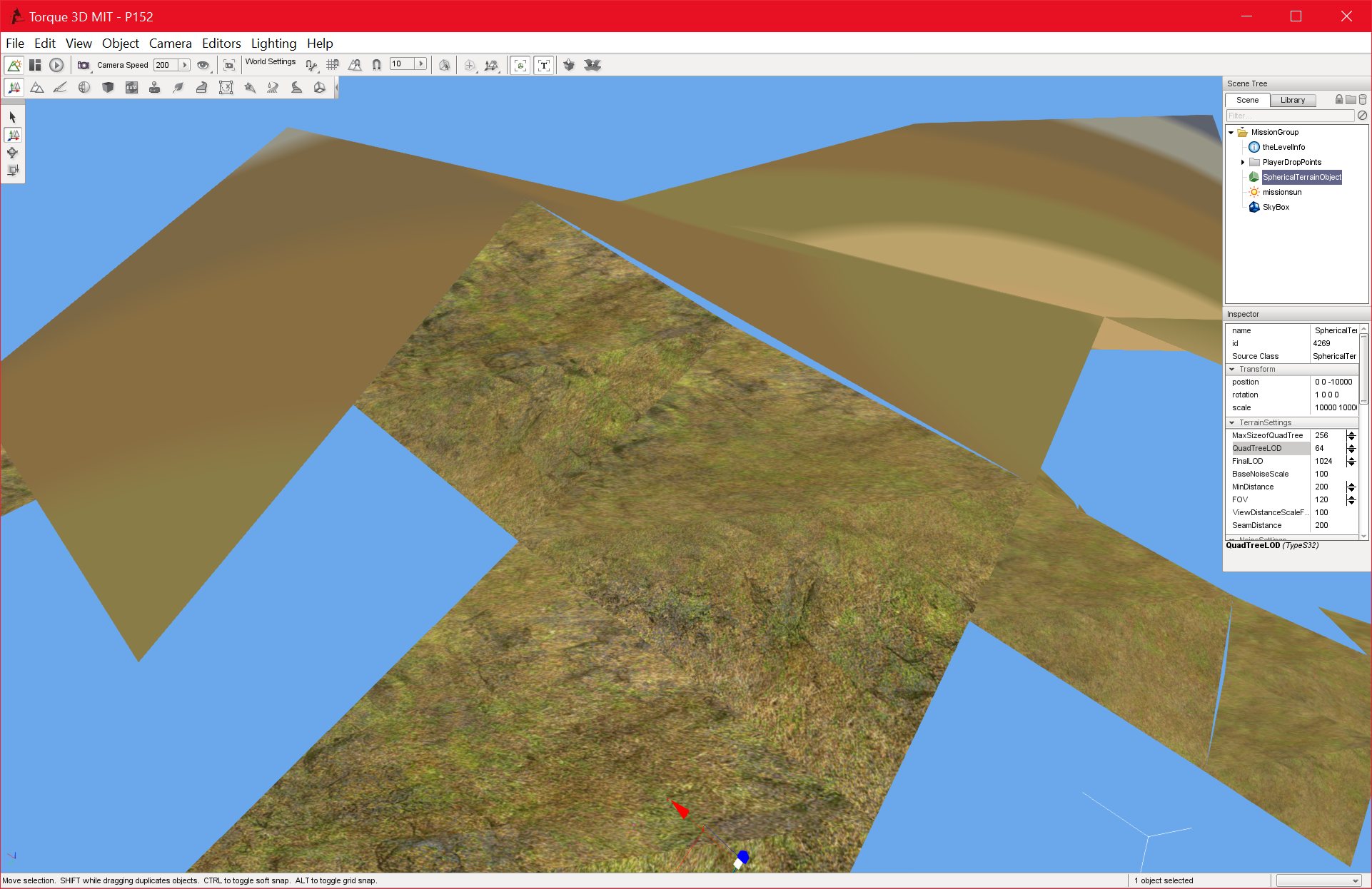
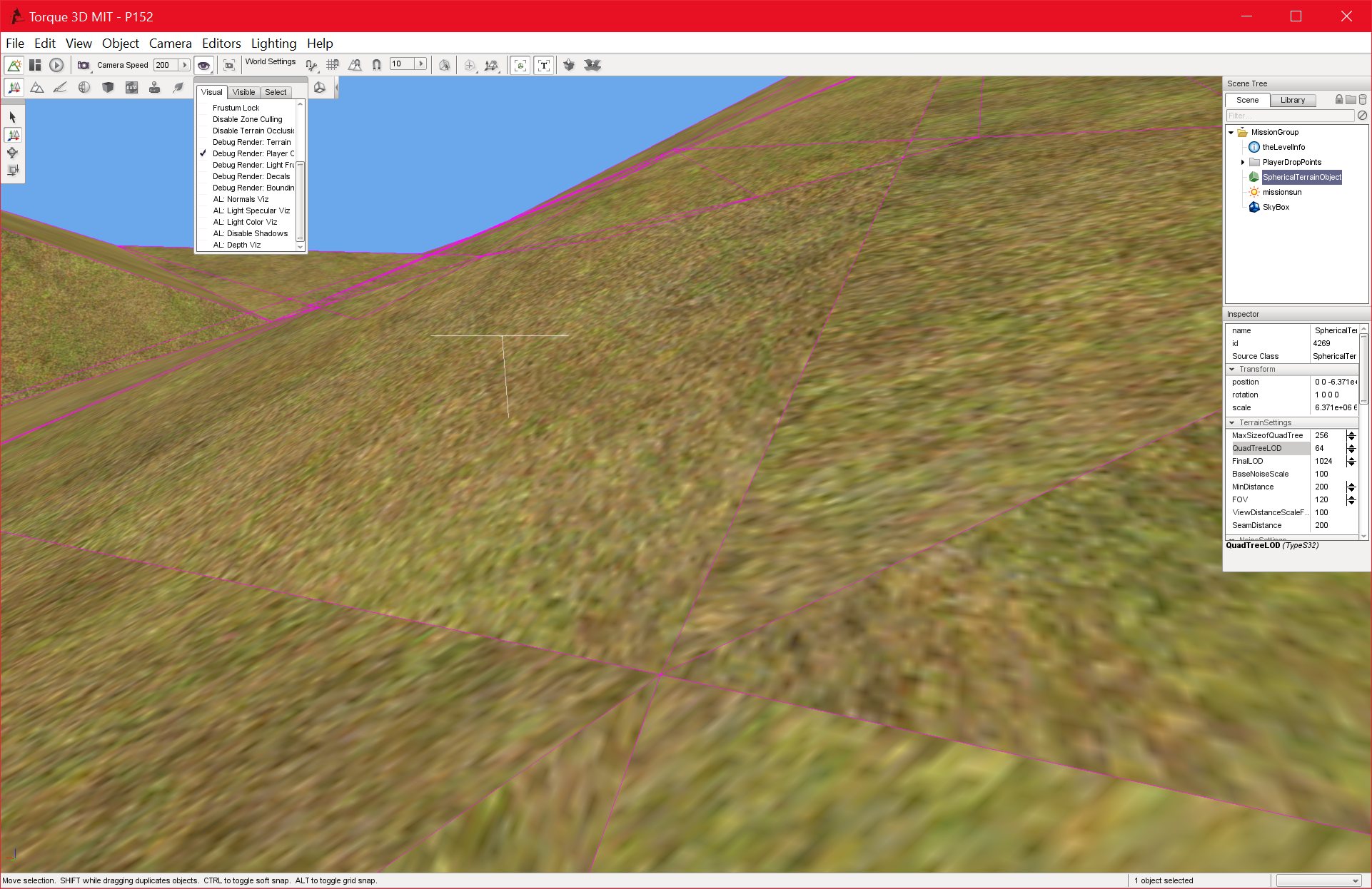
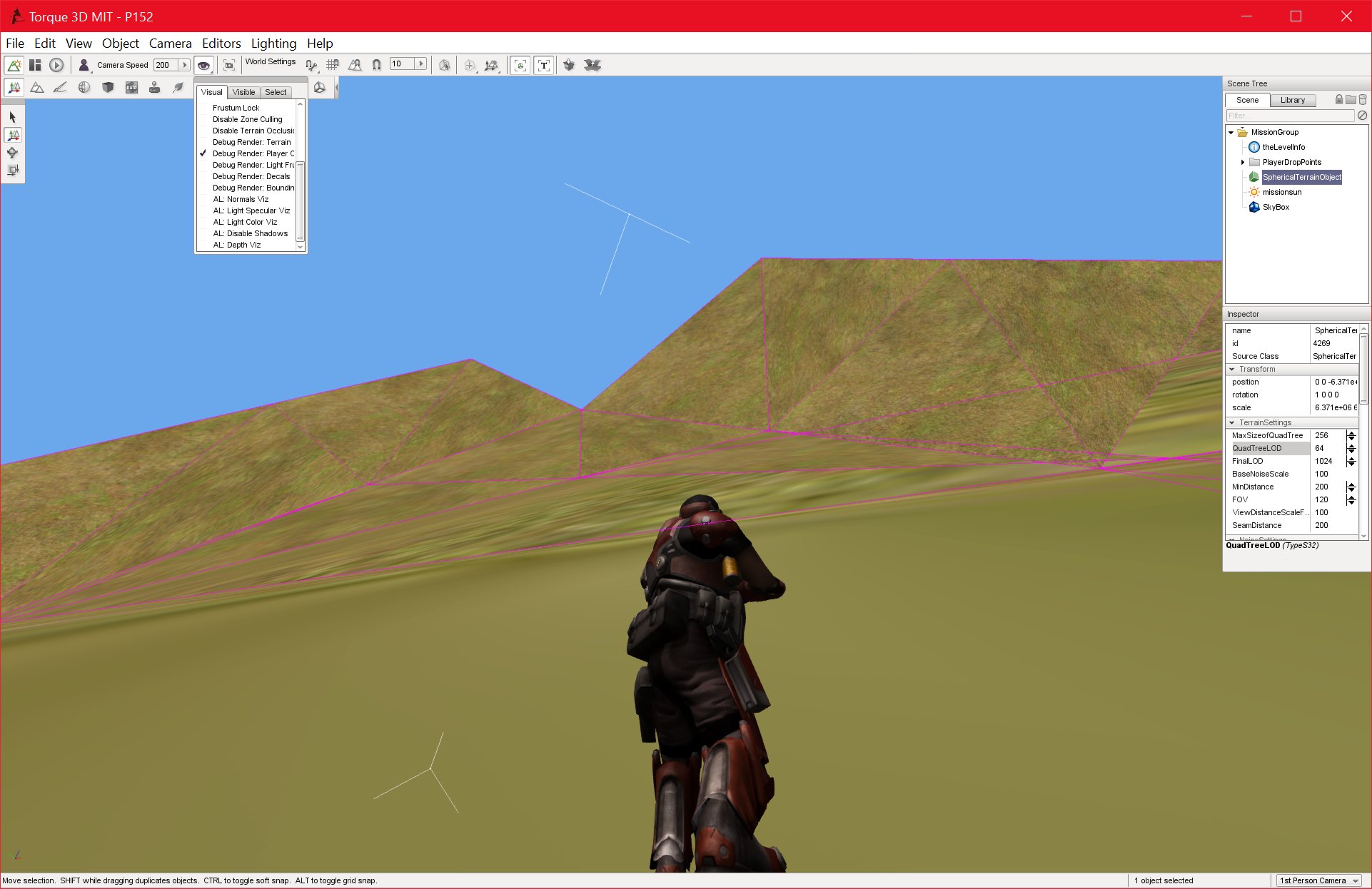
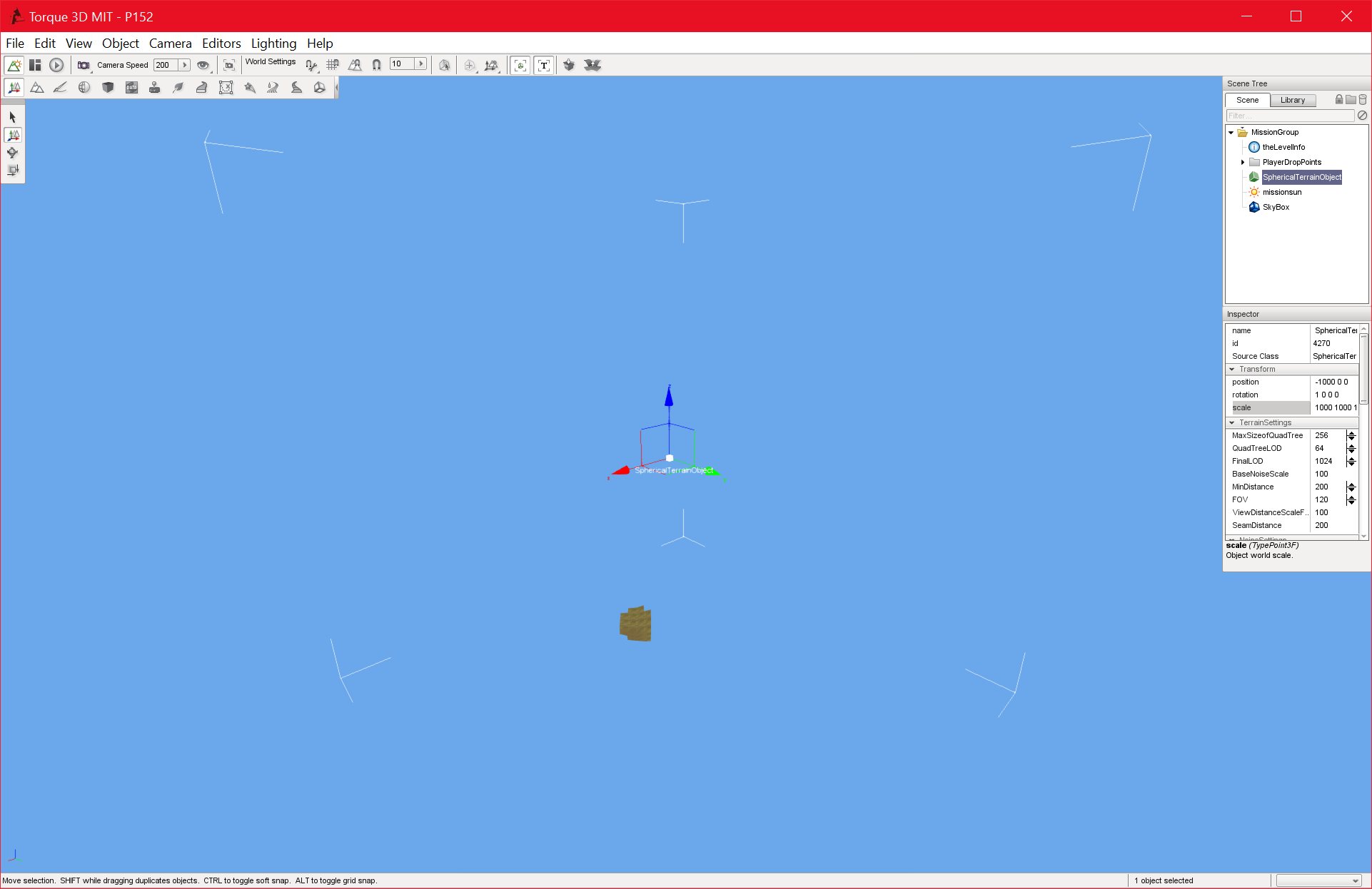
I believe I have mostly finished the tier 2 subdivision, which is designed to create a smooth, aesthetically pleasing finish to the terrain nodes.
I will still need to tune it a little more, but it is working relatively well at the moment.
The terrain’s surface features will need a lot of work in the future, since I will need to create mountains, valleys, rivers, and oceans. THIS link provides a lot of information as to how this could be accomplished. It seems to combine different forms of noise, including a form called “ridged fractal noise” which seems to have impressive results.
The next goals, however, are more testing and debugging, an LOD-based system to fade the terrain out over long distances, more optimisations, and then the (hopefully) final major hurdle in MS2, which will be modifying the player and physics code to ensure that the player’s feet is always facing towards the terrain surface.
P152_DEBUG 31/07/2016 , 09:06:50 PM Torque 3D MIT – P152P152_DEBUG 31/07/2016 , 10:49:31 PM Torque 3D MIT – P152P152_DEBUG 31/07/2016 , 10:49:02 PM Torque 3D MIT – P152P152_DEBUG 31/07/2016 , 10:49:37 PM Torque 3D MIT – P152P152_DEBUG 31/07/2016 , 10:49:44 PM Torque 3D MIT – P152P152_DEBUG 31/07/2016 , 09:07:05 PM Torque 3D MIT – P152P152_DEBUG 31/07/2016 , 09:07:46 PM Torque 3D MIT – P152
I ran into an unexpected issue when fixing the high-detail Level of Detail system.
The translations that I made to correctly render the terrain nodes in 32-bit space made my existing distance calculations (to the center of the nodes) useless.
It took some time to rewrite the distance calculation and get a usable distance value to use with the Level of Detail system.
I basically had to get the center of each nodes translated position (I was using it’s untranslated position originally), taking into account the radius of the world, and multiply this position by the mObjtoWorld (Object to World) matrix. This gave the correct position of that node in world space, which I could then use to get the correct distance from the player to that node.
I can now work on fixing the subdivision issues. The terrain is looking far too jagged and rough after subdivision, but I am hoping the issue is just with the parameters to the noise function.
P152_DEBUG 31/07/2016 , 01:42:44 AM Torque 3D MIT – P152P152_DEBUG 30/07/2016 , 11:58:55 PM Torque 3D MIT – P152P152_DEBUG 31/07/2016 , 01:42:52 AM Torque 3D MIT – P152
I have finished the fixes and modifications to the terrain painter. This took a lot longer than I thought, and I may still need to make some changes to the results.
I fixed an issue with the texture coordinates not being send to the renderlist with the terrain coordinates, resulting in the lack of a texture, but the main issue was in getting the terrain textures to scale correctly based on the node height at that position.
I am not certain that I have solved this, but I will probably not know for sure until I add some more smoothness to the terrain. The textures do look much more uniform than they should, but this could be because at the moment they are mostly flat.
The next goal is to add high-detail noise to provide a smooth, natural looking terrain. This should provide a convenient test for the terrain painter as well.
P152_DEBUG 29/07/2016 , 09:22:52 PM Torque 3D MIT – P152P152_DEBUG 29/07/2016 , 09:23:18 PM Torque 3D MIT – P152
P152_DEBUG
29/07/2016 , 12:11:22 AM
Torque 3D MIT – P152
P152_DEBUG 29/07/2016 , 08:45:47 PM Torque 3D MIT – P152P152_DEBUG 29/07/2016 , 09:23:42 PM Torque 3D MIT – P152P152_DEBUG 29/07/2016 , 09:23:56 PM Torque 3D MIT – P152P152_DEBUG 29/07/2016 , 06:39:40 PM Torque 3D MIT – P152P152_DEBUG 29/07/2016 , 06:22:44 PM Torque 3D MIT – P152P152_DEBUG 29/07/2016 , 04:17:43 AM Torque 3D MIT – P152P152_DEBUG 29/07/2016 , 12:12:12 AM Torque 3D MIT – P152P152_DEBUG 29/07/2016 , 12:41:06 AM Torque 3D MIT – P152P152_DEBUG 28/07/2016 , 11:41:20 PM Torque 3D MIT – P152
I have successfully integrated the algorithm for translating the nodes, and it seems to be working very well.
The problem now is getting the terrain texture painter working with the new scaled nodes.
The textures themselves don’t show up, they display only as single colours, and the terrain painter is not applied to the correct height values. The code seems to produce a radial gradient on the XY plane, when it should be producing a height-based gradient on the Z plane (relative to the surface normal of the node in question).
I have spent some time already working on this, but it shouldn’t be a major issue to fix. Once this is done, I need to modify the subdivision algorithms to smooth out the terrain, and I can then move on to the final objectives in MS2.
P152_DEBUG 28/07/2016 , 08:31:20 PM Torque 3D MIT – P152P152_DEBUG 28/07/2016 , 08:17:55 PM Torque 3D MIT – P152P152_DEBUG 28/07/2016 , 07:19:54 PM Torque 3D MIT – P152P152_DEBUG 27/07/2016 , 08:29:02 PM Torque 3D MIT – P152P152_DEBUG 28/07/2016 , 12:51:50 AM Torque 3D MIT – P152
I believe I have a theoretical solution to the node translation problem.
I have come up with an algorithm that essentially moves the origin of the world space node position (in 64-bit) to local space. Since all of the nodes that are being rendered are less than 10,000 meters away in 64-bit space, (They are within the 32-bit floating point precision limit) these nodes, after being transformed, end up with coordinates that are completely within the 10k limit.
This means that I can render the nodes without any coordinate or scaling factor being outside of the 10k precision limit. I have so far only tested this in gnuplot, but I am confident that the algorithm works.
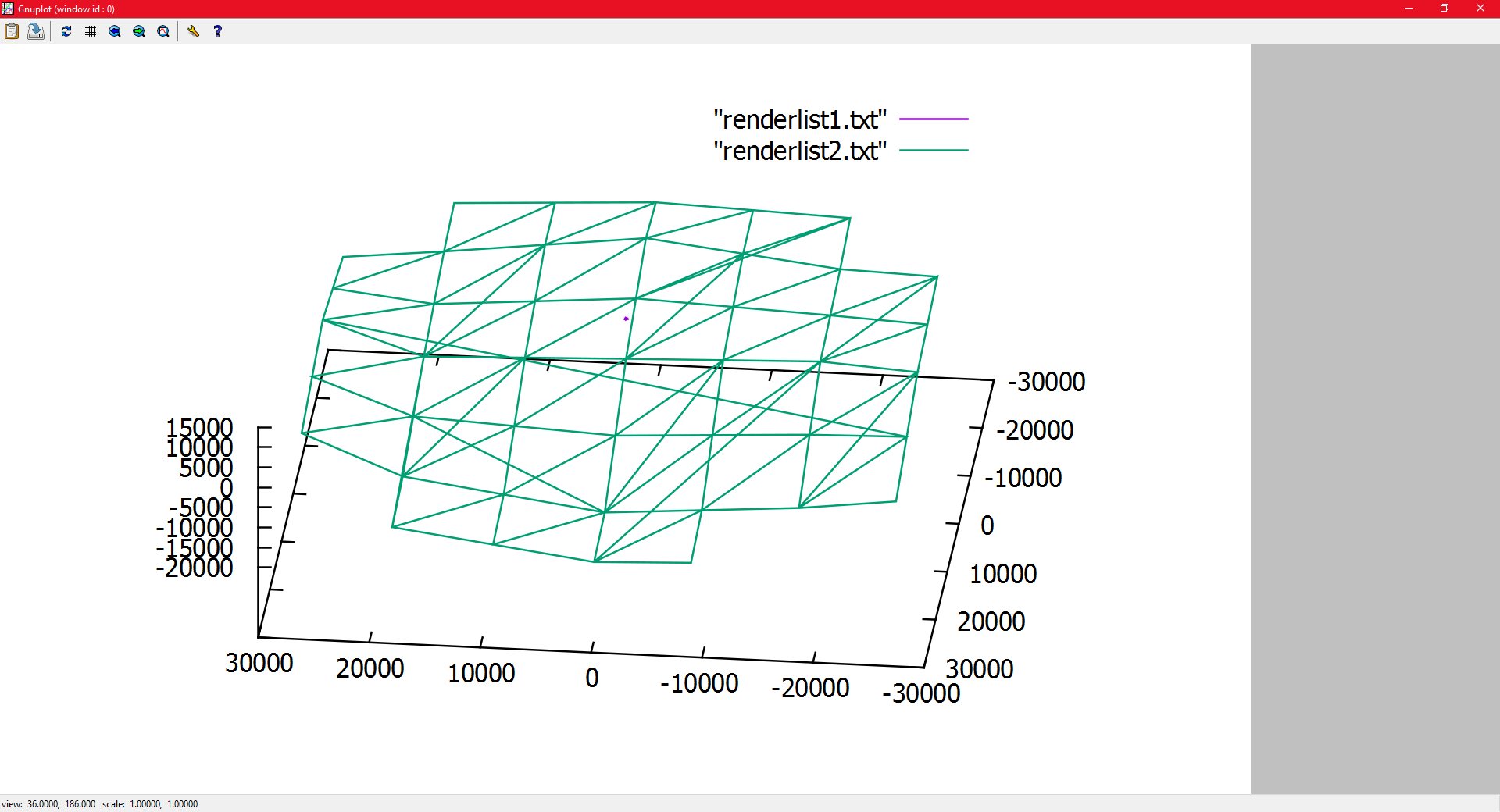
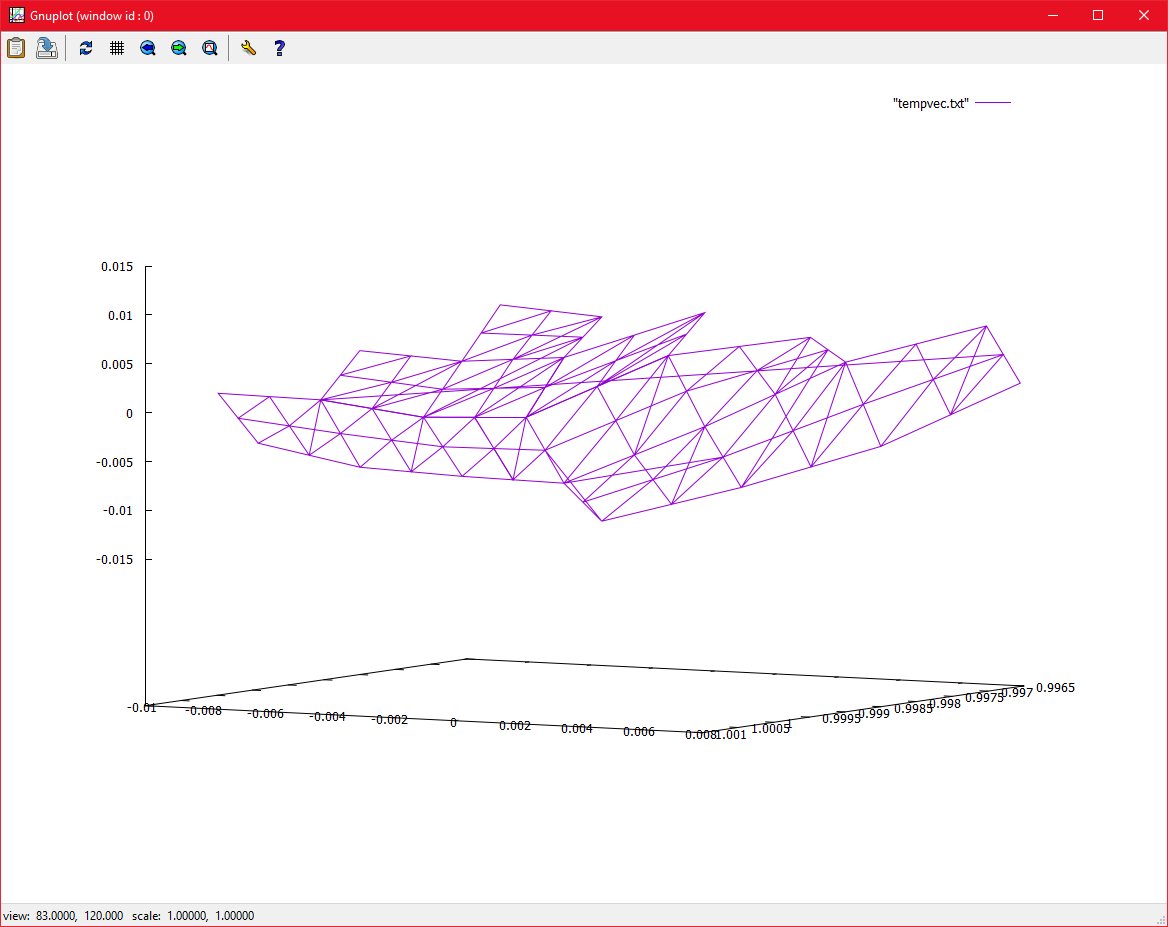
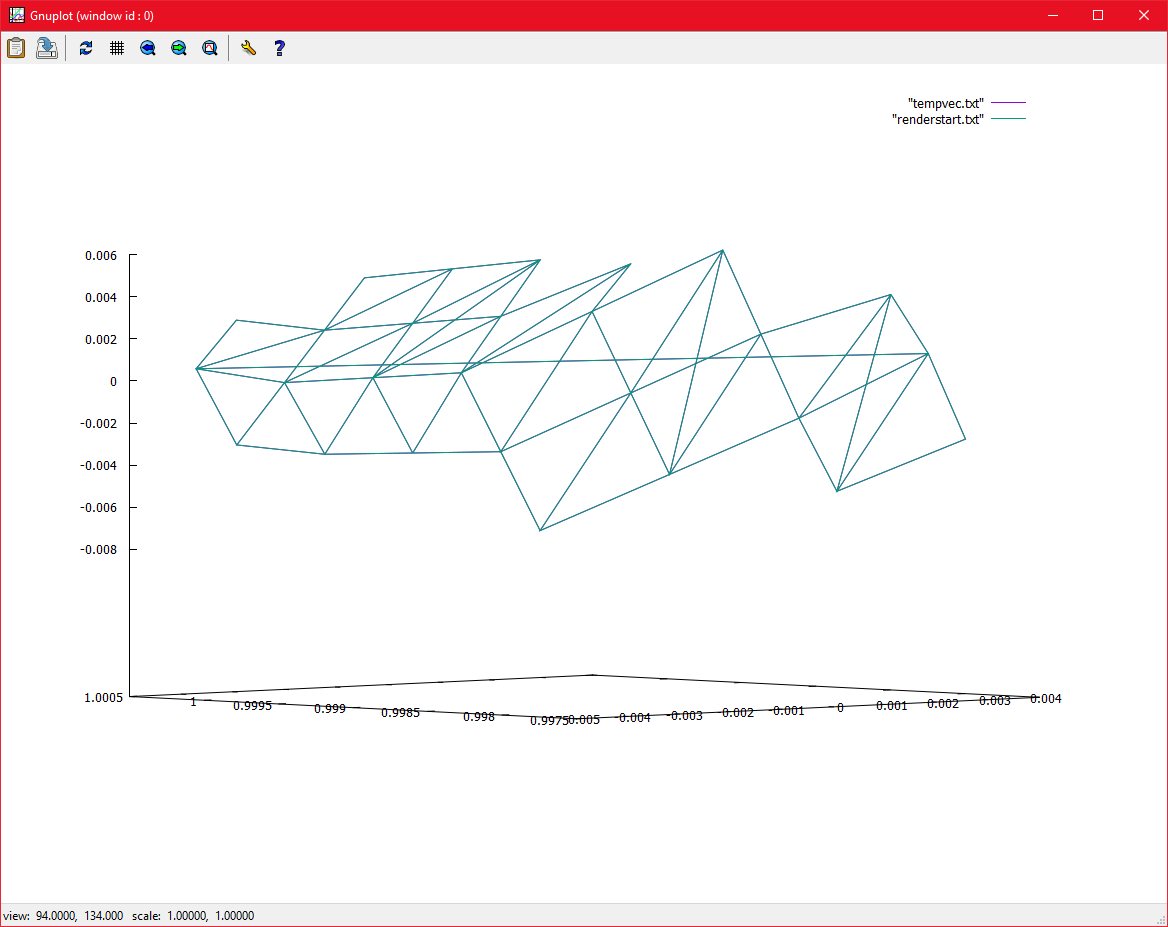
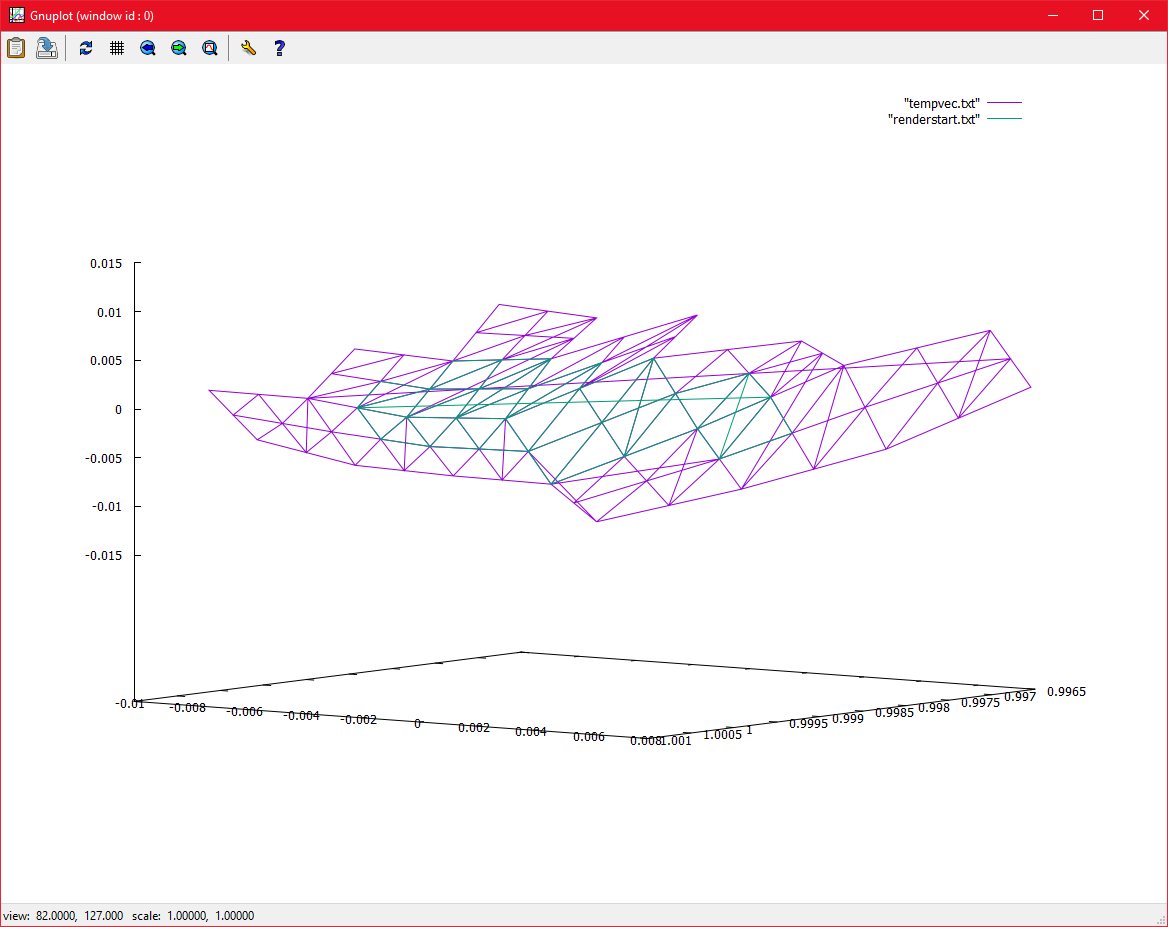
The below image proves my point.
wgnuplot 27/07/2016 , 12:58:43 AM Gnuplot (window id : 0)
The green plot is the transformed nodes. There are between -50,000 and 50,000, instead of -10,000 and 10,000 because I increased the cull distance, but they are still renderable. The small purple blob in the center is actually what the same plot looks like when it is simply scaled from 64-bit space down to a renderable distance and scale. It is obviously much smaller than it should be in reality.
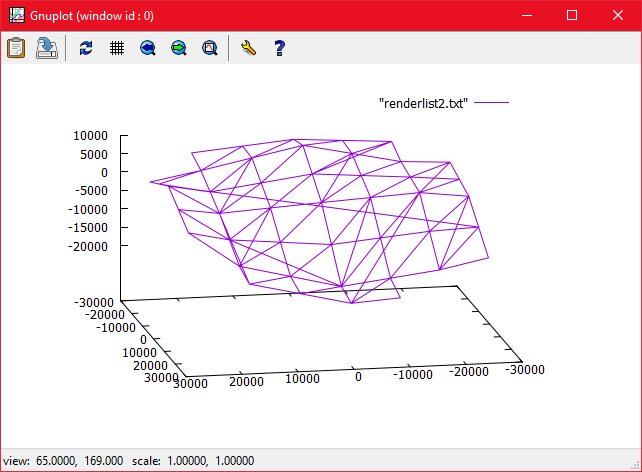
The below images show the transformed plot by itself, and the same shape in the game.
The next goal is to integrate this algorithm with the game itself, and then test it properly.
wgnuplot 27/07/2016 , 12:54:56 AM Gnuplot (window id : 0)P152_DEBUG 26/07/2016 , 07:22:18 PM Torque 3D MIT – P152
I did have to duplicate the code from Tier-1, which is messy, but I can optimise this later. I can now cull the long-distance nodes in 64-bit space, then further subdivide the terrain in 32-bit space.
The terrain still looks quite jagged, and I need to spend some time smoothing it. The texture painter is also not working, and there are some other bugs and issues to fix as well, but I am making progress.
The next goal will be to translate the 64-bit node position to 32-bit, to eliminate all 64-bit values from rendering completely.
The below images are quite small and difficult to see (since I have scaled the terrain down to 10k), but these images show multiple LOD’s rendering at the same time:
P152_DEBUG 23/07/2016 , 06:08:16 AM Torque 3D MIT – P152P152_DEBUG 23/07/2016 , 08:14:35 PM Torque 3D MIT – P152
While these show the gradual increase in resolution when moving through LOD’s:
P152_DEBUG 23/07/2016 , 05:20:36 PM Torque 3D MIT – P152
P152_DEBUG
23/07/2016 , 05:20:40 PM
Torque 3D MIT – P152
P152_DEBUG
23/07/2016 , 05:20:30 PM
Torque 3D MIT – P152
These images show the gradual sub
P152_DEBUG
23/07/2016 , 03:23:08 AM
Torque 3D MIT – P152
P152_DEBUG 23/07/2016 , 02:49:05 AM Torque 3D MIT – P152
P152_DEBUG
23/07/2016 , 03:00:30 AM
Torque 3D MIT – P152
It has turned out to be a lot more difficult than I thought to implement the additional Levels of Detail for viewing at close range.
I have tried various techniques, involving duplicating the existing LOD code (which is messy) and modifying it.
The main issue that I am having is in bridging the gap between 64-bit space (which deals with real world distances) and 32 bit space which deals with coordinates within the 10,000 unit limit, as defined by the floating origin system.
I have tried implementing all LOD’s using 64-bit numbers, but with these extremely high values, it seems that the border between all LOD’s is greatly exaggerated:
P152_DEBUG 23/07/2016 , 01:21:17 AM Torque 3D MIT – P152
P152_DEBUG
23/07/2016 , 12:54:16 AM
Torque 3D MIT – P152
This obviously does not work. It does further prove that the high-level subdivision (which I am calling “Tier 1”) is working, since adding further subdivision levels results in a terrain with vast features, ie, very high peaks, very deep valleys.
P152_DEBUG 23/07/2016 , 01:00:44 AM Torque 3D MIT – P152
Subdividing based on the 64-bit numbers should produce this, due to their high values. However, what I want to do is nodes which are within 32-bit space, and subdivide only those nodes, in 32-bit space, to produce a smooth terrain. When the player stands on, essentially the “North Pole” of the planet, these 10K nodes form a very neat shape, which makes visualising the subdivision a lot easier:
P152_DEBUG 22/07/2016 , 08:26:02 PM Torque 3D MIT – P152
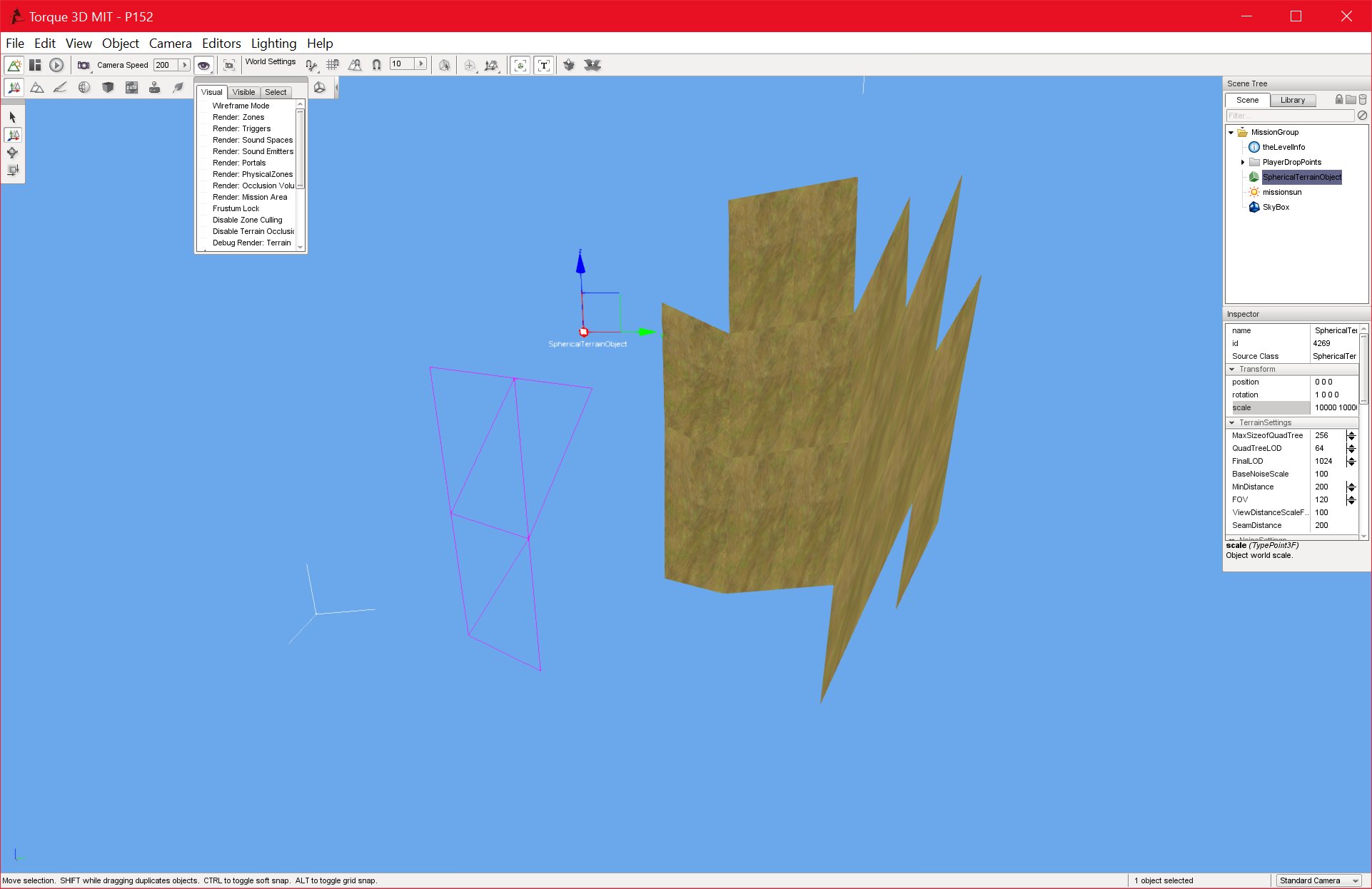
I believe I am making progress with this. I have had to duplicate the subdivision code, which is not efficient, but my main goal now is getting the code to work, I can optimise it later. I have implemented partial “Tier 2” subdivision, but as the below images show, there are problems with nodes not rendering:
P152_DEBUG 22/07/2016 , 09:13:23 PM Torque 3D MIT – P152P152_DEBUG 22/07/2016 , 09:06:40 PM Torque 3D MIT – P152P152_DEBUG 23/07/2016 , 12:27:51 AM Torque 3D MIT – P152
I may actually be closer to a solution than these images portray, however.
It seems clear now that I will need to add another objective to my objectives list for MS2, which is to translate the 64-bit space node positions to 32-bit. Currently, the culling and Tier 1 subdivisions are being done in 64-bit space. I am then grabbing all nodes with a 10k distance of the player, however, these nodes are being rendered with their 64-bit positions, This is causing some z-fighting issues, and will need to be fixed. I have devised an algorithm to fix this on paper, but I haven’t implemented it yet.
I may also need to combine the 64-bit and 32-bit space positions of the player together, which would be another objective for MS2. Currently, the players position in 64-bit space is used to cull any nodes outside of 10,000 units, and the players 32-bit position is used to subdivide those nodes further to produce a smooth terrain. I may be able to handle the two position separately, I am not sure yet.
I have finished updating and fixing the 3D gravity for this project, which is another of the primary objectives for MS2.
The actual Gravity code itself is quite simple, I just need to replace the existing code which applies the force of gravity only on the negative z-axis, with code that works on all axes (ie, spherical). The only real change that I had to make was to make the gravity relative to the center the planet. In MS1, the gravity was relative to the origin (in local space).
I also came across an additional problem. Even though the player is being pulled toward the correct point, there are issues with aligning them to the terrain. What I want is for the players feet (I am assuming the control object is always a humanoid player) to be flat on the terrain, no matter what the players position it. It turns out that this is very difficult, and may involve some extensive changes to the player class.
There may also be some issues with gimbal lock to deal with. I have chosen to postpone this for the time being. Currently, I am testing the project with the player standing on top of the terrain, with gravity acting on the negative Z axis, to avoid these issues, but they will need to be fixed at some point in MS2, since they are critical bugs.
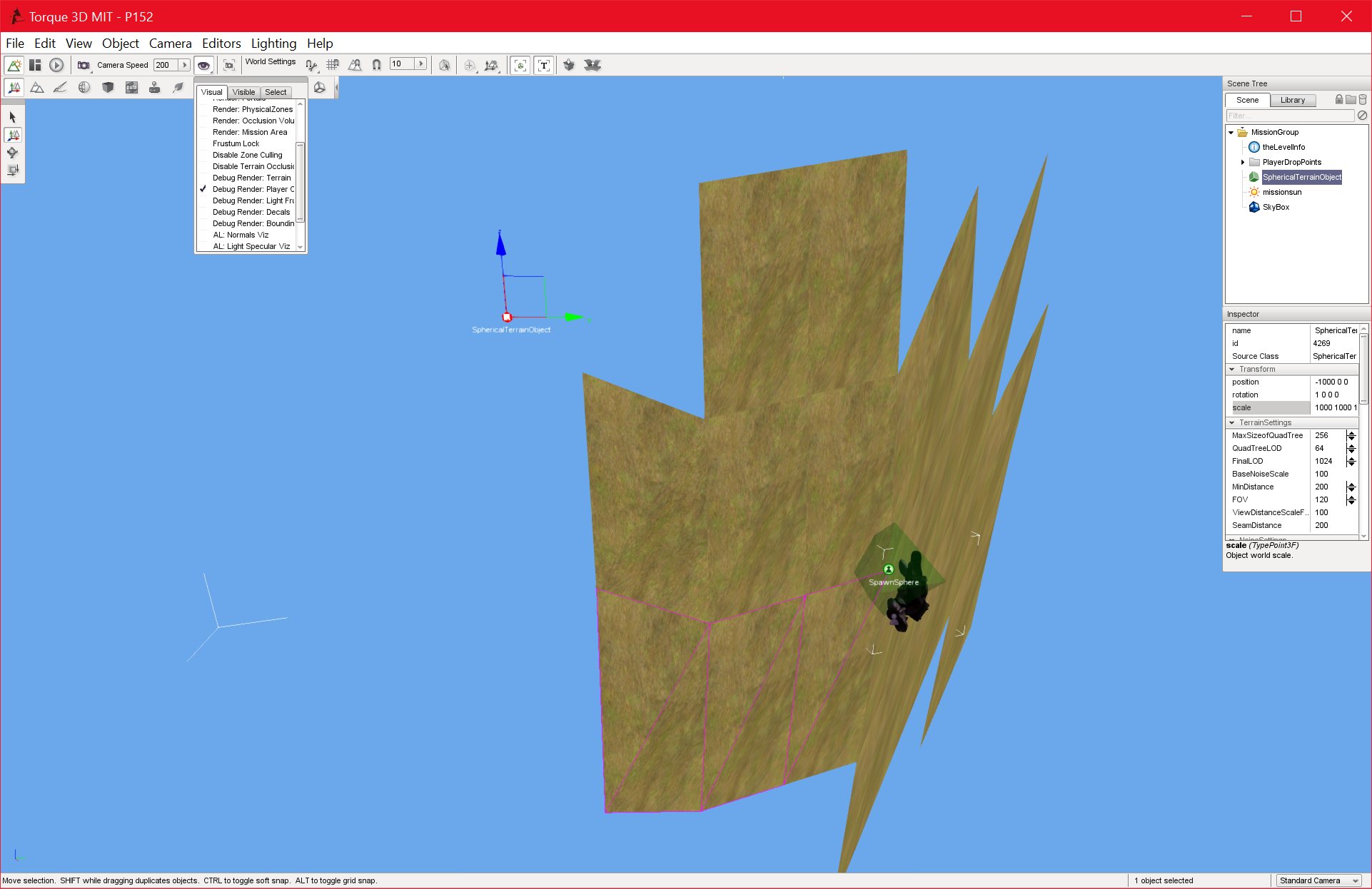
I have fixed the collision issue that I was having with the terrain. This seems to have been a pre-existing bug that I never noticed before.
It took some time to track down, since some of the collision faces were working.
P152_DEBUG
20/07/2016 , 02:58:41 AM
Torque 3D MIT – P152
I used gnuplot to visualise the collision list and the render list, and they both seemed to be correct:
wgnuplot 20/07/2016 , 07:43:19 AM Gnuplot (window id : 0)wgnuplot 20/07/2016 , 08:32:10 PM Gnuplot (window id : 0)
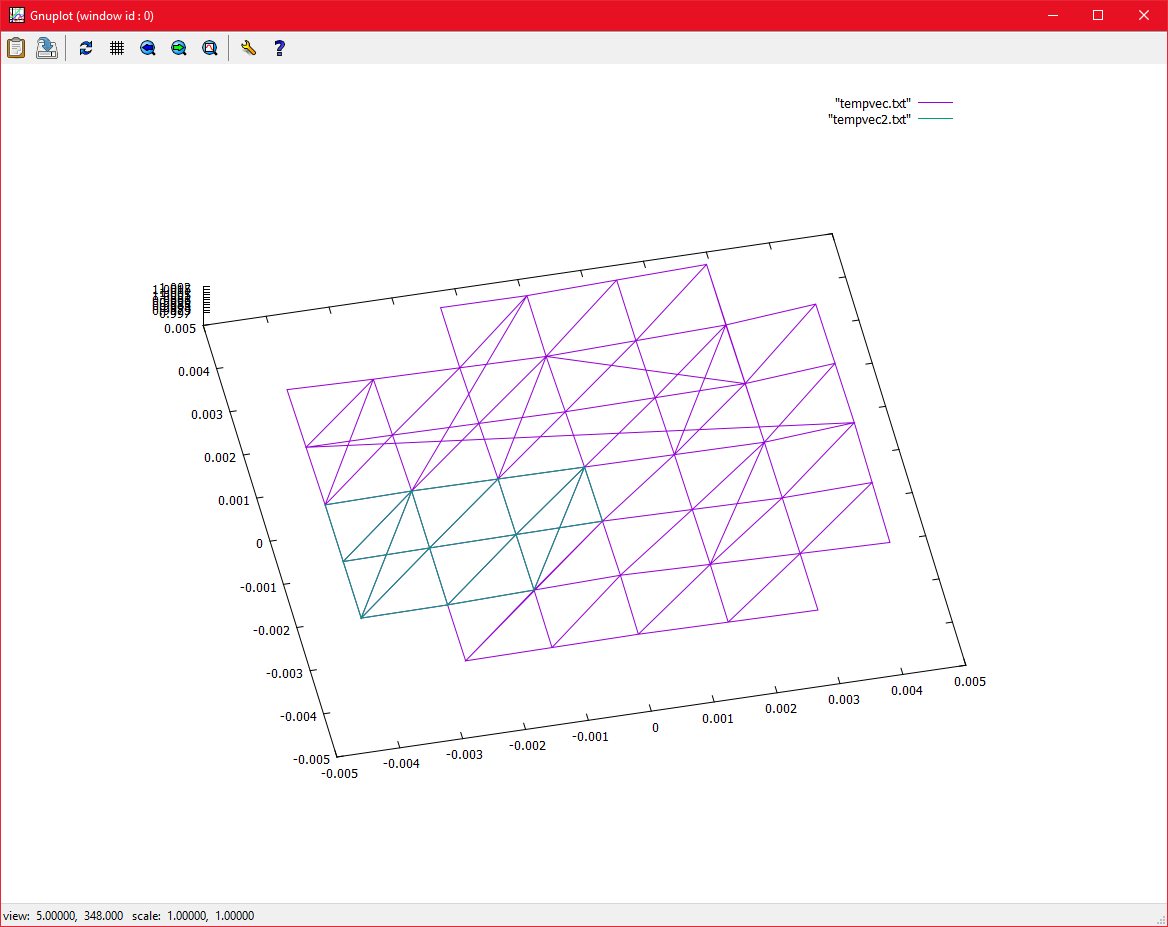
But when I plotted both the collision nodes and the renderable nodes on the same graph, I noticed that as the below images shows, the collision list’s nodes (in green) only contained some of the nodes that they should have.
wgnuplot 20/07/2016 , 08:09:29 PM Gnuplot (window id : 0)
wgnuplot
21/07/2016 , 02:47:51 AM
Gnuplot (window id : 0)
I was then able to get the collision working. For now, I am adding all nodes to the collision list, however when I implement the changes to the Level of Detail system, I will need to cull out most of the rendered nodes.
P152_DEBUG
20/07/2016 , 08:30:17 PM
Torque 3D MIT – P152
P152_DEBUG 21/07/2016 , 03:18:48 AM Torque 3D MIT – P152P152_DEBUG 21/07/2016 , 03:19:57 AM Torque 3D MIT – P152
P152_DEBUG
20/07/2016 , 08:30:17 PM
Torque 3D MIT – P152
I am hoping that these objectives should take no more than a few weeks to implement.
I believe I have already achieved the first objective, although some more testing may be necessary.
I am currently working on creating additional LOD’s for short view distances. My intention is basically to first subdivide the nodes from the 64-bit world space values to 32-bit values, and cull any nodes outside of the 10k range, this is currently working. I now need to further subdivide the nodes that are left to produce a smooth terrain that looks realistic and aesthetically pleasing. This may involve duplicating the existing subdivision code.
The below image is taken at a 45 degree angle between two points on the sphere, and further verifies that the terrain is at the correct scale.
P152_DEBUG 18/07/2016 , 05:37:28 PM Torque 3D MIT – P152